
How to Bring Internet to a Garden Office
Garden office planning
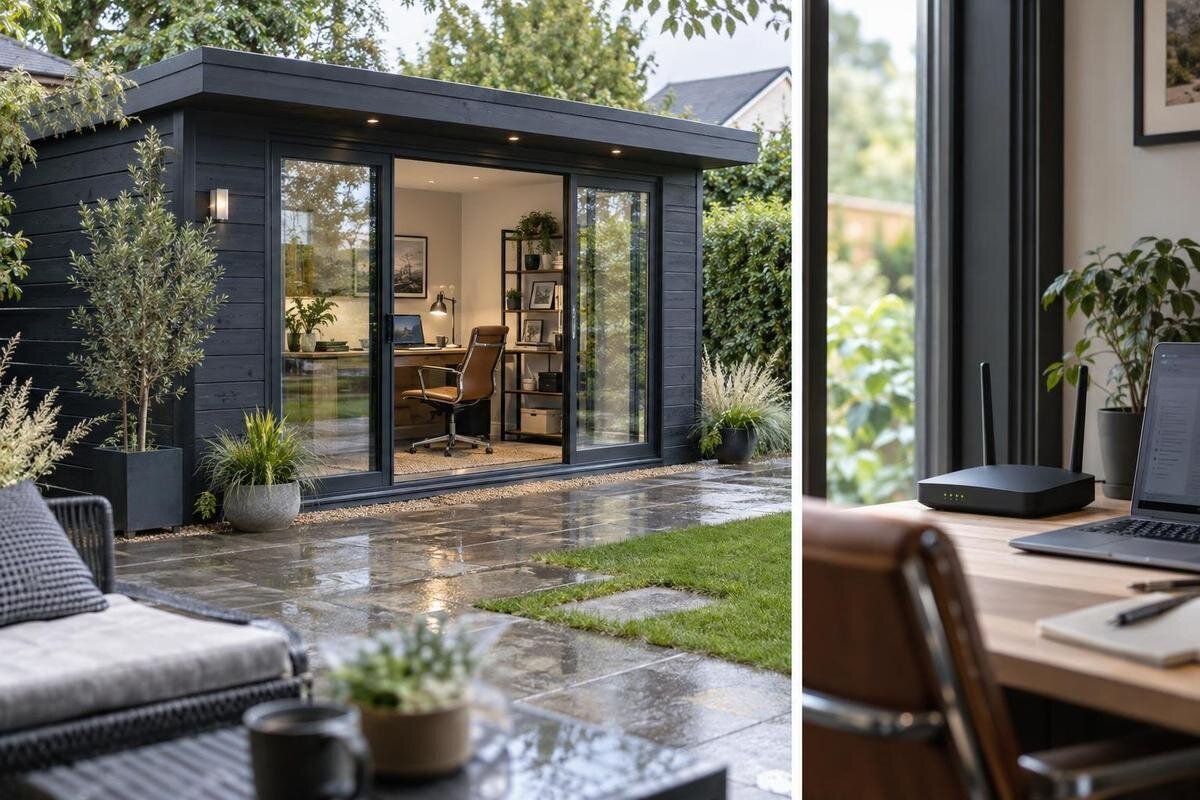
Planning internet for a garden office starts with the route between the home network and the place you will work—not with a particular extender. Distance, walls, the garden-house position, the intended desk, and how you use the connection all affect the decision. You can extend the home network with Wi-Fi or a cable, use a wireless bridge, or arrange separate service. Testing the proposed location and coordinating the network plan with your garden-house purchase helps you choose equipment and installation work that fit the actual site.
Define the connection your work actually needs
Begin with the work you expect to do, rather than buying an extender first. Email and browser-based tasks may be fine with ordinary coverage, while frequent video meetings, remote desktop access, large file transfers, or cloud backups make stability and upload performance more important. Note how many people and devices will be online at the same time, whether calls must continue while files sync, and how disruptive an interruption would be. This gives you a practical target instead of an abstract demand for “fast internet.” It also helps you decide whether a simple Wi-Fi extension is worth testing or whether to price a wired link or backup.
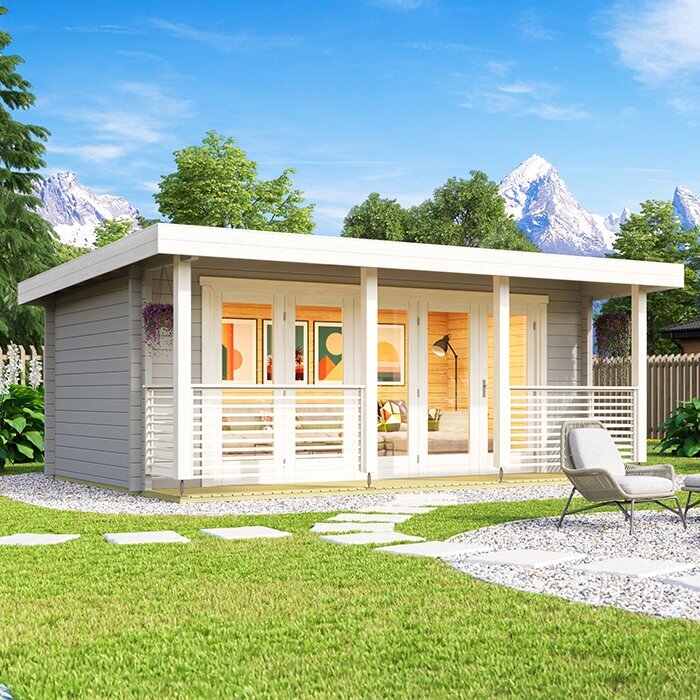
List the essential apps, call patterns, file needs, concurrent devices, and any guest access requirements. Separate the provider’s connection to the home from Wi-Fi coverage in the garden office: a faster plan does not by itself improve a weak outdoor signal, while a stronger local signal cannot increase the service capacity coming into the house. If the Verdana 1 garden house is on your shortlist, write this work profile beside the building choice. That keeps the office layout and network decision tied to your real use, not assumptions about the model. A solo user with light web work may not need the same arrangement as several people on video calls.
Map the route from the home to the office
Measure from the home router or nearest existing access point to the proposed garden-office location, and sketch the route rather than relying only on a straight-line distance. A wireless signal travels through the actual surroundings: walls, neighboring buildings, trees, fences, and the router’s position can all matter. A cable route has different constraints; paths, planting, gates, and access for a contractor may affect where it can go. Mark the router, the potential building site, and obvious obstacles, then compare practical positions before you settle on one.
Add the intended desk and any likely network-device position to the sketch. If the Verdana 2 garden house is a candidate, show its proposed location on the same plan; a model name cannot tell you how far it will be from the router or what sits between them. Note where an installer could reach the route and where an entry point might be discussed with the seller. Have a qualified contractor confirm underground utility locations before any digging. Include planned landscaping changes if they could affect the route. A site visit is more useful than relying on a generic range estimate or a neighbor’s different setup.
Test Wi-Fi at the planned desk
Before spending on equipment, test at the precise spot where you intend to work. Use a laptop or phone connected to the home network and compare performance there with performance inside the house. Check both upload and download activity, and try the tasks that matter to you, such as joining a video call, opening shared files, or uploading a work file. Repeat the test at more than one time of day, including a period when other household members are online. A speed test is one clue, not a guarantee: the device, router, network traffic, and test service can all affect the result.
If the garden house is not yet in place, an outdoor test only estimates conditions inside it. The building, openings, final position, and location of your desk or network equipment can change the result. Repeat the check from the intended desk once the building is ready, if possible. If the Durano garden house is under consideration, record the planned workspace and test at that location rather than at a convenient spot beside the home. Keep notes on where and when you tested and what you tried. That record is more useful to an installer or provider than a single result without context.
Choose a wireless extension only if the signal can reach
Wireless options work only when the garden office can receive a useful connection from the home network. A basic extender repeats an existing Wi-Fi signal, so it needs a usable signal at its own position; placing it in a dead zone cannot repair the weak link back to the router. Mesh nodes coordinate coverage across a network, but a wirelessly connected node still needs a reasonable route to another node. A separate access point can serve the office when it has a network connection, which may be wired or wireless depending on the setup. Compare what each device needs to connect, not just its advertised coverage.
If equipment must sit outside, check that the exact unit is intended for outdoor placement and that its power and network connection can be provided at the chosen location. Do not assume an indoor router or extender can withstand weather. Check the manufacturer’s placement and compatibility guidance, then compare it with your signal tests; maximum-range claims are not a promise for a walled garden office. If the Veltor 1 garden house is on your list, mark both the proposed building and node positions on the site plan. Their actual separation and surroundings, not the model label, determine whether extension is plausible. Ask a qualified installer about uncertain routes.
Use a wired link for a fixed workspace
A data cable between the home network and the garden office can provide a more consistent link for a fixed workspace. It avoids relying on Wi-Fi to cross the outdoor distance, and an access point inside the office can then provide local wireless coverage for laptops or phones. The result still depends on the home broadband connection and the equipment at each end, so a cable will not correct a slow or unreliable provider service. Discuss whether the connection should serve a desk, an access point, or both, based on the way you use the room.
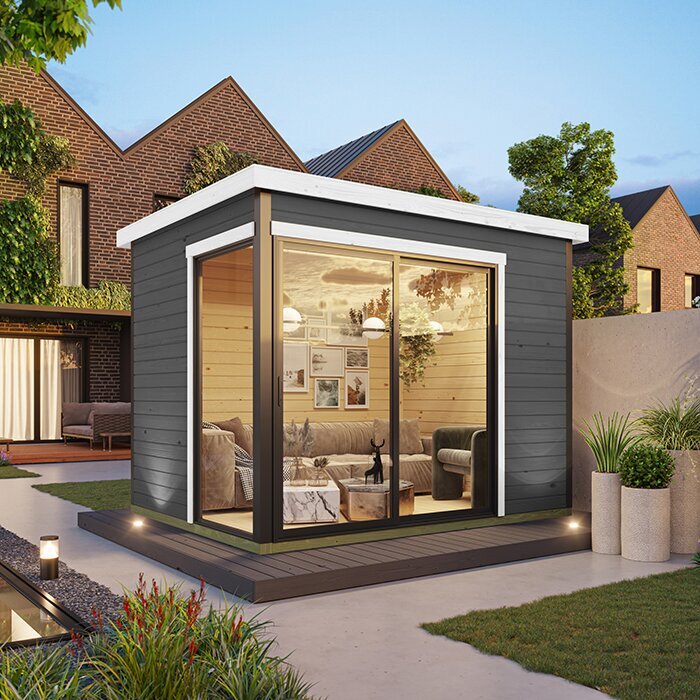
If a cable must cross the yard or pass underground, have a network professional select materials and protection suitable for the route and plan the entry points and future access. Do not dig until underground utilities have been identified through the appropriate local process. Arrange any electrical work with a qualified electrician; power and data cabling are different needs. If the Orello garden house is on your shortlist, note the desired cable entry and equipment location, then confirm with the seller and installer what can be accommodated before ordering. The model name alone does not establish an entry route.
Consider a wireless bridge across the yard
A point-to-point wireless bridge uses equipment at the home and office to carry a network connection between the two locations. It may be worth asking about when a direct cable route is impractical, but it does not provide internet by itself; it carries the home’s existing connection. The equipment at both ends must be compatible, and many setups need a clear or suitably unobstructed radio path. Buildings and foliage can interfere, so an installer should assess the actual site and planned equipment positions. Compare the installation and support needs with those of a wired connection or a Wi-Fi extension.
Ask whether the path will remain suitable as trees grow or come into leaf, where equipment can be mounted, how each end connects to the network, and what power is required. Do not assume an exterior product image establishes a suitable mounting surface or an unobstructed path. If the Modano 1 garden house is among the options, show the installer its proposed position on the site plan and confirm any attachment or cable-entry questions before purchase. The answer depends on the property assessment, not a generic range estimate. If the route is obstructed, compare a cable or separate service instead.
Check whether a separate service is available
A separate internet service can make sense if the office is far from the home, the existing connection cannot be extended reliably, or the office needs access independent of the household network. Ask providers what is available for the property address. Wired broadband, fixed wireless, cellular home internet, or satellite may be options in some places, but availability is not universal. Cellular and fixed-wireless results depend on coverage, signal, and local network conditions. Dedicated services also have their own equipment and placement requirements, so check with the provider rather than assuming an option available nearby will work at your site.
Compare setup charges, recurring fees, usage limits, expected upload and download performance, latency, support, and contract terms before adding an account. A phone hotspot may suit occasional backup, but check your plan’s allowance and test service at the desk before relying on it for sustained work. Even if the Veltor 2 garden house is on your shortlist, provider availability is a question for the property, not the model. Ask how service can reach the intended location and whether installation requires separate equipment or cabling work.
Coordinate garden-house selection with network planning
Treat the garden-house position and internet route as parts of one layout decision. Before settling on a location, mark the desk, likely network-device position, doors and windows, possible cable entry, and the route back toward the home. Check the product information for the dimensions and layout of the model you are considering, then see whether the planned workspace and equipment locations fit your intended use. If the preferred building position leaves a poor network route, compare another feasible location before buying a more complicated setup. Connectivity depends on the site and arrangement, not on a model name.
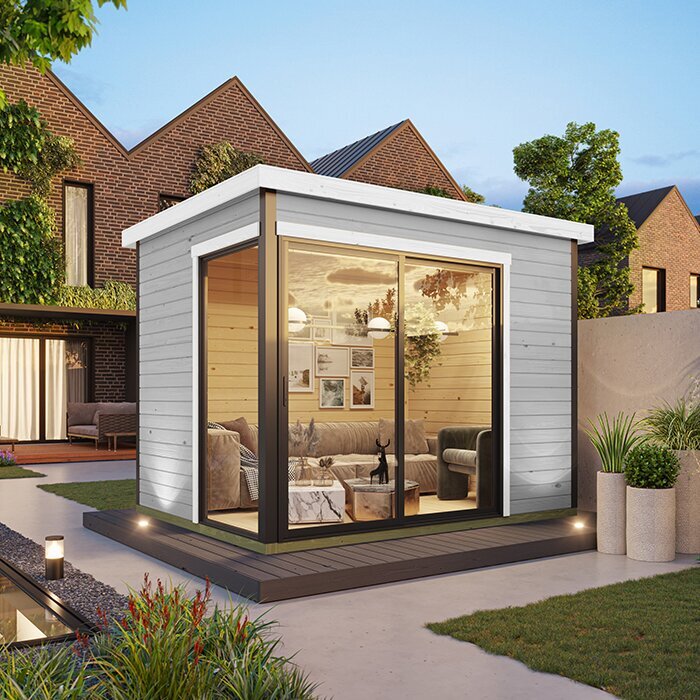
Add the Veltor 3 garden house to a comparison sheet with its proposed site, preferred connection type, entry point to discuss, and outstanding questions. Verify what is included in the order and what would require separate work; do not assume internet hardware, data cabling, or fittings are part of the purchase. If you plan to bring cable inside or make any alteration, confirm the acceptable approach with the seller or installer before ordering. Coordinating the building installation and network contractor can also help clarify who is responsible for each part of the work.
Compare the full equipment and service cost
Compare one-time equipment and installation costs separately from recurring internet fees. Depending on the method, your budget may need to account for a mesh system, extender, access point, wireless bridge, cable work, a contractor’s site visit, or a new service plan. Ask who supplies, owns, and supports each item, and check compatibility with your existing router and provider service before purchasing equipment. If you need more than one option—for example, a wired connection plus Wi-Fi inside the office—include both in the estimate rather than pricing only the cable.
Ask for an itemized scope that explains what the installer will provide, configure, and test, and what remains your responsibility. Compare the proposed result and support arrangements as well as the quoted total. The least expensive device may not help if it cannot receive a suitable signal, while buying equipment with capabilities you will not use can add unnecessary cost. Consider recurring data fees, service terms, and future equipment support alongside the initial setup. A clear quote makes it easier to compare extending home internet with ordering a separate connection.
Confirm responsibilities before placing the order
Before ordering equipment or finalizing the building position, resolve the questions each party can answer. Ask the internet provider about service availability, the existing plan, and equipment compatibility. Ask a network installer to assess the route, recommend a connection method, and explain what site access or entry points are needed. Ask the garden-house seller what is included in the order and what alterations or cable entries should be discussed before purchase. If any electrical work is part of the plan, coordinate that separately with a qualified electrician.
Keep a written record of the chosen building location, intended desk, test results, preferred connection, equipment, quote, and installation responsibilities. That gives everyone the same plan and makes it easier to spot unanswered questions before work begins. Once the connection is in place, test the actual tasks you rely on from the desk during normal household use. If performance is poor, note whether the issue also occurs inside the home before contacting the provider or network installer; that detail can help identify whether the problem is with the service or the link to the garden office.
Frequently asked questions
Can my home Wi-Fi reach a garden office?
Sometimes, but distance alone does not decide it. Router position, walls, other buildings, trees, and the office’s final location all matter. Test at the intended desk. If the connection is weak, compare a wired link, a suitable Wi-Fi extension, or a wireless bridge rather than assuming another extender will solve it.
Will a Wi-Fi extender fix a weak signal?
Only if the extender can receive a usable signal from the home network. Placing it where there is no reliable connection does not repair the link back to the router. Check the device’s placement and compatibility guidance, then compare those requirements with your test results.
Is a wired connection better for a garden office?
A data cable can provide a more consistent link for a fixed workspace because it does not rely on Wi-Fi crossing the outdoor distance. It still depends on the home broadband service and equipment. Have a qualified professional plan any outdoor or underground cable route.
Can I use a phone hotspot as the office connection?
It may work if mobile service is reliable at the desk and your plan supports the expected use. Test the connection at the site, and check your plan’s hotspot allowance, data limits, and terms. Do not assume a hotspot will support a full workday or sustained uploads without testing.
Do I need a separate internet subscription?
Not necessarily. You can use the home service if a suitable connection reaches the garden office and the household plan meets your needs. A separate service may be worth comparing if extending the home network is impractical or independent access matters. Check availability and ongoing costs for the property.
The right setup is the one that matches the yard, building position, work demands, and household service. A signal test can show whether a wireless option is plausible; a route assessment helps clarify whether a cable, bridge, or separate service makes sense. Keep that information alongside your garden-house shortlist, and confirm equipment needs, installation scope, and ongoing costs before ordering. That way, connectivity is part of the office plan rather than an afterthought.
