
How to Bring Internet Access to a Garden Shed Office
Garden office planning
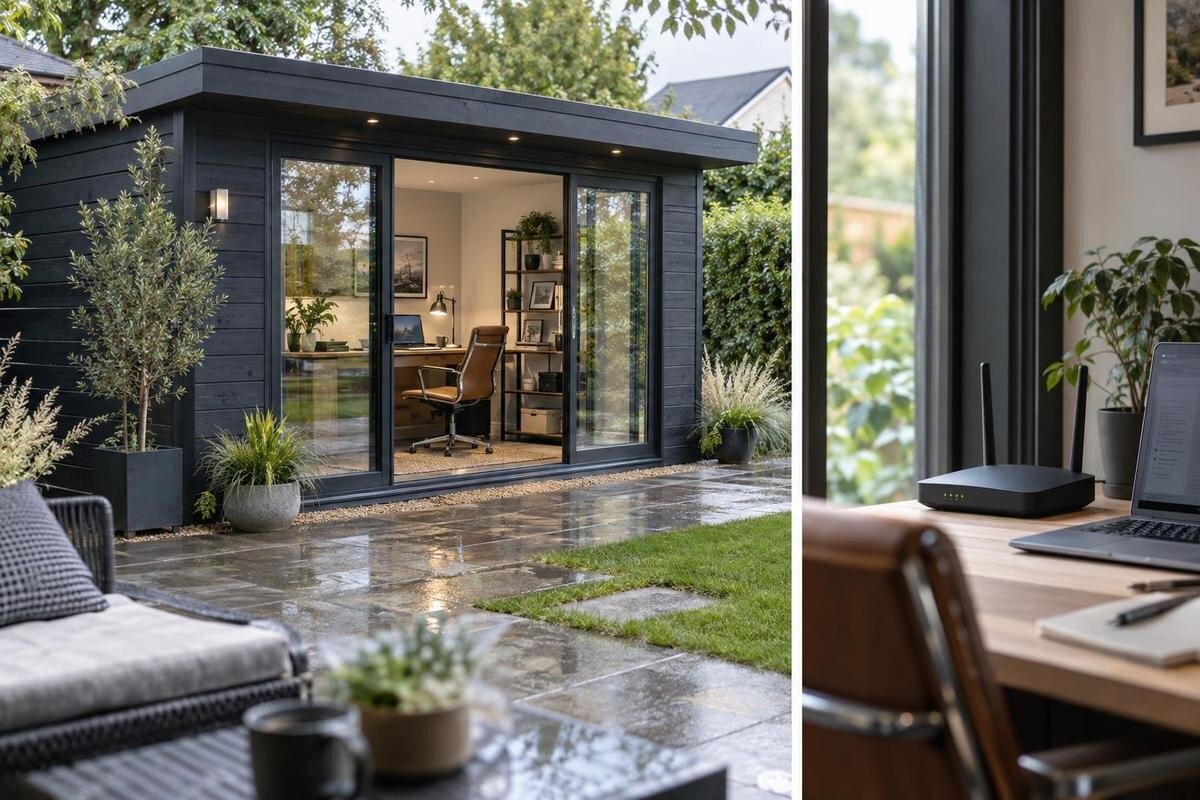
Planning internet for a garden shed office means solving two separate problems: the broadband service at the property, and the link from the house to the shed. A Wi-Fi extender is only one option. Your choice depends on the work you do, the position of the building, obstacles between it and the router, service availability and whether a suitable cable route is practical. A garden shed’s listed construction and layout can also affect where equipment might sit. This guide compares the main connection methods and explains what to check before ordering, so the office plan is based on the site and product details rather than a signal-bar guess.
Match the connection to your work
List what you expect the office connection to handle before looking at hardware. Email, web research and occasional file transfers place different demands from a day of video meetings, remote access, cloud backups or large uploads. Note how many people and devices may be online at once, including phones, tablets and other household users sharing the home service. Consider peak periods as well as an average day: a connection that works for one person browsing may struggle when several calls and downloads overlap. This workload list makes comparisons more useful than choosing by a general claim of fast Wi-Fi.
Separate the internet service from the local link. A broadband plan can perform well at the house while Wi-Fi fades before it reaches the shed; a cable or wireless bridge can improve that local link but cannot make an underperforming broadband service faster. For video calls and file transfers, consider upload performance and stability as well as download speed. Latency, the delay before a response arrives, can also affect remote applications. Ask your provider or employer what the tools you use require, and compare that with real use rather than relying on the highest advertised figure on a router or service plan.
Check the home broadband before adding Wi-Fi
Check the existing broadband at the house before buying extra Wi-Fi equipment. Use the device you normally work on near the router and note how it performs at different times. If the connection is already slow or regularly drops out there, a shed extender will not fix the underlying service; ask the provider about a fault, plan limits or alternatives available at the address. If the house service is sound, record where the router sits and, if known, its model. Those details help when checking whether a mesh kit or access point will work with the existing network. A plan’s headline speed does not describe the signal out in the garden.
Then test towards the proposed shed site with the same device and comparable conditions. Compare the connection near the router with the signal at the intended desk, and repeat when the household is busy as well as quiet. Speed tests can help reveal a pattern, but one result is not a guarantee: the device, time of day and local Wi-Fi conditions all influence it. Phone signal bars are not a reliable measure of broadband speed. If you cannot get a stable connection outside the house, do not assume a more powerful extender will bridge the gap; compare a separate link instead.
Choose a shed position with the connection in mind
Mark the likely shed position before placing an order. Distance from the router matters, but so does the path: walls, fences, other buildings, terrain and trees may weaken or block radio signals. A view from a house window can be misleading if the router sits elsewhere, or if your final desk is against a different wall. Note a few possible positions, the intended desk location and any likely route for a cable or outdoor link. This helps you avoid choosing a site that is convenient for access but leaves only an impractical connection path. If the garden layout may change, include those expected changes in the decision.
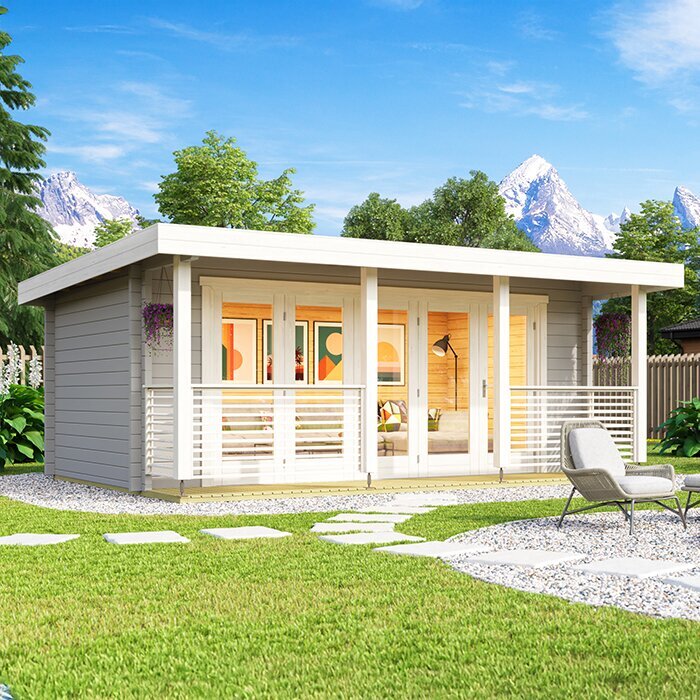
The shed’s construction and internal layout also affect how you plan the link. Materials such as metal and foil-backed layers can reduce Wi-Fi signal, while the space available for a router or access point depends on the room layout and power provision. Do not infer those details from a product name or photograph. Review the published information for the Verdana 1 garden shed listing and ask for missing construction or layout details before deciding where equipment could sit. A product page is a starting point for checking the building, not a promise of Wi-Fi range.
When a mesh system or extender will help
An extender or mesh system is worth considering when a usable home Wi-Fi signal reaches at least part of the route to the shed. An extender relays a signal it can receive, so putting one in a dead zone at the far end usually does not solve the problem. Mesh systems use compatible nodes to carry a network between locations, but a detached building can still be beyond a reliable wireless path. Walls and construction affect each layout, and extra wireless hops may reduce speed or consistency. Check equipment compatibility and the maker’s guidance for the actual site, rather than treating a maximum range figure as a guarantee.
Think through where each node could sit and whether a dependable signal is available at that point. A node inside the office only helps if it can communicate reliably with the home network; placing it near an external wall or window may help in some layouts, but it is not a substitute for testing. When reviewing the Verdana 2 garden shed listing, check the published construction and layout information before assuming Wi-Fi will pass through the building. Ask the equipment supplier or a network professional what the proposed placement requires, and test a temporary position first if practical.
A cable for a fixed office connection
A data cable from the home network to the shed is worth comparing when wireless coverage is inconsistent or the desk will be used for frequent calls and file transfers. It avoids some radio obstacles between the buildings, and a suitably configured access point inside can provide Wi-Fi to phones and laptops. A direct link can be more consistent than a weak wireless relay, but performance still depends on the broadband service and network equipment at both ends. Weigh the physical route and professional installation against convenience, not just headline speed. It may be unnecessary for light, occasional use if a tested wireless option already works well.
Outdoor and underground routes require cable and protection appropriate to the site; an ordinary indoor lead is not automatically suitable for exposure or burial. Ask a suitably qualified network professional to assess the route, distance, entry points and any relevant ground conditions. If work involves digging or the path is near electrical services, get the right professional advice before planning it. Check with the shed supplier or installer before making an opening or fixing equipment to the building. Review the Durano garden shed listing for its published product details, but do not treat those details as confirmation of a cable route or permission for alterations.
Point-to-point wireless for a detached shed
A point-to-point wireless bridge uses equipment at the house and shed to carry a network connection across the property without a continuous data cable between them. It can be useful where an extender cannot reach and a direct cable route is impractical, but it is not simply a more powerful household router. Both ends need a suitable radio path and a way to connect to the local network. Trees, rooflines, neighbouring structures and a change in the final mounting position can affect that path. Before choosing the shed’s location, check whether the route is feasible from the places where equipment can actually be mounted, not only from a rough map.
Ask the supplier or installer about the line of sight, supported distance and capacity, outdoor suitability, router compatibility and the power and network connections needed at each end. Requirements depend on the particular system and site, so a headline range is not enough. Any mounting must suit the building and exposure conditions; do not assume the shed can accept a fitting just because it has a roof or wall. For a building such as the Veltor 1 garden shed listing, confirm its documented details and the proposed equipment location with the relevant installer before ordering a bridge or making changes.
Mobile broadband and satellite at the exact address
Mobile broadband may suit a site where a fixed service or yard link is difficult, but coverage needs checking at the actual address and, ideally, in the intended office position. Provider maps are a useful first check, not a guarantee of indoor reception. Phone signal bars also do not show the data speed, upload performance or stability of a dedicated router. Ask the provider whether its service and plan suit a fixed broadband modem, then review data allowances, limits and ongoing terms. If possible, test the intended equipment at the site, or confirm any trial conditions before depending on the connection for work.
Satellite broadband may be worth investigating where local fixed and mobile options do not meet the need. Check that the provider serves the address and ask about any clear-view or equipment-placement requirements, installation, power, latency and plan conditions. Latency can influence remote applications and calls, so assess the tasks you need to do rather than assuming a speed figure answers every question. If you are shortlisting the building at the same time, review the stated construction and layout for the Orello 1 garden shed listing before planning an equipment position or cable entry. A product name or image cannot confirm reception or suitability.
What to confirm in a garden shed listing
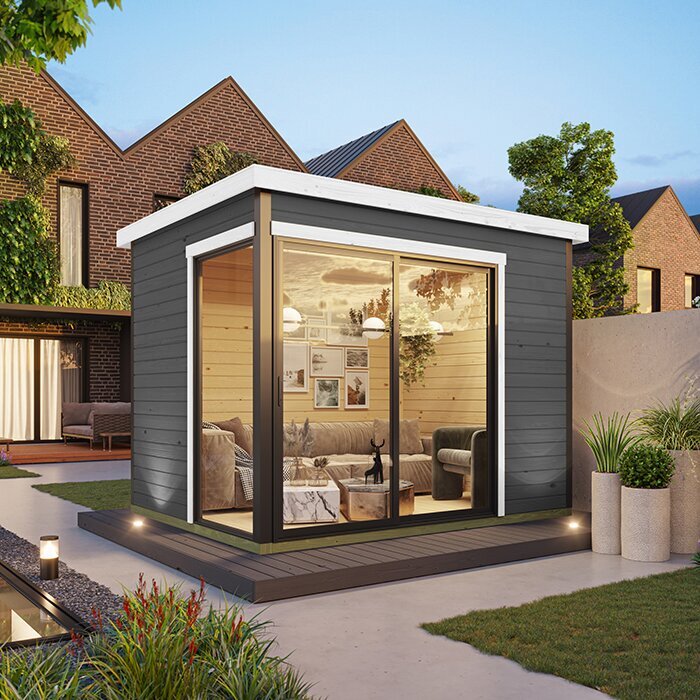
Before ordering a garden shed as an office, review the product information for details your connection plan depends on. Check the published dimensions, internal layout, wall and roof construction, door and window positions, and any guidance about mounting equipment or making openings, where these details are available. Those facts can help you decide where the desk, router, cable entry or external equipment might go, but a product photo is not a technical drawing. Inspect the written details for the Modano 1 garden shed listing and ask for missing information that affects your plan. Choose a position and layout that leave a workable route for the connection you intend to use.
Clarify responsibilities before placing the order. The shed, broadband service, router, data cable, wireless bridge, power supply and installation are separate parts unless the relevant listing or service terms expressly say otherwise. Ask the supplier or installer whether a proposed cable entry, antenna or other alteration is acceptable, who will carry it out and when it should happen relative to assembly. Do not assume that a network route can be added later without considering the building and site work. A brief written plan naming the connection method, likely entry point and responsible professional helps prevent gaps between the shed order and the broadband arrangements.
Keep the office network secure and practical
Treat the office network as part of your work security. Use a strong, unique Wi-Fi password and a current security setting supported by your router and devices; do not leave the network open for convenience. Keep router and access-point software current in line with the maker’s instructions, and use a guest network for visitors if your equipment supports one. Follow your employer’s requirements for work devices, VPN access, multi-factor authentication and confidential information. These measures help reduce common risks but cannot make a connection risk-free. If household devices share the service, be clear about which ones can join the office network.
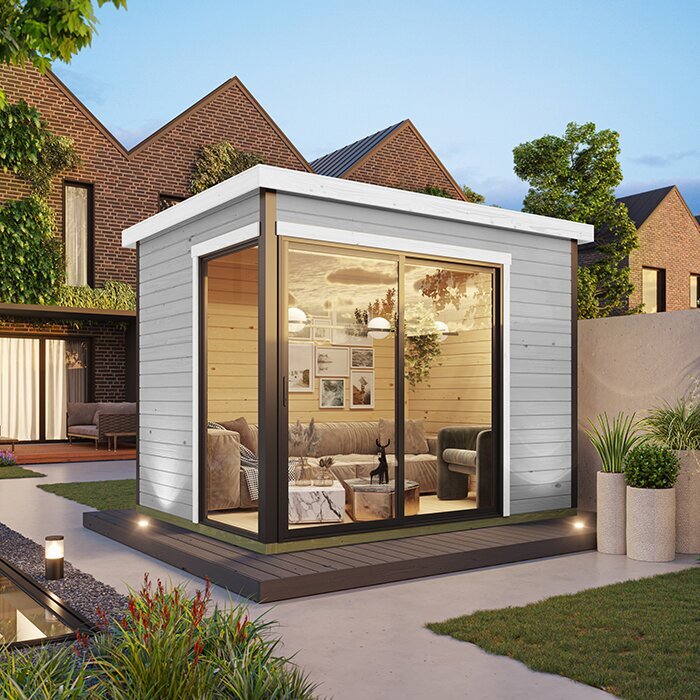
Plan where network equipment will sit and how it will remain usable. A node hidden behind dense material or inside a metal enclosure may have a poorer radio path, while a position without suitable power access may not be practical. Follow the equipment’s stated operating conditions, and ask a qualified electrician about any new electrical supply needed for the workspace rather than treating a data connection as a power solution. When reviewing the Timber Garden Shed M listing, use only its stated building information and arrange network and electrical equipment separately as required.
Test the connection from the finished office
Test from the desk once the shed and connection are in place, using the devices and applications you expect to use for work. Try a video call, an upload and download, and shared files or remote desktop if relevant. Repeat at different times and in the normal room layout, with the equipment where it will stay; one speed test cannot show how reliable a full work session will be. Compare results with a test near the home router to help distinguish a weak broadband service from a weak link to the shed. Note any dropouts and upload problems, not only the best download result.
If performance falls short, change one factor at a time: confirm the home service, try a different node position, or ask the installer to assess the link before buying more hardware. Match the final choice to the workload you listed and keep a backup only if it is practical for your coverage, data plan and workplace rules. When comparing a listing such as the Wooden Garden Shed S listing, read it for the building information it actually provides and assess the connection separately; no listing can demonstrate performance at your particular desk.
Frequently asked questions
Will a Wi-Fi extender reach a detached shed?
It may, but only if it can receive a stable signal where it is placed. An extender in the shed, where the signal is already weak, is unlikely to solve the gap. Test the route first; if there is no suitable relay point, compare a cable, wireless bridge or broadband option available at the site.
Is a wired connection always more reliable than Wi-Fi?
Not in every setup. A professionally planned cable is less dependent on radio signal and can suit a fixed desk, but it needs a workable route and proper installation. Tested Wi-Fi may be adequate for lighter use, while a cable cannot improve a slow internet service at the house.
Can I use mobile broadband in a garden shed office?
Potentially. Check provider availability at the exact address and test in the intended office position, because coverage maps and phone bars do not guarantee router performance. Compare upload performance, stability, data limits and plan terms with your work pattern before relying on mobile service as your only connection.
Should I order the shed before sorting out internet?
Plan both together. The shed’s position, layout and construction affect wireless paths, equipment placement and cable routing. Check the listing details and discuss openings or mounting with the supplier or installer before ordering, while confirming the broadband or network method. This helps avoid a building position that makes the connection impractical.
How do I check the connection is good enough for video calls?
Test at the desk with your work device and applications at more than one time. Try a video call and check uploads as well as downloads; note dropouts or delays, then compare with the home connection near the router. Ask your employer or provider about any requirements your work tools specify.
Reliable access comes from matching the connection to the work, the service at the property and the shed’s final position. Test the home broadband first, plan the building and desk location, then compare Wi-Fi, cable, wireless bridge and other services against the route available. Check product information and installation responsibilities before ordering, and test the real setup once it is in place. That keeps internet planning tied to the garden shed office you are creating rather than an assumption based on a product image or signal bars.
