
Buying a Hot Tub Online: What to Check Before Ordering
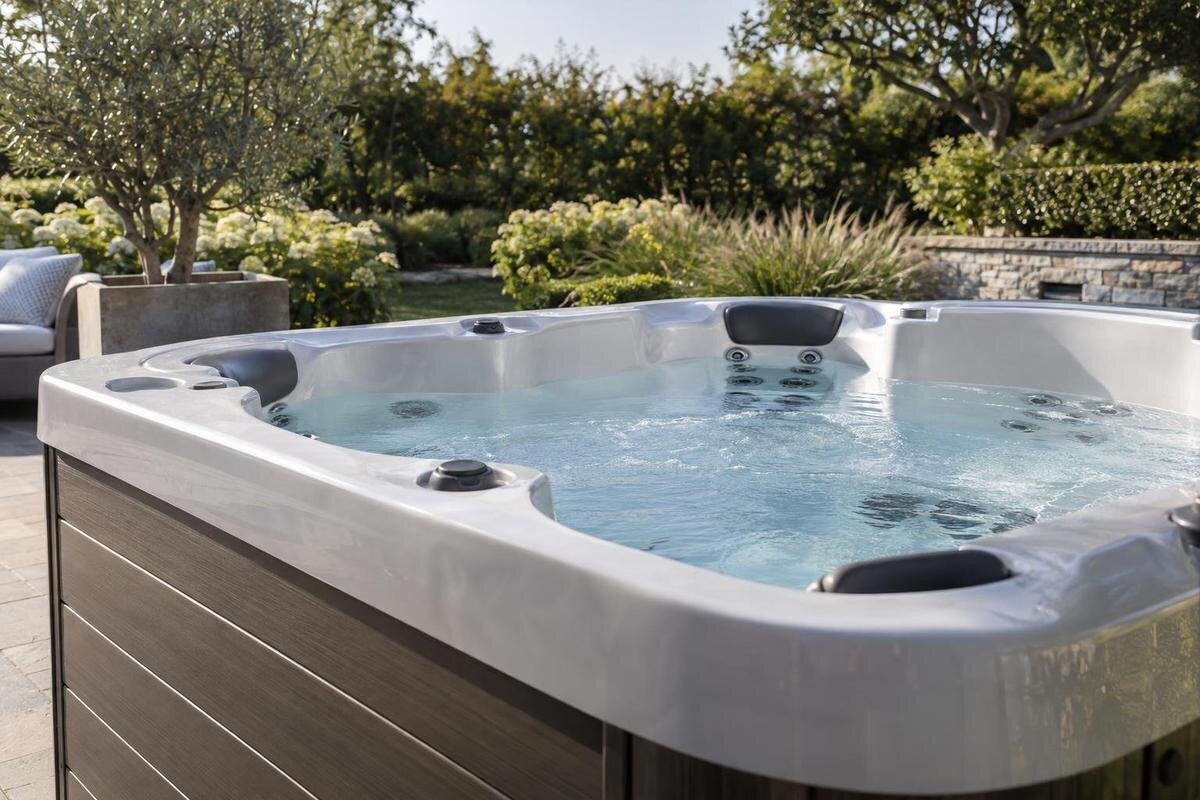
Online hot tub buying guide
Buying a hot tub online means piecing together an offer from a product page, option selectors, the basket, delivery information and the seller’s policies. A polished listing or short model name cannot tell you, by itself, what you will pay, what will arrive, when delivery is expected or what happens if plans change. This guide focuses on verifying the online purchase, not choosing a model or planning a site. Follow the wording through to checkout, and ask for clear written answers wherever pages conflict or leave a material point open. If a key fact or condition remains uncertain, pause before payment rather than relying on an assumption.
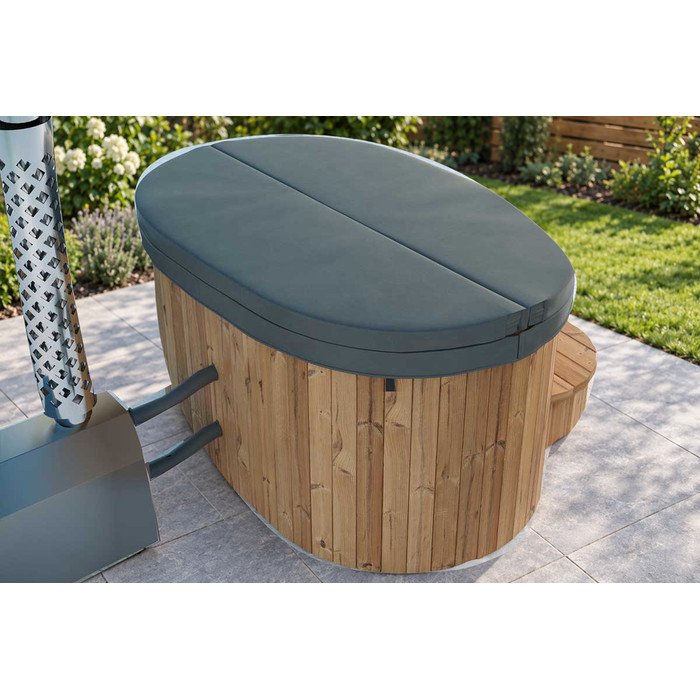
Before you place an order 1
Match the product page to the basket
Treat the product title, option selections and basket entry as three records that should agree. Check the brand and full model name, any variant or bundle identifier, quantity, and each option marked as selected. If the page offers choices such as a finish, cover, package or accessory, note the exact choice and any separate price; do not assume it carried through just because it was highlighted on the previous screen. Keep the Bloomcabin Hot Tub Cove 2 page open while reviewing the basket, then compare the name and any item code. Check that each selected extra appears against the correct product rather than elsewhere in the basket.
A model number is an identifier, not a substitute for a specification. Do not read a number in a product name as seating capacity, dimensions or another feature, and do not assume items shown alongside the product are included. Check which components belong to the base configuration, which must be selected or bought separately, and whether an option changes the item code or total. If the basket shows only a generic description or shortened name, ask the seller to confirm in writing which exact model and selected extras each line represents. Save the product page and option screen before moving on, so your record shows what you selected if the final confirmation is less detailed.
Check what the listing confirms
Read the product page as a set of details and inclusions to verify, not just as a description. Look for a clear model identifier, the stated configuration, what is supplied, and which extras are optional. When reviewing Bloomcabin Hot Tub Haven 6, check the information for the exact version you intend to order. The model name alone does not establish dimensions, capacity, materials, controls, heating system, supplied accessories or suitability for your property. Those details need to appear in current product information or be confirmed by the seller for that version. Do not fill gaps from a model-number pattern, a photograph or assumptions based on another model.
Open any specification sheet, manual or terms document linked from the page, and check that it names the same model and version as the basket rather than a similar item or general product range. Notice qualifiers such as optional, illustrative or sold separately, and any note that a configuration varies. If a point important to you is missing, send one precise query naming the item and requesting the relevant current document or written answer. A general brochure may not resolve an exact inclusion question; follow up until the response ties the detail to your order. Save both the document and reply with the listing, so you can see which version informed your decision.
Before you place an order 2
Identify the business taking your order
Identify the business that will take your order before paying. Find the seller’s full trading or legal name, a customer-service email or phone number, and a usable postal or business address in its contact or terms pages. When you open a product listing such as Bloomcabin Hot Tub Fjord 8, follow the site’s contact, terms and checkout links; a product name or web address alone does not tell you which entity is selling the item. Read who is named in the order summary and payment screen, and compare that with the business described in the terms. If several names appear, note what role each one has.
Test the contact route with a specific pre-sale question, such as asking which item code will appear on the order or which delivery terms apply. A useful response should answer the question and identify the business replying; a logo, social account, review badge or professional-looking page is not a substitute. If the payment merchant, invoice name, customer-service signature and terms page refer to different entities, ask which business is selling you the hot tub and which contact handles delivery or support. There may be a straightforward explanation, but get it in writing. If you cannot establish who to contact or receive clear answers, do not let urgency or a countdown prompt you into paying.
Confirm the full checkout total
Use the checkout summary, not an introductory “from” price or a product-page figure alone, to establish the amount you are agreeing to pay. Check the line for the hot tub, each selected option and accessory, delivery or handling, and every other charge shown as compulsory. Confirm the currency is New Zealand dollars and whether the displayed total includes the taxes or fees listed by the seller. For an order containing Bloomcabin Hot Tub Aurora 10, the model name should remain identifiable beside its price; do not infer what the amount includes from the name or an image. Make sure the final total is for your delivery address, not a partial amount.
Ask about any amount that appears only after the address is entered or the payment method is chosen, including a delivery fee, payment surcharge or separately arranged service. These are possibilities to check, not charges every seller applies. Request an itemised total for your address and ask which amounts are compulsory, optional or due later. If the seller cannot calculate an amount yet, ask what it depends on and when you will know it; do not treat an estimate as a fixed final cost. If a deposit is required, confirm how it counts towards the quoted total, how much remains to be paid and when the balance is due. The point is to know the whole commitment before authorising the order.
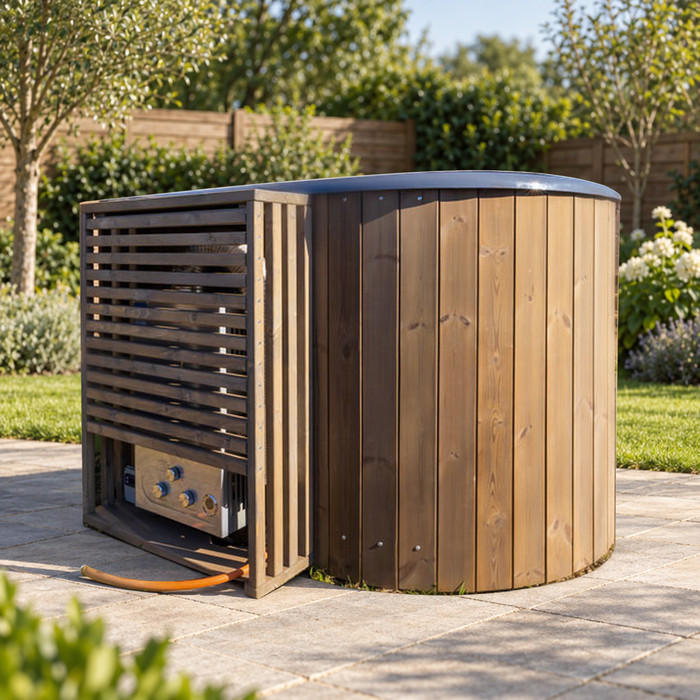
Before you place an order 3
Understand payment options and timing
Review the payment choices actually offered at checkout; do not assume a particular card, bank transfer, finance plan or instalment option is available. For each option, establish what is charged now, whether a deposit is requested, when any balance is due and who processes the payment. If an external finance or payment provider is involved, read its separate terms for fees, interest, repayment dates and eligibility rather than relying on a logo or brief promotion. A payment page for an order linked from the Cove 2 product page should still identify the basket or order reference clearly. Before authorising, make sure the amount and payment schedule match what the seller quoted.
Ask how payment timing relates to order acceptance, dispatch and delivery, and whether anything changes if the delivery estimate moves or you request an amendment. A displayed monthly amount, where offered, is not the same as the total cost; check the full amount payable and any additional charges in the provider’s own agreement. If a balance is due later, find out how and when you will receive the request and how to verify it against the original order. If a seller asks you to pay through a different channel from the one described at checkout, confirm the change using contact details you found independently on the site. Keep the receipt and transaction reference.
Clarify delivery scope and timing
Treat delivery as a defined service, not a word that automatically means placement or setup. Check whether the quoted charge covers transport to your address, what handover point is included, whether unloading, moving to a chosen position, assembly or connection is excluded or arranged separately, and who is expected to receive the goods. Terms vary, so do not infer that a delivery fee includes every task you have in mind. If you are ordering the item on the Haven 6 listing, ask the seller to confirm that the delivery note applies to that exact order and address. Get the scope in writing before you pay.
Separate an estimated timeframe from a confirmed delivery appointment. Ask whether the item is available for dispatch or subject to a stated lead time, what event starts the estimate—payment, order acceptance or dispatch—and how the seller will notify you about changes. A broad window may be useful for planning but does not guarantee a particular day or time unless the seller says so. If you need delivery by a certain date, explain that before paying and obtain explicit confirmation rather than relying on a banner or verbal reassurance. Ask what the seller’s terms say will happen if the estimate changes, and keep the relevant email or dated page.
Before you place an order 4
Check cancellation and order changes
Read cancellation and amendment terms before placing the order, including how to submit a request and when it has to reach the seller. The procedure may distinguish between an order awaiting confirmation, one being prepared and one already dispatched, so check the stages the seller actually describes. If you chose an item through the Fjord 8 listing, use that exact model name and any option code in a change request so the seller can identify the correct line. Ask whether changing an option, delivery address or requested date affects the total or timing, and whether an amendment is accepted only once it is confirmed in writing.
Look for any stated fee, exclusion or deadline, and note whether the request must be sent through a form, email or another named channel. Ask what the retailer says it will refund or retain under its own cancellation policy, when it will confirm the request, and whether you should continue to treat the original order as active until a response arrives. If the product page, checkout and terms use different wording, ask which version applies to this order and save the reply. Avoid assuming that a conversation has changed the order or that a change is agreed simply because you have sent a request; wait for written confirmation that identifies the amendment.
Read the returns policy separately
Do not assume a general online returns page explains how a hot tub order is handled. Read the seller’s eligibility rules, request process, deadlines, condition requirements and who arranges or pays for any return transport. Ask whether the terms change after delivery, opening or installation, and whether a collection, restocking or other fee may apply; do not assume a policy written for small accessories covers a hot tub. If you are ordering from the Aurora 10 product page, ask the seller to confirm in writing that the policy you have read applies to that item and configuration. Know what you would need to do before relying on a return as a fallback.
Keep the retailer’s stated returns policy and statutory rights as separate questions. The policy sets out the seller’s stated process; if you need the legal position in New Zealand, verify it using current official consumer guidance rather than assuming the policy answers everything. Do not infer from a returns page that every reason for a return is accepted, or that the page describes every right that might apply. If a clause is unclear or appears to limit an important protection, check before ordering instead of trying to interpret it after delivery. Save a dated copy of the policy and any written explanation, because the online wording may later change.
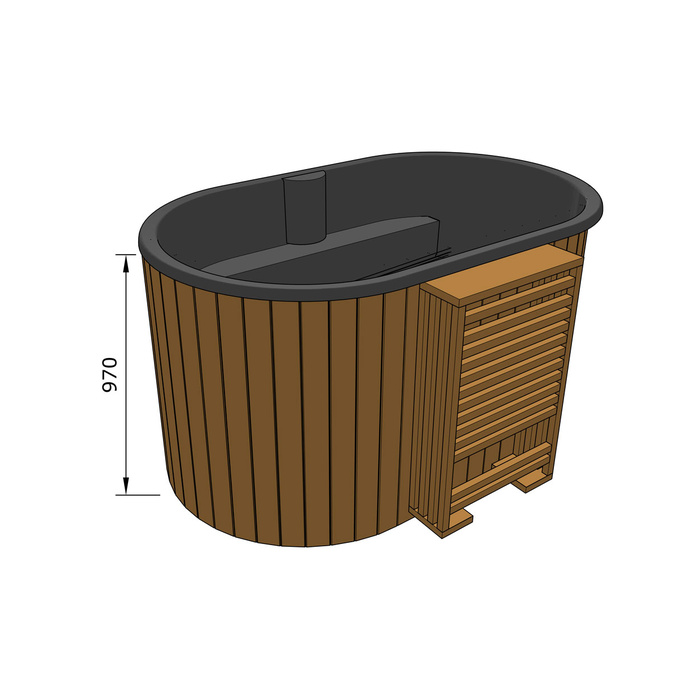
Before you place an order 5
Confirm warranty and after-sales support
Ask whether a written warranty applies and obtain its terms before paying; do not infer its length or coverage from a model name, a sales chat or the mere existence of a manufacturer. Check whose name the document gives, when cover starts, what components or faults it describes, any exclusions or care conditions, and which contact receives a claim. Request the actual warranty document or a direct link to the version that applies to your item, rather than relying on phrases such as “full support”. If no warranty is offered or the seller cannot explain what applies, establish that clearly. Do not assume a particular duration, coverage or repair arrangement.
After-sales support is broader than a warranty document. Find out how to report a missing item, transit problem, product fault or question after delivery, which channel to use and who coordinates the response. Ask what evidence is normally required and whether inspection, repair, replacement parts or a service contact are available for your order; treat these as questions until the seller confirms them, not guaranteed services. If the reply points to a manufacturer or outside provider, write down its name and what the seller itself will handle. A named process, usable contact route and clear responsibilities are more meaningful than a general promise of ongoing support.
Keep a record and check the confirmation
Keep a record of the offer as it appeared when you decided: dated product-page copy or screenshots, selected options, basket summary, itemised total, delivery estimate, policies and each written answer. Save the order number, receipt, payment reference, seller’s contact details and any document supplied with the confirmation in a place you can retrieve easily. A webpage can be edited or removed, so retain the version that informed the purchase rather than relying on it remaining online. Make sure screenshots show the model and price, not only a promotional image, and keep payment evidence without copying sensitive card details into notes. Written answers are especially useful when they clarify an omission in the listing.
Read the order confirmation as soon as it arrives and compare it with the record you kept: seller name, exact model and options, quantity, full payable amount, any later balance, delivery scope and estimate, and the contact route for changes or support. If a charge, selected option or promise is missing or different, contact the seller through its published channel and request a corrected confirmation before treating the issue as settled. Use a simple threshold: proceed only when the essentials agree and outstanding questions have clear written answers. If seller identity, total, delivery commitment or returns and support terms remain unclear, pause; a fast checkout is not a substitute for a complete order.
Frequently asked questions
Which order details need to match?
The full model and variant, selected options, quantity and item prices should agree between the product page, basket and order confirmation. Check the delivery charge, payment terms and seller details separately; matching model names do not settle those points. If the basket shortens a name or omits an option, ask the seller to identify the order line in writing before paying and save the reply.
Should I order if a product detail is missing?
Pause if the missing detail affects what you will receive, the cost or whether the product meets a requirement. Ask for current information tied to the exact model and configuration. Do not infer capacity, dimensions, included items or heating from a model number or image. If the seller replies only with a general brochure, ask again or wait for a specific answer.
Does “delivery included” mean placement and installation?
Not necessarily. Delivery wording may cover transport only or have exclusions, so ask what handover is included and whether unloading, positioning, assembly or connection is separate. Get the delivery estimate, what starts it and how changes are handled in writing. Do not treat a delivery charge as proof that every task at the property is covered.
Can I cancel a hot tub order after paying?
Whether you can cancel, and what follows, depends on the seller’s terms and applicable legal rights. Check the retailer’s cancellation and amendment process before paying, including order stages, request method, any stated fees and the refund process. Treat that policy separately from statutory rights; for the New Zealand legal position, check current official consumer guidance. If the wording is unclear, resolve it before ordering.
What should I keep after placing the order?
Save a dated copy of the listing, selected options, basket total, delivery terms, policies and written answers, as well as the order confirmation and payment receipt. Check the confirmation against those records promptly. If a model, charge, option or delivery promise differs, contact the seller through its published channel and ask for a corrected confirmation.
The point of checking an online hot tub order is to know exactly what the seller has offered and what remains unconfirmed. A consistent record of the model and options, a traceable seller, a complete total, specific delivery terms and understandable after-sales and return processes give you a sound basis for deciding. If an important promise cannot be put in writing before payment, wait. A few saved messages and a careful review of the confirmation can help prevent a mismatch between the listing you read and the order you place.
