
Desk Placement in a Garden Shed Office: Daylight, Glare and Video Calls
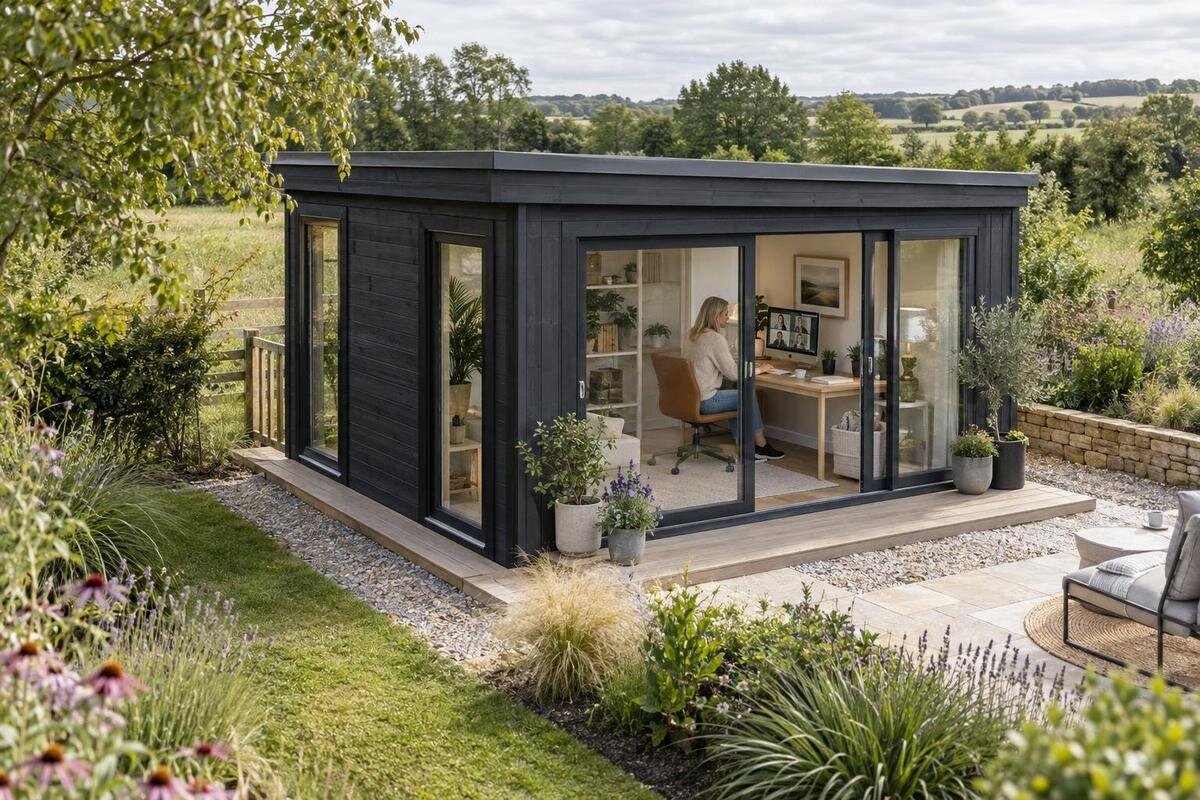
Garden shed office planning
A good desk position in a garden shed office is about more than fitting in a chair. It affects which daylight reaches the screen, what the webcam sees and whether the route to the door remains clear in use. Plan the likely workstation while comparing garden sheds, because window and door locations may limit where a desk can go. Then test the layout against the actual site: sunlight moves, nearby shade changes the view, and a bright opening can look different on a call than it does in person. Use verified dimensions and opening details, not a product name or photograph, to make the final choice.
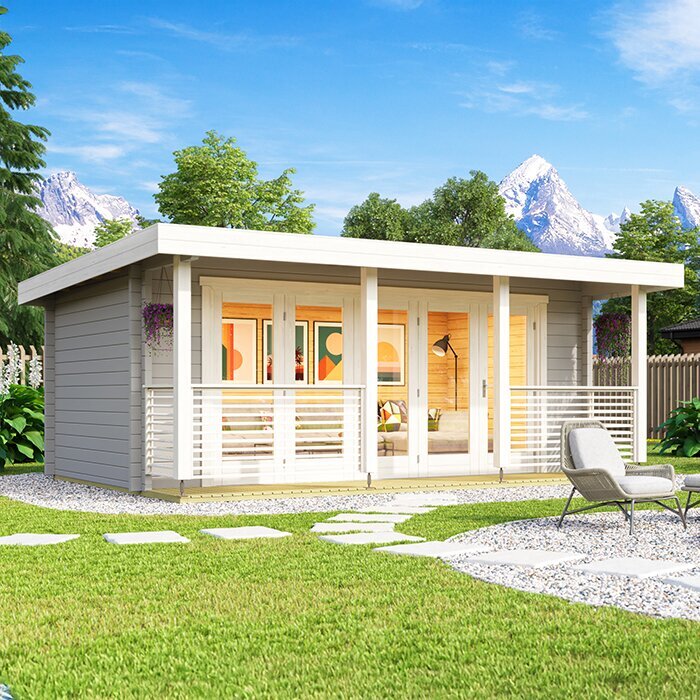
Treat the desk position as part of shed selection
Treat the desk as a fixed element of the room, not something to squeeze in after choosing a garden shed. Measure the desk surface, monitor stands and chair, then allow for the chair pulled back far enough to sit down and get up. Compare that footprint with the clear internal floor area and the wall that would form the call background. Mark the entrance, window and any door swing on the same plan, and keep a route to the entrance. A product photograph is not a floor plan. For a candidate such as garden shed Verdana 1, use the current listing or ask for a drawing showing internal measurements and opening locations; the name alone establishes neither.
Also map what must sit on the desk: one or two screens, a notebook, headset, lamp and charging leads can change the best position. Decide whether calls are occasional or part of most workdays; that affects how much clear desk area you want and whether you need a background that stays consistent. If the preferred wall conflicts with a window or door, sketch a second layout rather than assuming a narrower desk will solve every issue. Include the chair and usual equipment, not only the desktop, and show the route from the entrance. This makes it easier to compare garden sheds by usable layout rather than exterior appearance.
Check where daylight falls on the site
Daylight shifts through the day, and the garden around a shed affects how much reaches an opening. Visit the proposed spot during the hours you normally work, or observe it over several days. Note when buildings, fences, trees or the house cast shade; check both the likely desk side and the opposite wall. In New Zealand, the midday sun is generally to the north, so a north-facing opening may receive more direct light. Treat that as a starting point, not a promise of a bright desk: nearby obstructions, season and the shed's final orientation all matter.
Make a rough record rather than trusting one midday glance. Note whether the work surface is evenly lit, whether a strong patch lands on the screen, and whether the room remains usable as the sun moves. If the site is constrained, plan around the opening side you can actually face towards the light. When reviewing the Verdana 2 garden shed, compare the current product information with the orientation and opening arrangement your site allows; do not infer either from the model name. If the layout details are unclear, get them before basing a desk position on them. Observations in both bright and overcast conditions can also reveal how much you rely on direct sun.
Set the desk in relation to the window
Once you know where the openings sit, compare three straightforward desk angles: facing towards a window, with the window to one side, or with it behind you. Side-on is often the easiest position to test because it can provide useful ambient light while keeping a bright pane out of direct view and away from the back of your webcam. It is not automatically best: low sun, a neighbouring reflection or a bright side window can still produce uneven light. Facing a window gives you a view and may light your face, but the window itself can dominate the scene. A window behind you can leave your face dark on camera.
Test each angle with the screen at its real working height and the camera where you will use it. Sit in your usual chair and check what the webcam captures, not just what looks pleasant from the doorway. A small change to the desk angle may help, but keep the chair and route to the entrance workable too. A window that looks modest on a drawing may sit directly opposite the display, so compare the actual opening positions rather than relying on a front elevation. If you are considering the Durano garden shed, verify its specific opening arrangement from the current information before deciding where the desk can face. Product names and pictures are not substitutes for a measured plan.
Find and reduce screen glare
Glare is reflected or overly bright light that makes the screen harder to read. In a garden shed office it can come from daylight through glazing, a bright patch on the desk or an indoor light reflected in the display. Move your chair and screen a little to see whether the reflection shifts. A slight change in screen angle may help, but do not put the monitor in an awkward position just to hide a reflection. If the glare returns at another time of day, the underlying relationship between the window and screen is still worth changing.
Before buying a separate shade or changing the room, test what is causing the problem. Close a blind if there is one, switch off a lamp and compare the screen with the window in and out of view. If daylight is the source, a desk-position change or adjustable window covering may be more useful than simply making the display brighter. Check which coverings or accessories are actually available and compatible with the model rather than assuming they are included. For a Veltor 1 garden shed, confirm the glazing and opening details from the current product information before choosing a glare-control plan.
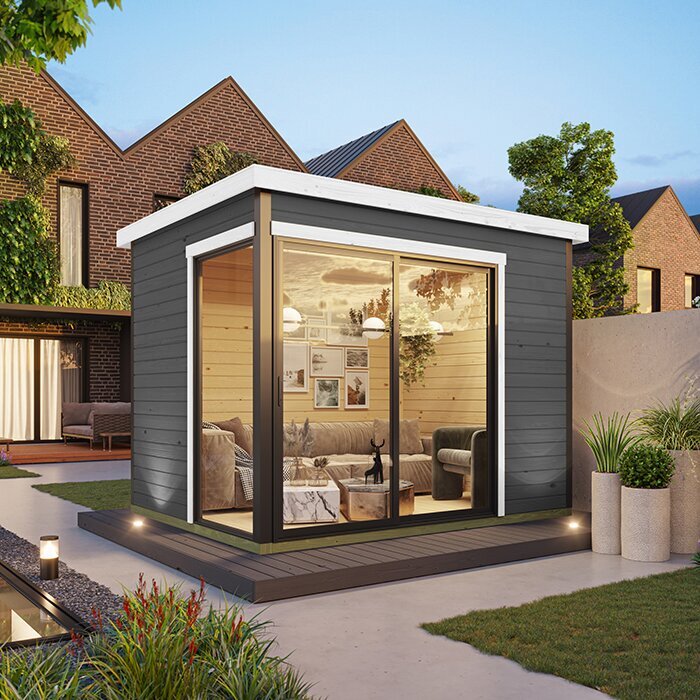
Light your face and frame the video call
For video calls, think about what the camera sees as well as what your eyes see. Put the camera close to eye level and use a preview or test call to check the frame from your usual seated position. A bright window directly behind your head can make the camera leave your face looking dark. Light from in front of you or slightly to one side may give a more even view, but the result depends on the time of day, the camera and the opening. Check the setup at the hours you expect to take calls rather than assuming one test will cover every condition.
Keep the background deliberate but ordinary: a calm wall, shelf or tidy work area is often easier to manage than a bright opening or the path through the door. Leave room to place the webcam and microphone without edging the desk into a doorway. If you shortlist the Orello 1 garden shed, verify the actual window and door locations, then judge the camera frame against the plan. A product image cannot show what your own webcam will capture from your chosen desk. It is worth checking that the background remains suitable when you turn to use the screen, not only when you sit still for a call.
Leave room for the working position
Comfort depends on more than the chair itself. Leave space to pull the chair out and stand without bumping into a wall, desk or door, and make sure your feet are not crowded by a pedestal or equipment. Check that the desk surface, monitor and keyboard fit in the usable area, and that you can reach a window covering and the entrance without stretching around the screen. Consider how the position feels during an ordinary work session, not just when the room is empty. A layout that looks neat on a plan can feel cramped once the chair is in use.
Think through your routine: do you regularly switch between a laptop and paper notes, need a second screen, or turn to speak to someone at the door? A laptop stand, external keyboard or desk lamp can change how much space you need, so include the equipment you genuinely expect to use. Avoid placing the chair where opening the door forces you to move the screen or interrupt a call. When reviewing Modano 1 garden shed, check the actual internal dimensions and openings against the chair-in-use footprint; do not use a model title or photo to estimate clearance.
Test the layout before you commit
Before committing to a desk orientation, mock up one or two likely positions in the garden shed or on the intended site. Mark the desk corners with tape or boxes of a similar size, then place the chair, screen and camera where they would be. Sit down, get up and use the usual route to the entrance. If the building has not yet been bought, sketch the same footprint on a confirmed floor plan and, where practical, mark it out at full size on the site. This tests clearances and sightlines, but it does not replace the model's verified dimensions.
Repeat the check at different times when you would work and record what changes: direct sun, reflected light, face brightness, background distractions and whether you can open the relevant door or window. A cloudy-day test cannot show every effect of full sun, and a brief look at one hour may miss later glare. Keep the measurements and a couple of photos of the view from your chair so you can compare layouts. For Timber garden shed M, use confirmed drawings or ask for them before translating a trial layout into a purchase decision.
Confirm glazing and light-control options
An opening affects daylight, privacy and glare, but more glass does not automatically mean a better desk position. Consider whether light will land on the screen or your face, whether the view could distract during calls, and whether you can reduce brightness when the sun shifts. A window covering may help, but check what can be fitted, what is included and how it can be adjusted without blocking access to the opening. Do not assume that a product photograph represents every configuration. If daylight changes a lot during the day, think about how you will adapt the workstation as well as the amount of glazing.
During product selection, read the details for the exact model variant and ask for a current drawing if the opening or glazing information is unclear. A glazed door, fixed pane and opening window are not interchangeable for planning a desk: their position affects the screen, the call background and how you use the room. Compare the light-control plan alongside the opening arrangement, not as an afterthought. With Wooden garden shed S, check the information for the exact version you are considering; the model label alone does not confirm which openings, coverings or other options are supplied.
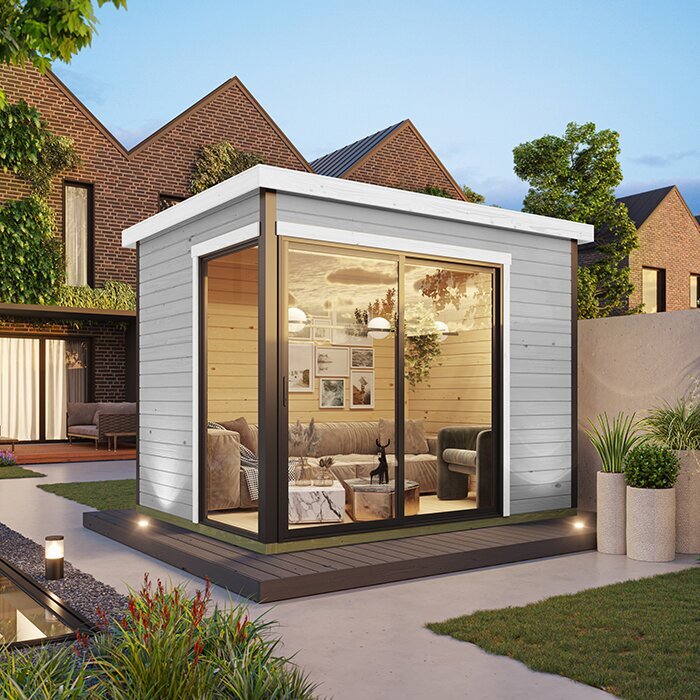
Plan power and internet at the desk
Once you have a preferred desk wall, mark where the computer, monitor, lamp and other equipment will sit, and consider how leads can be kept out of the chair's path. Check how reliably your internet connection reaches the proposed desk position before relying on it for video calls; signal strength inside the house does not tell you what it will be like in the garden shed. If you may need a wired network, identify that early so it can be considered alongside the room layout. A desk position that works for daylight may not be convenient if the connection or equipment has to sit elsewhere.
Think about the power-point location as part of the layout, not as a reason to trail leads across a doorway. If new outlets, wiring or other electrical work are needed, ask a qualified professional about options for the chosen building and site; do not improvise an installation. Keep charging and lighting equipment within reach without letting it crowd the work surface. Include these needs before ordering, while you can still compare positions. That may rule out a wall that seemed suitable for daylight but cannot support the working setup conveniently.
Check the exact model before ordering
Before placing an order, compare the work-ready layout with the exact model and variant in the product information. Confirm internal measurements, the positions of relevant doors and windows, and which elements are included or optional. Ask for a current drawing if details you need are missing or unclear. Check that the planned shed position and orientation on your site suit the daylight notes you made, and that the chosen desk wall remains usable with the documented openings. A brochure image or a similar model is not proof that another variant has the same arrangement.
Keep a short written brief for your decision: desk dimensions, chair clearance, preferred daylight direction, screen-reflection risk, call background and any power or internet needs. Ask the seller to clarify model-specific unknowns before ordering, and compare another shed against the same requirements. If the best desk position depends on a feature that is not confirmed, treat it as an unanswered question rather than something you can count on. This keeps the purchase focused on the way you intend to work, not just the appearance of the building.
Frequently asked questions
Should my desk face a window or sit beside it?
Try the desk beside the window first: side light can brighten the work area without putting the glass directly behind you or in front of the screen. It is not a guaranteed solution, so test the screen and webcam from your usual seated position at different times of day.
How can I reduce screen glare in a garden shed office?
Check whether the reflection comes from a window, bright patch or lamp, then adjust the desk or screen angle and test again. If the light changes through the day, consider an adjustable window covering, but check its fit and whether it is included before ordering.
Where should the window be for video calls?
A bright window directly behind you can make your face look dark on camera. Light from in front or slightly to one side is often easier to work with, but check the webcam preview in the actual room; the result depends on the window, time of day and camera.
Can I use a product photo to plan the desk position?
Use photos for a general impression, not for measurements or opening locations. Check the exact model's current product information or ask for a drawing that shows internal dimensions, windows and doors. Then compare those details with your desk, chair and intended camera view.
What should I check before ordering a garden shed for an office?
Confirm the exact model and variant, its internal measurements and the position of relevant openings. Check that your planned desk and chair fit, that the site orientation suits the daylight you observed, and that any required power, internet or window-covering arrangements can be planned.
A useful desk position is one that works through your normal day: daylight is manageable, the screen is readable, the webcam has a clear view and the chair can move without blocking access. Compare the intended setup with the garden shed's confirmed dimensions and opening layout, then test it at the site before ordering where possible. That small amount of planning makes it easier to choose a building that suits the work you actually do.
