
Creating an Outdoor Workstation Under a Pergola
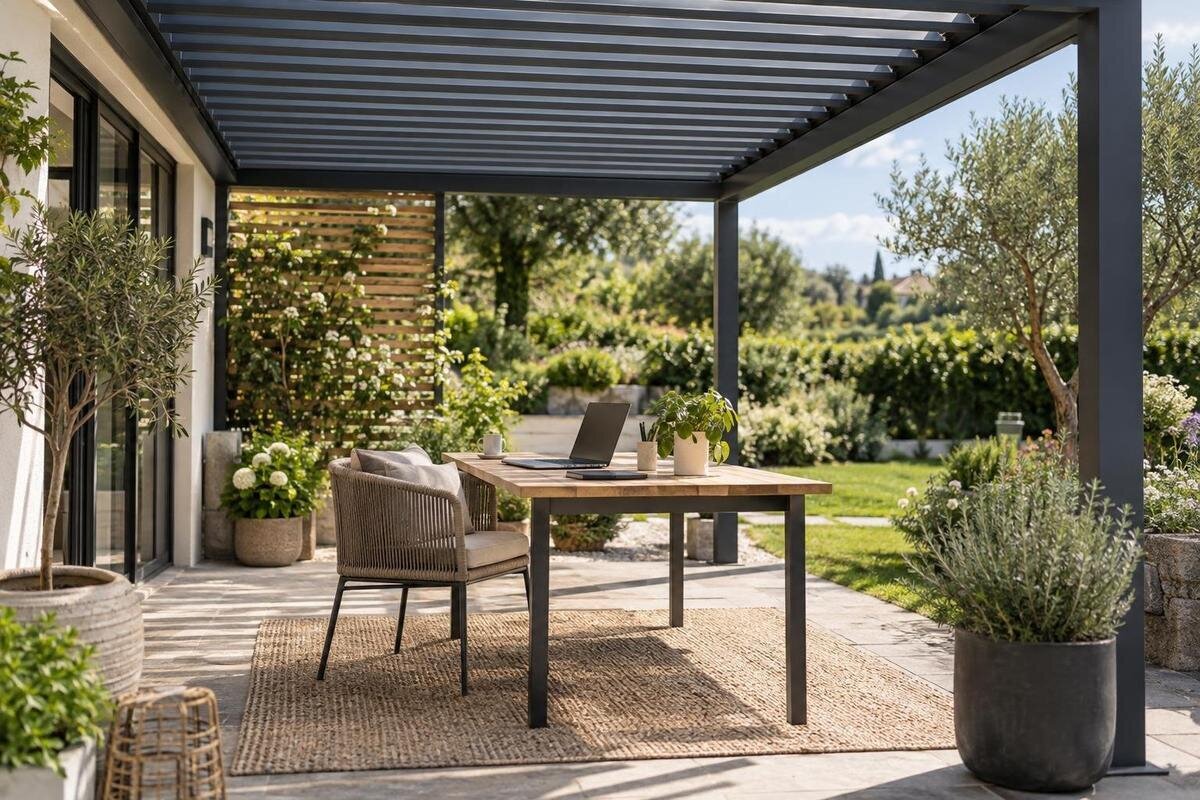
Outdoor workstation planning
An outdoor workstation under a pergola can offer a pleasant change of setting, but it is not automatically a second indoor office. Daylight moves across the work surface, wind-driven rain can reach equipment, and a comfortable seat may not solve screen glare, outlet access, or a dropped connection. A useful plan begins with the work you actually do: calls, documents, laptop or monitor, power, and how quickly you can pack up. From there, test sunlight and walking routes on the real patio, arrange an indoor fallback, and compare pergolas against your measured layout. This guide covers those decisions without treating outdoor shelter as a weatherproof room.
Before you choose 1
Decide which work belongs outdoors
First decide which work can tolerate a changing environment. Reading, drafting, planning, and short, low-stakes tasks may transfer easily if your tools and connection remain dependable. Work involving confidential material, uninterrupted video meetings, precise color review, large file transfers, or several displays may be harder to move outside. List the devices and time blocks you actually use instead of planning around a generic laptop setup; someone who checks email between household tasks needs a different arrangement from someone who presents on camera for hours. Note whether the work also requires quiet, steady lighting, or confidential handling.
Treat the pergola desk as an optional work zone until a realistic trial shows what it can support. Set up a temporary version at the intended spot during a normal work period and follow a representative task from start to finish. Record when sunlight makes the screen hard to read, whether the connection holds, how often household or street noise interrupts, and how much notice you need to bring everything indoors. Include the hours and season when you expect to use the space; one pleasant afternoon does not establish how it will work year-round. The test turns vague preferences into must-haves and acceptable interruptions before you measure or buy.
Track sunlight at the screen
Sunlight changes angle through the day and across seasons, so an overhead structure may shade the desk at one time and leave the display exposed later. Glare can come from a bright patch of sky or a reflection on the screen even when direct sun does not hit the panel. Note the sun’s direction during your planned work hours, then check where reflections appear on the actual monitor or laptop. A compass direction alone is not enough: nearby walls, trees, paving, and open sky affect the result. For color-sensitive decisions, remember that outdoor daylight can change as clouds move. The Bloomcabin Bioclimatic Aluminum Pergola listing is a model reference, not a guarantee of shade at your desk.
Place the screen at the proposed workstation and rotate the desk a quarter-turn at a time, watching for reflected sky and direct light. Test with the content you actually use: small text, a video call, or a dark screen can reveal problems that a bright document hides. Record the best angle and whether it depends on moving the chair, raising the display, or shifting the workstation; mark that footprint on the patio. Repeat the check in the morning, around midday, and later in the day when possible. If you use both a laptop display and an external monitor, test each one, since they may reflect light differently.
Before you choose 2
Separate shade from glare control
Overhead shade and screen-glare control are related, but they are not the same job. Openings and structural members can create moving bands of light; lower-angle sun can arrive from the side, and a bright surface outside the shaded area can reflect into the display. Look at both the work surface and the screen from the seated position, then repeat the observation as the sun moves. A chair that sits in shade does not prove the screen is readable. Also check whether a proposed screen or shade would obstruct a door, route, or access to the work area.
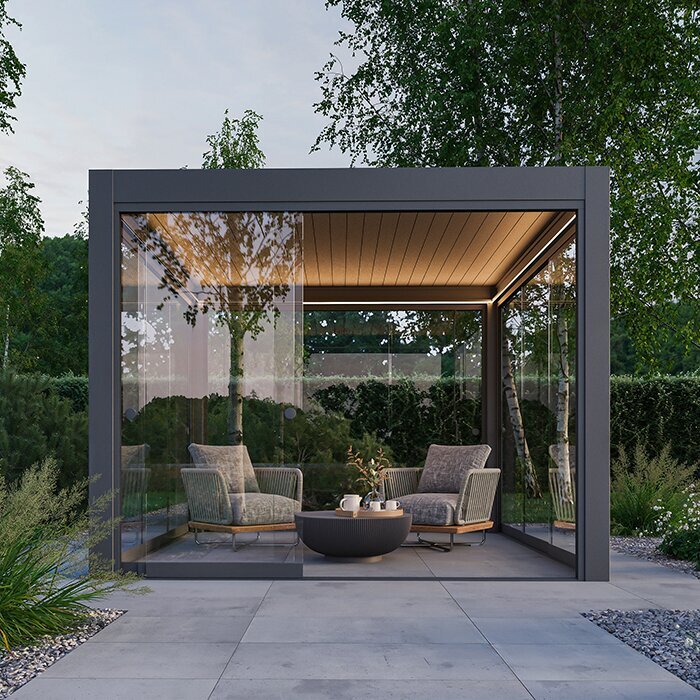
If side shade is essential, treat panels, curtains, or screens as separate components to verify rather than attaching something wherever it seems convenient. The Bioclimatic Aluminum Pergola model page identifies a product but does not confirm that a particular accessory is compatible with your chosen configuration. Ask the manufacturer or a qualified installer whether an accessory is supported and how it should be placed. For freestanding shade, follow its own setup instructions and bring it in when conditions exceed those instructions. Keep the desk adjustable until the test shows a reliable position, and consider how any added screen affects storage and circulation.
Measure the full workstation footprint
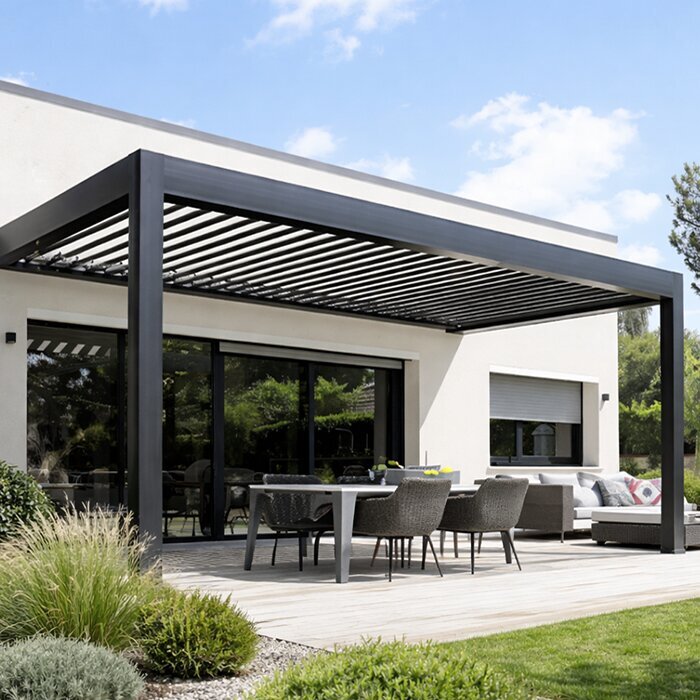
Measure the complete working position, not just the tabletop. Include the desk’s full depth, chair arms and legs, space needed to push back or stand, monitor stands, a footrest, a bag, and any small drawer unit. Mark fixed obstacles such as supports, steps, planters, doors, and thresholds. Trace the route from the house to the chair and keep the cable path out of it. The Bloomcabin Bioclimatic Aluminum Pergola size options span a listed 97–258 sq ft, but a listed area is not a clear furniture rectangle. Ask for the exact dimensions and support locations of the configuration you are considering.
Make a scaled sketch from measured furniture, or tape the desk, chair position, and walking route on the patio before comparing models. Concept only, not a measured plan: place a desk near one edge, leave room behind the chair, and keep a route to the house clear; add a mobile cart only if the measured layout still works. Test the chair fully pulled out, the route while carrying a laptop, and any door that swings toward the workspace. If another activity must share the pergola, draw that footprint too and check that both uses can happen without blocking each other. No generic clearance number replaces those actual movements.
Before you choose 3
Plan for weather interruptions
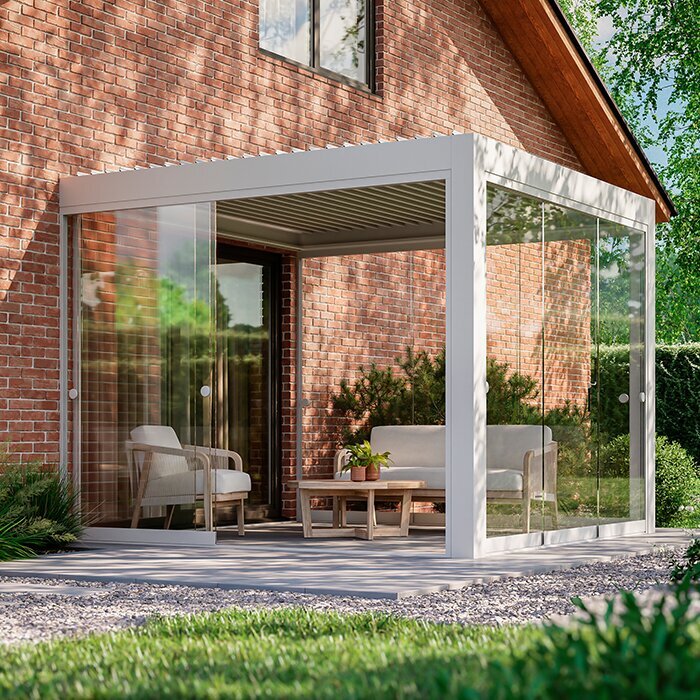
Plan for weather as an interruption, not as a condition the pergola will always exclude. Rain can arrive from the side, wind can move dust or light items, and dampness, pollen, or abrupt changes in conditions can make a setup unpleasant or unsuitable for electronics. The exact exposure depends on the site and selected configuration, so do not read a model name as a promise of a dry office. Use the Bloomcabin Lean-To Pergola listing as a model reference, then verify the product documentation for overhead coverage and rainwater drainage. Observe where water collects on the patio and whether nearby roof edges could expose the work area to runoff or splashing.
Decide in advance what makes you stop work: a weather alert, moisture reaching the work area, wind affecting papers or screens, or a forecast that conflicts with a scheduled call. Save work regularly and keep a bag or case ready so portable electronics, documents, and peripherals can go indoors promptly. Check each device’s own use and storage guidance rather than leaving it out because the desk is under cover. Keep a dependable indoor place available for deadlines and meetings that cannot pause. Set your own go/no-go rule around your tasks and equipment instructions rather than relying on a universal weather threshold.
Check power and connectivity at the desk
List everything that needs charging—laptop, phone, display, task light, or other work equipment—and note which devices you need to use at the same time. Decide where the power source should be before fixing the desk location. Keep electrical leads out of walking paths and away from places where rain or routine watering could reach them; do not improvise a route through a doorway or use equipment contrary to its instructions. For a permanent outdoor supply or an uncertain setup, ask a qualified electrician to assess it. If considering the Lean-To Pergola model page, remember that a wall-mounted model name does not establish that an outlet is nearby or that a wall provides an appropriate cable route.
Test internet service at the actual seat and at the hours you expect to work, especially if you rely on video meetings, cloud documents, or large uploads. A strong signal indoors does not guarantee the same connection outside, so test with the devices and applications you use. If performance is inconsistent, try another desk position before committing and check whether an appropriate network solution is practical. Confirm mobile data reception and any employer security requirements too, so a backup connection is genuinely available rather than assumed. Do not place network equipment outdoors unless its manufacturer specifies that use.
Before you choose 4
Fit the furniture to your daily tasks
Fit the furniture to the way you work rather than choosing a surface by appearance. Bring the chair you plan to use, since a substitute may have different arms, depth, or movement. Sit at the intended desk with your laptop, keyboard, mouse, and any monitor; check whether you can type, read, and adjust the screen without twisting around a support or stretching for a control. If you alternate between sitting and standing, measure the full setup in both positions. Consider how the chair’s legs or wheels behave on the actual patio surface and whether the table stays stable there. The goal is a workable trial, not a universal furniture dimension.
Count every display and its stand, then verify that the desk still leaves room for a keyboard, pointing device, and notes. Changing screen height may help with reflections, but it can also change the usable desk area, so test adjustments outdoors before fixing the arrangement. The Bloomcabin Pergola listing is one model page to compare; its name or total area cannot establish how a particular desk and chair will fit. Request dimensions for the exact configuration and compare them with your measured drawing, including support positions and the chair’s path. Check that frequently used controls and accessories remain easy to reach.
Give equipment a secure pack-away place
Decide which items will travel indoors after each session and which can remain outside only if their manufacturer says the conditions are suitable. Laptops, tablets, paper files, chargers, and removable peripherals are easier to protect when they have a clear pack-away place inside. A weather-resistant storage box is not automatically suitable for electronics: check its stated conditions, internal dimensions, security, and how easily equipment can be removed. Keep the route to storage clear and make it possible to close down without unthreading a tangle of cables. Follow each item’s instructions, since different devices and materials may have different storage requirements.
If you want a cabinet, cart, or lockable box in the work zone, measure it with its doors or drawers open and the desk in use. When comparing the Bloomcabin Pergola product page with your layout, include the storage unit’s operating space rather than just its closed footprint. Place frequently used supplies where you can reach them without moving the chair into a walking route. At shutdown, lock the computer, take confidential papers inside, clear cups and loose stationery, and return charging leads to one place. Organize the carrying case so the laptop, charger, and small peripherals have designated compartments; that makes forgotten items easier to spot and reduces setup time the following day.
Before you choose 5
Account for calls, noise, and privacy
Open-air noise is less predictable than a room’s, and a yard that seems quiet during a quick visit can sound different during lawn care, household activity, or a busy time on the street. Test a headset microphone from the exact seat on a representative call; listen for wind noise, traffic, pets, and nearby conversations. Check that your audio setup still works while you type and that you can hear other participants over ordinary outdoor sounds. Ask the other person how clearly your voice comes through, rather than judging only what you hear. Note recurring noisy periods so you can schedule outdoor reading or drafting then and choose a quieter location for calls.
Plan the screen and camera view with the same care as the seat. Turn the display away from passersby or shared sightlines where practical, and test the camera at your usual work time so backlighting does not make your face difficult to see. A privacy screen or headset may help with some distractions, but neither makes a public-facing position confidential. Keep sensitive conversations and documents indoors when the setting cannot protect them, and use your normal device lock whenever you step away. Review the camera frame for neighboring windows, household activity, or papers on the table that you do not intend to share. Consider whether others need to cross that view during a meeting.
Compare pergola configurations against the plan
Compare pergolas against the finished, measured workstation rather than starting from a category name. Use the Bloomcabin Lean-To Pergola page to identify a configuration for discussion, then ask for an itemized description of what it includes. Separate the pergola itself from any proposed side shade, furniture, storage, electrical work, or network equipment so the scope of the purchase is clear. Confirm which accessories are supported and whether they would affect your tested desk position or walking route. If two configurations both fit, compare how each accommodates the working layout without assuming that a larger area will solve glare, privacy, or power access.
Bring a product representative or qualified installer a simple drawing with the desk, chair travel, walking route, cable plan, storage, and intended work hours marked. Include notes from sun and connection tests, and identify which tasks must move indoors when weather or noise changes. Ask for the exact dimensions and documentation that apply to the selected model, along with professional input on site attachment, power, or structural questions. This measured information is more useful than a hypothetical office layout or a total-area number alone. A suitable configuration should leave the work zone usable while acknowledging what will still interrupt an outdoor day.
Frequently asked questions
Will a pergola keep sunlight off my screen?
Not at every hour or angle. Sunlight shifts, and reflections can come from bright sky or nearby surfaces even when the desk is shaded. Test your screen at the intended work times and exact desk position.
Can I leave my laptop outdoors between work sessions?
Only if the device manufacturer’s instructions allow the conditions where you plan to keep it. A pergola is not a storage enclosure; bringing electronics and sensitive papers indoors is the safer default.
How much space should I allow for a pergola workstation?
Measure the desk, chair in use, equipment, storage, and walking route together. Then compare that footprint with the exact pergola configuration and support positions. A total area figure alone does not show how furniture will fit.
What should I check before adding power?
List the devices you will use, identify a practical power source and cable route, and keep leads away from walking paths and moisture. Ask a qualified electrician to assess any permanent outdoor supply or uncertain arrangement.
Can an outdoor workstation replace my home office?
It may suit some tasks, but weather, noise, glare, privacy, or connectivity can interrupt work. Keep an indoor option for deadlines, confidential tasks, and meetings that cannot pause.
An outdoor desk works best when it has a defined job and an easy exit plan. Let observed sunlight—not a product image—guide screen placement; size the space around the chair, routes, and equipment; and treat power, connection, and weather as separate checks. If a typical workday requires uninterrupted calls, protected records, or equipment left set up, keep the pergola as a supplementary spot and do that work indoors. That distinction makes the setup useful without expecting it to behave like a room.
