
What Happens to a Motorized Pergola in a Power Outage?
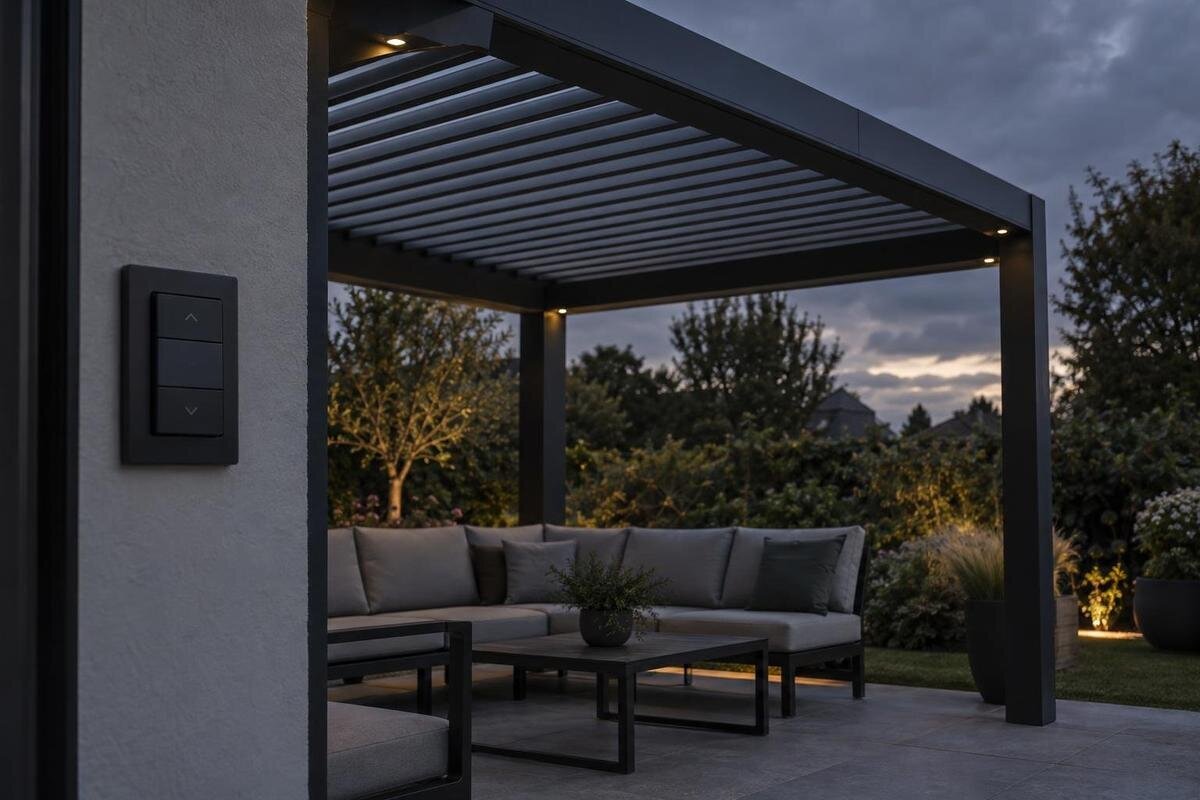
Pergola controls
A motorized pergola can react to a blackout in more than one way. If the outage cuts power to its drive, ordinary commands may stop working, but the roof’s position, any manual override, and its response when power returns depend on the exact motor and control package. A motorized label does not promise a battery, automatic closing, or hand operation. This guide explains what to verify in the model-specific instructions before you rely on a particular outcome.
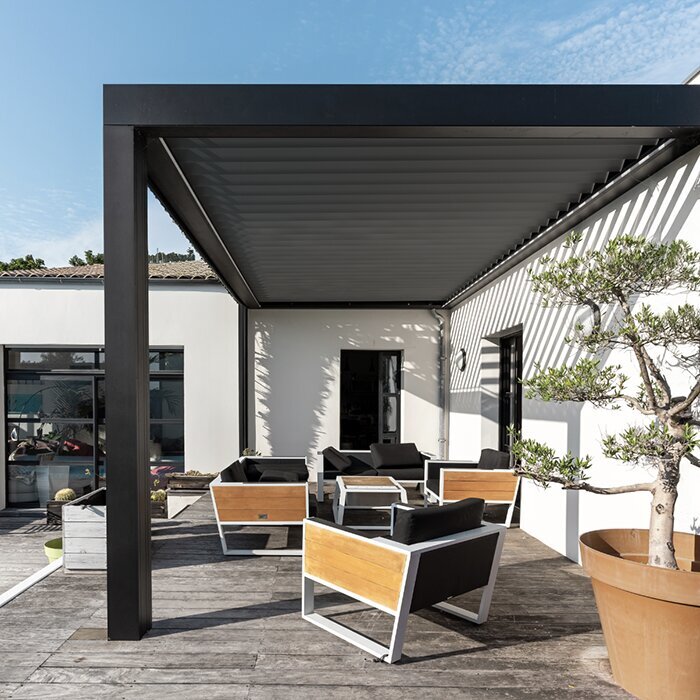
What a power outage can interrupt
With a motorized pergola, if an outage removes power from the drive and there is no compatible backup, ordinary powered movement is unavailable. A wall switch, remote, or app cannot move the roof unless the system still has a suitable power source. That does not reveal whether the roof stops where it is, completes its travel using stored energy, moves to a preset position, or can be operated another way. The motor, controller, holding mechanism, control logic, and backup supply all matter. If the roof was moving when power failed, the last command does not prove it reached the intended position.
Separate three moments when checking the system: what happens as power is lost, whether the roof can move during the outage, and what happens after power returns. A blackout is different from a failed remote or loss of Wi-Fi; one may interrupt the drive’s supply while another affects only a control path. A silent button does not identify which problem occurred, and an app may not show the roof’s current position. For example, an unavailable app does not establish that the motor has lost power, just as an illuminated remote does not establish that the motor has power. These distinctions help you describe the problem accurately without attempting a repair. Use the exact model documentation and ask the installer to explain which controls depend on household electricity, batteries, or a network connection. Knowing those dependencies is more useful than treating every unresponsive control as the same kind of failure.
There is no universal outage position
Pergola roofs do not share a single fail position. Depending on the model and its controls, the instructions might describe stopping at the current point, moving with a documented reserve supply, or following a separate emergency procedure. These are possibilities to verify, not outcomes to expect from a generic motorized label. Behavior may also differ when power is lost mid-travel versus when the roof is parked. A description of normal opening and closing explains the powered routine; it does not say what the drive does when its usual supply disappears or whether the roof holds its position.
Ask for the response to a full outage, a brief interruption, and a loss mid-cycle. Clarify how the manual defines “open” and “closed”; on a roof with adjustable or retracting parts, those words need to match the actual position being discussed. Ask whether the drive is designed to hold without power and which position, if any, the manufacturer recommends before specified weather. The Bloomcabin Bioclimatic Aluminum Pergola listing helps identify the model name under consideration, but its name alone does not establish a motor, default position, or backup. Match the answer to the exact product and options.
A manual override is a model-specific feature
Manual override is not an automatic part of a motorized pergola. A system might have a documented hand-operation method, permit manual movement only through a service procedure, or provide no owner-operated fallback. A remote with fresh batteries or a working wall control is not necessarily an alternate drive: if the actuator has no power, a command source alone may accomplish nothing. Ask whether manual operation is explicitly supported for the exact roof and motor, and whether it is available to the owner during an outage or only to a service professional.
Before relying on a fallback, find out what equipment or tool is supplied, where the official instructions are, what access is permitted, and what conditions rule out manual movement. Ask whether the method applies when the roof is partway open and whether the manual restricts it in particular weather or positions. Also clarify how normal powered operation is restored afterward: an approved manual procedure should explain any required follow-up, rather than leave the owner guessing whether the drive is ready. Accessibility matters, too. Ask the installer to show you where an owner-operated control would be reached and whether your planned furniture or screens would obstruct access. Do not pull slats or fabric, force a crank, remove covers, disconnect components, or climb onto the frame to find a release. For a quote labeled Bloomcabin Lean-To Pergola, confirm the availability and accessibility of any owner-approved fallback for the exact configuration.
Power restoration may not restart the last command
Power returning is a separate event; it does not guarantee that the roof will resume its last command. Depending on the system, the controller may wait for a fresh input, require an authorized initialization step, or respond to a stored schedule or automation after supply is restored. No one sequence applies to every model. If movement was interrupted, the position shown by a control and the roof’s actual position may not match what someone remembers pressing. Until the instructions explain restart behavior, avoid repeated commands from a wall switch, remote, and app as if they were independent tests.
Ask whether the controller retains its settings and travel state, whether a scheduled action can run immediately after power returns, and what an occupant should do if an indicator behaves unexpectedly. Confirm whether any reset or limit-setting sequence is owner-authorized; do not copy one from a similar-looking model or an online video. If you are checking the Bloomcabin Pergola product page, use the product name to request matching control documentation. Keep people and objects clear until you know whether the system can move on restoration.
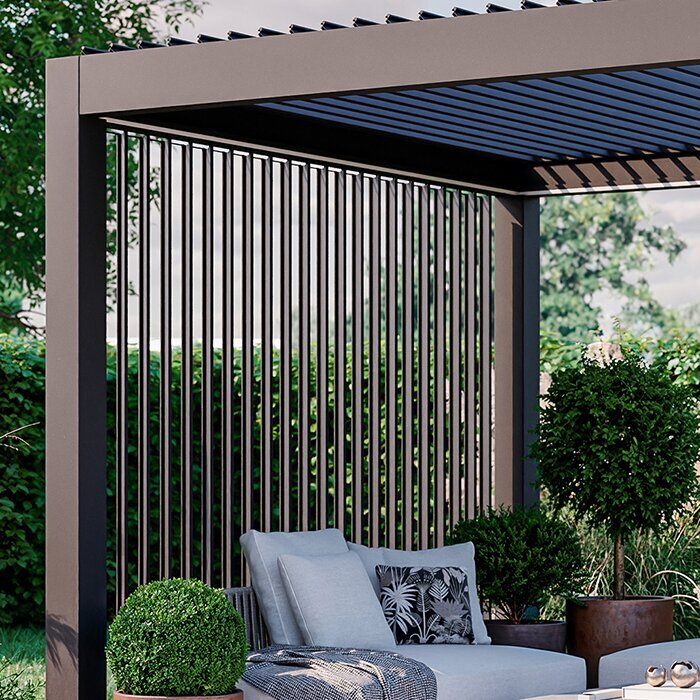
Sensors and automation also depend on the system
Rain and wind sensors, timers, app control, and smart-home connections are separate functions; the word motorized does not show which, if any, are included. A sensor’s ability to detect weather is not the same as the controller’s ability to move the roof. If the sensor, controller, network equipment, and actuator have different power sources, an outage may affect them differently. Even a sensor that remains active cannot carry out its instruction if the controller or motor cannot respond. A useful feature description should explain those dependencies rather than simply name a sensor.
Ask which components receive backup power, whether automatic weather actions are available during a supply interruption, and what happens to a scheduled command once power returns. Confirm whether an app needs the home network or internet and whether local controls remain available without those connections. The Bloomcabin Lean-To Pergola product page identifies a product name, but does not confirm that a motor, sensor, app, or automation is included. Get the answer for the exact configuration in the quote, including any separately selected control components.
Check what a backup power claim actually covers
A backup battery or generator-ready statement should say exactly what it powers: the motor, controller, sensor, or only a control receiver. Keeping a display or remote alive is not the same as having suitable power to move the roof. Ask which operations are supported, how backup status is shown, what happens when stored power is depleted, and whether a battery needs maintenance or replacement. Distinguish a system intended to make one prescribed emergency movement from one intended to support continued operation; do not assume those capabilities are interchangeable. If a seller cites a number of movements or a runtime, ask for the model-specific conditions behind that figure, including the battery condition and the operations counted. Find out whether backup readiness can be checked through a documented owner procedure. A backup feature is easier to evaluate when its limits and upkeep are clear before an outage.
Do not assume a portable power station, consumer UPS, or generator can be connected safely or will operate the pergola. The motor and controls must be compatible with the backup equipment and the manufacturer’s approved setup. Have the manufacturer or a qualified installer confirm the supported equipment, connection, transfer behavior, and any operating restrictions; do not open electrical enclosures or improvise a connection. The Bloomcabin bioclimatic pergola product entry identifies a listed model, not motorization or backup-power compatibility. Keep written confirmation with the matching manual.
Consider the roof position and the weather
An outage can leave a roof in a position that matters to the weather plan. A fully open, partly open, or closed roof may have different exposure, but no position is universally safest for every design and forecast. Confirm the model’s documented weather limits and any prescribed storm position before relying on a motor to prepare the roof. If power is already out, a recommendation to “close it” is useful only if the manufacturer describes a safe, available way to do so under those conditions. Do not assume the roof can or should be moved.
During an outage, keep people and loose belongings away from moving parts, and do not climb on the frame or force louvers, panels, or fabric. If you see damage, unexpected movement, or a component that appears unstable, keep people clear and contact the installer or service provider rather than reaching into the mechanism. For the Bloomcabin Pergola listing, as with any product name, check weather limits and safe outage guidance in the documentation for the exact installed system. A roof’s last position is not, by itself, proof that it is suitable for the conditions.
Questions to resolve before you buy
Ask for direct answers for the exact configuration: Is the roof motorized, and what happens if power fails while it is parked or moving? Is a manual method provided, who may use it, and under what conditions? Is backup power available, and which components does it operate? What happens to sensors, schedules, and app control during the outage and after restoration? Ask for the source of each answer—the model manual or written confirmation—rather than accepting a broad assurance such as “it has an emergency mode.” That phrase could describe a service procedure rather than an owner control.
Request the model, motor, and controller identifiers and the manuals that match the items on your quote. Features may depend on configuration or separately selected components, so ask the seller to identify what is included in writing. When comparing quotes, record whether each outage-related feature is included, optional, unavailable, or still unconfirmed. That prevents an optional battery or a service-only release from being mistaken for a standard owner-operated feature. The Lean-To Pergola product entry can help you match the Bloomcabin product name, but cannot establish the contents of an individual quote. Ask who handles questions about the controls after installation and whether the operating instructions will be provided at handover. Compare the complete documented configuration, including fallback access and support, rather than assuming that a particular appearance or roof style offers better outage operation.
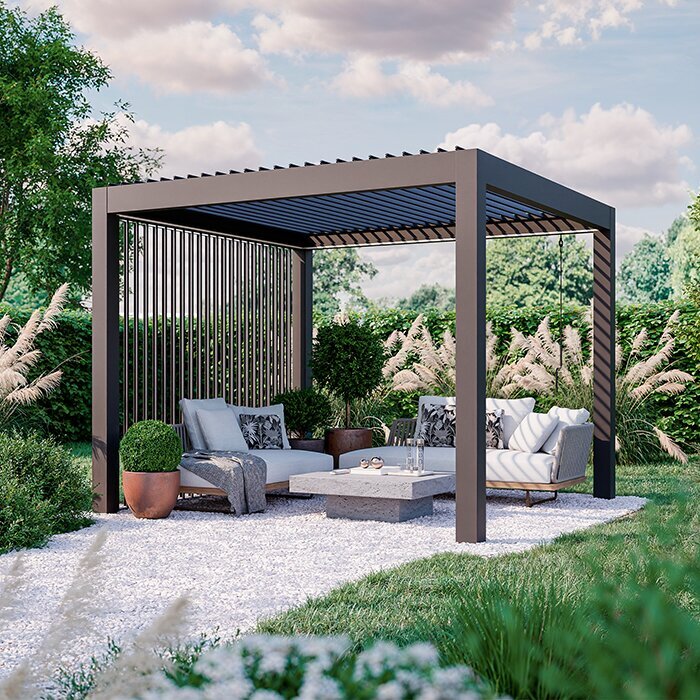
Use the manual for the installed controls
Read the instructions for the exact pergola and control package, not simply a guide for a similar frame. Search the index or manual for “power failure,” “power outage,” “manual operation,” “emergency operation,” “backup battery,” and “power restored,” then read the surrounding warnings and limitations. Check the publication or revision against your model paperwork; a motor and controller may have separate documentation. Save a local copy of the relevant instructions and the installer’s contact information so they remain available if the home’s internet connection is also down.
If the manual does not answer the question, ask the seller, manufacturer, or installing professional in writing and include the model and control identifiers from your paperwork. For an actual outage, provide a concise account: whether the roof was moving, its visible position afterward, which control was being used, and whether the problem continued after electricity returned. Report only what you observed; distinguish an app’s displayed position from the roof’s visible position. A photo taken from a safe location may help explain the situation without touching the mechanism. You can also note whether a status indicator responded or the issue coincided with a network outage, but do not repeat commands as a diagnostic experiment. The regular Bloomcabin Pergola model page can help identify the product when requesting support. Keep the reply with the installed system’s manuals so the explanation is available for future reference.
Make outage behavior part of the purchase decision
If operating the roof without grid power is important, make it a buying requirement rather than a hoped-for benefit. Compare only documented options: an owner-approved manual method, compatible backup power, or a clear service plan. A service plan provides access to help; it is not equivalent to immediate roof operation during an outage. Ask who maintains any backup equipment and how you will know it is unavailable. Consider when outages would matter most to you: while someone is home, while the property is unattended, or during weather that limits access to the patio. An owner-operated fallback cannot address an unattended situation unless someone can reach and use it safely. If outage operation is not essential, assess whether being unable to change the roof position is acceptable within the model’s documented weather limits. This makes the comparison about your actual need for control, not simply the number of listed features.
Agree on a simple household response before an outage: where the instructions are, whom to call, which actions are expressly allowed, and whether everyone should stay clear of the roof. Do not invent a workaround if the manual is silent. Recheck the plan if a motor, controller, backup source, or home-automation setup changes, because the installed system—not the pergola’s general label—determines its response. A useful buying answer is specific enough that another household member could follow it without guessing.
Frequently asked questions
Will a motorized pergola close automatically when the power goes out?
Not necessarily. Automatic movement requires a documented backup supply or another system designed to operate during an outage. A motorized label does not promise a battery, automatic closing, or a weather-sensor response. Check the exact manual for what happens if power fails while the roof is parked and while it is moving.
Can I operate a pergola manually during a blackout?
Only if manual operation is supported for that exact model and configuration. Some systems may have an owner-approved method, while others may require service or may not provide a manual fallback. Follow the model-specific instructions; do not force the roof, remove covers, or use an improvised tool.
What happens if power fails while the roof is moving?
There is no universal answer. The roof might stop, respond to a documented reserve supply, or behave in another model-specific way. Do not assume that it will finish its travel or remain securely in place. Ask the manufacturer what the manual says about an interruption mid-cycle and what to do afterward.
Will rain sensors, an app, or smart-home controls still work during an outage?
It depends on which components have power and how they communicate. A sensor might still detect weather, for example, while the controller or motor cannot act on its signal. Ask which controls remain available, whether local operation differs from app access, and what happens to scheduled actions when power returns.
Can I connect a portable battery or generator to move the roof?
Do not assume a portable power source is compatible. The manufacturer or a qualified installer should confirm the approved equipment, connection, and operating limits for the exact motor and controller. Avoid opening electrical enclosures or improvising a connection; a power source that runs a display or remote may not run the drive.
The outage response belongs to the exact roof, motor, controls, and backup setup—not to the word motorized. Confirm what happens when power fails and returns, whether an owner-approved fallback exists, and what weather limits apply. If the manual does not answer those questions, ask the manufacturer or a qualified installer rather than testing the mechanism by guesswork.
