
Garden shed office desk placement for daylight, glare and video calls
Garden houses
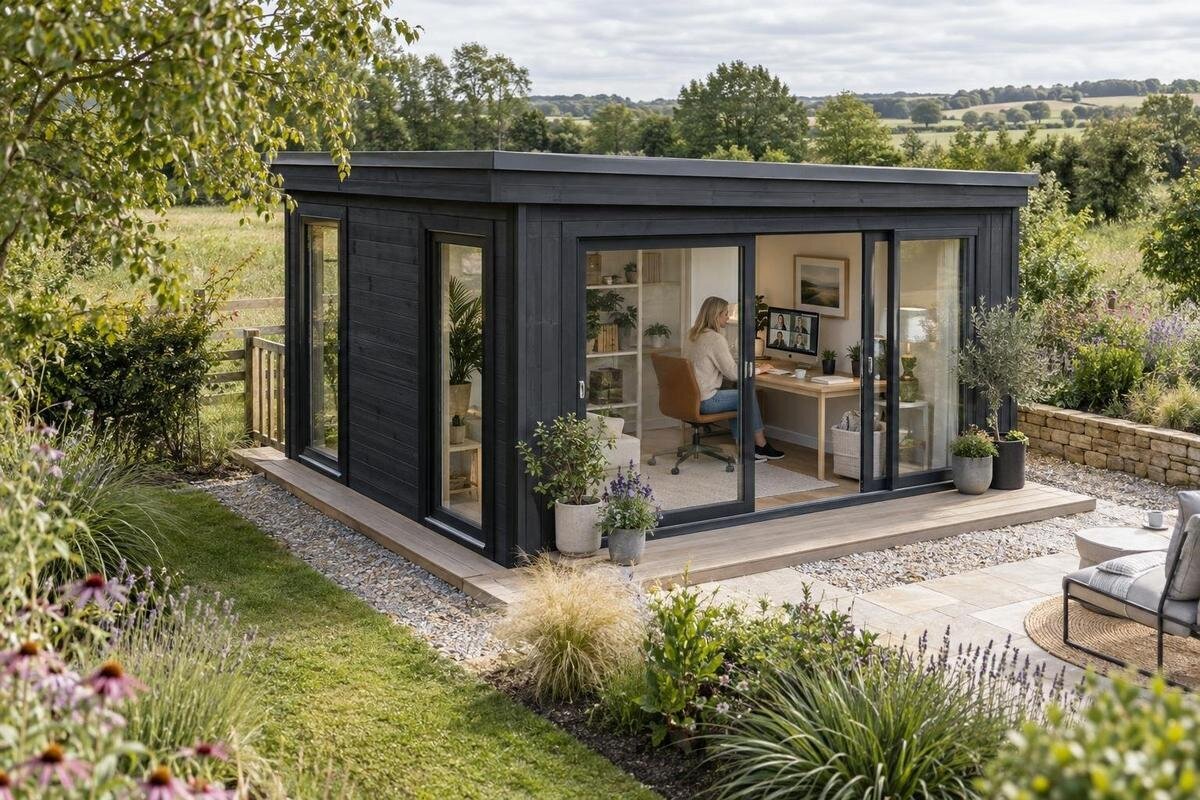
A garden house can look like an obvious place to work until a bright window reflects across the monitor or a sunlit opening leaves you in shadow on a video call. Desk position depends on more than the room outline: the direction and height of openings, the site’s changing sun and the hours you work all matter. Plan the desk and camera alongside the building choice so the finished setup uses daylight without making screen glare or call lighting harder to control.
Draw the desk into the building plan
Draw the desk, main screen, chair and webcam into a simple floor plan before comparing garden houses. Include the full desktop depth, the space needed to pull the chair back and a clear route to the doorway; a rectangle for the desk alone can make a layout look roomier than it is. Mark every window and door in its documented position, then see whether the screen can sit with a window to one side instead of directly in front of or behind you. Treat the Verdana 1 garden house as a listing to assess against that sketch, not as proof that a particular workstation will fit. Draw the wall and background visible from the webcam too, so the call view is part of the plan.
Try at least two desk orientations on the same plan. A position along one wall may give you side light, while a turn towards another wall could put a bright opening in the screen’s reflection or the call background. Compare each option with the doorway and any fixed features, and keep your preferred position provisional until you have checked the clear internal dimensions and opening layout for the version you are considering. If the arrangement depends on a blind, a different desk wall or another listed configuration, confirm that those choices are practical before ordering rather than trying to correct a poor fit later.
Observe daylight at the proposed site
Visit the proposed site at the hours you expect to work, not only when it is convenient to stop by. Note when direct sun reaches the intended wall, how shadows from trees, fences and neighbouring buildings move, and whether a pale path or wall reflects light towards an opening. A single midday visit can miss strong morning or late-afternoon light. If the garden house is not yet in place, mark its intended footprint and opening wall from a current plan; a display image is not a reliable guide to which way it will face. Record the time and conditions with each observation so you can compare them later.
Orientation is only part of the picture: nearby obstructions, surrounding surfaces and the direction of an opening all affect the light at your desk. Repeat observations at different times where possible, and consider whether tree cover may change with the seasons. A sun-path app can help you choose when to revisit, but it cannot reproduce reflections or every feature of your site. Use your notes when reviewing the Verdana 2 garden house; look for current drawings showing the openings for the selected version, or ask the seller to clarify them. This keeps a promising photograph from standing in for the daylight you will actually have.
Set the screen to reduce glare
Screen glare can mean a reflection of a window or lamp on the display, or bright light falling on the screen or into your eyes. A useful first arrangement is to put the main screen at right angles to the strongest window, so daylight arrives from the side rather than straight behind the monitor or directly in front of you. That can reduce a direct view of the window and make contrast easier to manage, but it is a starting point, not a universal rule: the best angle depends on the actual opening, screen and time of day. If you have two monitors, check both rather than optimising only the primary display. Glossy surfaces and bright walls can also reflect light towards the screen.
Sit in your usual position and look at the screen while the room is bright; shift or angle the monitor until window shapes and bright patches no longer dominate the display. Then test again with a blind or curtain partly drawn, rather than assuming the only solution is to block daylight completely. Changing screen brightness will not remove a reflected window, so deal with its source or angle first. Check the view again after switching on a desk lamp or room light, as a reflection can appear once outdoor light fades. Make one adjustment at a time so you can tell what has helped.
Check the webcam view, not just the room
Video calls create a different lighting test from screen glare. When a bright window sits behind you, the camera may show a very bright background while your face looks comparatively dark. Facing strong direct sun can also make the light on your face uneven. Aim for a composition with a reasonably balanced background and daylight reaching you from the front or slightly to the side, rather than from directly behind. The result depends on the camera and the light outside, so judge it in the call preview instead of assuming the room looks the same to a webcam as it does in person.
Set the webcam near the screen and frame yourself from the chair you will use; a small change to the desk angle may move a bright opening out of shot without losing all side light. Test at your normal call times, including on an overcast day if you make calls then. If your face still looks dim, a diffuse lamp near the camera can add light, but position it so it does not shine into the screen or create a sharp reflection. A blind or curtain can soften the light from a window beside or behind the camera when outdoor conditions change.
Match window positions to the desk layout
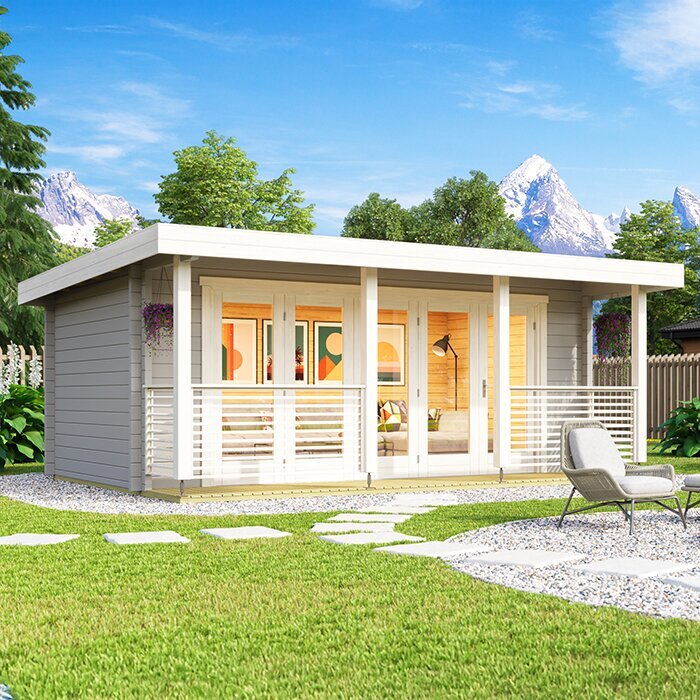
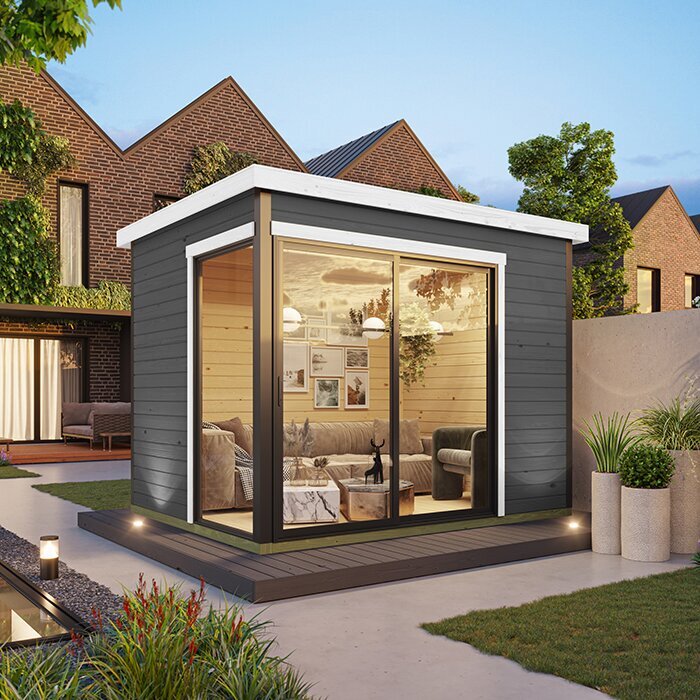
Do not treat a product label such as bright or glazed, or a photograph, as a substitute for opening details. For desk placement, check the location, height and size of each window or glazed door against the screen, your seated eye line and the wall you plan to use. A plan can show whether an opening sits beside, behind or opposite the proposed desk. For the Durano garden house, look for current drawings or ask the seller to confirm the opening arrangement for the version you are considering; do not estimate measurements or orientation from an image. Check whether the dimensions shown are internal or external, since that affects the uninterrupted wall space available.
Before ordering, confirm whether opening positions are fixed for the version you are considering and whether any options you need are actually offered. Do not assume a window can be moved simply because another arrangement would suit your desk better. Check whether the type of covering you plan to use can be fitted and whether it will leave the window accessible. Include privacy and the webcam background in the same decision: an opening that brings in useful daylight may also frame a bright view or create a reflection line. Confirm unclear details against the seller’s product information before relying on them in your furniture plan.
Measure furniture and working clearances
Use your own furniture measurements, not an assumed standard desk size, to test the garden house’s clear floor area. Write down the width and depth of the desk, monitor stand or arms, keyboard, paperwork and equipment that needs to stay within reach. Add the chair’s actual footprint and room to move it; the route behind a seated person and through the doorway must remain usable. Compare the drawing for the Veltor 1 listing with your measurements only after you know which dimensions are internal and which describe the outside. If that distinction is unclear, request the relevant measurement before you order.
Check the seated sightline as well as the footprint. The monitor needs to sit at a workable distance from your chair, the webcam needs a clear view, and the doorway should not force the chair into an awkward position whenever someone enters. Mark the chair in both its tucked-in and in-use positions, and open any drawers or other furniture parts that affect access. If you switch between video calls, screen work and paperwork, test each arrangement. A plan that fits the furniture when nobody is sitting in the room is not yet a practical working layout.
Allow for seasonal changes in daylight
Daylight shifts through the year as the sun’s path and surrounding shade change. A desk that avoids direct sun in one month may receive a patch of it at another time, and deciduous trees can open or close a view seasonally. Check likely work hours at different times of year where possible, or use a sun-path estimate as a prompt to observe the site rather than as a guarantee. When reviewing the Orello 1 listing, consider the documented opening position alongside the proposed site orientation; a model name or product photo cannot tell you when sunlight will reach the screen.
Choose a way to control light that suits the confirmed opening, such as a blind or curtain you can adjust during a call. If you are considering external shading, confirm that it is compatible with the product and site instead of assuming it can be added in any position. Think about how much daylight you want at the desk and whether the control will still leave the view and window access useful. A flexible option can help you respond to changing conditions without keeping the room dark all day. It is easier to settle these details before ordering than after the desk is in place.
Plan room lighting around the screen
Natural light will not be the only light source for every workday. Decide how you will light the desk on overcast afternoons and after dark, especially if you read paper notes as well as use a screen. Even room lighting can reduce the stark contrast between a bright display and a dark space, while a movable desk lamp can light paperwork from a direction that does not bounce into the monitor. Check the arrangement from your chair: a lamp that seems harmless when you are standing may sit directly in the screen’s reflection. Avoid making the brightest point in the room sit immediately behind the display or webcam.
Plan where a portable lamp and its lead could sit without crossing the walking route, and whether the selected layout has a suitable place for any fixed lighting or power work you want. A product image rarely answers those questions; use the current information for the Modano 1 listing as a document to compare, and confirm details that affect your proposed desk. If your plan involves fixed electrical work, discuss it with a qualified electrician rather than treating a furniture sketch as an installation plan. This check can also help you decide whether a movable lamp is enough for your actual work hours.
Test the layout at full scale before ordering
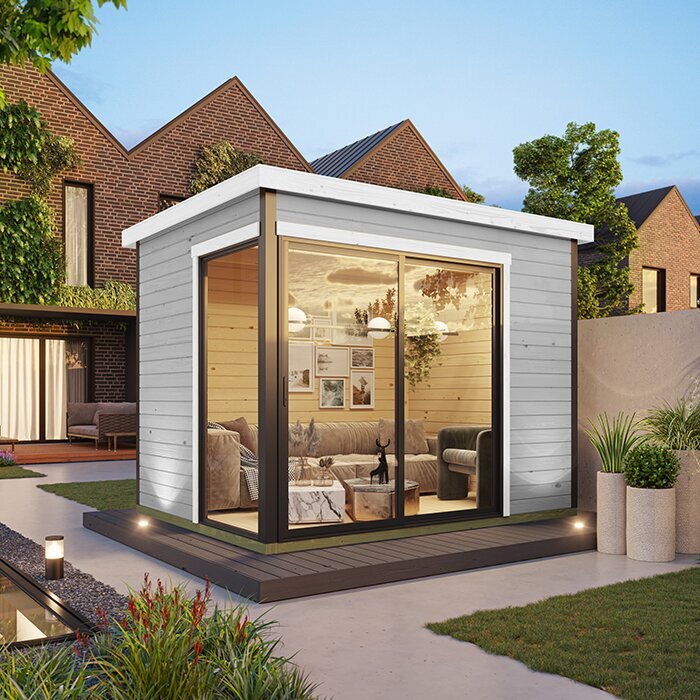
Before committing to a layout, mark it out at full scale with removable tape in the garden house if it is available, or in a room with the same measured usable area. Outline the desk, chair positions and doorway route; place a screen or a stand-in at the intended height, then sit down and check the window and webcam views. If M timber garden shed is one of the listings you are reviewing, get the current plan for the exact version before making this test. Its name alone does not show where furniture will fit, so base the mock-up on confirmed dimensions rather than an image.
A physical mock-up tests space, not the daylight in a building that has not been set up. Combine it with your site observations and the opening positions confirmed for the chosen product; if possible, repeat the screen and camera checks at different times. Write down any compromise you are willing to accept, such as using a blind during a bright period or placing the desk against a different wall. If the layout only works after an unconfirmed change to openings or room dimensions, resolve that point before placing the order.
Confirm the selected configuration before purchase
Compare the exact model and version on the product page with the plan used for your layout. Confirm dimensions, which walls have openings, any configuration choices and what is included or optional; ask for clarification if an image and written information seem inconsistent. A title such as Timber tool shed S identifies a listing but does not establish its intended use or office layout. Check the actual product information rather than assuming that a general garden-shed label answers those questions. Keep the drawing and the details for the version you are considering together so you are comparing like with like.
Before you commit, record the desk wall you intend to use, the window and door positions required, the screen angle that worked and your plan for controlling light. If the purchase depends on a particular opening arrangement, get confirmation for the selected version first. If it depends on fixed lighting or wiring, have a qualified electrician assess that part separately. Also consider any site-specific constraints that could affect the planned orientation or access. This final check connects the garden-house choice to the work setup you need, rather than relying on how bright or spacious a catalogue image appears.
Frequently asked questions
Which way should a garden shed office desk face?
There is no single direction that works at every site. Try placing the main window to one side of the monitor, then check the screen and webcam view at the times you usually work. Nearby shade, reflections and the exact opening positions can change what works.
How can I reduce glare on my monitor?
Start by moving the monitor so the main window is to its side rather than directly in front of or behind you. Check for reflections from lamps and bright surfaces too. Adjust the screen angle or window covering, then test again in the same daylight.
Should a window be behind me on video calls?
A bright window behind you can leave your face looking dark in the webcam preview. Try turning the desk so daylight reaches you from the front or side, and check the background at your usual call time. A controllable blind can help when the light changes.
Can I plan the desk position from a product photo?
Use a photo for general context, not as a substitute for measurements or an opening plan. Check the exact version’s documented dimensions and window and door positions, then compare them with your desk layout. Ask the seller to clarify details that are not shown.
Do I need large windows in a garden shed office?
Not necessarily. The useful amount of glazing depends on where the openings are, when daylight reaches them, and how you will manage glare and privacy. Compare the documented layout with your work hours, and plan suitable room lighting for darker or overcast periods.
A reliable garden shed office layout is one that works with the daylight at your site and the openings in the exact building version you choose. Use a window-to-the-side arrangement as a starting point, then test the screen and webcam at your usual work times. A measured plan, a full-scale layout test and confirmed product details give you a clearer basis for ordering than a bright catalogue image alone.
