
How to Get Internet Access in a Garden Shed Office
Garden office planning
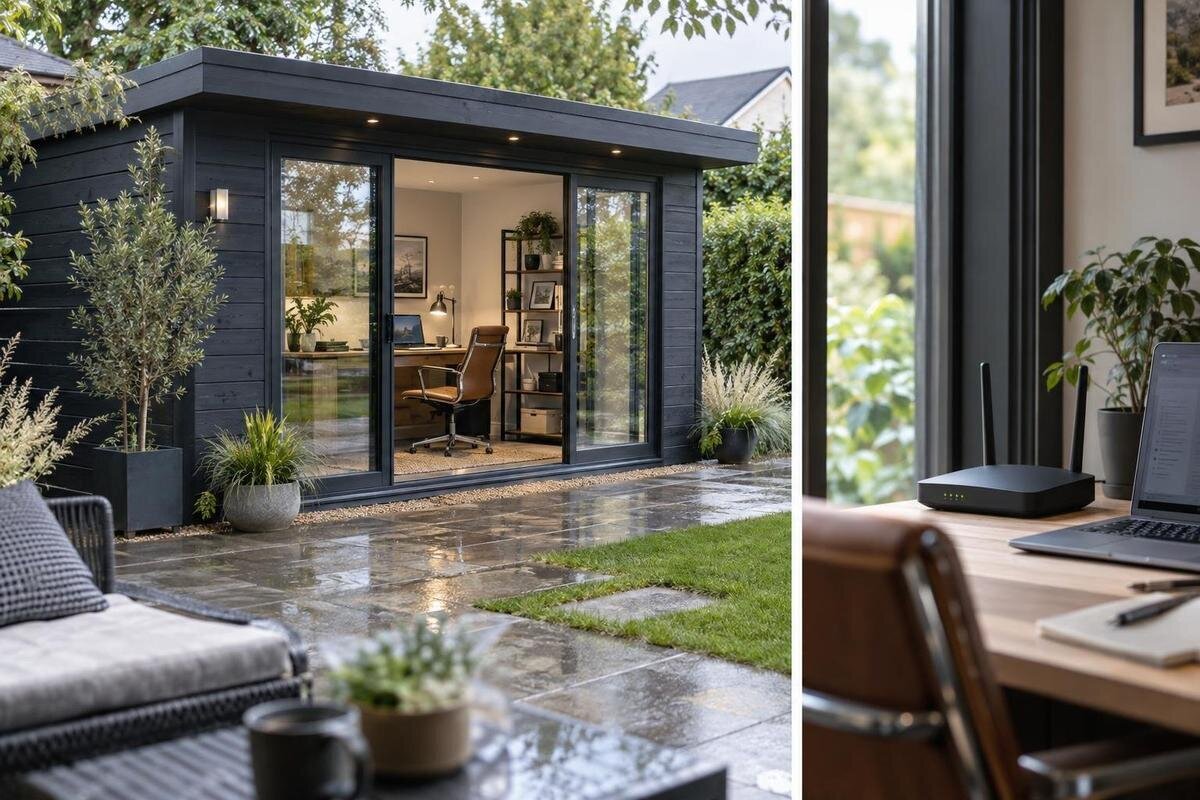
An internet connection that is reliable inside the house can become weak by the time it reaches a separate garden office. The practical choice depends on the distance and signal path, the finished building, the broadband already available at home and the way you work. An existing Wi-Fi network may be enough, or you may need mesh, a wired access point, an Ethernet run or mobile broadband. Plan connectivity alongside the building’s position and desk layout, so you are comparing solutions for the place you will actually use.
Define what the garden office needs from the connection
Decide what a usable connection means for your work before buying a booster or changing the yard layout. Email and browser tasks may cope with brief slowdowns that are much more disruptive during video meetings, remote desktop sessions or large cloud uploads. List the devices you expect to use, whether you rely on a work VPN, and whether calls, file transfers and backups happen at the same time. Include the rest of the household: a connection that seems fine when nobody else is online may feel different at a busy time. If your employer or IT team has connection or security requirements, include them in your plan.
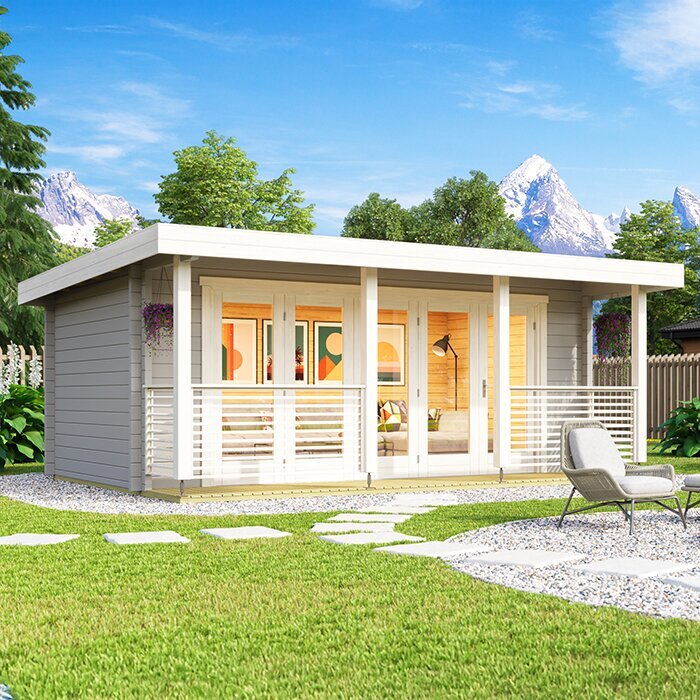
Mark the proposed desk position and compare it with the home router, not just the nearest edge of the shed. Distance is a useful clue, but a signal must travel through the house, the yard and the office walls; a small change in position or orientation can alter that path. Think about whether the router could be moved, whether the desk is fixed, and where a cable could enter. If the Verdana 1 garden house is on your shortlist, check whatever layout and dimensional information its current listing provides against that position. Its name alone cannot tell you whether it suits your work arrangement or whether Wi-Fi will reach.
Test Wi-Fi at the proposed desk position
Test your current Wi-Fi before buying extra gear. Use the laptop or phone you normally work on, stand where the desk is intended to go, and repeat the test at a few points around the proposed office. Take measurements with doors and windows in the positions you expect during work, because opening them for a quick trial can give a misleading picture. Run several checks at different times, noting download speed, upload speed and latency where the test reports them. Keep the device, test service and location consistent so the comparison is useful.
Also test near the home router. If performance is already poor there, the problem may be the broadband service, router or household network rather than the garden-shed link; an extender cannot repair a weak incoming connection. For a phone test, make sure it is using Wi-Fi rather than quietly switching to mobile data. Signal bars alone are a rough guide, not a measure of how well a call or upload will work. Repeat during expected work hours and note whether results change when other household members are online. When mapping an option such as the Verdana 2 garden house, test the intended location and desk route instead of relying on a distance estimate or the product name.
When a Wi-Fi extender or mesh system makes sense
A range extender or repeater picks up existing Wi-Fi and rebroadcasts it, so it still needs a usable signal where it sits. Putting one beside the shed where the signal has already vanished usually just repeats a poor connection. Place it between the router and office where testing shows a stable link, then test again at the desk. Depending on the equipment and how it communicates with the router, relaying traffic can reduce available throughput, particularly when the same radio link is used to receive and retransmit. A laptop or phone may also remain connected to a weaker access point until it chooses to roam.
A mesh system uses multiple access points designed to work together; nodes may connect wirelessly or through Ethernet. It can make coverage easier to manage, but each node still needs a good link to the next one, and the device helps determine when it changes nodes. Check whether the system works with your existing router or is intended to replace it, and compare its coverage claims with your actual test results. Before planning node positions around a candidate such as the Durano spacious garden house, use any published layout information to consider where equipment could go; neither the product name nor an image predicts Wi-Fi performance.
Use a wired access point for local Wi-Fi
A separate access point can suit an office that needs its own Wi-Fi but can be connected back to the home network. A wired access point uses an Ethernet connection to carry the network from the house router to the office, then broadcasts Wi-Fi locally. That avoids asking one wireless signal to cross the whole distance. The access point does not provide an internet service by itself: the home broadband connection and router still need to be working. Some devices combine several functions, so check what a particular unit does and whether it is compatible with your existing setup.
Plan the access point’s position around the desk and devices, rather than hiding it in a spot that makes setup difficult. It needs an appropriate power source, room for its signal to spread, and secure configuration. The office layout may also affect where a cable could enter and where the device can sit. If the Veltor 1 garden house is on your shortlist, check the current published layout details before choosing an access-point position or cable entry. The item name does not show where furniture, equipment or openings will be.
Plan a direct Ethernet run between house and office
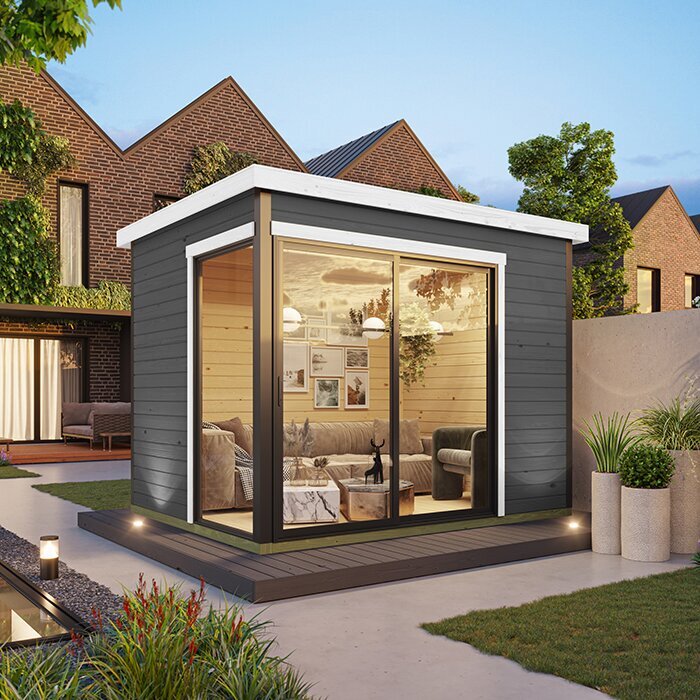
An Ethernet cable between the house router and the garden office carries the home network directly, rather than relying on Wi-Fi for that part of the route. It can be a useful choice for a desktop computer, work dock or access point, and can avoid some of the variation caused by distance and radio interference. The cable does not create a second internet connection; it depends on the home broadband service and network equipment. A direct wired link is not automatically a guarantee of a particular speed, so match the equipment and connection to your work needs.
Decide on a possible route before ordering the building or completing yard work. A qualified communications cabler can assess the route, suitable cable, protection, entry point and terminations for the site. Avoid treating a data connection as a casual extension lead or assuming that any cable is appropriate outdoors. If the Orello 1 garden house is one option, check the supplier’s published building details for the route you have in mind and ask the cabler to assess a practical entry. A product name cannot establish construction details or cable suitability.
Consider mobile broadband where a cable route is impractical
Mobile broadband can connect a garden office through a modem with a SIM, or through a phone hotspot. It does not depend on extending the home router’s Wi-Fi, but it does depend on mobile coverage at the office itself. Coverage maps are a useful first filter, not a guarantee of the signal inside a finished building. Try the relevant provider’s service at the proposed site, ideally where the modem or phone would be used. Reception can vary with location, the device and network conditions, so a test somewhere else on the property may not represent the desk.
Check the plan as carefully as the signal. Video calls and file transfers use upload as well as download capacity, and data allowances or plan conditions can matter if the connection is used throughout the day. Network performance may also change at busy times. A phone hotspot can be convenient for occasional use, while a dedicated modem may suit a different setup, but neither is a reliable choice without testing. Even if you are considering the Modano 1 garden house, its listing cannot prove that a mobile carrier will reach the office; test service at the proposed site and use product information to plan equipment placement.
Account for walls, windows and the finished layout
The building itself can change how well wireless signals travel. Wall and roof construction, metal components, glazing, coatings and any layers added during fit-out may affect reception. A product photograph or a broad material description is not enough to predict the result. Windows and open doors can change the signal path, but they should not be treated as a guaranteed fix if you need the office to work with them closed. Furniture, appliances and the final position of the router or mesh node can also influence the connection.
Check the supplier’s written construction information if a particular detail matters to your plan, and ask for clarification if it is not stated. Then test the network after the building is in place and furnished, using the desk position and normal door and window settings. Where a product page such as the M timber garden shed listing is under consideration, rely on written construction details rather than inferring them from a title or photograph. Keep office suitability and wireless performance as separate questions; neither can be assumed from a product name.
Plan power and a suitable place for network equipment
A router, access point or mobile modem needs a suitable power source, so include equipment locations when planning the office. If fixed power is needed in the building, discuss provision with a licensed electrician; this guide does not describe electrical wiring. Data cabling and mains power are separate parts of the plan, even if they serve equipment in the same room. Thinking about both early can help you avoid choosing a desk position with no practical place for the network hardware.
Keep equipment in conditions allowed by its manufacturer and in a position where it can operate without being exposed to moisture, direct sun or excessive heat. Avoid choosing a cramped or obstructed spot that makes its controls, ventilation or connections hard to access. A small backup power unit may be useful for some work arrangements, but check that it suits the equipment and the length of backup you need rather than assuming it will keep the whole office online. If you are considering Timber Tool Shed S, check the product information for what it actually states about your intended use and internal layout; do not assume that power, a modem location or office suitability is included.
Judge the connection by work performance, not download speed alone
A speed test is a useful comparison, but the largest download figure does not describe every part of a working connection. Video calls, remote desktops and file transfers may depend on upload capacity, latency and consistency as well as download speed. Try the tasks that matter to you, at the times you expect to work, and pay attention to interruptions or delays. If your work software has published connection requirements, use those rather than choosing an arbitrary target. A slow result at the router may point to a different issue from a fast result at the router but a poor one at the office.
After setting up a mesh system, access point or mobile modem, repeat the same tests at the desk and compare them with your original notes. Check whether household use affects the result, and confirm that your computer is connected to the intended network rather than a weaker nearby one. For work devices, use a strong unique Wi-Fi password and keep router or access-point software up to date according to the manufacturer’s guidance. If visitors use the office network, consider whether your equipment offers a separate guest connection so their devices do not share access to work equipment.
Compare connectivity options before ordering the garden house
Use your test results to narrow the choice. If home Wi-Fi is already reliable at the desk, extra equipment may not be necessary. If the signal is usable along part of the route, a carefully placed extender or mesh node may be worth testing. If you need a steadier connection across a difficult wireless path, compare the practicalities of an Ethernet run and a wired access point. If cabling is not feasible, mobile broadband may work where coverage, performance and plan terms meet your needs. These are options to assess, not promises of a particular result.
Before placing an order, coordinate the proposed building position with the desk, network equipment and any cable entry or power requirements. Check the product information for dimensions, layout and construction details that are relevant to that plan, and get professional advice on any installation route that needs it. Allow for the fact that a test outside an empty building may differ from performance once it is finished and in use. A clear plan lets you compare the building and connection as one workspace, rather than trying to solve every coverage problem after the office is set up.
Frequently asked questions
Will a Wi-Fi extender reach a garden shed office?
It might, if it can receive a usable signal between the house router and the office. Test the connection at the extender’s intended position and again at the desk. An extender placed where Wi-Fi is already very weak may simply pass on a poor connection.
Is an Ethernet connection better than Wi-Fi for a garden office?
A wired Ethernet link can provide a more consistent connection between the house network and the office, without relying on Wi-Fi to cross the distance. A separate access point can then provide Wi-Fi inside. Ask a qualified communications cabler to assess a suitable route.
Can I use my phone as a hotspot?
Yes, if your mobile service reaches the office and your plan suits your data use. Check reception at the actual site, then consider whether the phone’s data allowance, upload performance and battery life are practical for regular work.
Will timber walls block Wi-Fi?
Not necessarily, but the building’s overall construction can affect the signal. Wall and roof materials, coatings, glazing and other layers may all play a part. A timber description alone cannot predict coverage, so test in the finished office.
Do I need a separate broadband plan for the garden office?
Not always. A wired connection or Wi-Fi extension can use the home broadband connection, provided its capacity and coverage suit your needs. Mobile broadband normally involves a separate mobile service or data arrangement, so compare the plan terms as well as reception.
Treat internet access as part of the garden-office plan, not a problem to solve after the desk is in. Measure existing Wi-Fi at the intended work position, decide whether a wireless extension or a wired link better suits your needs, and check mobile reception on site before relying on it. Coordinating the building position, equipment locations and any professional cabling early makes it easier to choose a connection that works for your actual working day.
