
Buying a Hot Tub Online in Canada: What to Check Before You Order
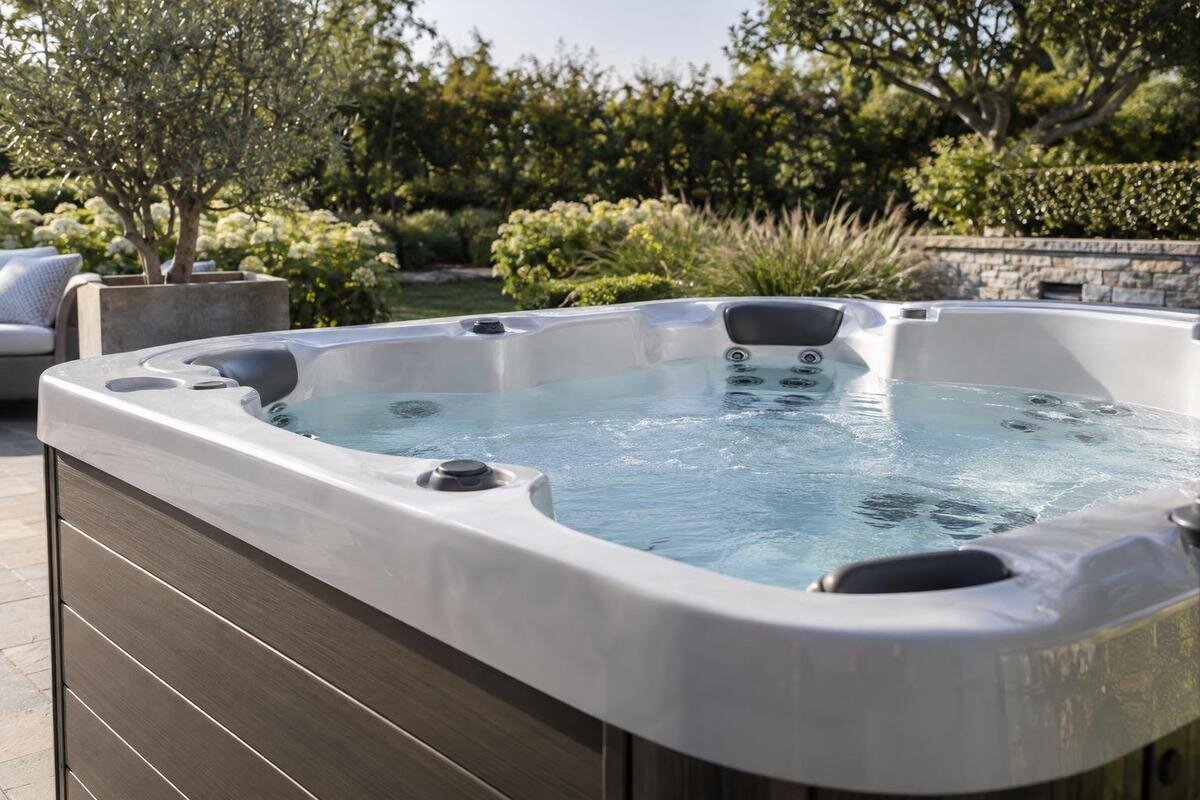
Buying a hot tub online in Canada
Buying a hot tub online in Canada means checking more than a persuasive product page. Before payment, establish who is selling the item, which exact model and variant the offer covers, what specifications and package contents are documented, how delivery responsibilities are divided, and which written terms apply if plans change or support is needed. A photo cannot resolve a gap in a specification or a policy. Treat the listing, checkout, seller's answers and order confirmation as parts of one offer, and pause if they do not agree.
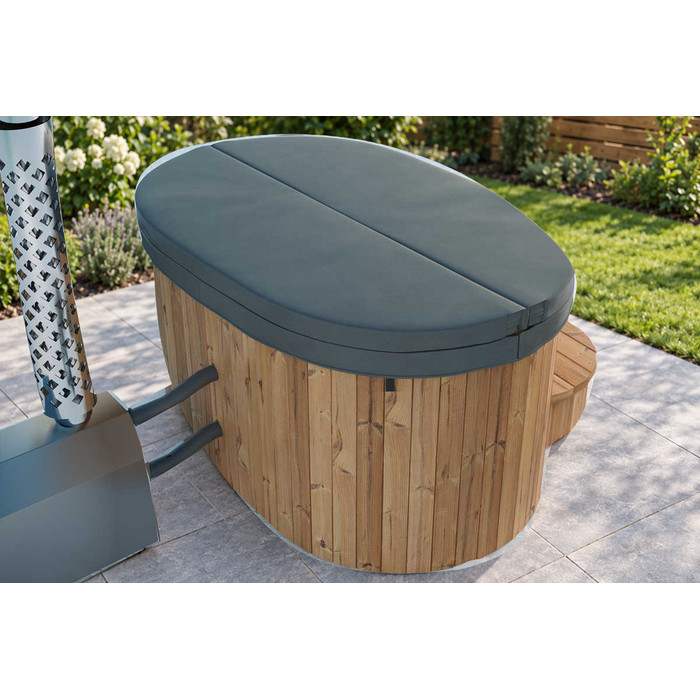
Before you order 1
What a complete online offer should show
Treat an online hot tub offer as a set of records, not as a single polished page. The listing identifies the item; an option selector or quote may narrow what is being sold; checkout shows transaction details and charges; and seller policies explain cancellation, returns, warranty and service. You should be able to connect all of them to one seller and one exact configuration. If there is a quote as well as a product page, check that it describes the selected version and is still current. Marketing copy can describe an offer, but it cannot fill in a missing model code, clarify an unitemized package, or supply a policy absent from the order documents. Reviewing these points before choosing a payment method is more useful than reconstructing them later.
Before proceeding, note which facts are essential to your decision: a particular dimension or capacity, a documented electrical detail, a supplied component, the final charge, or a defined delivery service. Find each in a current written record rather than in a guess based on a photograph or product name. Save a dated copy of the listing and applicable terms, and keep later written replies with it; pages can change. A short list of open questions can prevent a key point from being lost while you move through checkout. This is not a request to collect every possible technical detail. It is a way to make sure the model, package, amount and responsibilities mean the same thing from the initial offer through the order confirmation. If a question requires technical judgment, get qualified advice rather than extrapolating from marketing text.
Check who is selling the hot tub
Begin by identifying the business responsible for the sale. A website may display a brand, a store name, a marketplace name and a payment processor, and those roles may belong to different organisations. Look for the seller's full business name and clear customer-service contact details, such as a working email or phone route and a business address where provided. The key question is who will accept the order, issue the invoice and respond if the product arrives with a problem. If a marketplace or manufacturer is also named, ask what that party handles instead of assuming the seller, platform and maker are interchangeable.
Compare the name on the contact page, terms, checkout and invoice preview, and note any difference from the name displayed at payment. If the names differ, ask how they are connected and which business is selling to you. A practical question before ordering, such as whether the option in your cart matches the quote, can show whether you receive a specific answer, but it is not proof of reliability by itself. A delayed reply alone may not establish a problem. However, if the seller refuses to identify the business, provides vague contact details or gives inconsistent answers, you may have no clear way to resolve a problem with an expensive purchase. Pause until the seller and point of contact are explained in writing.
Before you order 2
Match the exact model and variant
Use the full product name and any model or item code shown in the listing, rather than a nickname copied from a photo or a shortened label in a menu. Check that the same identity appears on the product page, in any option selector, in the cart, in the written quote and on the order confirmation. If more than one configuration is offered, ask the seller to state the selected variant and each chosen option in one clear written description. For example, treat Bloomcabin Hot Tub Cove 2 as a catalogue identity to match across records, not as proof of a particular specification, capacity or package.
Watch for a page that describes a broad product family while its selector or checkout names one version. If choices such as a finish, heating option or control package appear, name the selected choice explicitly rather than writing “as shown.” Ask whether the displayed specifications and documents apply to the version actually being sold, and whether the invoice will use the same model and option wording. If a product code, title or option label changes between documents, do not assume the difference is cosmetic. Ask what will be supplied and have the answer reflected on the quote or order summary. Save that version with the other purchase records. A description tied to a specific variant is easier to verify than an answer that says only that you are ordering the model shown online.
Check specifications against a current source
Treat specifications as verified only when they identify the exact item and configuration. Look for values with units and, where relevant, the conditions or option they describe. Labels such as large, standard or ready to use may not answer a specific buying question. If a dimension, capacity, electrical detail, material, control or operating feature matters, ask for a current document from the seller or manufacturer that states it. Record the units exactly. Do not derive a value from the model name, photograph, icon or description of a different version. The Bloomcabin Hot Tub Haven 6 product page can help identify a catalogue entry; the name alone is not a technical specification.
Check the document date or revision, model identifier and whether it applies to the version in your cart. Compare the product page and any downloadable sheet for contradictions, especially when one describes a product family and another describes an individual configuration. If a missing detail affects technical suitability, request source documentation; for a matter requiring technical judgment, ask a qualified professional to assess it. Do not substitute an estimate, an unreferenced chat answer or specifications copied from a different retailer's page. If the seller cannot supply a critical value in writing, record it as unresolved and decide whether you can proceed without it. Ask the seller to identify the source of an answer rather than simply calling a value standard.
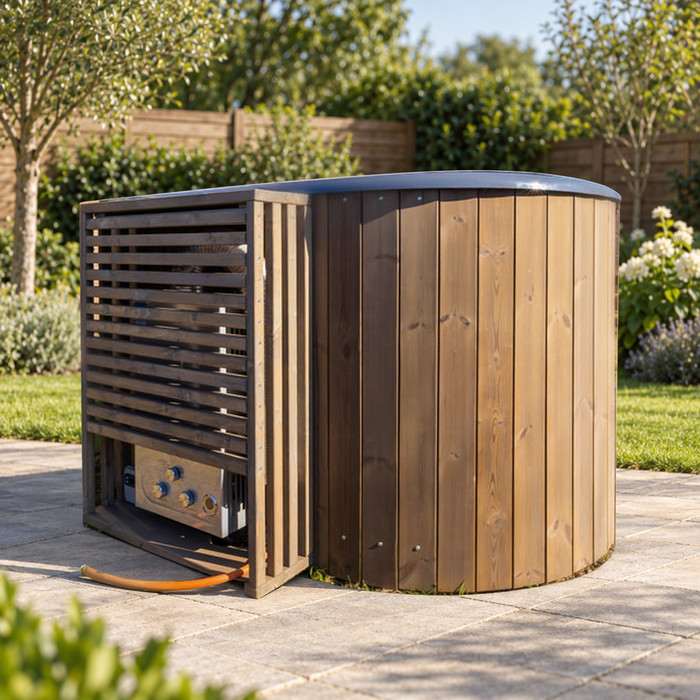
Before you order 3
Confirm what the order includes
Package contents deserve a separate check from the model name. Ask for an itemized list that separates what is included in the product, any options selected, optional extras that cost more, and items or services that are not supplied. If the page mentions a cover, step, filter, control, heating component or care supply, check whether that item belongs to the selected variant or is simply an example shown or described. These are categories to verify, not assumptions about what any hot tub normally includes. A phrase such as complete package or ready to use should be defined in writing rather than left to interpretation. Distinguish physical items from labour or a separate service.
Match the itemized list to the cart and total. Confirm the name and price of each selected add-on, and ask whether any tax, delivery, assembly or other charge is included, listed separately or calculated later. Do not infer that an item is part of the purchase because it appears beside the tub in an image or in general promotional copy. For an offer such as Bloomcabin Hot Tub Fjord 8, ask the seller to tie the list to that exact model and option, then have the order summary reflect anything you are paying extra to receive. If the total changes after entering an address or selecting a service, review the revised summary before proceeding. A concise list makes omissions easier to spot before payment.
Put delivery responsibilities in writing
Put the delivery service in clear terms before ordering. Ask who books the carrier, who contacts you about scheduling, which charges are covered by the displayed total, and which company is responsible if an appointment changes. Also separate delivery from any other service: carrying the item beyond the stated delivery point, unpacking, assembly or packaging removal should not be assumed unless the seller lists it. If such work is optional or separately charged, ask for its cost and who performs it. Ask whether scheduling and any on-site work are handled by the same provider or by separate parties. The goal is to know which party has promised each service, not to plan the route or placement yourself.
Ask how to report a missing component, visible damage or a delivery that does not match the order, including the contact details and any reporting deadline stated in the seller's terms. Request this procedure before dispatch, not after a problem arises, and keep the answer with your invoice. When reviewing an offer for Bloomcabin Hot Tub Aurora 10, check the delivery description alongside the selected options so that the promised service is clear for that order. If the checkout names a service, make sure the confirmation repeats it and identifies any party you must contact. A carrier's general information should not replace details about the service the seller has promised.
Before you order 4
Review payment details before authorizing a charge
Use the retailer's own checkout and confirm who is receiving the payment. A secure connection or familiar-looking logo is not proof that the seller is identifiable or that the offer is genuine; check the web address and business details rather than relying on page design. Be cautious if you are asked at the last moment to leave the usual checkout for a personal account or an unrelated payment page. Do not send card details or account credentials through ordinary email or messaging. If a payment processor appears, note the name shown and ask how it connects to the business responsible for your order. If checkout redirects you, check that you are still on the payment route the retailer identified.
Before authorizing payment, read the final screen carefully. It should identify the exact item and variant, currency, deposit or payment schedule if any, balance due, delivery charges and other listed fees. Confirm whether the total is in Canadian dollars or another currency, and check any conversion costs shown by your payment provider. Compare the screen with the written offer, and make sure you understand what the total does and does not include rather than relying on an advertised starting price. If you selected options on the Cove 2 product listing, check that those choices and their charges have carried through to checkout. Save the confirmation and check that the invoice, payment recipient and order summary point to the same purchase. If an amount or recipient differs from what you agreed, stop and ask before authorizing payment.
Read cancellation, return and refund terms
Read cancellation, return and refund terms before paying, not only after a problem arises. Look for the stated deadline and steps for cancelling, any conditions for a return, who arranges and pays for return transport, and any fees or exceptions. Check whether the wording addresses made-to-order products, products that have been opened or installed, optional services and damage in transit. Ask whether cancellation terms change before and after dispatch. Do not assume a general return statement answers what happens with a bulky delivered product. Ask the seller to explain how its published terms apply to your specific order and how a request should be submitted.
If different pages or messages conflict, ask the seller to confirm the current policy in writing and identify the version that applies to your order. When reviewing the Haven 6 listing, read any linked cancellation and return terms alongside your quote, including any conditions attached to selected options. Keep a dated copy of the applicable terms and the seller's response. Ask whether a written clarification will be reflected in your order record, rather than assuming that a general acknowledgement changes the terms. If a consumer-rights question is important to your decision, consult current official guidance for your province or territory or seek qualified advice instead of relying only on a store policy summary.
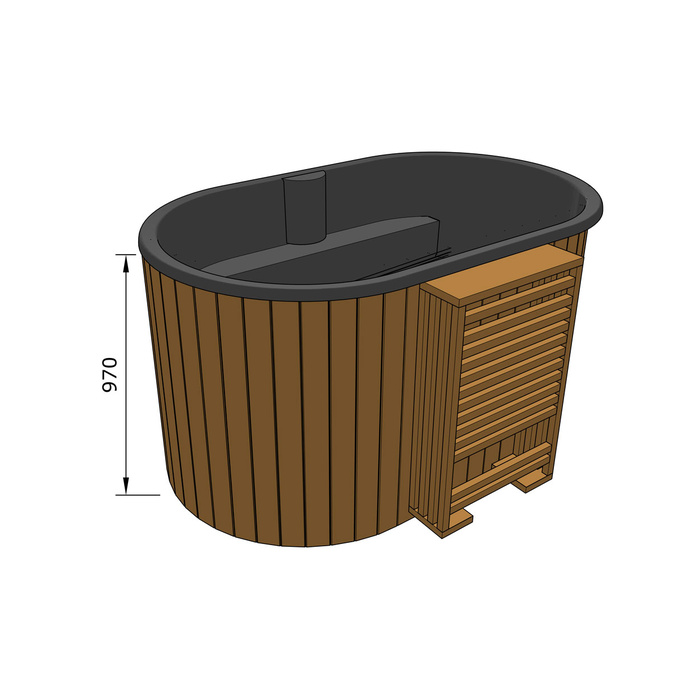
Before you order 5
Understand warranty coverage and after-sales support
Ask for the warranty document that applies to the exact model and configuration, then read what it actually covers rather than relying on a badge or a general promise. Check which parts or problems are covered, what is excluded, when coverage starts, any stated maintenance or ownership conditions, and whether labour, travel or removal costs are addressed. Do not assume that every part has identical coverage just because the warranty uses a single time period. These are questions to verify, not coverage claims about any listed model. Confirm whether the warranty is provided by the seller or manufacturer, who receives a claim and what purchase records are required. A verbal summary cannot answer a question that the written document leaves open.
After-sales support matters even when a question falls outside warranty coverage. Find out how the seller handles missing parts, a fault discovered after delivery, product questions and replacement components, and whether support comes from the retailer, manufacturer or another service provider. Ask for the correct contact details and whether technical questions and warranty claims use different channels. If you are ordering through the Fjord 8 product listing, confirm that the support information you receive applies to the configuration in your cart. Request the applicable documents and contact instructions in writing, then save them with your order confirmation.
Get written answers before you commit
Bring unresolved questions into a short written list that can be answered against the actual offer. Ask which seller and exact model will appear on the invoice; which option and items are included; which specification sheet applies; what the total and payment schedule cover; who arranges and supports delivery; which cancellation, return and warranty terms apply; and whom you contact afterward. Keep a note of when you asked and who replied. Ask the seller to reply by email or update the quote or order summary, not merely to reassure you by phone. If an answer changes the offer, request a corrected document before submitting payment.
Proceed only when the records are consistent and you understand the important terms. Pause if the seller cannot identify the business or item, an essential specification remains undocumented, charges are unexplained, policies conflict, or payment is redirected away from the stated checkout. Save the Aurora 10 product page beside the order-specific documents, but do not treat it as a substitute for them. If one unresolved issue depends on technical judgment, get qualified advice before committing. You do not need to resolve every minor preference, but material uncertainties should not be left to assumption. A clear written correction is a sounder basis for an order than a guess based on a model name, image or sales description.
Frequently asked questions
How do I know who I am buying from?
Check the business named in the terms and checkout, who will issue the invoice and receive payment, and how to contact the seller. If the brand, marketplace or payment processor has a different name, ask which business is responsible for the order and after-sales support. Keep the answer with your purchase records.
Can a product photo or model name confirm the specifications?
No. A name or photograph may help identify a catalogue item, but it does not confirm dimensions, capacity, configuration or package contents. Request a current specification document tied to the exact variant. If an important technical detail remains unavailable, treat it as unresolved rather than guessing.
What should I do if the cart and product page show different details?
Pause before paying. Ask the seller to identify the exact item and options that will be supplied, then provide a corrected quote or order summary that matches the offer. Save the clarification and proceed only when the documents agree.
Which delivery details should be in writing?
Confirm who arranges and schedules delivery, what the quoted charge covers, whether handling or assembly is separate, and whom to contact about damage or missing items. Ask for the process and any stated reporting window; do not infer the service from a general product page.
Is a posted return or warranty policy enough?
It is useful only if it clearly applies to your exact order and answers the questions that matter to you. Save the current document and ask for written clarification if the wording is unclear or conflicts with the quote. For a legal consumer-rights question, consult current official guidance or qualified advice.
A clear online hot tub offer lets you connect the seller, exact model, selected options, total charge and purchase terms without filling in gaps yourself. Keep that record together so it remains useful after checkout, whether you need to confirm an included item or request support. If an unanswered question could change your decision to buy, resolve it in writing before placing the order.
