
Buying a Hot Tub Online in Ireland: What to Check Before Ordering

Online buying checklist
Buying a hot tub online can feel straightforward until a product page, basket and terms use different labels or leave a practical question open. Before you pay, identify the exact model and configuration, verify the written specifications and stated inclusions, and make sure checkout reflects what you mean to order. Check who will handle payment and support, and understand the written rules for cancellation, returns, delivery and installation. If an important detail is missing or contradictory, ask for a clear written answer rather than relying on a model name, photograph or verbal assurance.
Before you pay 1
Identify the exact model and configuration
Begin by identifying the item by its full page title and any exact model or product code shown, not by the photograph alone. Record the selected configuration, option, finish or package where the page offers a choice, as well as the quantity and seller named during checkout. A model number or word in the title is not a reliable way to deduce capacity, dimensions, heating method or included equipment. For example, Bloomcabin Hot Tub Cove 2 is a catalogue label to match to the order, not a substitute for those written details. If the page offers more than one version, note exactly which one you have selected.
Before adding it to the basket, check that the intended option is visibly selected; after adding it, check that the same label has carried through. If two product pages use near-identical titles, compare their codes, URLs or configuration descriptions, and ask the seller which exact listing the order will cover. A shortened basket description may be harmless, but it is not enough if it could refer to more than one version. Do not assume the first option is the one you chose or that a selection remains after changing another field. If the confirmation later uses an internal code, ask how that code maps to the public listing. Keep the full title and selected options with your records.
Match the listing to current written specifications
Use current written specifications to confirm details that matter to the purchase and planned installation, rather than reading them into a photograph or marketing phrase. Depending on the listing, points to verify may include external measurements, stated capacity or seating arrangement, materials, heating approach, power or fuel requirements, controls, water-care equipment and care instructions. These are examples of questions, not claims about any particular model. The name Bloomcabin Hot Tub Haven 6 cannot establish any of those values; find them in specifications that apply to the exact configuration being ordered.
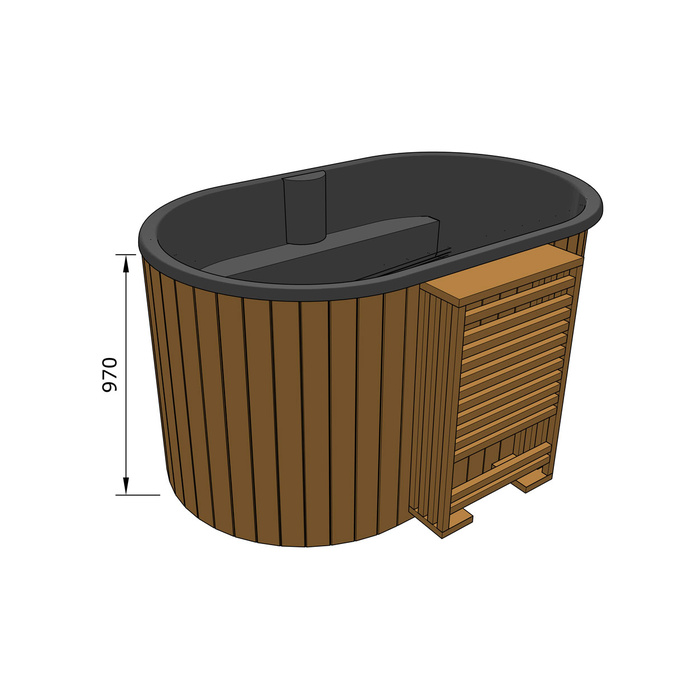
Compare the product description with any specification table, downloadable document, manual or FAQ linked from the page. Check that units are stated, that the information is not marked as provisional, and that it applies to the selected model rather than a broader range. If one source conflicts with another, ask the seller to identify which written specification is current and keep the answer. Where a value affects whether the product will fit or can be installed as planned, do not accept a guess such as standard or should be fine; request the actual figure or requirement. For measurements, clarify what the stated figure refers to. A generic answer about the brand may not answer a model-specific question.
Before you pay 2
Check what the package includes
When reviewing Bloomcabin Hot Tub Fjord 8, separate the package details into three lists: explicitly included, optional at extra charge, and not included or not stated. Read wording such as package, set or supplied alongside any itemised details; do not let a broad phrase stand in for a contents list. Depending on the listing, ask whether equipment such as a cover, steps, filter or treatment items, heater or control components, connection parts, or other accessories are included. These are examples of items to check, not confirmed contents. Keep any unanswered questions separate from the confirmed inclusions so that an assumption does not become part of your expected order.
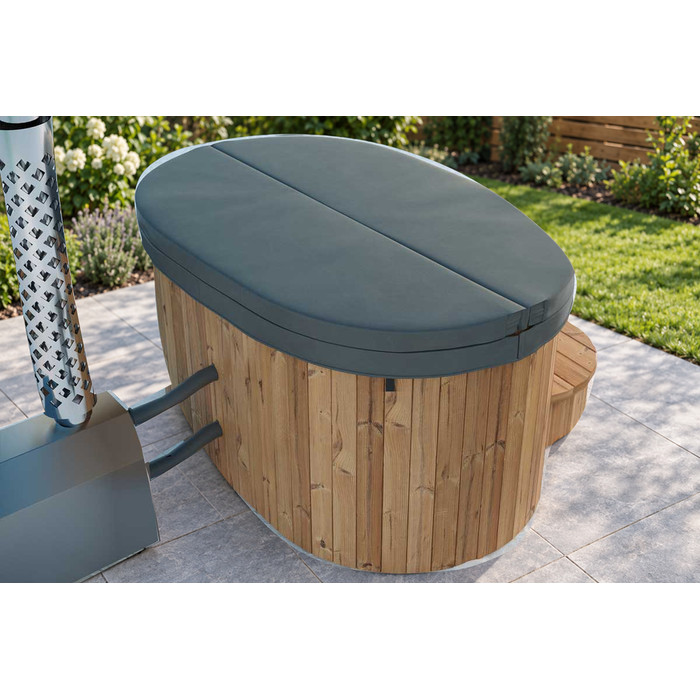
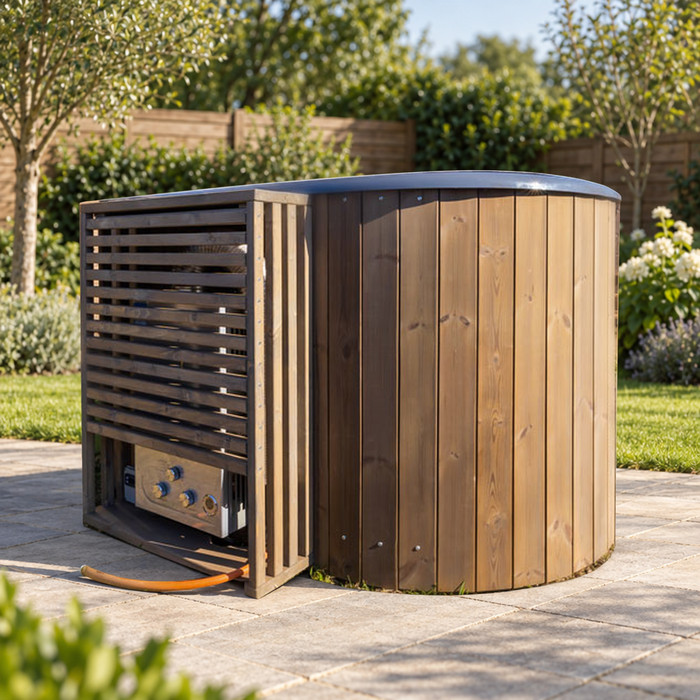
Pay particular attention to options that can be added from a tick box or separate accessory menu. Confirm the number of each item and whether it is part of the selected package or a separate basket line. Product photographs may help identify the item, but they do not establish an inventory: a cover, stand, accessories or surrounding objects visible in an image may not be included unless the written listing says so. If an accessory is sold separately, ask whether it is intended for the exact model you selected. If the description says complete or ready to use without defining what that means, request the component list and clarification of any work or supplies it leaves to you.
Compare the basket with the product page
At checkout, compare each basket line with the exact page you selected. Check the product name or code, configuration, chosen options and quantity; then compare any accessory or service lines with the inclusion list you made. A short label and thumbnail should not be the only clues if there is more than one version. If you selected Bloomcabin hot tub Aurora 10, for example, check that the basket retains the configuration you chose and lists any separately ordered extras. If a package is shown as a single line, make sure its description identifies the agreed contents. After changing an option in the basket, review the summary again before continuing.
Review the amounts shown, including each item price, any delivery charge, discounts or adjustments, and the final total in the displayed currency. This is a pre-payment accuracy check, not an estimate of ownership costs: the question is whether the total is clear and corresponds to the items and services you intend to buy. Look for add-ons selected by default or an extra service you did not request. If the total changes when you enter the delivery address or choose an option, identify why before paying. Save the final order summary and any terms displayed at that stage, then compare them with the confirmation you receive.
Before you pay 3
Verify the seller’s contact and support details
Identify the business taking the order rather than relying only on the shop name, logo or product brand. Read the seller name in the checkout and terms, and check that it is consistent with the details given on the product page and order confirmation. Note the contact details and any business address the seller provides; do not assume the manufacturer, retailer, payment service and delivery company are the same party. When sending a query about the Cove 2 model, include the product-page reference so the seller can identify the listing, and establish which business will handle the order.
Before paying, establish how to contact the seller with a pre-purchase question and how to raise an order or after-sales issue later. Look for a working email address, phone number or contact form, and note any stated hours or response process. If a question matters to your decision, send it through the listed route and keep the reply; do not rely solely on a social-media comment or a phone conversation that leaves no written record. If another organisation appears during checkout, check what role it has and which business remains your contact for the order. A short, specific enquiry can also show whether the support route can address the product and terms you are considering.
Review payment details before confirming
Before selecting a payment method, read what the checkout says about accepted methods, when payment is taken, and the currency and amount due. Check that the business or merchant name shown at the payment stage makes sense in relation to the seller identified in the terms; if it does not, ask who will receive and process the payment. Use the total displayed for your exact basket, not the price seen on a different product page or a previous screen. If you started from the Haven 6 listing, compare its selected package and price with the checkout, then read the payment terms to establish when the amount will be charged.
Use the payment route presented in the store’s checkout, and stop if it takes you to an unexpected recipient, amount or unrelated service. If a screen freezes after submission or a payment is declined, check the order status or contact the seller or payment provider before trying again; first establish whether an order or charge was created rather than risking a duplicate. Keep the receipt, order reference, date and a copy of the terms shown at purchase. If instalments, finance or another payment arrangement is offered, read its separate conditions and total commitment before accepting; do not assume those terms match a standard card payment. Confirm the order only when the final payment screen still matches the basket.
Before you pay 4
Read the returns and cancellation terms
Read the cancellation and returns terms before paying, especially the steps, deadlines and conditions for a large item. Check how to notify the seller, where a returned item goes, whether collection is available, who pays any return or collection cost, and what condition the item must be in. Look for any clause that depends on a product being assembled, used, modified or ordered in a particular configuration. If you are ordering from the Fjord 8 product page, ask whether such a clause applies to your selected version. Resolve that question before accepting the terms rather than assuming a general returns statement covers every configuration.
Read the policy carefully enough to distinguish a request to cancel before dispatch from a return after delivery. Check whether the seller requires approval, which contact channel to use, how refunds are handled and whether the policy describes deductions or charges. A general statement such as returns accepted leaves practical questions open. If a term is missing or you are unsure how it relates to your rights as a consumer in Ireland, consult current official Irish consumer guidance or appropriate advice rather than guessing from the webpage. Ask the seller to clarify any product-specific condition in writing, and save the version of the policy shown before checkout.
Confirm delivery and installation responsibilities
Delivery terms should identify the service applying to your address, not just give a broad estimate. Check whether the stated charge and delivery arrangement cover your location, what the service includes, and whether unloading, moving the item to its intended position or packaging removal is included or excluded. Ask how delivery is arranged and whether the terms require someone to be present or provide access details in advance. Before ordering from the Aurora 10 listing, match any delivery option shown there to the service selected at checkout. If delivery is conditional on access or your Eircode, get confirmation for your address before paying.
Check installation separately unless the terms explicitly include it. Confirm whether assembly, placement, connection, set-up or commissioning is included, optional or left to you; do not treat delivery as an assurance that the item will be installed and made ready for use. If a qualified professional or site assessment may be needed, ask who arranges it, what that person must check and what requirements the seller can provide in writing. Do not infer structural, electrical or other technical requirements from a product photograph or try to settle them from a general sales description. Check the terms for what to do if the delivery is incomplete or an item is damaged, and make clear who is responsible for each task before ordering.
Before you pay 5
Check after-sales support and warranty terms
Look for written warranty information that applies to the exact product and configuration, and first establish whether a warranty is offered. If so, check who provides it, what components or faults are covered, how long any stated periods last and when they begin. Read exclusions and conditions carefully, including any stated requirements for installation, use or maintenance. Do not take a brief phrase such as warranty included to mean every part, labour, collection, transport or replacement is covered; those points need to be addressed in the actual terms. If the policy names a manufacturer as the warranty provider, identify how that affects the seller’s own support route.
Find the claim process before buying: which organisation to contact, what proof or details to provide, whether an inspection is involved, and how repairs, parts or replacement are handled under the written policy. Ask whether the terms apply to the configuration in your basket rather than to a general product family. Save a copy of the policy, product description, manual and any written explanation of exclusions with the order confirmation. If the listing makes a broad assurance but links no detailed terms, request them before paying. If you are unsure how a warranty statement relates to your consumer rights, check official Irish consumer information instead of assuming that a short sales-page description answers the question.
Get outstanding answers in writing before paying
Bring the answers together in one place before deciding: the exact item and configuration; the written specifications that matter to your site; what is included; the final basket total; delivery and installation responsibilities; the cancellation and return process; and the route for support or any warranty claim. Mark each point as confirmed by the listing, checkout, terms or a seller’s written reply. This record helps distinguish a clear answer from an assumption, and makes it easier to spot where two pages use different words for the same option. A completed basket is not a reason to overlook a gap.
Send any remaining questions with the full product name, option selected and relevant page reference. Ask directly for the missing fact and whether the answer applies to that exact configuration; if two sources conflict, name both and ask which is current. Give yourself time to read the reply alongside the terms and basket, and keep it with your records. If the seller cannot resolve a detail that affects what you are buying, what it costs to receive, how it can be returned or who will help, pause rather than paying on the hope that it will be sorted later. Proceed only when the answer is clear enough for you to understand the order you are placing.
Frequently asked questions
Can I work out a hot tub’s capacity or features from its model name?
No. A model name and photograph can identify or illustrate a listing, but they do not confirm capacity, dimensions, heating method, included equipment or configuration. Use current written specifications for the exact version you have selected, and ask the seller to resolve any gaps.
Do product photographs show everything included?
No. Use the written inclusion list and basket lines, and ask whether each item shown or described is part of the selected package or is optional. A photograph is not an inventory of what your order contains.
Should I pay before the seller answers a question?
If an unanswered issue affects the exact item, installation, total or terms, wait for a clear written response that applies to your selected configuration. A vague verbal assurance or an answer about a general product range may not resolve it.
Which information should I save before ordering?
Keep the product page and specifications, selected options, inclusion list, checkout summary, payment and delivery details, returns and cancellation terms, any warranty information, and written replies from the seller. Save the final confirmation and receipt as well.
What if my basket does not match the listing?
Pause before paying. Compare the product code and selected options, then correct the basket or ask the seller which listing its line represents. Proceed only when the basket and any written clarification agree.
A sound decision comes from consistency: the written details identify a particular item, the basket matches it, and the terms explain what happens after payment. If one important question remains unresolved, holding off is a practical part of buying online. Once the information is clear, keep it with your order confirmation so you can refer to the item, services and terms you actually agreed to.
