
Garden Office Desk Placement: Daylight, Glare and Video Calls
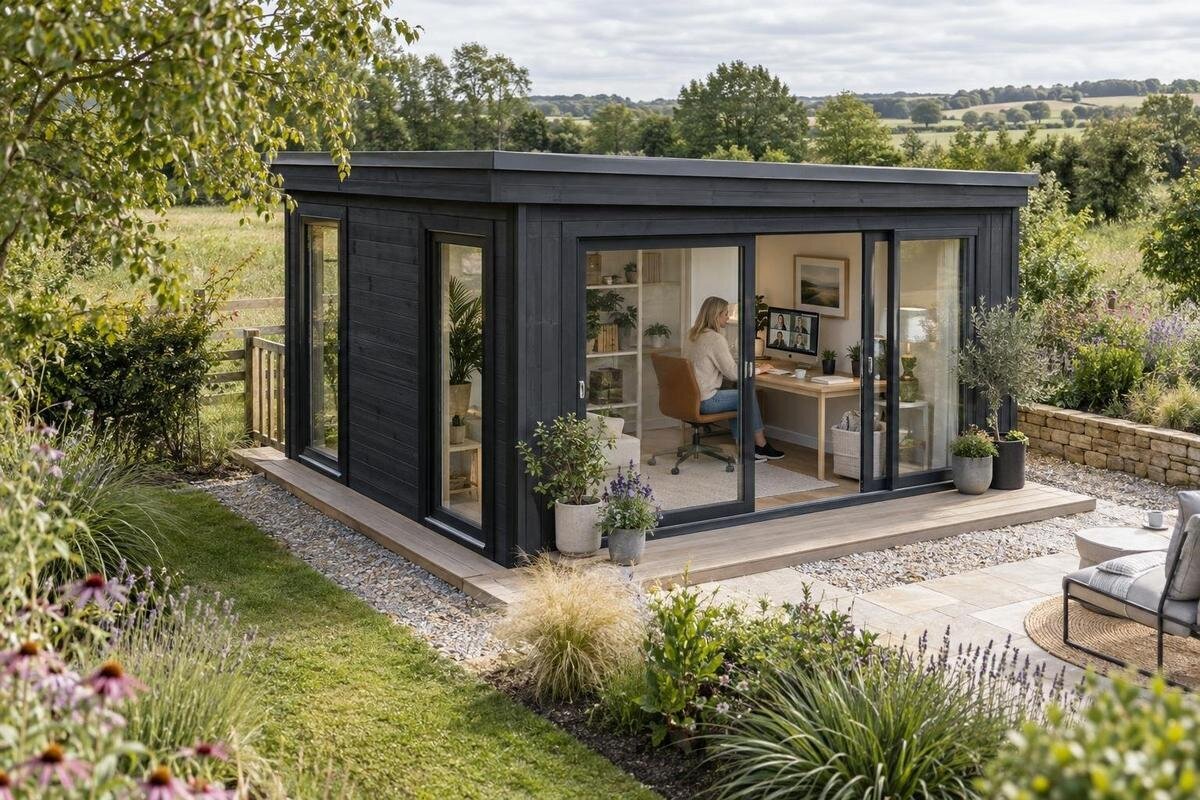
Garden office planning
A garden office can receive generous daylight and still leave the monitor reflecting a bright window or the webcam pointed towards one. Desk position affects screen visibility, the light on your face, the background on calls and the route through the room. Work these out before you order a garden house: an opening behind the desk or a door that cuts across the chair area can limit later furniture choices. A basic plan, combined with observations of the site at your usual working hours, helps you compare buildings on what matters in daily use rather than on a photograph alone.
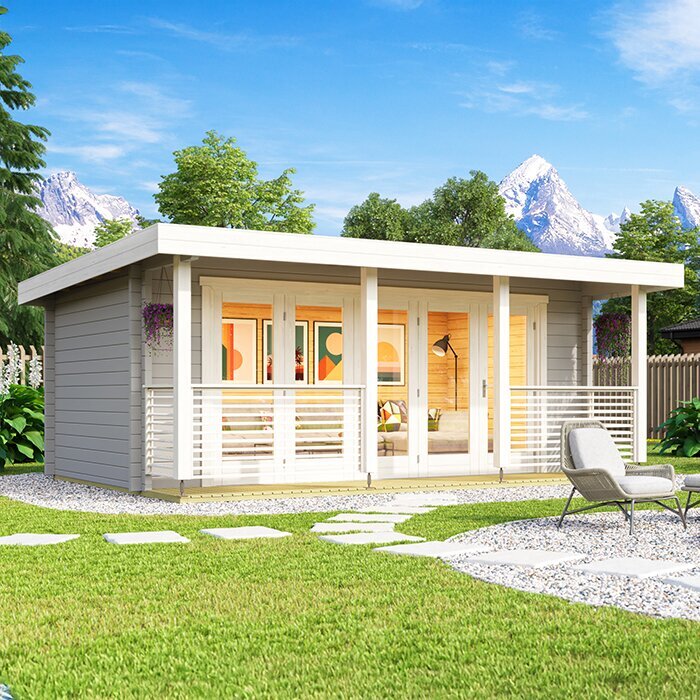
Map the openings before choosing a desk position
Begin with a simple floor plan of the usable interior. Mark the door, each window and any fixed feature, then draw the desk, monitor and chair with enough space to pull back. Add a line showing what the camera will capture. This can expose problems that are easy to miss in an empty-room image: a door may open into the chair area, the monitor may end up directly in front of a window, or the only clear background may be interrupted by an opening. If you do not have confirmed internal measurements yet, make a rough plan now and update it when the supplier provides them.
Use the product page for the Verdana 1 garden house to review whatever plan and opening information is supplied; if an important detail is missing, ask for it before ordering. Compare at least two desk positions: facing a plain wall with a window beside you, and facing the window or the room. This makes the trade-off among reflections, camera background and daylight visible before your furniture or building choices are fixed. Include space for any lamp, laptop stand or other equipment that is part of your regular setup.
Use window direction to anticipate daylight
Compass direction offers a useful first estimate of when direct sun may enter, but it does not guarantee the light at the desk. In the northern hemisphere, east-facing openings often bring earlier sun and west-facing ones later light; a south-facing opening may receive direct sun for longer, while a north-facing one often gives less direct light. Season, cloud cover, trees, neighbouring buildings, eaves and window size can all change the result. Note which side of your site faces each direction and what might shade it. Avoid choosing a desk position from orientation alone, especially if the window would sit directly behind the monitor.
If practical, visit the intended location at the hours you expect to work and note the sun and shade around the proposed building. A tree or neighbouring wall may matter more than compass direction. When comparing the Verdana 2 garden house, confirm the opening positions for the option you intend to order and how it could be oriented on your site. Record whether you work mostly in the morning, afternoon or across the day, so you can judge the setting against your routine rather than a single midday visit. If your visit is in a different season from your planned move, treat it as only part of the picture.
Keep the main window to one side of the monitor
Where the room allows, set the desk so a window is beside you rather than directly in front of your eyes or immediately behind the monitor. Side light can illuminate notes and your face while leaving the display against a less-bright part of the room. A window directly in your line of sight can make the screen seem dim by comparison; one behind the display can create reflections. Treat this as a starting arrangement, not a fixed rule: an overhang, curtains, tree shade and the screen's angle all affect the result. Test the actual seat position before deciding.
A temporary setup makes this easier to judge than standing in the doorway. Put a table or taped outline where the desk could go, sit down and check the monitor from your normal working angle. A dark screen can make window reflections easier to spot. With the Durano garden shed, compare the confirmed plan and opening positions with this test rather than trying to infer them from a product photograph. If the window cannot sit to the side, consider whether turning the screen or using a controllable blind could help. Try the setup with coverings both open and partly drawn.
Limit reflections and bright patches on the screen
Glare can come from a sharp reflection, direct sun on the display or a bright patch in the view around it. Check where the light lands at seated eye level, then try moving the monitor away from the window's reflection line or turning it slightly. Shifting the desk can work better than closing a covering all day, and a small adjustment may be enough to change the view. Look at the screen with your usual work open, not just a blank desktop. A dark screen can make reflections more obvious, while bright on-screen material may disguise them during a quick test.
If direct sun falls on the work surface at a predictable time, a blind or curtain can soften it while keeping the rest of the room bright. Think about privacy too: a window beside a neighbouring view may need covering at certain times, and a covering should not block the camera view you want. Do not assume a window treatment comes with a garden house. When reviewing the Veltor 1 listing, check which details are actually stated and ask separately about any option you need. A task light can help when daylight fades, but position it so it does not create another reflection on the screen.
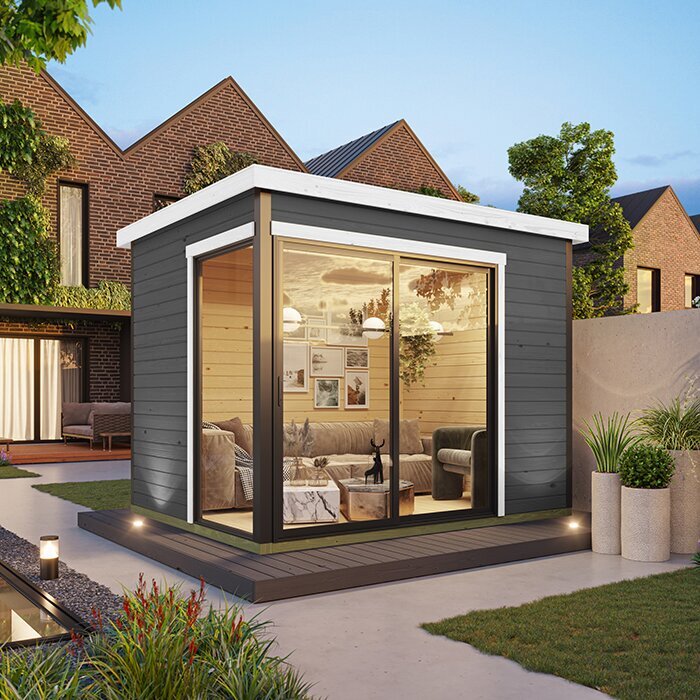
Plan the camera view as well as the work surface
Choose the camera direction at the same time as the desk direction. A webcam above the monitor usually points where you are facing, so the wall or room beyond the screen becomes your background. A window directly behind you can look very bright and leave your face comparatively dark on a call; a busy doorway or route through the room can also be distracting. A plain wall, tidy shelf or quiet corner is often simpler to manage. If you want daylight on your face, try having the window slightly to one side of the camera, then check that the light does not cause screen reflections.
Consider the view at the height and width of the device you will use, not only from a standing position. A laptop camera and a separate webcam may show different amounts of the room. Leave enough clear wall around the frame to avoid including the door, stacked boxes or a bright strip of window. On the page for the Orello 1 garden house, use any confirmed plan details to identify a suitable background wall; if the information is not clear, ask before deciding. A short test call from the planned seat can reveal backlighting and clutter before you settle on furniture.
Allow room for the chair, door and window access
Keep movement in the plan alongside light. Draw the door's full inward swing if relevant, allow the chair to move back from the desk, and leave a clear route from the entrance without threading between furniture. Check whether you need to reach a window handle or open the window; a desk placed tightly against an opening can make ordinary tasks awkward. Measure the full desk, including drawers, legs and any monitor stand, rather than using only the desktop dimensions. The aim is a position where you can sit, turn and get out without having to shift another item every day.
Then add objects that compete for the same floor and wall space: a printer, filing unit, hooks, shelves or a small cabinet. Their location affects how much of the room appears on camera and whether the chair can move freely. When assessing the Modano 1 garden house, compare its confirmed internal measurements and opening positions with your desk-and-chair plan; an exterior footprint is not a substitute for clear usable space. If a measurement is missing, ask which dimensions are internal and whether any fixed features reduce the available wall length. This prevents a layout that works on paper only because storage was left out.
Test the layout at the hours you will work
Look at daylight during the hours you will actually work, rather than relying on a single midday visit. Early and late light enters at a different angle, and a patch that misses the monitor at one time may cross it later. Cloud cover can also change the contrast between a window and the screen. Note direct light, reflections and shade at two or three useful times, and include a duller day if possible. You do not need a perfect forecast; you want to know whether the likely desk position can cope with the ordinary range of conditions at that site.
Recreate the workstation temporarily with a laptop or monitor-sized object, a chair and the camera you use. Sit down, switch on the screen and preview the camera image or take a short call. Move the screen and chair between possible positions, noting whether better light creates a worse view or blocks the route to the door. If your test happens at home rather than on site, treat it as a layout test, not proof of the garden house's daylight; the opening orientation and nearby shade still need checking. A simple record of time, weather and glare is more useful than a vague memory.
Compare garden houses by their usable office layout
Product descriptions and images may not provide enough information to plan a working room. Before treating a building as a garden shed office, look for the internal floor dimensions, the positions and opening directions of doors and windows, and a plan showing clear wall lengths. Confirm whether measurements describe the outside or the usable interior. A photograph can make a room appear broader or hide where an opening interrupts the wall, so do not use it to judge desk clearance. If an essential detail is not stated, request it from the seller before choosing a model. This is especially important when the desk needs to face a particular way for calls.
A product title is not enough to establish office suitability. For example, the wooden garden tool shed M is identified as a tool shed by its name; that alone does not establish whether its dimensions, openings or intended use match your office layout. Apply the same check to every listing: compare the stated details with the room you need, and ask about anything that affects your work. Set down the desk, chair, camera background and storage on one plan, then check the usable wall and floor space. This avoids assuming that a storage-oriented product provides a particular window arrangement or a comfortable place to work.
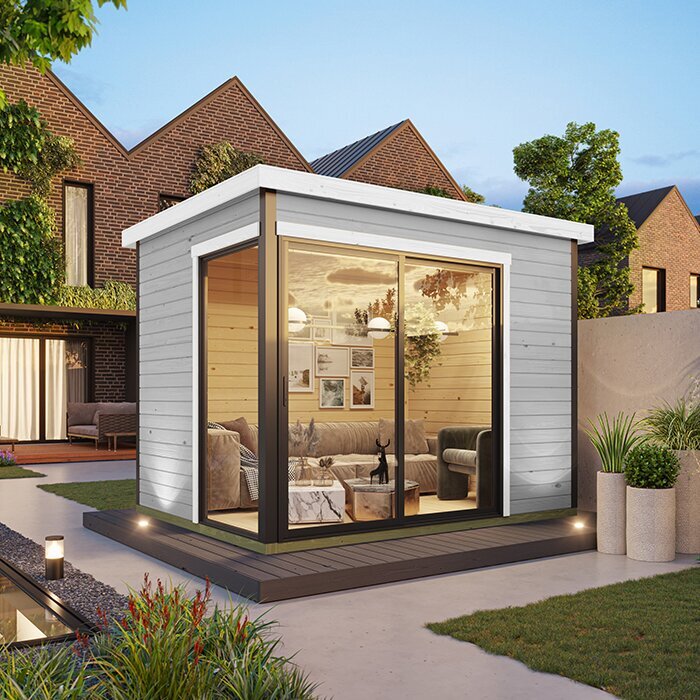
Confirm openings and installation details before ordering
Before placing an order, ask focused questions about details that determine the layout: internal floor measurements, exact window and door positions, which way doors open, and what configurations or options are available. Confirm that any plan shown corresponds to the model and specification you intend to order. Use the information supplied for the wooden garden shed S as a starting point for those checks, not as a reason to guess about size or office suitability. Ask about delivery access, assembly arrangements and site preparation for your particular order, so you know what needs to be ready. Keep answers that affect your layout with your order notes.
If you want sockets, wired internet or lighting, decide roughly where the desk and equipment will sit before finalising the layout. Ask a qualified electrician or relevant installer to advise on electrical work and service routes, and ask the supplier or a suitable professional about site and base requirements for your particular building. Do not infer what is possible from a general product description. Also clarify whether blinds, internal fittings or requested changes are included or available rather than assuming they are. Resolving these points early helps avoid conflicts between the building you order and the working setup you have planned.
Make a like-for-like buying comparison
Use the same short checklist for every candidate: confirmed internal width and depth; door and window locations; the wall the monitor would face; likely daylight during working hours; webcam background; and space for the chair and route through the room. Add the seller's answers for missing details and mark anything not yet confirmed. This makes it easier to compare buildings fairly when their photographs or names suggest different kinds of room but do not show the same information. Leave an unknown item blank instead of filling it in from an image. A buying decision is clearer when its assumptions are visible.
Finally, weigh the compromises against your routine. One arrangement may give comfortable side light but less uninterrupted wall; another may simplify the camera view but need some control of direct sun. Decide which issue you are more willing to manage with furniture or a covering, and which would require a different opening layout. If the desk position depends on a change or dimension that has not been confirmed, resolve that question before ordering. The right garden office layout is the one that handles your usual screen work and calls without making movement around the room a daily adjustment.
Frequently asked questions
Should my desk face the window?
Usually, try placing the window to one side of your desk. This can bring daylight onto your work without putting the monitor directly in front of a bright opening. Site shade, screen reflections and window size all affect the result, so test the view from your usual seat before settling on a layout.
Is a window behind me a good background for video calls?
A bright window behind you can leave your face looking dark on camera. It may work in some conditions, but check the video preview at the times you usually take calls. A side-lit position or a window slightly in front of you may be easier to manage, provided it does not cause screen glare.
How can I reduce screen glare from a garden-office window?
Try turning the display, moving the desk out of the reflection line or using a blind or curtain to soften direct sun. Test with the screen on, as a quick look around an empty room can miss reflections. Confirm whether any window covering you need is included or available before ordering.
Can a garden shed office work with just one window?
Possibly, but it depends on the internal dimensions, the window's position, shade around the site and how you use the room. Check the usable wall space and whether you will need task lighting. An exterior photograph does not show whether there is enough clear space for your desk, chair and camera.
What should I check before ordering a garden house for office use?
Confirm the internal dimensions, door and window positions, opening direction, what is included, and any assembly or site-preparation requirements. Compare those details with a desk, chair and camera plan. Ask the supplier about anything missing, and consult a qualified professional about electrical or base requirements relevant to your setup.
The most practical desk position is the one that works with the daylight you actually get, keeps screen reflections manageable and gives the camera an unobtrusive view. When you know where the openings sit before ordering, it is easier to choose a garden house around your work routine rather than trying to make an empty-room photo fit. A simple plan and a short light test can settle the layout before the furniture arrives.
