
How to Get Internet Access in a Garden Office
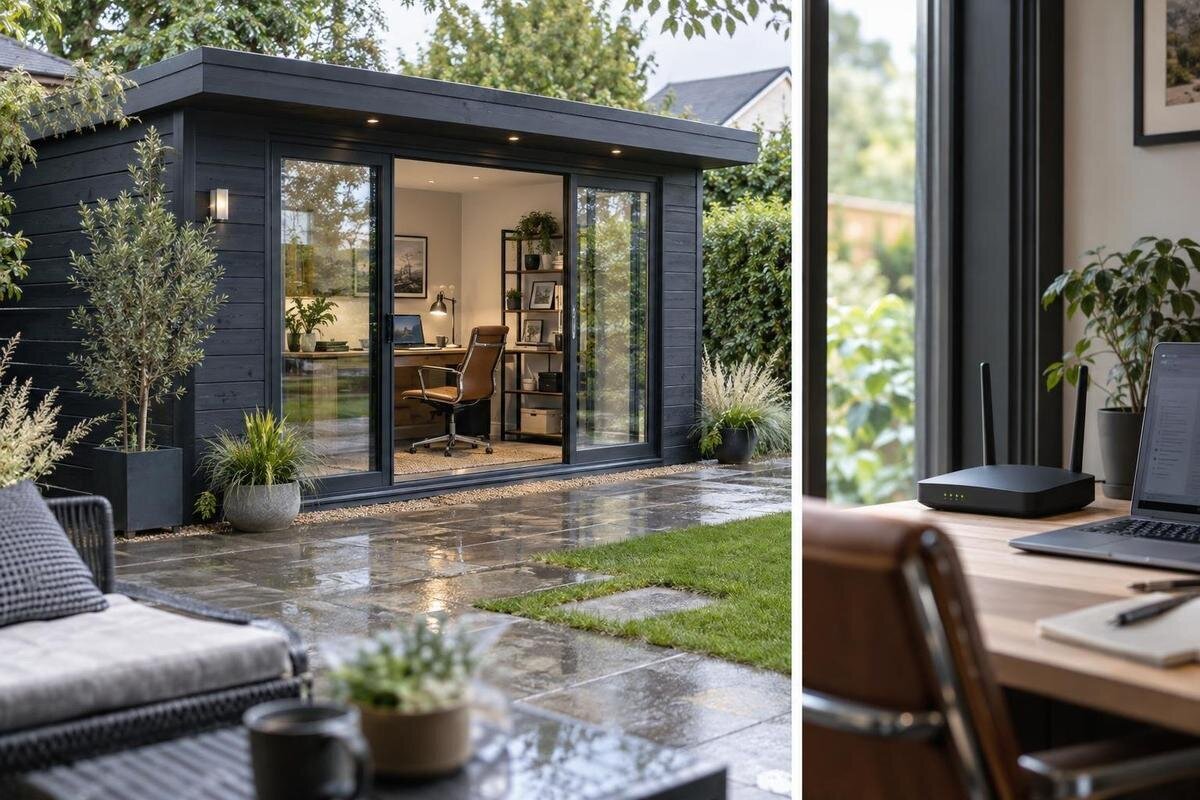
Garden office planning
An office in the garden can be close to the house and still fall outside the reliable reach of its Wi-Fi. The best way to get online depends on the home broadband, the distance and obstacles between buildings, the position of your desk, and how you use the space. You may be able to extend the home network, choose a fixed data connection, or use mobile broadband. Check the actual site before buying equipment: a weak Wi-Fi link, a slow broadband service and patchy mobile reception are different problems, and each calls for a different response.
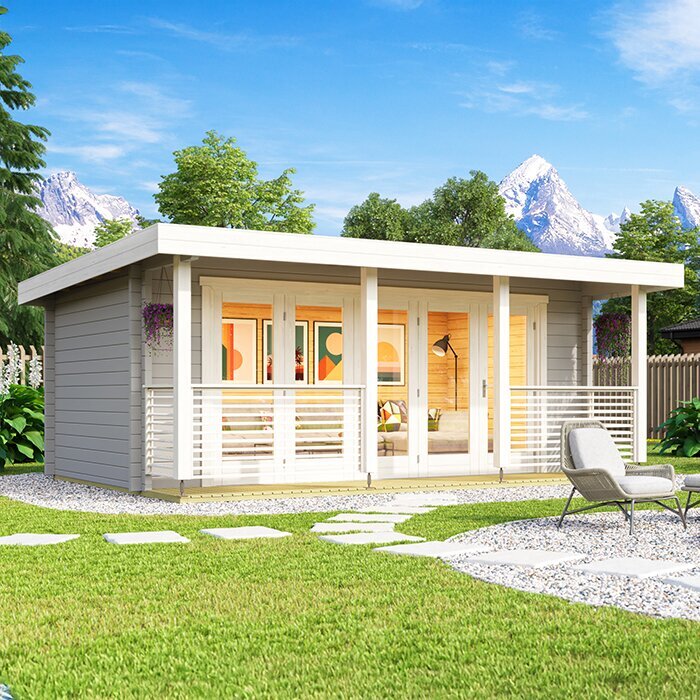
Plan internet access before choosing the office location
Map the house, home router, proposed garden-office position and the desk before choosing equipment. Note the distance and what lies between the router and the place where you will work; a signal beside the back door is not a reliable guide to reception at a desk inside a separate building. Think about where a computer, phone or printer will be used, and whether other people will need the connection at the same time. If you are weighing up the Verdana 1 garden house, assess it at the proposed site rather than assuming its model name tells you anything about Wi-Fi reach or an included internet connection.
Look for possible obstacles along the wireless path, including the house wall, fences, trees or changes in level, but do not treat a clear view across the garden as a guarantee. The garden office's own construction, glazing and room layout may also affect reception; details vary between buildings. If the site is not fixed, compare likely positions before committing. That early check helps you consider whether to shift the building, extend Wi-Fi, arrange a data cable or use a mobile network. It also gives an installer useful information if you need advice about a fixed connection route.
Test the home connection and Wi-Fi coverage
Check your existing home connection in two ways: assess the broadband service beside the home router, then test Wi-Fi at, or as near as practical to, the proposed office site. Use the same device and testing method for the Wi-Fi checks, and repeat them at different times, including when the household is usually online. A strong Wi-Fi icon does not show how much internet capacity is available, while a single speed test can reflect a temporary result. Comparing results near the router and towards the garden helps show whether the issue is the broadband service, the wireless route, or both.
If the service is poor beside the router too, a range extender will not increase the capacity coming into the house; speak to your provider about the broadband service and plan. If performance is good indoors but drops towards the garden, coverage is more likely to be the concern. When the Verdana 2 garden house is on your shortlist, make the test at its intended location rather than at a convenient point closer to the back door. Note where and when you tested, then use the results to compare a Wi-Fi extension, a fixed data link or mobile broadband.
When a Wi-Fi extender or mesh system makes sense
A Wi-Fi extender relays the home network over a wireless link, so it can help only if it receives a usable signal where it is placed. A unit in the office's dead zone still has to communicate through the same weak route; seeing a network name does not guarantee a dependable connection. A mesh system can help manage coverage across a home, but a garden office is still a separate point to reach. If a mesh satellite relies on wireless backhaul, that link also needs an adequate signal. A wired backhaul avoids relying on Wi-Fi for that part of the connection.
Before buying either type, check how the maker recommends positioning the equipment, whether the system works with your existing router, and whether it supports the connection method you intend to use. Test a temporary position with the device you use for work rather than relying on a range figure alone. Conditions around a garden office can differ from those inside a house. If the Durano garden shed listing is among the buildings you are considering, the relevant check is still the signal at its proposed location; an extender cannot remove distance or obstacles along the route.
A fixed wired data connection
A fixed data connection from the house to the garden office avoids relying on Wi-Fi for the entire distance between the buildings. A network cable can feed an access point in the office, which then provides local Wi-Fi for phones and laptops; depending on the equipment, a desktop computer may connect directly. This can be worth investigating when work calls or sessions need a steady link. It does not improve the broadband service supplied to the house, however, and the equipment at both ends still matters. Wireless devices inside the office also depend on coverage from the local access point.
Plan the route before the building position and network equipment are final. Ask a suitably qualified network installer what cable, protection, entry points and terminations are appropriate for the specific route; do not assume that indoor equipment is suitable for an outdoor section. If the Veltor 1 listing is on your shortlist, discuss how a data link could reach the proposed work area without assuming the building includes cabling. A network connection and a mains electricity supply are separate requirements, so discuss any electrical work with an electrician.
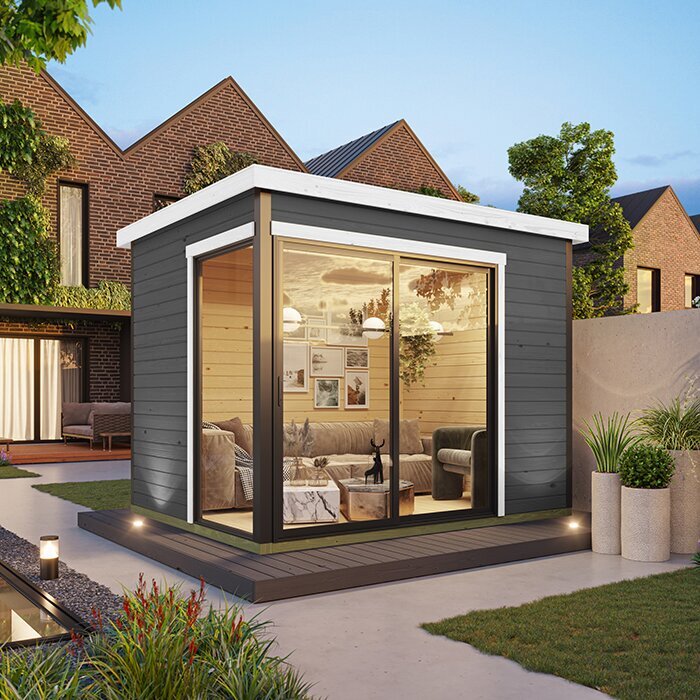
Mobile broadband for a garden office
Mobile broadband uses a router with a SIM to connect over a mobile network rather than extending the home's fixed broadband. It can be worth considering if a cable route is impractical or if you want a separate connection, but provider coverage information is only an initial guide. Reception can vary across a garden and may change once the device is inside the chosen building. Test at the actual site with a compatible phone or router on the network you plan to use. If practical, check more than one position: a reading elsewhere on the property cannot confirm performance at your desk.
Before choosing a plan, compare its data allowance, usage conditions, contract terms and equipment compatibility with the way you work. Do not assume every plan is unlimited or suited to a router. Ask the provider about upload as well as download performance, since calls and sending files use the connection in both directions. Reception and network demand can vary, so mobile broadband is not a guaranteed substitute for a fixed link. If the Orello 1 listing is in your building comparison, test the mobile signal at the proposed office position rather than inferring it from the product name or a garden-wide coverage map.
Match the connection to your work
List the tasks the connection must handle: video meetings, voice calls, cloud documents, remote access, large uploads or downloads, and the number of devices likely to be active together. Video calls and sending work files need a reliable upload as well as a usable download, so looking only at a headline download figure can give an incomplete picture. Include household use too, because the house and garden office may share one broadband service. A connection that feels fine for one person browsing may struggle when several people are streaming, backing up files or joining calls at the same time.
Use that list to compare options rather than choosing the fastest-looking package or most powerful-looking device. Ask your provider about the upload performance and usage conditions of your service, and try typical work tasks at the times you expect to use the office. A cable to an access point may suit a fixed workstation, while Wi-Fi remains useful for phones and laptops; mobile broadband may suit a different pattern if reception is adequate. If the Modano 1 listing is part of your building shortlist, consider the number of users and the planned desk position separately from the building's name.
Choose a garden building that suits office use
A garden building is not automatically ready for office work just because it can hold a desk or a Wi-Fi device. Check the stated purpose, dimensions, layout and included features in the specific product information; do not infer insulation, glazing, power, data cabling or usable desk space from a photograph or model name. This matters for network planning as well as the room arrangement: where you put a router and the walls it must pass through affect what setup is practical. A name such as the wooden garden tool shed M is a reminder to confirm the stated intended use rather than assume an office specification.
Make sure the proposed building can be positioned where your broadband checks or planned cable route make sense, while still working for the garden and access to the house. Compare confirmed product details, then ask the supplier about any feature you need that is not clearly stated. A window or a particular wall construction can affect radio signals, but a general description cannot predict the result at your site. If the room arrangement is undecided, settle the main desk location and likely network-equipment position before finalising where the building will go.
Check what is included before ordering
Read what the garden-building purchase actually includes and what must be arranged separately. A product description may cover the building without promising a broadband service, data outlet, router, Wi-Fi coverage or mains connection; do not treat any of these as included unless the details say so. This is worth checking even when comparing a listing such as the wooden garden shed S: its name and photographs do not establish whether it suits your intended office use or what services are supplied. Ask specific questions about any feature you cannot confirm from the written information.
Also separate responsibility for the building from responsibility for the internet connection. The provider supplies the broadband service and plan; a network professional can advise on a data link and its endpoints; electrical supply or outlets are a separate matter for an electrician. If you use more than one installer, agree who supplies each device, cable and connection point, and who checks that the finished network reaches the work area. Clear scope helps you avoid buying equipment that cannot connect to the chosen router or arranging a route that misses the planned desk.
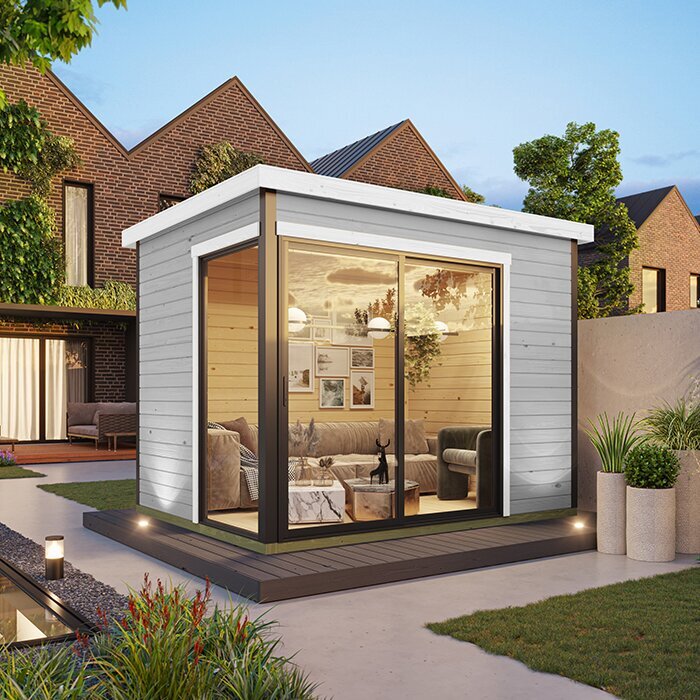
Test the setup before relying on it
Once the office and equipment are in place, test the network where you will actually work. Check normal browsing, a video call, file transfers or remote-work tools at different times of day, using the devices you expect to use. A speed test is useful as one measure, but it cannot show every short interruption or explain whether a call will remain clear. If performance varies, compare what happens in the house and the garden office, then ask your provider or installer to help identify whether the issue is broadband, the wireless link or the local equipment.
Keep a realistic fallback if losing access would disrupt a meeting or deadline. A phone hotspot may help only if mobile reception is adequate and the plan permits the required use, so test it rather than relying on it as an assumption. Keep the relevant provider and installer details to hand, and note which network and equipment serve the office; that can make later troubleshooting more straightforward. If furniture or network equipment is moved, repeat the practical checks. For work data, follow any security requirements set by your employer or IT provider.
Choose the option that solves the measured problem
Choose the route that addresses the weakness you measured. If broadband is poor beside the home router, investigate the home service first. If the home connection is sound but Wi-Fi fades across the garden, compare a correctly placed extender or mesh system with a fixed data link. If no practical cable route suits the site and mobile reception is dependable, compare mobile broadband plans. For a regular office with important calls, a wired link is worth assessing, though it cannot compensate for a poor broadband service at its source.
Before ordering, confirm the office position, intended desk layout, service needs and likely network route. Check the building details against the way you plan to use the space, then compare connection options that can reach that exact point. Verify equipment compatibility, usage terms and installation responsibilities before purchasing routers, access points or a SIM plan. You do not need to buy every part at once: choose the building and connection as linked decisions, but order equipment when you know what it must connect to. That keeps the plan tied to the actual office rather than a guess.
Frequently asked questions
Will a Wi-Fi extender work in a garden office?
It may, if it can receive a reliable signal where it is placed and the link to the office is strong enough for your work. Putting an extender in a spot where Wi-Fi already drops out is unlikely to solve the problem. Test at the proposed office location first, and follow the equipment maker's placement and compatibility guidance.
Is a wired connection always faster than Wi-Fi?
Not necessarily. A data cable can avoid relying on a wireless link between the house and office, which may help with consistency. The broadband service, equipment and installation still affect performance, and Wi-Fi inside the office remains a separate link if you use wireless devices. Compare the options against the connection you actually have.
Can I use mobile broadband in a garden office?
Yes, if the chosen mobile network has suitable reception at the office and the plan and equipment support your usage. Check the signal at the exact proposed location, not just elsewhere in the garden or on a coverage map. Review data allowances, usage conditions and upload performance before choosing a plan.
Will the garden house affect Wi-Fi reception?
It can. The building's construction, glazing and layout may affect how a wireless signal reaches your desk, but the result depends on the specific building and site. A signal test outside the building cannot confirm reception inside. Check performance in the finished office before relying on Wi-Fi for important work.
Should I choose the internet setup before ordering a garden office?
Plan the likely location, desk position and connection route before ordering, but you may not need to buy equipment yet. Check broadband and mobile reception at the proposed site, then decide which type of connection suits your work. Confirm the building's stated details and what is included before arranging cabling or network equipment.
Reliable internet in a garden office starts with the real site, not a range claim or a product name. Check the home connection and signal where you plan to work, then choose an extension, fixed data link or mobile plan to suit the result and your daily tasks. Confirm the garden building's stated details and what is included before arranging equipment or installation. That way, the connection plan fits the office you are actually buying and using.
