
How to Get Internet Access in a Garden Office
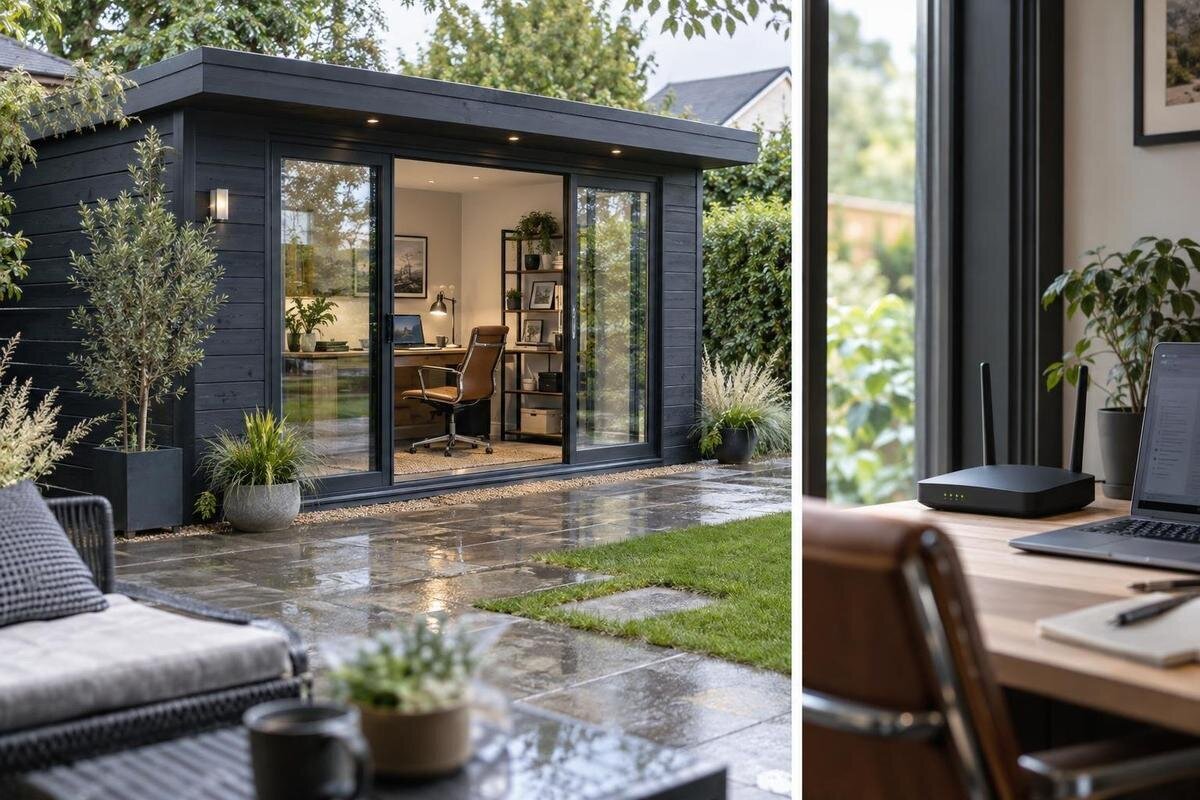
Garden office planning
Planning internet access for a garden office means choosing a route that works at the desk, not just finding a gadget labelled for wider Wi-Fi. You may be able to extend home Wi-Fi, add a mesh node, arrange a wired data connection or use mobile broadband. Each option depends on the garden building’s actual position and your work needs. This guide covers what to test, how to compare the main choices and what to confirm before buying equipment or arranging an installation.
Set the connection requirements for the garden office
Before choosing equipment, describe a normal working day in the garden office. Occasional email and browser use place different demands on a connection from long video meetings, cloud backups, large file transfers or several people sharing it. Note how many laptops, phones, printers and other devices may be online at once, and whether upload speed, call stability or basic browsing matters most. Include work with fixed deadlines: a brief interruption during a call may matter more than a slower download of a file that can wait. A written list separates must-haves from conveniences and gives you something concrete to test.
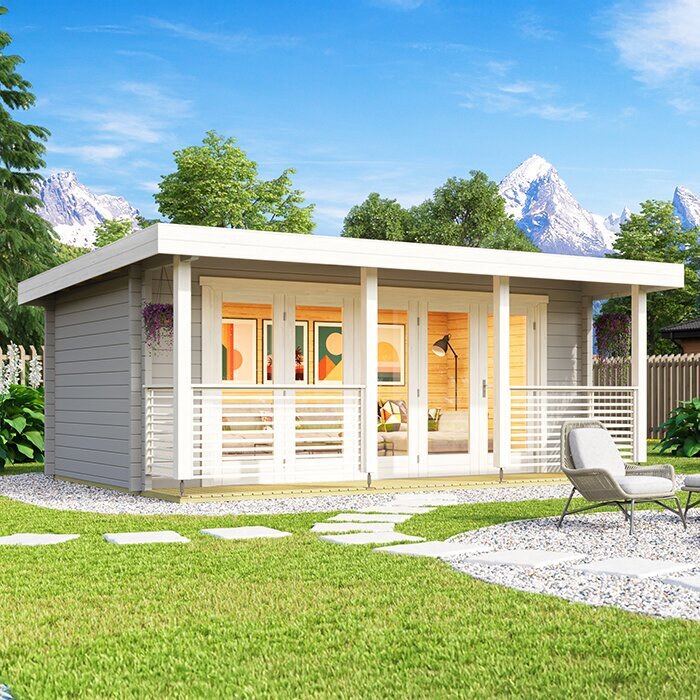
Decide whether the office will use the home’s existing broadband or need a separate service, and whether occasional access would be acceptable while you test. If you are also choosing a garden building, keep that decision alongside the intended use: the Verdana 1 garden shed listing can be reviewed as one product option, while its siting, confirmed layout and network route remain separate planning questions. Note where you expect to work and how many people will use the room. That context helps narrow the connection options before equipment is ordered, and avoids buying for needs the office will not have.
Test home Wi-Fi at the intended desk
Test with the laptop or phone you will actually use, standing at the planned desk position. First note performance near the home router, then repeat at the garden-office location with doors and windows in their usual working arrangement. Run more than one speed test at different times and try a real video call or upload a work file. Record download and upload results, delays and dropouts; a single reading or a full signal icon cannot show whether the link will remain usable during a normal day. Use the same device and testing method each time so the results are easier to compare.
This helps separate a weak Wi-Fi link between buildings from a slow or interrupted broadband connection inside the house. If performance is already poor beside the router, an extender is unlikely to address the cause; check the home service and router first. With the Verdana 2 garden shed page on your building shortlist, note the intended position and desk location before testing. A change in the building’s planned position or the desk’s place can alter the route, so keep your notes with the site plan and repeat the test after any change. Do not assume that a convenient spot outdoors represents the signal inside.
Map the route between the house and garden office
Sketch the route from the home router to the likely desk rather than judging distance alone. A wireless signal may pass through the house’s exterior wall, open garden space, plants, the garden-building wall and interior partitions. Glazing, shutters, metal objects and nearby structures may also affect the link, depending on their materials and arrangement. A clear view from a window does not prove that the connection will be strong indoors. Note where the router sits, what lies between it and the building, and whether the results vary at different times or from different desk positions.
Mark practical positions on the sketch: where the home router can sit, which side of the garden building faces it, where a mesh node or extender could receive a signal, and where the desk needs to be. If the Durano garden shed listing is on your building shortlist, use the confirmed layout and actual site position when assessing that route; the model name alone does not describe the obstacles between the house and office. A simple plan can also reveal that a proposed node would end up behind a partition, inside a cupboard or too far from the router to help.
When a Wi-Fi extender can help
A Wi-Fi extender, sometimes called a repeater, receives an existing wireless signal and relays it towards a weaker area. It is most promising when it can sit between the home router and garden office while still receiving a reliable connection. Placing it at the desk in a no-signal spot gives it little useful signal to relay. The distance, walls and extender’s own capabilities still matter, so extending the apparent coverage of a network does not guarantee the same speed or stability at the far end. If several people use the connection at once, consider their combined activity as well as the signal reaching the office.
Check how the chosen extender works with your router, whether it uses a separate network name and how devices move between access points; behaviour varies by setup. Consider where it can be placed and powered without being hidden behind large objects or inside a closed cupboard. If the Veltor 1 listing is on your building shortlist, verify the planned site and layout before deciding whether an extender has a useful midpoint. The right position depends on the real route between the router and desk, not on the garden-building model name. Retest the desk area after setup rather than relying on the extender’s indicator alone.
Mesh Wi-Fi for wider garden coverage
A mesh system uses a main unit and one or more satellite nodes to spread Wi-Fi across several areas. Its units are designed to work together, which can make coverage easier to manage than adding unrelated repeaters. However, each node still needs a suitable connection to the rest of the network; a satellite placed too far from the router may receive a weak signal and pass on a weak link. Some systems support a wired connection between nodes, which can create different placement options. Check the system’s requirements and compatibility with your existing router before choosing one.
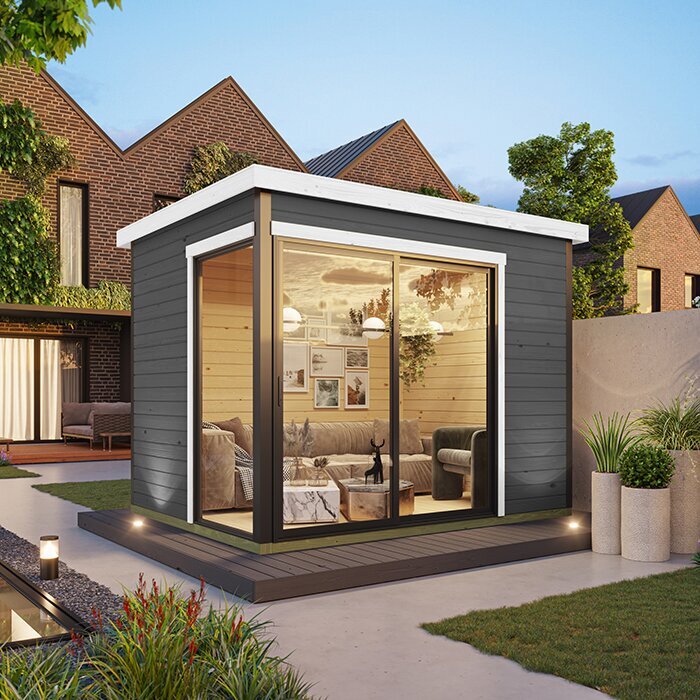
Compare mesh with a single extender after measuring where the signal drops. More nodes do not automatically mean better coverage: each needs a workable position, a compatible connection and, where required, power. Check whether the mesh system replaces the existing router or works alongside it, since that affects setup and network management. When reviewing the Orello 1 garden shed listing as part of a building shortlist, note the actual planned position before deciding where mesh nodes might go. The listing does not establish how nodes will communicate across your particular garden.
Wired internet for a garden office
A wired data connection from the house to the garden office can avoid the wireless hop between buildings and provide a direct network link to a computer or to a Wi-Fi access point inside. It may suit regular calls, file transfers or other work where you value a predictable link. A cable does not increase the broadband speed supplied to the house, and it cannot prevent an outage with the internet provider. The route, cable type, equipment at each end and suitability for outdoor conditions need to be assessed for the specific installation, rather than guessed from the garden layout.
Have a qualified network installer or data-cabling professional assess any route that runs outside or enters the buildings. Ask what the work covers: a route assessment, suitable components for the conditions, building entry, cable termination and testing. Do not treat an indoor patch lead as an outdoor installation plan, or combine data work with electrical work without professional advice. If a garden building identified by the Modano 1 page is being considered, include its confirmed site and planned entry positions in the discussion; the installer will need those details to assess the route.
Mobile broadband and phone hotspots
A mobile broadband router with a SIM or a phone hotspot can provide internet access without extending the home’s Wi-Fi. This may be worth considering where a home network is difficult to extend, or as a temporary way to test how work feels in the garden office. Check reception at the actual desk, inside the building and with the network you would use. Signal bars alone do not guarantee a suitable connection; performance can vary with location, time, provider capacity and the building around the device. A quick test near the house may not represent the experience at the desk.
Compare the data allowance and other service terms with your work habits, especially video calls, frequent uploads and automatic cloud syncing. Check how many devices can connect and what ongoing service cost applies. A phone hotspot may be useful for occasional access, but regular use can bring battery, heat and data-management considerations; a separate router has its own equipment and setup needs. If wooden garden shed M is on your shortlist, decide on the intended site before checking mobile reception. Coverage is location-specific and is not established by a product listing.
Place network equipment and plan power safely
Every option depends on placing equipment where it can work: the home router, extender, mesh satellite or garden-office access point. A unit inside the garden building needs a suitable power source and a position that is not blocked by furniture, stored items or a closed metal enclosure. Follow the operating conditions supplied by the equipment manufacturer. Do not assume an outdoor-rated access point is necessary, or that an ordinary indoor unit can be exposed to weather. The appropriate arrangement depends on whether Wi-Fi is relayed from the house or a data connection is brought into the office.
If the plan includes new power or a new route into the garden building, discuss that work separately with a qualified electrician; do not improvise fixed wiring or treat an internet cable as a power supply. Agree with a network installer where the data connection would enter and where the desk equipment would sit. If the wooden garden storage shed S listing is on your shortlist, confirm its intended use and layout from the product details before selecting equipment. A model name alone does not establish the available space or the conditions for networking hardware.
Protect the garden-office network
Treat the garden office as part of your home network rather than leaving its Wi-Fi unsecured. Where the router allows it, change default administrator credentials, use a strong Wi-Fi password and keep router, mesh and device software updated according to the manufacturers’ guidance. If your network offers a guest option, it can help keep visitors or less-trusted smart devices apart from work computers. Check how that feature works on your equipment instead of assuming a particular level of separation, and avoid sharing the main password more widely than necessary.
For work data, follow any employer or client requirements for secure remote access, approved VPNs and file storage; a stronger signal does not itself make a connection private. Apply the same care when working through a phone hotspot or a separate service. If several people will use the garden office, decide who may join the network and whether printers, cameras or other devices need access to work equipment. These choices can influence whether a simple shared home network is adequate or whether you need more control over which devices can communicate.
Check service terms and setup before ordering
Before ordering equipment or arranging installation, ask your current broadband provider whether the existing service and router can support the proposed arrangement, and check any terms that apply to changing equipment. If you are considering a separate fixed service, check availability for the exact address, setup requirements, upload as well as download performance, any data limits and recurring charges. An advertised peak speed is not a promise of the Wi-Fi speed at a garden-office desk. Ask for installation costs separately from equipment costs so you can compare the whole setup rather than only the price of a device.
Use your notes in a practical order: identify the work requirements, test at the intended desk, choose a route—Wi-Fi extension, mesh, data cable or mobile service—and then compare compatible equipment and installation quotes. Before relying on the connection for a full working day, retest at the desk during normal working hours, including calls and uploads. Keep a fallback for outages, such as mobile data if reception and service terms suit, and download essential files or know how to continue offline. If the building’s position or layout changes, check coverage again before committing to equipment for the old plan.
Frequently asked questions
Do I need a separate broadband service for a garden office?
Not necessarily. An extender, mesh system or data cable can share the broadband service already used in the house. Equipment or installation may involve extra costs, and the existing connection still sets the overall limits. If you are considering a separate fixed service, check availability and terms for the exact address.
Will a Wi-Fi extender work if there is no signal in the garden office?
It needs a usable signal where it is placed so it can relay the connection. An extender positioned in a complete dead zone has little to work with. Test possible locations between the house and desk before buying, and check the result at the desk after setup.
Is mesh Wi-Fi better than a wired connection?
They solve different problems. Mesh can spread Wi-Fi through several areas without a data cable between the house and office, provided its nodes have a suitable connection. A professionally planned wired link avoids that wireless hop, but requires a suitable route. Compare both against your site and work needs.
Can a phone hotspot handle a full workday?
It may suit some uses, but check mobile reception at the actual desk and compare your work with the plan’s data terms. Video calls, uploads and several connected devices can use more data than occasional browsing. Test it during normal working hours before relying on it every day.
What should I tell a network installer?
Explain where the house router and garden-office desk are, what devices need connecting, and whether you want Wi-Fi inside or a direct data link. Ask the installer to assess the route, suitable outdoor components, building entry points, termination and testing. Discuss any new electrical work separately with a qualified electrician.
There is no single internet setup that suits every garden office. If measured Wi-Fi meets your work needs, an extender may be enough; if it does not, mesh, a wired data connection or mobile broadband each offers a different route. Base your choice on tests at the actual desk, the confirmed building position and the service or installation details—not on a model name or theoretical coverage alone. That way, the setup you choose addresses the real conditions in your garden shed office.
