
What Happens When a Motorised Pergola Loses Power?
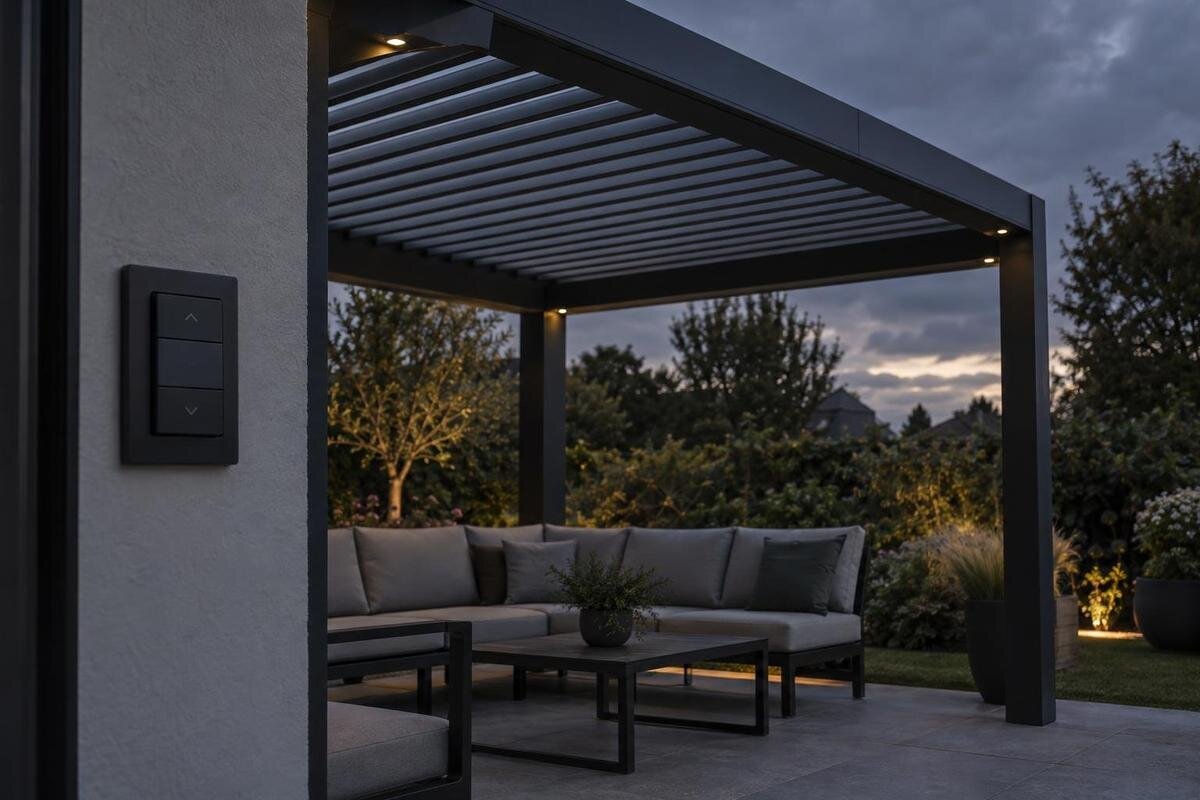
Pergola operating guide
A motorised pergola can be part-way through opening or closing when a power cut hits. What happens then depends on the exact motor, controls and any documented backup: the roof may stop, remain where it is or have an approved emergency mode. There is no universal response. Check the operating manual for the precise configuration rather than inferring behaviour from its appearance or product name.
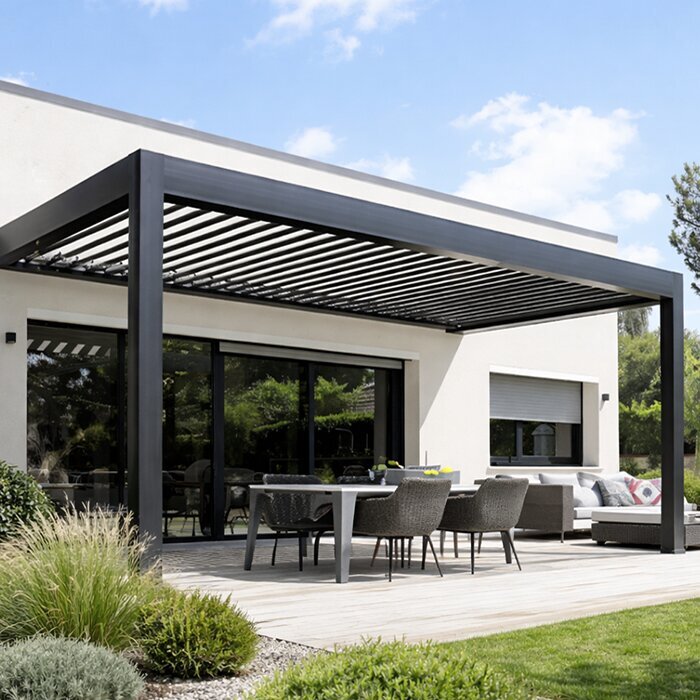
There is no universal response to a power cut
A mains-powered motor needs an electrical supply to drive the roof. If that supply disappears mid-operation, movement may stop, but the immediate stop is only part of the answer: the drive may hold the roof, a documented reserve supply may allow limited movement, or the system may specify another response. These are design-specific possibilities, not features to expect in every pergola. A cut while the roof is already stationary raises a different question: whether it stays in that position until power returns. Only the instructions for the exact model and controls can settle those points. A power cut and a fault in one control circuit can look similar from the patio, so do not diagnose the mechanism from silence alone.
Separate three facts when checking a product: what the motor does at the instant power is lost, whether the roof can be moved during the outage, and how control is restored afterwards. A model name or general description cannot answer all three. For example, the Bloomcabin Wall-Mounted Pergola identifies a pergola model, but its name alone does not confirm a motor, a manual override or backup power. Ask for the manual that matches the motor and control package you would actually receive, not instructions for a similar-looking frame or a different version. If options vary between configurations, get the relevant details confirmed in writing.
A roof interrupted mid-movement may be left part-way open
The interruption point matters. A louvred roof may be caught at an intermediate angle, while a retractable roof may be part-way through its travel. In either case, a stopped motor does not automatically mean the roof is mechanically secure or that it will complete its last command later. Whether it holds position depends on the actual drive and roof arrangement. Ask the manufacturer or installer what the manual says about cuts during opening and closing, and whether the response changes if the roof is at the end of travel. Do not judge holding behaviour solely from how smoothly it moves under power.
Do not push louvres, pull the roof fabric or turn a shaft to “help” it along unless the manufacturer explicitly describes that procedure. A part that looks accessible is not necessarily a hand control, and forcing movement can damage the mechanism or put you in the path of a moving section. If the roof looks unstable, makes an unusual noise or obstructs access, keep people clear and seek advice from the supplier or a qualified service technician. When discussing the Bloomcabin Pergola with a supplier, ask specifically about interruptions mid-travel rather than only what happens when the roof is fully open or closed. When seeking help after a cut, note whether it occurred during opening, closing or while the roof was stationary.
The motor, remote and app may lose power differently
An outage can affect several parts of the operating chain, but they are not all powered in the same way. A handheld remote may use its own batteries; a receiver, controller and roof motor may depend on the property's supply. A lit remote therefore does not show that the motor can run. An app may appear offline if the router or controller has lost power, which is not the same as a mechanical fault. Its last displayed roof position may also be out of date. Sensors, lighting or screens, if part of the order, may have separate circuits or batteries. Confirm what is fitted before assuming one functioning component means the whole system is available.
During a wider outage, there may be nothing to diagnose at the pergola. If power is restored elsewhere but the roof control remains unavailable, use only the manual's non-invasive checks, such as checking a handset battery or reading a status light as described there. Do not remove covers, touch wiring or bypass a device. If the fault affects only the pergola, persists after the stated recovery process or is accompanied by a burning smell or visible damage, leave it unused and contact the installer, supplier or a qualified service technician. For a quote on the Bloomcabin Bioclimatic Pergola, request a breakdown of any controls included and how they are powered. This helps distinguish a handset or connection problem from a loss of power to the drive.
Manual override must be confirmed for the exact drive
Buyers often use “manual override” as shorthand for any way to take control when electricity is unavailable, but the term can describe very different things. It might mean an approved hand-crank connection, a release that permits manual movement, a separately powered emergency mode or simply a handheld remote. A remote still depends on the receiver and motor being powered; it is not a mechanical way to move the roof. Some systems may offer a manual procedure, while others may have no user-operated way to move the roof without power. Ask the supplier to identify the feature by name and show where its instructions appear in the manual. If only a technician can use it, it is not a user-operated backup.
Before relying on an override, confirm whether it is available with the selected motor, whether it works from the roof's current position and whether a special tool is supplied. Ask who is meant to use it, what the safe sequence is and how normal powered operation is restored afterwards. You should not remove parts or turn an exposed shaft to discover how the mechanism works. Include any requirement for manual operation in an enquiry about the wall-mounted pergola, so the supplier can address it when explaining the motor and accessory options. If no instructions are provided, treat the feature as unconfirmed rather than improvising.
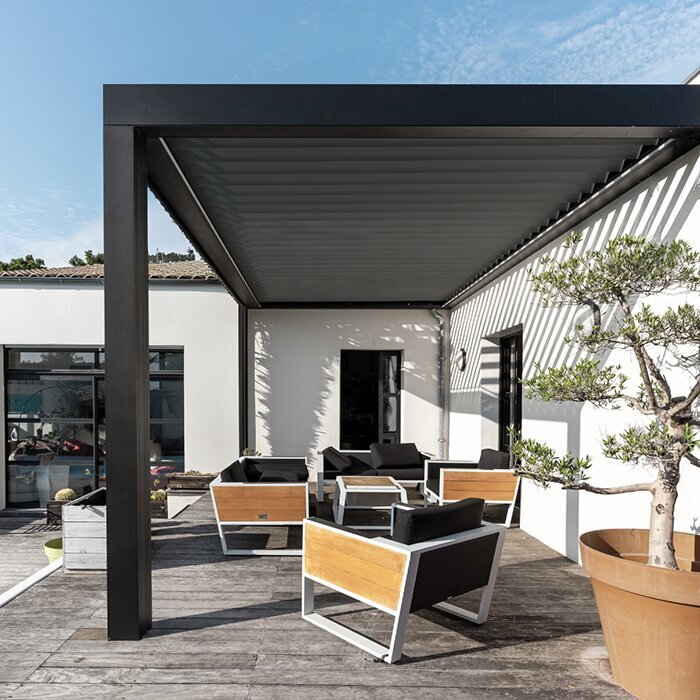
A backup battery and a manual override are different things
A backup battery, where offered, changes the question from “Is there a manual release?” to “Which parts can the reserve supply operate?” It may be intended for a specified emergency action or another limited function; it might power a control without being able to drive the roof. It may also be an optional accessory rather than part of the order. The product name alone will not tell you how many movements are available, how long the reserve lasts, whether it is charged or what happens once it is depleted. Ask how to check its status and whether the system requires any routine attention.
Ask whether the reserve supply keeps the motor, controller and any required receiver or sensor operable together, rather than checking each component in isolation. Confirm what happens after the reserve is used and who supplies the maintenance instructions. Do not rely on a battery in the remote as proof that the drive has backup power. If you are considering the regular pergola model, have any promised backup recorded against the selected motor and options, including whether it is part of the order. You can then compare the supplied configuration with the agreed description instead of relying on a general reference to emergency operation.
How automatic controls respond to a power cut
Automatic functions do not automatically solve a power cut. A rain or wind sensor, timer, app or smart-home routine can request movement, but a roof still needs an available drive to make that movement unless an approved reserve is documented. A sensor could also lose power or communication independently of the motor. A status message showing rain is present is evidence only of detection; it does not show that the actuator can close the roof. This is a general distinction, not a claim that a particular pergola includes sensors or internet control. Check which functions are actually in the quoted setup and what, if anything, is powered separately.
Do not count on a roof closing itself as soon as the cut begins, or on a scheduled command running while the controller is off. Ask whether commands sent during an outage are ignored, saved or acted on when supply returns, and what the manual says to do before using controls again. When comparing control options for the bioclimatic pergola, distinguish normal automatic operation from any stated emergency function. Any quoted sensors, app controls or emergency power should be listed for the exact configuration, with their outage behaviour explained. That distinction matters both during the cut and when the controller becomes available again.
The roof's position matters while power is unavailable
Position during an outage matters because different roof states provide different levels of shade and weather cover. Open louvres can leave gaps above the patio, while a retractable roof that has not fully deployed may leave part of the area exposed. A roof that appears closed should not be assumed to be sealed or suitable for every condition. Nor does a motor stopping at an intermediate point prove that the position is approved to remain there. Refer to the model's guidance for permitted operating conditions and what to do if power fails while the roof is moving. Ask whether drainage instructions apply to a part-way position as well as to fully open or closed settings.
If an outage is forecast and the manufacturer gives advice on a preferred position, follow that while the controls are available; do not wait until the roof is wet or the weather has changed. For an unexpected cut, avoid trying to move it outside the documented method. If you are looking at the wall-mounted pergola option, ask for operating and weather guidance for the actual roof and motor combination. The useful answer is which positions are permitted and what to do if movement stops between them, rather than generic advice about leaving a pergola open or closed.
Restoring power may not mean instant normal operation
When electricity returns, do not assume the roof will resume a command that was interrupted. Depending on the system, normal control may return straight away or the manual may require a particular recovery, reset or position check. A control can also appear normal while its displayed or remembered position differs from the actual roof state. These are details that vary by controller. Follow the written instructions for that model; do not borrow a reset sequence from an online video showing another motor or keep toggling the power in an attempt to make the roof respond. If supply is flickering, wait rather than repeatedly operating the controls unless the manual says otherwise.
Use the documented check before commanding movement, and watch from a safe position during the first normal operation. If movement is unexpected, stops again, sounds different or does not match the control, stop and contact the installer or supplier rather than repeating cycles. Keep the installed motor and controller details with your order records for the Bloomcabin pergola range, so you can identify the recovery instructions that apply to your setup. Store the matching manual somewhere available offline, rather than relying solely on an app that may be unavailable during a power or internet interruption.
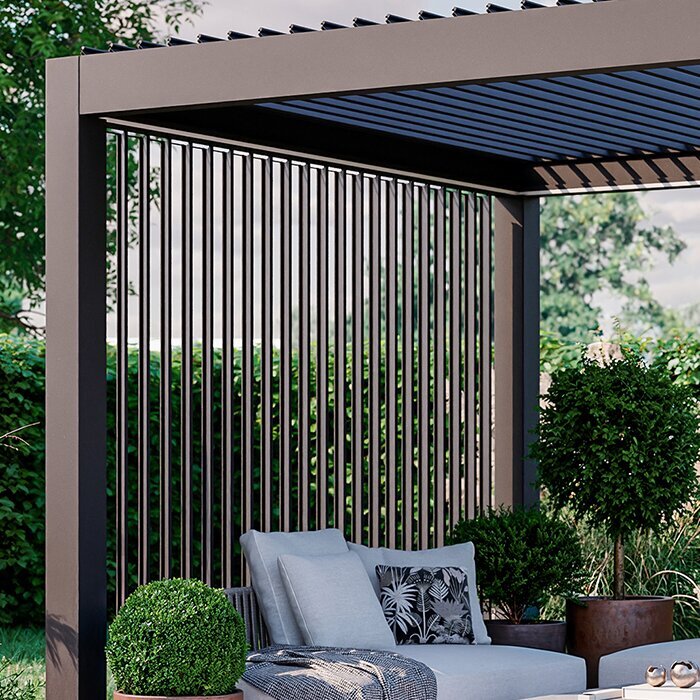
What to confirm before buying a motorised pergola
Request the manual for the exact roof system, motor and controller—not merely a brochure for the pergola range. Ask what happens if supply is lost while the roof is moving and while it is stationary; whether it holds position; whether an approved manual procedure or reserve battery is available; and what conditions the roof may be left in. Then ask how normal operation is restored, including any stated checks, and whether instructions differ for opening and closing. The aim is a clear answer for the setup you will order, not a general assurance that the product is automated.
Check whether each feature is standard, optional or unavailable, and whether an emergency accessory is compatible with the selected motor. Ask the supplier to point to the relevant manual page or mechanism diagram and explain what the owner is expected to do—and what should be left to a technician. If installation is arranged separately, request a handover covering normal controls, the power-cut response and recovery steps. Where answers are given verbally, record the model and options they relate to in your purchase notes. Keep those details with the documents, as a product-family name alone may not identify every component in the installed setup.
What to do if a power cut happens now
During an actual cut, first note the roof's position from a safe place and keep people clear if it looks unstable or obstructs a route. Avoid touching the moving sections, climbing on the frame, pulling a fabric roof or opening electrical covers. Consult the exact manual for any approved emergency action. If it gives none, wait for power to return or ask the installer or a service professional rather than experimenting. If weather is worsening or a section seems damaged, seek advice and do not assume that a half-open position is safe to leave.
Once power is back, follow the documented recovery procedure. If you cannot identify the model, use any label or order record you can access safely and give that information to the original supplier or installer; do not guess from appearance alone. If you do not have the manual, request the model-specific copy before attempting a reset or emergency operation. For future cuts, keep the manual, motor details and service contact somewhere available without an internet connection. Tell other household members that a remote or phone app may send a command but cannot be assumed to power the roof, and make sure they know where to find the outage instructions.
Frequently asked questions
Will a motorised pergola close automatically during a power cut?
Not necessarily. A motor needs power to close the roof unless the exact system has a documented reserve supply or fail-safe function. A sensor or programmed routine cannot be assumed to override a power cut. Check the manual for the outage response rather than relying on automatic closure to protect the patio.
Will the roof stay where it was when the power failed?
It may, but holding behaviour depends on the roof and drive. Do not infer it from normal operation or from a similar pergola. Check what the exact manual says about a cut during travel. If the roof appears unstable, keep clear and contact the supplier or a service technician.
Can I open or close the roof by hand?
Only if the exact model has an approved manual operation and its instructions explain how to use it. A remote or app is not a mechanical override, and forcing louvres or a retractable roof may cause damage. If the manual is silent, confirm with the supplier before attempting to move anything.
Will the remote still work during an outage?
Its display or transmitter may still have battery power, but the receiver and motor need their own power. A lit handset does not prove the roof can move. A separately documented backup could change this, so check which parts it powers.
What should I do after the power comes back?
Follow the recovery instructions for the exact model rather than repeatedly pressing controls or copying a reset sequence for another system. If the roof stalls, moves unexpectedly or sounds different, stop using it and contact the supplier or a service technician.
There is no single power-cut response for every motorised pergola. Whether the roof stops, holds its position, can be moved another way or needs a recovery procedure depends on the exact drive and controls. Get those details from the matching manual, and do not force the roof or assume an app, remote or sensor provides backup. Knowing what the system is designed to do makes an outage easier to handle safely.
