
How to Bring Internet Access to a Garden Shed Office
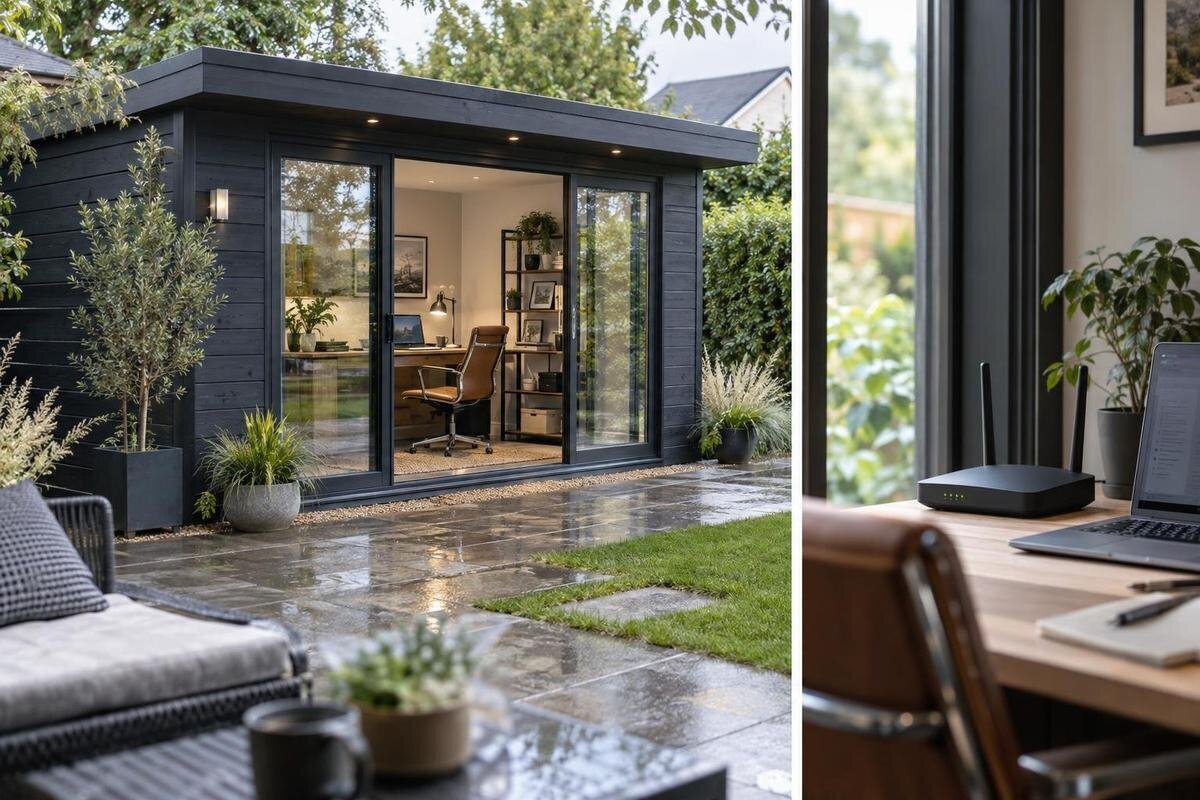
GARDEN SHED OFFICE PLANNING
A garden shed office is only as useful for remote work as the connection available at its desk. The first question is whether the home internet service is reliable, whether Wi-Fi can reach the planned office or whether a fixed network cable is a better fit. Distance, obstacles, the exact position of the shed and your working pattern all matter. Plan connectivity alongside the building: the room layout and equipment positions can affect the practical network route. This guide explains how to test your options and what to confirm before ordering.
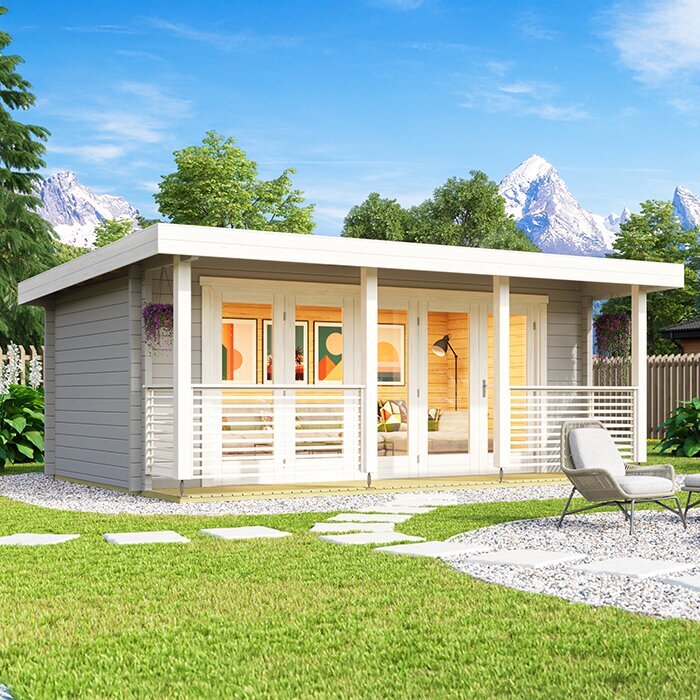
Separate home internet service from the garden-office connection
There are two links to consider: the internet service delivered to your home, and the local network connection from the router to the garden office. A Wi-Fi extender can only help with the second. It cannot correct an overloaded home connection, a router fault or an interruption from your provider. Before buying extra equipment, test the existing connection beside the router at the times you expect to work and note whether it is already inconsistent. If the problem starts in the house, speak to your provider first; carrying that connection into the garden will not make the underlying service more dependable.
Compare the results at the router with what you find at the proposed office site. Use the same device and, where practical, run tests in similar conditions so that you are comparing like with like. If the connection is steady near the router but drops away outside, the challenge is likely to be the link across the garden. If it is poor in both places, work on the home service or router before choosing an extension. This simple distinction can prevent you spending on equipment that solves the wrong problem. Record whether pages load slowly, calls break up or files take too long to send, since these symptoms can point to different practical priorities.
Map the garden route before choosing a connection
Mark the intended shed position and the place where you expect to sit, rather than testing only at the back door. Note the distance from the router and what lies between it and the office, such as exterior walls, other buildings, trees or changes in level. These details help you think about both wireless reception and the practical route for a data cable. If you already have the shed, test at the desk. If it is not built, testing at the planned footprint is useful, but it cannot show exactly how the completed building will affect reception. Take note of routes that may be inconvenient to access later, because a connection plan is easier to accommodate before the office is in regular use.
Set the proposed footprint on a simple site plan and check the actual measurements and orientation for every shortlisted model. For example, use the listing for the Verdana 1 garden shed as a model to verify, not as evidence of wireless range. Check whether the current product information or the seller can confirm the dimensions and layout you need. A catalogue image or model name is not a reliable way to judge where a router signal will travel or how far a cable route will be.
Match the connection to the working day
Decide what the office must handle before comparing networking options. Occasional email and browsing place different demands on a connection from regular video calls, cloud-based work, remote desktop access or frequent large uploads. Calls and sending files rely on more than download speed: interruptions and limited upload capacity can also affect the working day. Consider how many devices will be used in the shed and how many people will be online in the house at the same time. There is no single speed figure that suits every household, so base your decision on the work you actually expect to do. Include less obvious tasks such as software updates, online backups and shared household streaming when judging whether the available connection has enough headroom.
Plan the desk and equipment positions together. A laptop used in one corner, a printer on a shelf and a second screen connected to a dock may not all have the same network needs. Before settling on a model, check its actual dimensions, floor layout and doorway position against your furniture plan. For a specific option such as the Verdana 2 garden shed, verify those details in the current product information or ask the seller; do not assume that the name alone tells you whether a desk or network equipment will fit.
Extending home Wi-Fi across the garden
A repeater, mesh system or access point can extend the home network, but each works best in a different setup. A repeater receives an existing wireless signal and relays it, so it needs to sit where reception is still usable. A mesh system uses multiple network points to cover more of an area; compatibility with your existing router and equipment matters. An access point connected by data cable can provide Wi-Fi inside the shed without relying on a wireless link all the way from the house.
Do not choose a device solely because its advertised coverage sounds generous. Signal quality depends on the route and the final position of both the network point and the laptop. Check what equipment will be needed, whether it works with your router and whether it is intended for the place where it will sit. When comparing the building layout, look for exact model information or ask the seller; a listing such as the Durano garden shed does not, by itself, establish Wi-Fi performance or the best place for a network point. Plan to test the final arrangement after setup, as moving a network point a short distance can produce a noticeably different result.
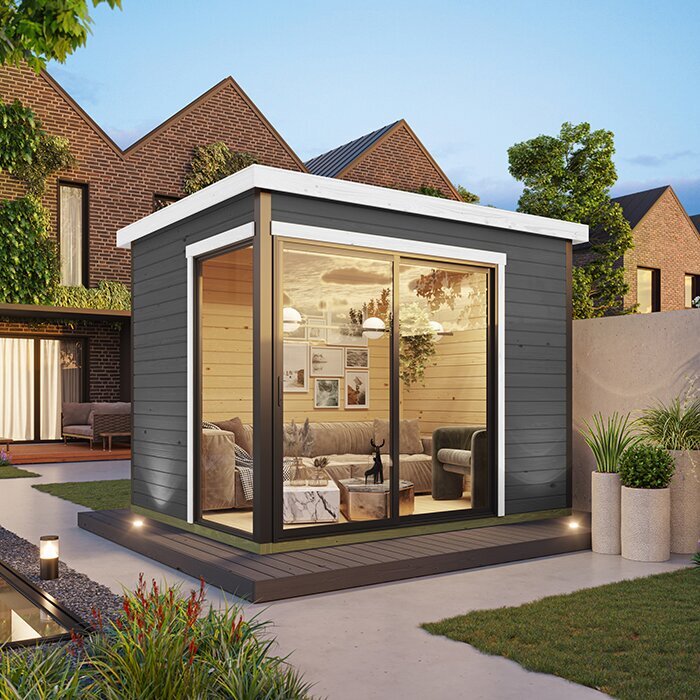
When a wired connection is worth considering
A network cable from the home network to the office can give you a more predictable local connection than relying on Wi-Fi over the full distance. It can also connect an access point inside the shed, so the cable carries the network across the garden and Wi-Fi serves devices at the desk. The internet service still comes from your home provider; the cable is a way of extending the local network, not a separate subscription. This option is worth comparing when the wireless route is unreliable or your work depends on a steady connection. It may also simplify the office setup where several fixed devices need network access, rather than leaving each one dependent on a marginal wireless signal.
Ask a qualified data-cabling professional to assess the route, the type of cable appropriate to its surroundings, how it will enter the building and what protection or termination is needed. Do not make assumptions about drilling or altering a shed: check the manufacturer’s guidance and ask the seller before planning an entry point. For a specific model such as the Veltor 1 garden shed, use the product details to identify what you are considering, then confirm any proposed cable route with the relevant professionals. Any new mains power work is a separate matter for an electrician.
Mobile broadband as another option
A mobile broadband router or hotspot may suit a garden office when a connection through the home network is impractical. Performance depends on reception from the chosen mobile provider at the exact location, the equipment used and network conditions at the time. A coverage map is a useful first check, but it cannot guarantee a reliable connection at the desk. If possible, test with the provider and device you expect to use, both outside and inside the completed shed, and repeat the test during the hours you plan to work.
Check the package as carefully as the signal. Review data limits, ongoing charges and any conditions that could affect performance when usage is heavy. Mobile service can be a useful alternative, but do not assume it will automatically provide a dependable backup: that depends on the network, equipment, power and setup available to you. If comparing a model such as the Orello 1 garden shed, confirm its precise position and layout from product information before deciding where reception tests should be made; the product name does not say anything about mobile coverage. Test ordinary work tasks as well as a signal indicator, because a strong displayed signal does not by itself show how well calls or uploads will perform.
Consider the shed’s construction and layout
Wireless reception can change when a signal passes through a building. The materials, glazing, openings and internal layout all form part of the route between the network point and your device, so there is no reliable rule that one broad category of garden shed will always give better reception. Product names and photographs do not establish the exact construction details. Check the current specifications for the model you are considering, and ask the seller about any details that could affect your planned position for the desk or network equipment. Treat an outdoor signal test as a starting point, then repeat it once the room is furnished, since furniture and equipment can alter the practical desk position.
The location of the desk also matters. A signal that reaches one side of the room may not be as useful at the opposite end, and a mesh point cannot help if it is placed where its connection back to the router is already poor. Where the final layout allows it, consider whether moving the desk or network point could improve the route, then test the connection in the position you will actually use. Use a listing such as the Modano 1 garden shed to identify a specific model for comparison, but confirm its details rather than inferring reception from its name or image.
Plan network equipment, cable entry and power together
Decide where the home router will stay, where any office access point or mesh unit would sit, and how a cable would reach the intended desk area. A network device needs an appropriate power supply, so include its location in the office plan rather than choosing a spot solely for signal strength. If the layout would require a new power point or other electrical work, discuss that separately with a qualified electrician. When assessing a listing such as wooden garden tool shed M, verify its stated intended use and exact layout before considering it for a workspace; a product title is not confirmation that it suits office use.
Before work begins, agree who will provide and configure the network equipment and what the installation includes. A data-cabling quote can clarify whether the route, entry, connections and testing are covered, while the provider or equipment supplier can confirm compatibility with the router you already use. Keep the proposed network route separate from any power work in your planning, even if both need to be considered before the office is set up. Clear responsibilities make it easier to compare options and avoid discovering late in the process that a needed piece of equipment or service has been left out. Keep a simple record of equipment names, connection locations and login details so that future troubleshooting does not depend on guesswork.
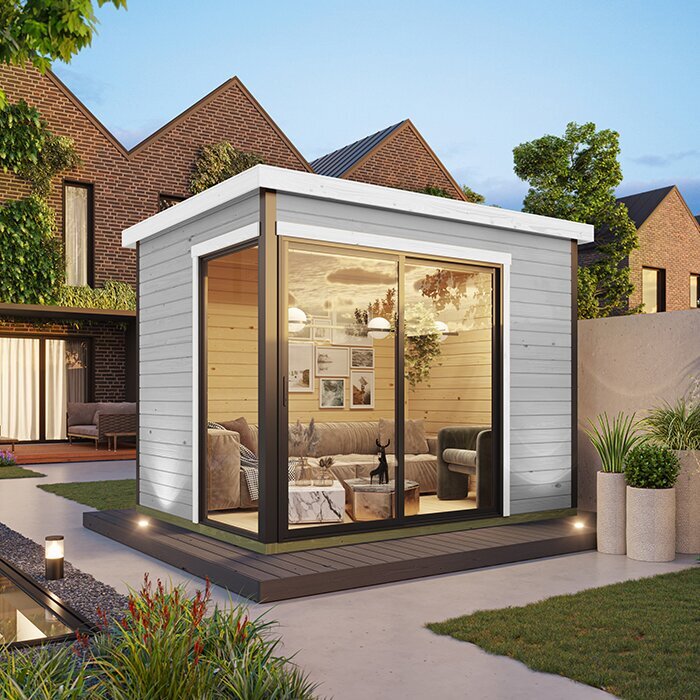
Compare the complete cost and installation plan
Compare the whole setup rather than the price of a single device. A wireless option may involve compatible equipment; a wired option may require a professional assessment and installation; mobile broadband may add a recurring data cost. Check whether you need extra network equipment and whether it can work with your current router. If a product listing is part of your shortlist, such as wooden garden tool shed S, confirm its exact dimensions and stated purpose instead of reading size or suitability into the model suffix. No one equipment choice is automatically the least costly once installation and ongoing service are included.
Ask for written details of proposed work and what it covers, including any equipment, configuration or testing that is part of the quote. Compare like for like: a device-only price is not equivalent to a quote that includes professional installation. Also check the current product information for the exact shed model, including any available drawings or dimensions relevant to your layout. If details needed for your decision are missing, ask the seller or installer before ordering rather than relying on a photograph or assumption. Consider ongoing costs alongside the initial outlay, especially where a mobile data package or replacement equipment may form part of the chosen approach.
Make the decision from the tested route
Use your tests to narrow the choices. If the home service is reliable and Wi-Fi remains usable at the intended desk, extending the existing network may be enough. If reception fades before the shed, compare a mesh or access-point arrangement and make sure the network point can receive a good connection. If reliable wireless coverage is difficult across the garden, ask a professional about a wired route. Consider mobile broadband only after checking reception and the data package at the actual office location.
Before ordering, write down the exact shed model, its confirmed layout, where the desk will go and which connection method you plan to use. Keep the provider, equipment and installation requirements together so that the building choice and network plan can be checked as one decision. If you cannot verify a workable route for the connection your work needs, pause the purchase until the provider, seller or installer has answered the relevant questions. That is more useful than choosing a shed first and discovering later that the intended setup does not fit. Retain the test results and assumptions behind the choice, so you can explain the intended setup clearly to anyone carrying out the installation.
Frequently asked questions
Will my home Wi-Fi reach a garden shed office?
It may, but distance alone cannot tell you whether the connection will be reliable. Test with your own device at the proposed desk position and repeat the test at the times you plan to work. If the shed is not built yet, remember that an outdoor test may not reflect reception inside it.
Is a Wi-Fi extender enough for a garden office?
An extender can help when it receives a usable signal from the home router, but placing one in a dead zone will not create a strong connection. Check its position and compatibility with your existing equipment. If the route is difficult, compare a mesh setup or a wired link with a data-cabling professional.
Does a wired connection mean I need a second internet account?
Usually, a network cable carries the connection from your home router to the office; it does not create a separate internet service. It will generally use the same provider connection and package. A second service would need to be arranged separately with a provider.
Can I use mobile data in a garden shed office?
Yes, if the mobile network and data package work well at the proposed office location. Check reception with the provider and device you intend to use, ideally inside the finished shed. Also compare data limits, ongoing costs and performance at busy times.
What should I verify about the garden shed before ordering?
Confirm the exact model’s dimensions, layout, openings and stated intended use. Work out where the desk and network equipment will go, then ask the seller or installer about any proposed cable entry or alteration. Do not infer suitability or Wi-Fi performance from a product name or photograph.
Reliable internet access for a garden shed office comes from matching the connection to the work, the site and the finished room. Test the home network at the intended desk, compare Wi-Fi, wired and mobile options on their real requirements, and verify the shed’s exact layout before committing. A clear plan for the building, equipment and installation makes it easier to choose a setup that supports the way you actually work.
