
Desk placement in a garden shed office: daylight, glare and video calls
Garden-office planning
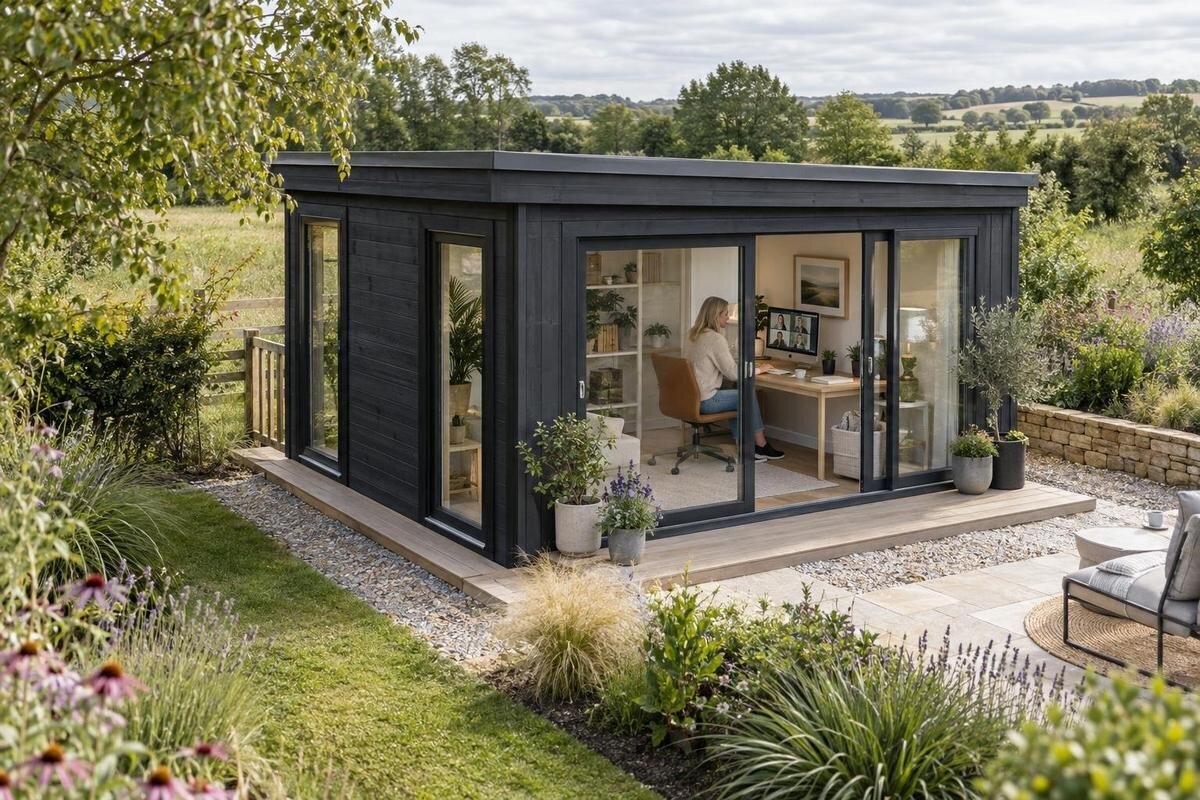
A garden office desk is easy to place on a sketch and harder to position once the sun reaches the screen or the webcam shows a bright window behind you. Daylight, monitor direction and camera framing need to be considered together, before the building and furniture choices are final. Start by watching the light at the hours you expect to work, then test the desk and camera from a seated position. That simple plan can reveal whether an opening or background makes the proposed arrangement awkward. It also helps you compare garden-shed listings against a real working layout rather than a model name or exterior footprint alone.
Map daylight at your normal working hours
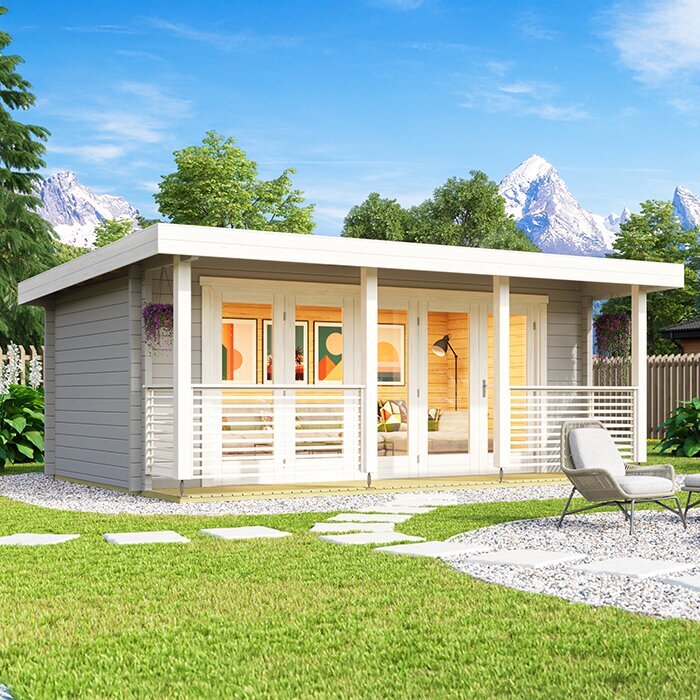
Before choosing a wall for the desk, observe what daylight does during the hours you expect to work. Visit the proposed spot in the morning, around midday and later in the day. Note direct sun, bright reflected light and shade from nearby buildings or trees. The pattern depends on the site and the season, so one visit is not a complete picture. If you can, repeat the check on another day and take a photo from seated eye level. A view from the doorway can make a corner look bright even when the screen position stays shaded.
Put those observations on a simple floor sketch. Mark the windows and other openings, the desk, the chair, the monitor direction and the camera’s view. Try two possible desk positions rather than committing to the first wall that looks convenient. Allow for the depth of the desk and the space needed to pull the chair back, as these can change which wall is practical. When comparing a garden shed, use its published internal measurements and opening details if they are available; the external footprint alone does not confirm usable desk space. A listing such as Verdana 1 garden shed identifies a model, not its interior layout, so do not rely on the name to decide whether your arrangement will fit.
Place the window to the side of the screen where possible
Having a window to the side of the desk is a useful arrangement to test first. A bright opening directly in front of you can make the screen seem dim by comparison, while a window behind the monitor may reflect in the display. If the window is behind you, it can also become a strong, bright background on video calls. These effects vary with the light, shading and monitor angle, so side-on placement is a starting point rather than a rule. The preferred side can also depend on where you naturally turn to use papers, a second screen or the room entrance.
Sit at the intended desk position with the screen at its planned height and look at the whole display, not just the centre. Try turning the desk or monitor slightly and check whether the reflection moves away without making the camera view awkward. When considering a building such as garden shed Verdana 2, use any stated opening positions or interior plan to test the arrangement. Do not infer where a window sits from a model name; ask for details if the layout information you need is not supplied.
Check the screen for reflections and direct sun
Direct sun on the screen and a reflection of a bright window are different problems. A patch of sun may move across the desk, while a reflected opening can remain visible even when the screen itself is in shade. With the monitor in the intended position, switch it off briefly and look for reflected shapes. Then turn it on and check how the reflection affects the documents or applications you normally use. A brighter screen does not remove the reflected image.
If glare appears, test small changes before settling the desk: shift the monitor, turn it away from the opening or move the desk to another wall. A small change in angle can be enough, but it should not leave you viewing the screen uncomfortably from the side. Check the result at the time the glare is most noticeable, not only when the room is comfortable. A product plan, if one is supplied, can help you compare the position of openings with the planned screen; the label Durano garden shed alone cannot predict where a reflection will fall. Leave any unknown opening details unresolved until you can confirm them.
Plan for adjustable light control
A way to moderate daylight can make the desk easier to use when the sun is strong. Depending on the actual opening, blinds or curtains may let you reduce glare without making the room completely dark. Try partial coverage as well as full coverage: the aim is to control the light at the screen and on camera while still keeping enough ambient light for your work. Consider whether the covering will be easy to adjust from the desk and whether it changes the background visible on calls. Also consider where the covering will be stored or gathered when open, so it does not obstruct the opening or camera frame.
Choose a covering only after you know what opening it needs to suit. If the product information for Veltor 1 garden shed states opening positions or measurements, use those details when planning shade; the model name does not establish window type, size or location. If the necessary information is not available, clarify it before ordering a made-to-measure treatment or basing the desk plan on a particular window. This avoids choosing a control that cannot be matched to the actual opening.
Frame the background before fixing the desk position
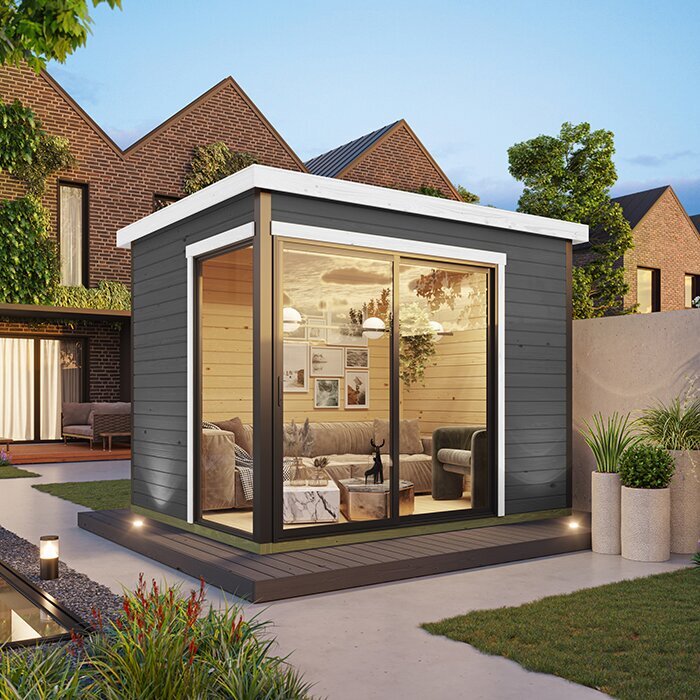
A webcam captures more than the desktop, so check what sits behind you before deciding where the desk belongs. Place the camera close to the screen and around eye level where practical, then use the video preview to see whether your face and the background are framed as intended. A window directly behind you can become a bright feature in the image; a doorway or busy area may also distract from the call. Adjust the desk or camera until the view feels composed from the position where you will actually sit.
Mark the camera’s sightline on your sketch and note which wall, opening or other feature will appear in the frame. Include the view when you lean back or move slightly in the chair, rather than assessing only one rigid position. If the camera is built into a laptop, remember that changing the laptop’s position changes both the screen angle and the background. Where an interior plan is supplied for a candidate such as Orello 1 garden shed, use it to think through that sightline. A model title does not show what the camera will capture, so check the actual layout information rather than assuming a particular wall is clear.
Give your face even, adjustable light on calls
The screen may be readable while your face still looks dark on camera, especially if a bright window is behind you. Try turning the desk so daylight comes from in front or from the side, then check the call preview. Look for strong shadows as well as overall brightness, since they can change as the sun moves. If natural light changes too much, a lamp can provide another option. Place it so it lights your face without shining directly into your eyes or appearing as a bright reflection on the monitor. A brief test in the video app is more useful than judging the arrangement by eye alone.
Think about where a lamp could sit before settling on a desk location, and whether its light would be blocked by the monitor or reflected in the screen. If the product page for Modano 1 garden shed provides information about openings, compare that with your intended light direction; the name itself does not show where daylight will fall. Keep the plan flexible enough to work when daylight is weak or changes, rather than depending on one particular patch of sun for every call.
Include power and connectivity in the desk plan
A desk position also needs to work for the equipment used during a normal workday. Note where existing power points are and consider how the computer, monitor and any lamp will be connected. Leave enough slack for equipment to be moved for cleaning or for a change in desk position, without creating loose leads across the floor. Plan the furniture so leads do not cross the route you use to enter or move around the room. If the garden shed is already in place, check the internet connection at the proposed desk position. If new fixed electrical work is needed, have a qualified electrician assess it rather than planning around an unconfirmed supply.
Do not assume that a product name describes office use or electrical provision. For example, wooden garden tool shed M is a model label, not evidence that a building is set up for regular desk work. Before treating any storage-oriented product as an office option, check its stated intended use and the information actually supplied. Resolve any questions about fixed electrical work with a qualified professional before committing to a layout that depends on it.
Check usable floor area, not just the outside footprint
Measure the desk itself, including any part that extends beyond the main top, and mark the chair in both its working and pushed-back positions. Include the monitor, keyboard and anything else that affects where you sit. If drawers or cupboards are part of the desk, allow space for them to open without blocking the chair or route through the room. A desk that fits against a wall on paper may still leave little room to move the chair or use the screen comfortably. Compare your measurements with stated internal dimensions where available; outside measurements alone do not show how much floor area is usable inside.
Treat a model name as an identity, not a size specification. The label wooden garden tool shed S does not confirm usable floor area or whether a desk and chair will fit. Check the stated dimensions and intended use, and distinguish internal from external measurements if both are provided. If the product information does not answer a question that affects your layout, get clarification before ordering rather than filling the gap with an estimate.
Test the layout in more than one light condition
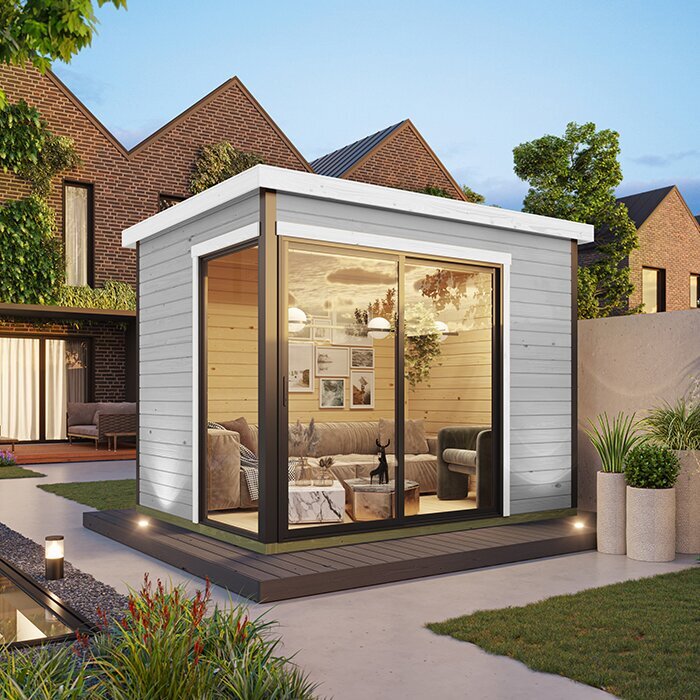
Sunlight changes with the time of day, cloud cover and season. A desk position that works on a bright morning may have a different screen reflection later, and the room may feel quite different on an overcast day. If the building is already there, check the proposed position under more than one condition. If you are choosing a garden shed before it is assembled, use the site observations and any available information about its openings to plan for variation, rather than assuming one visit represents every working day.
Decide what you would do if your first-choice position becomes too bright: adjust the shade, turn the screen or use a second desk angle if the room allows it. Also check whether the camera view remains useful after that adjustment. Make a note of the positions that work, so the desk can be returned to them after cleaning or rearranging the room. If the room will be used outside daylight hours, include suitable artificial light in the plan rather than expecting daylight to cover every call. A flexible setup is more dependable than one that works only under a narrow set of conditions.
Make a final desk-position plan before ordering
Before you choose a garden shed, make one drawing that brings the main checks together. Mark the intended desk and chair, screen direction, window positions, camera view, available power and the route you will use to move around. Add the location of any planned lamp or window covering, since both can affect screen reflections and the video background. Add a second possible desk position if glare or backlighting may require a change. Check the drawing against the furniture measurements and the product information available for the model, rather than relying on a picture or an outside footprint alone.
Use the plan to identify which details still need confirming: internal dimensions, opening positions, intended use or anything else your desk arrangement depends on. A layout is only useful if it is based on information you have, not assumptions about the model. The right choice is the one that leaves you with a practical desk position, a workable screen view and a camera frame you can adjust as the light changes.
Frequently asked questions
Should my desk face the window?
Not necessarily. Facing a bright window can make the screen harder to view, while a window directly behind you may dominate the camera image. Try placing the window to the side, then check the screen and video preview at the times you usually work.
How can I check for screen glare before ordering?
Mark the proposed desk and monitor position on a plan, then test it in the actual room if possible. Look for reflections with the screen off, and check readability with your usual work open. Repeat at different times, since the light can change during the day.
Where should the webcam sit for a video call?
Place it close to the screen and around eye level where practical, then use the call preview to check the framing. Look at both the background and the light on your face. A bright window behind you can make the image difficult to balance.
Can I rely on daylight for video calls?
Daylight can help, but its direction and brightness change with the time, weather and season. Plan a way to soften strong light and consider an adjustable lamp for darker conditions. Test the setup on a call rather than judging it from the doorway.
What should I check on a garden-shed listing before ordering?
Compare the published internal dimensions, opening positions and intended use with your desk plan, where those details are provided. Include the chair and camera view, not just the desktop. If a detail needed for the layout is missing, ask for clarification before deciding.
A good desk position is one that works with the daylight you actually get, keeps screen glare manageable and gives you a useful camera view. Observe the light at your working hours, test the arrangement with the real desk and check what the webcam sees. Then compare that plan with the garden shed’s stated dimensions, openings and intended use before ordering. Keeping a second position in mind gives you room to adapt when the light changes.
