
What Happens to a Motorised Pergola During a Power Cut?
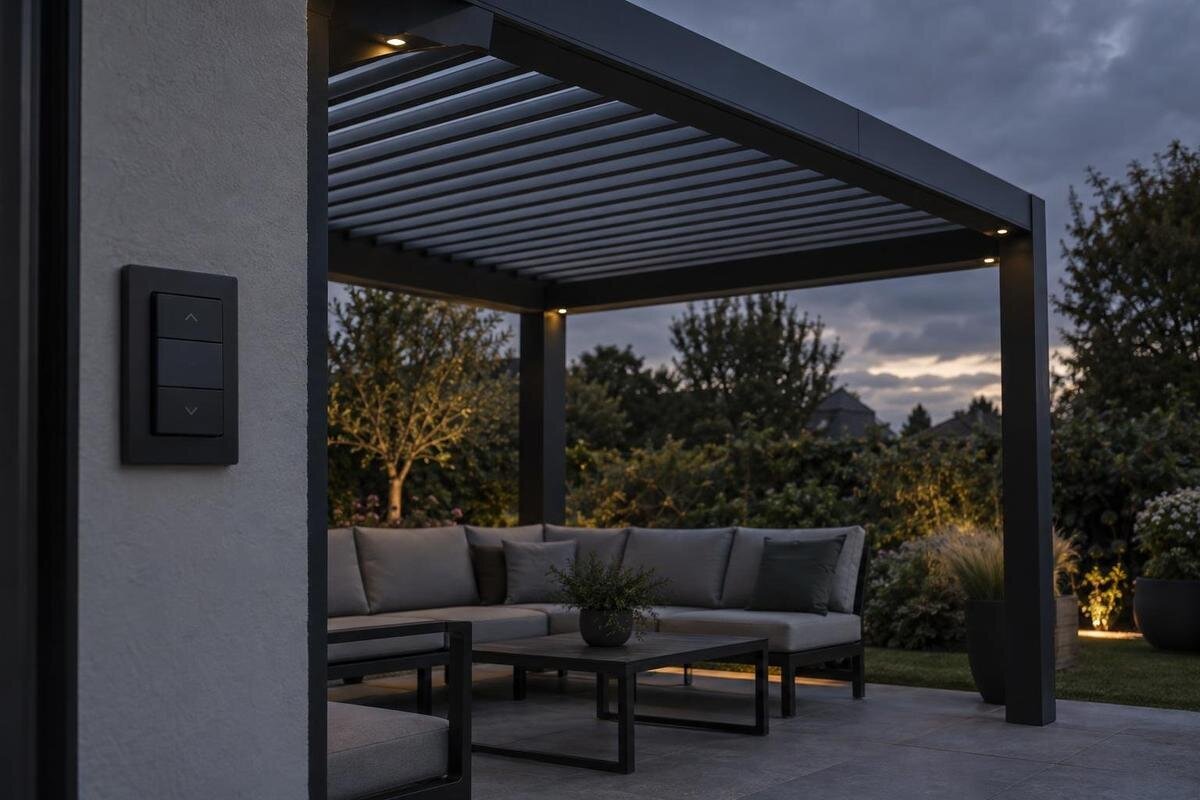
Pergola operation
A power cut does not produce one standard response from every motorised pergola. The roof may stop where it is, remain held or follow a documented backup response; the result depends on the exact drive, controller, roof mechanism and power arrangement. The useful question is not simply whether the pergola is automatic, but what this particular system does if supply fails while stationary or moving. Check the correct manual, especially its permitted manual override and restart procedure, rather than assuming that the roof will close or can be moved by hand.
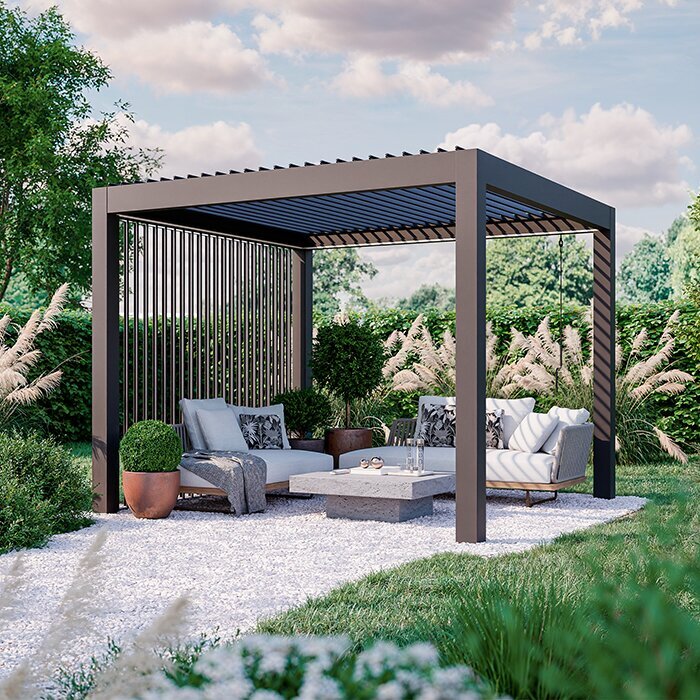
Why a power cut has no single effect
First establish what has actually lost power. A whole-property outage, an interruption to the circuit serving the pergola, a local supply being switched off, and a failed remote or internet connection are different situations. If an app cannot reach the controller, that does not prove the motor has lost electricity; equally, working lights elsewhere do not confirm that the pergola’s supply is available. The motor, controller, sensors and network interface may have different power paths. This distinction helps separate a connection problem from an issue with the drive. Do not open an electrical enclosure to investigate. If the cause is unclear, ask a qualified installer or service provider to identify the relevant components.
When power to the drive is interrupted, the controller may be unable to carry out a fresh command. What happens to a roof already moving is specific to its design: it might stop during travel, stay in its last position or follow another documented response. The motor, braking arrangement, transmission and controller all matter. The word motorised does not tell you which outcome applies, or whether a command can resume once electricity returns. A general description such as remote-operated or automatic is not a substitute for identifying the motor and controller in the actual installation. Ask the supplier to match those components to the operating instructions, rather than answering only for a broad product category.
What position the roof may be in when power fails
The roof’s position at the moment of failure matters. It may be fully open, fully closed, between positions or in the middle of a louvre adjustment; those states can leave different areas exposed. A control system might stop movement, hold the mechanism or follow another documented response. Do not assume the roof will move to a preferred or weather-safe position, or that its last command will be stored and completed later. Ask separately about an outage while the roof is stationary and one during movement; one answer may not cover both. A partly open appearance alone does not show whether the system can be handled or how it should be left.
When considering the Bloomcabin Wall Pergola product page, ask whether the quoted configuration includes a motor and, if so, which drive is fitted. The listing identifies the product, not its response to an outage. Have the supplier explain what happens in each roof position for that particular configuration. This matters if the roof system and controls are supplied or fitted as separate parts. A showroom example may use different equipment, so distinguish between what the display demonstrates and what is specified for your order.
When a manual override is permitted
Manual operation is not a standard feature of every powered pergola. Depending on the design, an approved override might be a hand crank, a release mechanism or another manufacturer-defined method; another system may have no user-operated override. A battery backup is not the same thing as manual operation, and an override may have restrictions on roof position, access, weather or who may use it. Do not infer that a removable cover or visible shaft is an access point. Never push the roof, turn a drive part, pull a canopy or force louvres unless the correct instructions explicitly direct that action. Force may damage components or cause unexpected movement.
For a configuration discussed alongside the Bloomcabin Pergola listing, ask the supplier to identify any approved override and say whether it is included, a separate option or unavailable. Find out which tool is required, where the access point is, what position the roof must be in, and how normal operation is restored afterwards. Request the relevant written instructions rather than relying on a general assurance that manual movement is possible. A demonstration can help clarify the procedure, provided it uses the equipment specified in the quotation.
Why the roof mechanism matters
The mechanism changes what a useful outage answer looks like. On a louvred roof, the moving parts adjust their angle; on a retractable roof, a cover or roof assembly travels along its designed path. A fabric system may have different movement and support arrangements again. If electricity fails mid-travel, the questions about clearance, locking and permitted manual movement are not interchangeable. A partly tilted louvre and a partly retracted roof are also different states, so the instructions should explain which limits apply. Familiarity with one pergola does not prove how another behaves, even if the same type of remote control is used.
If you are considering the Bloomcabin Bioclimatic Pergola product page, use the exact reference on the quotation to establish which roof mechanism is specified. The term bioclimatic alone does not identify a powered roof, actuator, controller or response to a power cut. Ask which instructions cover the movement of that roof and any limits that apply when it stops between positions. If controls are supplied separately, include them in this discussion so that the explanation covers the complete configuration rather than the roof mechanism alone.
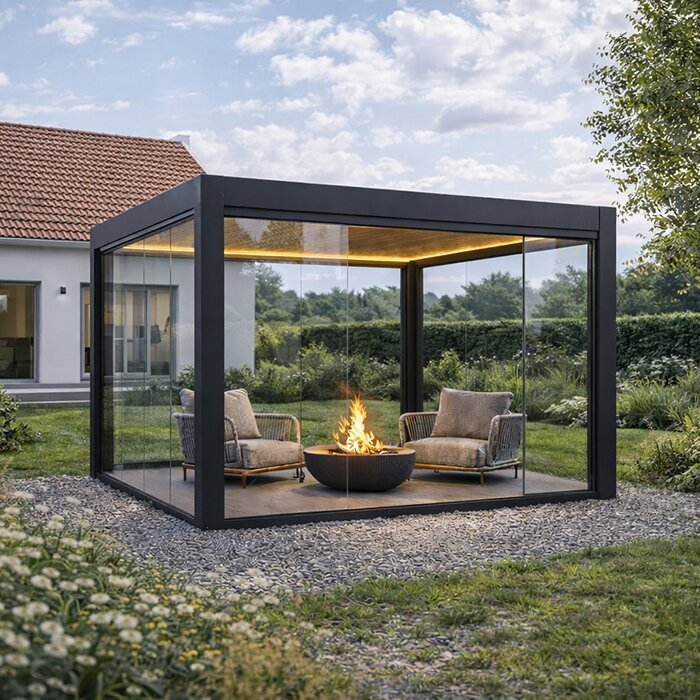
How to match the operating manual to the equipment
Match the instructions to the supplied hardware. Record the pergola model or product reference, roof configuration, motor identification, controller or receiver model, and any version information the supplier provides. If the unit has a serial number, use it to confirm that the document applies to that equipment. A brochure may explain normal opening and closing without covering a power failure, so ask for the manufacturer’s instructions for the motor and complete system. Look for information about interruption during movement, permitted manual operation, safety limits and return-to-service steps. Check the manual’s revision or date, and keep related documents together if the information is split across several files.
Use the name on the Bloomcabin Wall Pergola page as the starting point for matching the order to its operating documents. Ask the supplier to identify the applicable instructions and any exceptions for the selected roof or controls. If the final equipment differs from a display or an earlier quotation, keep the documents for the final setup. Do not adapt a manual for a similar-looking motor: differences between models can change the approved operation, even when the equipment appears familiar.
Rain sensors, weather and loss of power
Weather sensors and automation need separate scrutiny. A rain or wind sensor, if present, may rely on power at the sensor, controller and drive to detect a condition, send a signal and move the roof. An outage may interrupt one or more parts of that chain. Do not assume that a sensor continues monitoring, has an independent power source or will close the roof while the motor supply is off. Ask what remains active during an outage and what happens if a sensor loses power or communication. Check the manual for any stated weather limits and permitted roof positions. A motorised roof does not automatically provide weather protection in every position.
When discussing a quotation for the Bloomcabin Pergola product listing, identify any sensor or automation package separately from the pergola itself. Ask which items are included, whether they are compatible with the specified motor, and how each responds if power or communication is lost. Words such as automatic or smart do not explain whether a sensor can still detect conditions or whether the roof can act on its signal. Keep those functions distinct when comparing the answers. Follow the weather limits for the exact roof rather than treating any single position as suitable for all conditions.
What to do when electricity returns
Restored electricity does not guarantee an automatic restart. Depending on the system, the controller may remain stopped, require a new command or require a documented reset or reference procedure; it may or may not remember the previous position. Do not press controls repeatedly, bypass an interlock or start recalibration from memory. Before using the system, keep people and objects clear of its movement path and follow the manual’s restart sequence. From a safe position, note whether the path appears clear, but do not reach into tracks or moving joints. If the roof appears damaged or jammed, makes unusual noises or moves unexpectedly, stop operating it and contact the installer or service provider.
Before ordering a configuration associated with the Bloomcabin Bioclimatic Pergola listing, ask what the first action should be after electricity returns. Establish whether the normal control can be used immediately or whether an additional step is required. Check whether the procedure differs when power fails during movement rather than while the roof is stationary. Neither a reset sequence nor a position-memory function can be inferred from the product name. If the instructions are missing, the system’s status is unclear or the roof does not respond normally, leave it alone and seek qualified support.
Remote controls, apps and backup power
Separate the power source from the way commands are sent. A remote control, wall switch, phone app or sensor is an input; it is not necessarily a source of energy for the motor. A battery-powered handset might still transmit, but the roof cannot act on its command if the relevant drive and control have no supply, unless the system has a documented backup. An app may depend on local Wi-Fi, internet access or an account, so a connection failure can resemble an outage even when the motor is powered. Ask which local controls work if connectivity is lost and what indicator helps distinguish that situation from loss of motor supply.
If backup power is important when considering the Bloomcabin Wall Pergola listing, ask whether the proposed motor and controller support an approved backup and whether it is included or supplied separately. Establish exactly what it can operate: support for the controls does not necessarily mean enough power for a complete roof movement. Ask for its intended function and stated limits rather than assuming a reserve supply is part of the package. Do not assume a generic battery pack, uninterruptible power supply or generator is compatible. Have proposed electrical changes assessed by a qualified professional using the manufacturer’s instructions.

Questions to ask before ordering
Request answers in writing against the exact quotation. Ask for the roof mechanism, motor and controller references; what happens if power fails while the roof is moving or stationary; whether an approved manual override exists and is included; and whether any sensor or backup remains active. Ask what the manual requires after power returns, and which answers come from the manufacturer versus the installation choices. This gives you a clearer operating expectation than a broad sales description. It also provides useful information to pass to anyone who will use or service the pergola. Keep the answers with the handover documents.
Keep the selected product reference from the Bloomcabin Pergola product page alongside the quotation, and have the supplier distinguish included equipment from optional items. A motor, manual override or backup should not be treated as part of the package merely because it has been discussed. If an answer refers only to another model, ask whether it also applies to your selected configuration. Before accepting a broad assurance that all pergolas behave alike, compare it with the specific answers about stopping, manual operation and restarting that you have requested.
A practical plan for a power cut
If a cut happens, note what the roof was doing and where it stopped, but do not force it into a preferred position. Keep people clear of the movement path while the system’s state is uncertain, especially if the roof is partly open or stopped during travel. Use a manual override only if the exact instructions are available and its stated conditions are met. If the roof looks loose, damaged or unstable, do not handle it; contact the installer or service provider. Store the manual somewhere accessible even if internet service or a phone is unavailable, and keep the relevant support contact with it.
Make sure everyone who may use the terrace knows which controls are normal, what must not be forced, where the manual is and whom to contact if operation is abnormal. Keep the motor and controller details with that information; a generic pergola description may not be enough for a service call. Once power is stable, follow the documented recovery steps and observe the system from a safe position. This plan does not replace the product’s operating limits. If you cannot verify the correct action, leave the mechanism untouched until qualified help confirms it.
Frequently asked questions
Will my pergola roof close automatically if the power fails?
Do not assume that it will. A roof will close during a power cut only if the exact system has a documented function and the power arrangement allows it to operate. Check the manual for the motor and controller; a rain sensor or automatic control is not proof of a power-independent closing function.
Can I move the roof by hand during an outage?
Only use a manual override if the instructions for your exact system describe one and explain when and how to use it. Do not push the roof, force the louvres or turn a drive part by hand. If the override is not documented, contact the supplier or installer.
Will the roof resume moving when electricity returns?
Not necessarily. The controller may wait for a new command, require a documented reset, or behave in another model-specific way. Do not assume that it remembers the last position. Follow the supplied restart instructions and stop if the roof responds unexpectedly.
Will a remote control, app or rain sensor work during a power cut?
It depends on which parts have lost power. A handset may still transmit, but that does not power the roof motor. An app may also depend on a network connection, while a sensor may need power to detect or send a signal. Check each function in the system documentation.
Does a motorised pergola include a backup battery?
There is no universal backup arrangement. Ask whether a backup is supported by the specified motor and controller, whether it is included in the quoted setup, and what it can operate. Do not assume a generic battery or other power supply is compatible.
The dependable answer comes from the instructions for the exact roof, motor and controller—not from the word motorised or from how another pergola behaves. Confirm what happens during movement and while stationary, whether a manual override is permitted, and what to do when power returns. With those details and the correct manual to hand, you can respond to an outage without guessing or forcing the mechanism.
