
Smart-Home Control for a Pergola: Compatibility Questions to Ask
Pergola control guide
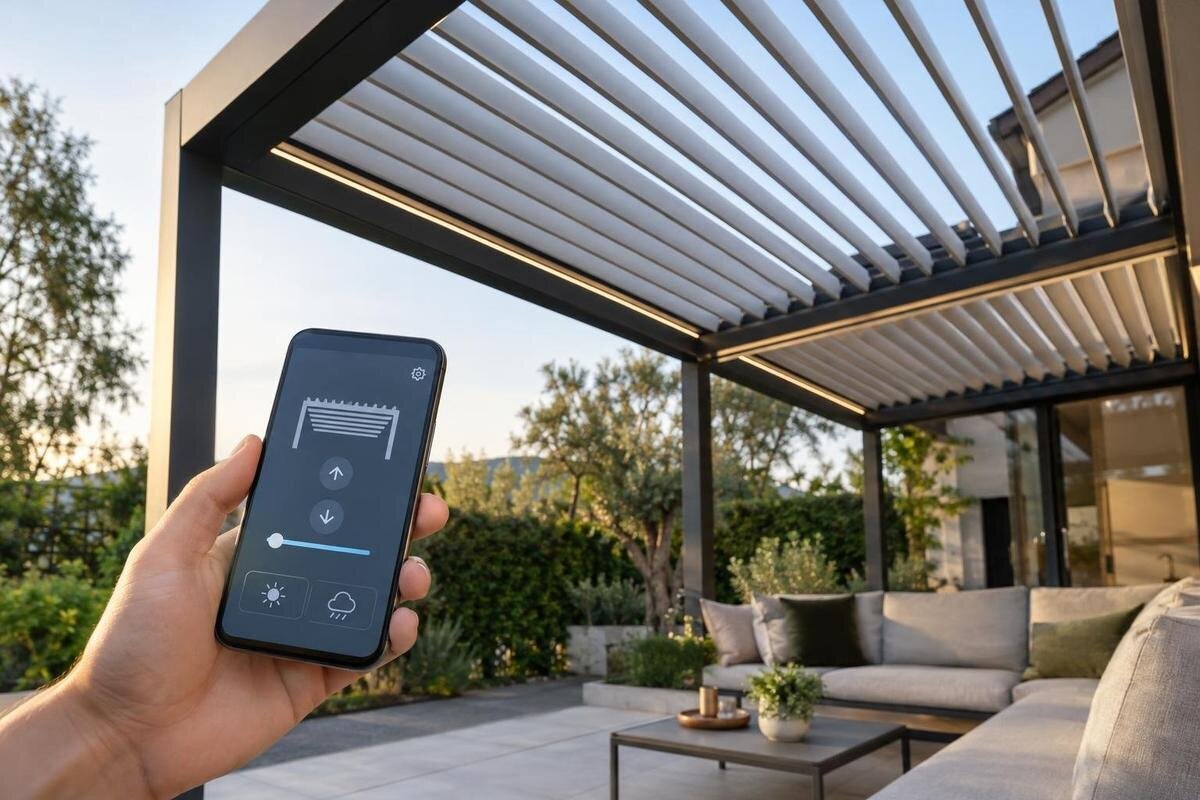
Smart-home control is often described in broad terms: app control, voice control or compatibility with a home platform. Those labels do not tell you what is motorised, which controller communicates with the platform, or whether commands depend on an online account. Before comparing options, identify the exact roof mechanism and its motor and control unit, then ask how that combination connects to your chosen system. The questions below help separate a documented function from a feature that is merely assumed.
Questions to ask before buying 1
Identify the motor and control unit
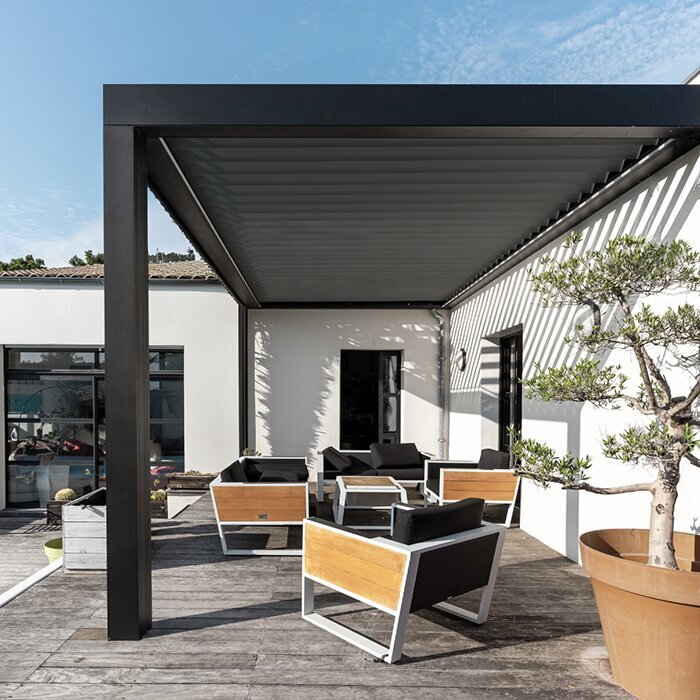
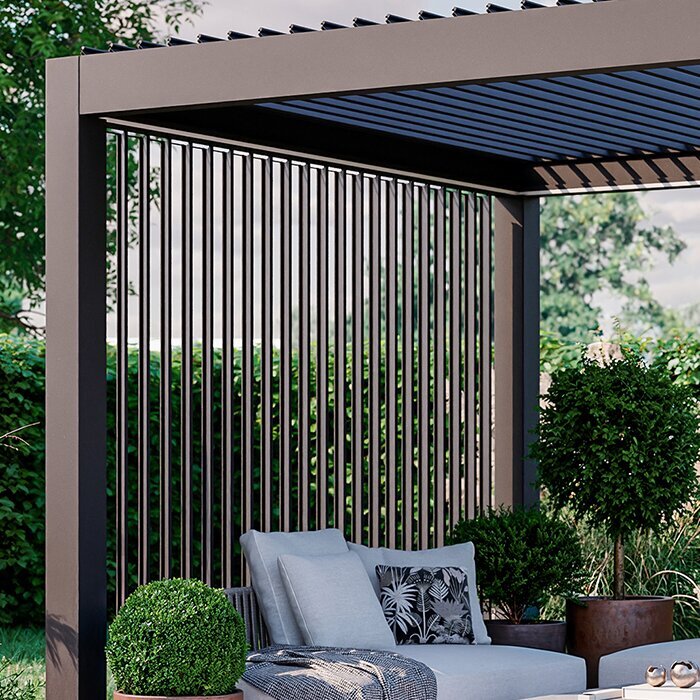
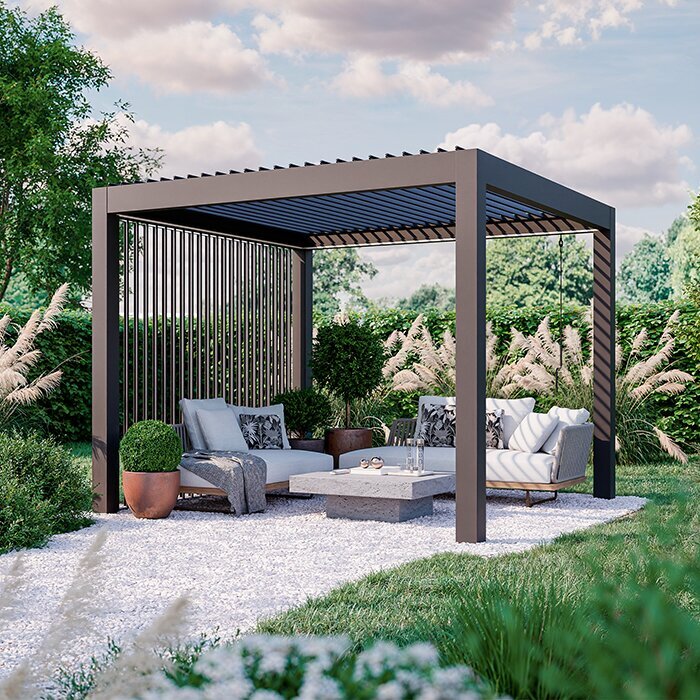
Start by confirming what is actually motorised. A pergola may be supplied with a manual roof, a motor and its own handset, or a separate control package; the word “smart” does not identify which arrangement is offered. Get the exact pergola model, roof mechanism, motor make and model, controller part number, and a list of included and optional accessories in writing. Confirm whether the motor is part of the quoted configuration or an upgrade, and whether more than one drive is involved. Also ask whether the controller is built in, mounted separately or supplied by another brand; that affects which compatibility document is relevant. A catalogue category or photograph cannot answer those questions. For example, the Bloomcabin Bioclimatic Pergola page names a model, but its product category alone is not proof of a smart-home interface.
Then ask the supplier to name the documented route between that controller and your home system: direct radio, a manufacturer’s bridge, a wired interface or another supported connection. Request the manual or compatibility sheet for the exact components, not a general statement that a brand “supports smart homes”. If another interface is required, confirm its model, whether it is supplied, who configures it and which supplier supports it. Keep the motor and controller identifiers together; a hub may support one controller revision but not another. Ask whether a change of controller version or an added accessory affects the compatibility statement. If these details are unavailable before ordering, treat integration as unconfirmed rather than something that can simply be enabled in an app setting.
Ask which protocol connects the components
Ask for the protocol and version used by the control unit, not simply the connection method used by a mobile app. Wi-Fi, Bluetooth, Zigbee, Z-Wave, Matter, proprietary radio and wired interfaces describe different routes; a controller might use one protocol to reach a bridge while the app reaches a cloud service over another network. A Bluetooth handset, for example, does not establish that the pergola is visible to a home hub. Nor does Wi-Fi by itself show that a separate platform can send commands. Some systems use one connection for setup and another for everyday control. The useful answer identifies each device in the chain, the protocol each uses and whether a bridge translates between them.
Ask whether the protocol provides a direct connection or an integration through a bridge, and whether the manufacturer documents the exact controller and functions. For a standard such as Matter, confirm support for the specific device and the commands made available; a home platform’s support for Matter does not make every motor controller compatible. Check whether a particular hub or software version is required, and whether updates may affect the connection. When requesting control options for the Bloomcabin Pergola, ask which supplier supports any required bridge as well as the controller. Matching a radio frequency or logo is not enough.
Questions to ask before buying 2
Check the exact home platform and hub
Compatibility works in both directions: a pergola controller must offer an integration that the home platform accepts, and the relevant hub or software must support that integration. Ask for a current, written match against the platform you use, such as Apple Home, Google Home, Amazon Alexa, SmartThings or Home Assistant, and identify the exact bridge or hub required. These are examples for your checklist, not evidence that a particular pergola works with them. Clarify whether the route is official manufacturer support, a third-party integration or a generic input; each has a different support path if software changes. Also ask whether your existing hub is suitable or whether a particular model or generation is needed.
Compatibility does not always mean full control. Ask what is available after pairing: every roof function, only open and close, tilt alone, or a limited set of preset actions. Confirm whether the system reports actual position, whether pairing needs a separate account or update, and whether the integration is supported for the software version you intend to use. A bridge can make two brands communicate without exposing every command. If you are considering the Bloomcabin Wall Pergola, ask the supplier to match the proposed controller to your platform and show the relevant entry in a current compatibility list before treating integration as included.
Separate local operation from internet access
“Works without the internet” can mean several different things. A manufacturer’s handset may communicate directly with a control unit, while an app sends commands through a cloud account; alternatively, a compatible home hub may communicate with the controller over the home network. Ask which route applies, whether the app depends on an external service and whether a local button or handset remains available. Distinguish internet access from the local Wi-Fi network: a device may need the router even when broadband is down. Ask what the supplier means by “offline” for each control method, rather than accepting a single yes or no. A local handset, app and hub may not behave alike.
Ask for a demonstration or written test covering internet loss while power and the local network remain available. Which commands continue from the physical control, app, home hub and voice assistant? Do scheduled routines continue locally or pause? Can the system show the roof’s actual position, or does it merely send a command? If local operation is a priority when comparing options for Bloomcabin’s bioclimatic pergola, include it in your requirements and have the installer confirm it for the exact controller-and-hub combination. This is a connectivity question, not a guarantee of operation during a power cut.
Questions to ask before buying 3
Understand the account and cloud requirements
Find out whether pairing requires a manufacturer’s account and whether that account is needed only for setup or for everyday control. Ask whether a paid service is required, but do not assume that app availability means there is a fee—or that an app described as free will remain usable without the provider’s servers. Confirm which functions work if the account cannot be reached and whether access can be shared with household members without passing around one password. Ask who owns the account after installation and how access is transferred if the property, pergola or service provider changes hands. An installer’s personal login should not become the only route to control.
Privacy and continuity matter as well as convenience. Check what data the relevant service collects, whether voice or automation history is stored, how users can remove access and what happens if an account is locked or an online service changes. Ask for account-recovery, reset and ownership-transfer steps, along with the manufacturer’s stated software-support arrangements. Keep these answers separate from broad marketing claims about a secure app. If local control is promised, check whether an account is still required for initial activation or after a reset. For a proposed control package for the wall-mounted pergola model, obtain the account and service terms from the provider responsible for the motor or integration.
Check available commands and status information
List the movement you need before evaluating a platform. Depending on roof design, relevant commands may include opening and closing, tilting, or moving a retractable section; not every mechanism offers the same actions. Ask the supplier to map each physical function to the control interface. Can the home hub request an intermediate position, or only send open and close? Does the system report actual position, or just confirm that a command was received? A button in an app can look precise without providing feedback from the mechanism. Ask what displayed percentages or preset names mean: they may describe a requested target rather than a measured position. If there is more than one drive, ask whether controls address them separately or only together.
Also establish what happens when two controls compete. A handset, manufacturer’s app, voice assistant and scheduled scene may all send instructions; ask how a new command affects a movement already in progress and which control offers a clear stop or cancel action. Have the supplier demonstrate the available functions and reported status, rather than relying on screenshots. Record limitations, such as an action being absent from a third-party integration, and ask whether voice commands can be restricted to particular users or devices. If you request a motorised configuration for Bloomcabin’s regular pergola model, include only functions documented for that configuration in the agreed specification.
Questions to ask before buying 4
Make sure automations do not conflict with direct control
Home routines are useful only when their logic is understood. Ask whether a schedule or scene is stored in the pergola controller, home hub or cloud service, and what happens if an event is missed or a controller restarts. Find out whether repeated commands can be sent, whether an automation can be paused and how to prevent a test scene from moving the roof unexpectedly. One-off scenes can interact with recurring schedules, so ask what happens if they overlap or a user has just changed the position. If you want to include the pergola in a wider routine, confirm the trigger, action and any prerequisites before relying on it. A name such as “evening mode” says nothing about the actual behaviour.
Decide how automation should coexist with direct use. Can a user override a schedule at the handset or app, and does that override last until the next event or until someone changes it? If the household uses several apps or voice control, ask which settings take priority and whether one service can overwrite another. When discussing a control package for Bloomcabin’s wall pergola, ask separately whether any sensors are included, optional or unsupported; do not assume that a home platform supplies them. Get the intended routine and command priorities in writing, including how to pause automation, and test them at handover.
Confirm network and installation requirements
Ask about network conditions at the proposed controller location before choosing an integration. The supplier should state which Wi-Fi bands, hub or bridge and connection type the exact equipment supports; do not assume that a phone showing a strong signal at the table means the controller will connect reliably outdoors. If the system needs a hub, confirm where it will be placed and whether the home network must allow a local connection between hub and controller. Ask whether a separate network setting is required and what to do if a router or Wi-Fi name changes. Request recovery steps before installation. These are product-specific requirements, not values to guess from a generic smart-home guide.
Keep the smart-home interface within the approved installation plan. Ask which electrical and control connections are specified by the pergola and motor manufacturers, who supplies the interface and who is responsible for commissioning; a generic smart relay or improvised wiring change does not establish safe or supported compatibility. A suitably qualified professional should confirm the equipment and installation method against the relevant manuals, rather than relying on an app demonstration. For any control package proposed for the Bloomcabin bioclimatic model, establish how the interface affects support arrangements and who will maintain it.
Questions to ask before buying 5
Agree who supports the complete system
Ask who supports each layer after installation: the pergola mechanism, motor, controller, bridge, home platform and network. These parts may come from different suppliers, so an app provider may not resolve a mechanical issue and the pergola supplier may not support an unofficial automation plug-in. Request the model numbers, manuals and support route for the complete chain. Ask how software updates are delivered, whether an update can affect compatibility and who checks the integration afterwards. Find out where to report a problem that could involve more than one component. A clear division of responsibility makes it easier to resolve a pairing issue without a dispute about which brand owns it.
At handover, ask the responsible installer to demonstrate the native control and the agreed smart-home functions, then show the promised behaviour when broadband is unavailable and explain the account arrangements. Request written steps to re-pair equipment, restore access and transfer ownership, plus a list of limitations. Make sure household users know which control works locally and how to avoid triggering a routine unintentionally. Keep the final compatibility details with the pergola documents; a future owner or service technician needs the exact controller identity, not just an app name. Confirm that the demonstration matches the configuration you ordered.
Get the compatibility details in writing
Before ordering, request one written compatibility statement that names the pergola configuration, motor and control unit, protocol, required bridge or hub, and chosen home platform. It should say which actions are exposed, whether status is returned, whether an account or internet connection is needed, and which local controls work without broadband. Include any subscription, sensor and accessory assumptions, the installation responsibility and the support contact. Ask for relevant model or software-version limits as well. If the offer says only “smart-ready”, ask what hardware and documented functions that phrase covers. Anything that cannot be tied to your exact configuration remains unresolved.
Then weigh the integration against how you expect to use the pergola. If app access and scheduled routines are optional, a supported handset or standalone control may be enough where included; if a particular platform, voice command or offline routine is essential, verify it before purchase and put it in the agreed specification. You do not need to choose a pergola around a logo. Select a roof and mounting arrangement for the space, then confirm the control path for that exact model and configuration. This avoids mistaking an attractive app demonstration for a promise the supplied equipment can meet.
Frequently asked questions
Will a pergola app automatically work with my smart-home platform?
No. An app may control equipment through its own service without making it available to another platform. Ask for an official compatibility statement naming the exact motor and controller, any required hub, the commands supported and relevant software requirements. Check voice-assistant support separately.
Does Wi-Fi mean the pergola works locally?
No. Wi-Fi describes a network connection; local operation means a command can be processed without relying on an external internet service. A controller can use Wi-Fi and still depend on a cloud account. Ask which controls and routines work when broadband is unavailable but local network and power remain.
Is Matter support enough to guarantee compatibility?
No. Confirm that the exact control equipment has documented support for the functions you need, and check the required hub and software version. A platform supporting Matter, or a compatible component elsewhere in the system, does not establish that a particular pergola controller will work with it.
Do I need a manufacturer account to use smart-home controls?
That depends on the controller and integration. Ask whether an account is needed for setup, everyday commands, app access, recovery or a reset. Account requirements and internet requirements are separate questions, so confirm each one for the equipment you are considering.
What should I get in writing before ordering?
Ask for the exact pergola configuration, motor and controller, supported connection route, required hub, compatible platform and available commands. The statement should also explain account and internet requirements, local controls, installation responsibility, limitations and support contacts.
Smart-home compatibility is not a property of an app label or pergola category. It depends on a specified chain of equipment: the roof mechanism, motor, controller, network or bridge, and chosen home platform. A useful comparison states which commands and status are available, what requires an account or internet connection, and what continues locally. When those details are documented for the exact configuration, you can judge whether integration adds useful convenience or whether simpler standalone control better suits your needs.
