
How to Get Internet Access in a Garden Office
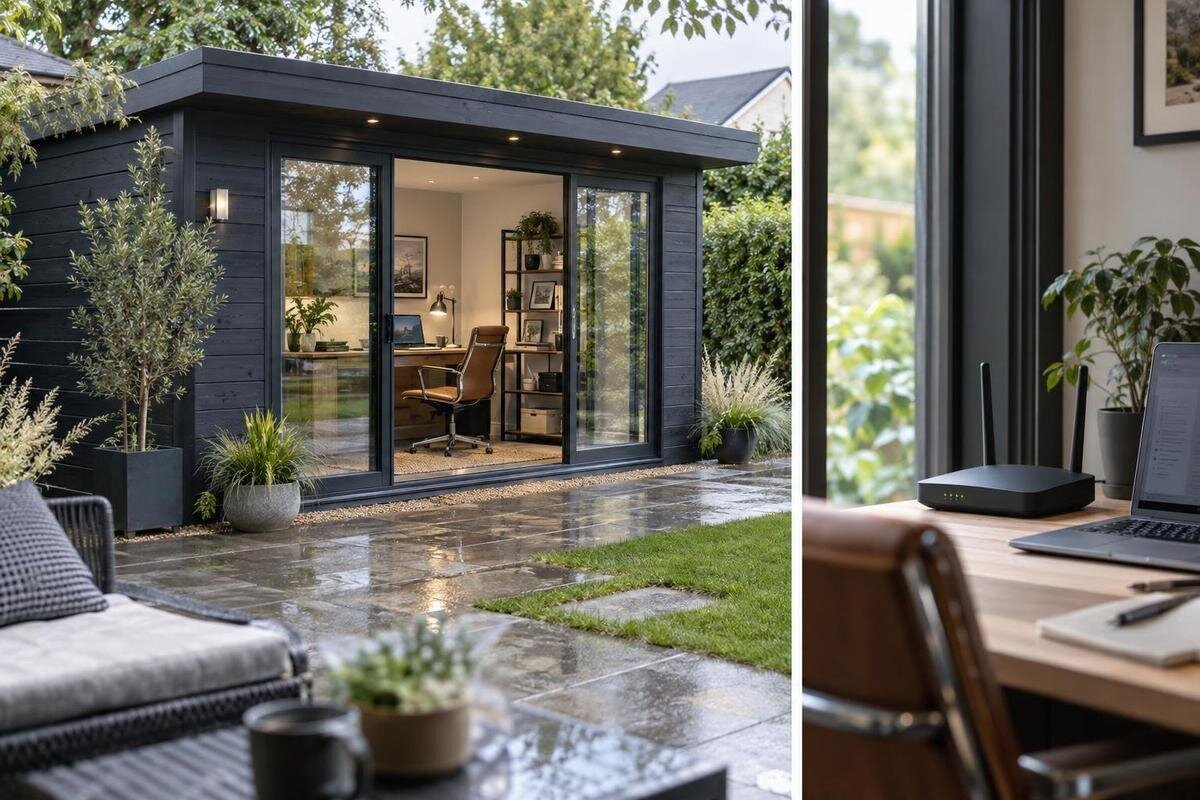
Garden office planning
An internet connection in a garden office depends on more than the distance from your home router. Walls, the position of the desk, household network use, the route for a data cable and mobile reception at the site can all affect which approach is practical. The options may include existing Wi-Fi, a mesh system, a wired link, a wireless bridge or separate mobile broadband. Compare them against the work you do and the summer house you are planning, then confirm installation details with the relevant provider or qualified installer.
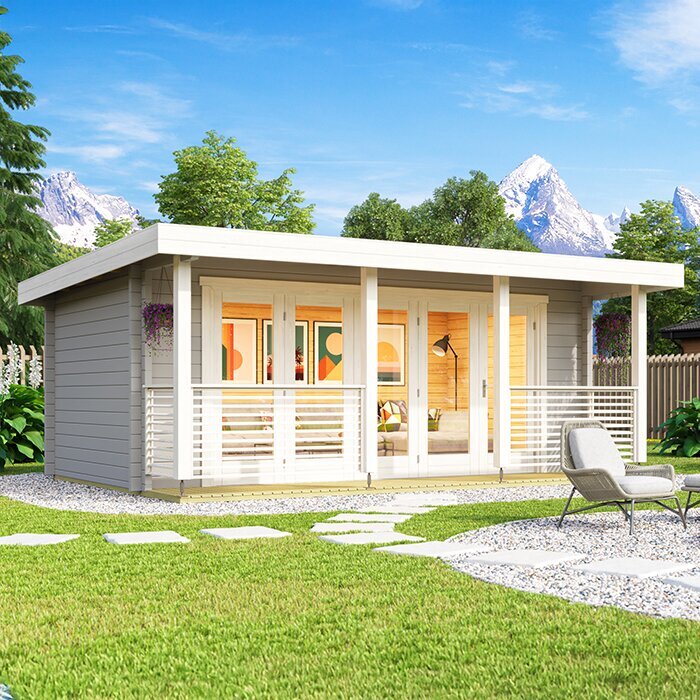
Map the route from the home router to the garden office
Draw a simple plan before buying networking equipment. Mark the home router, the proposed summer-house position, the usual desk and the doors or windows between them. Note the approximate distance and substantial obstacles such as external walls, internal partitions, glazing, dense planting or neighbouring structures. This is a starting point, not a reliable prediction of signal strength: radio conditions also depend on materials, network traffic and interference from nearby devices. The key question is whether a usable connection reaches the place where you will sit, not merely the garden-facing wall. Think about the router's position too; a router tucked in a far corner of the house may make the route less favourable. Mark paths or planting you would not want a cable to cross.
If you are still choosing a building, use the product information available for the exact option to mark a realistic desk and equipment position. A listing such as Verdana 1 garden house identifies one option to assess; its name or image cannot tell you what Wi-Fi will be like on your plot. Compare the proposed position with access to the house, paving and other obstacles, then consider whether a network cable could follow a sensible route if wireless proves weak. A small change to the building's position might alter the signal path or cable route, but do not rely on that assumption: the completed layout needs testing. This early sketch also gives an installer a clearer brief than an estimate based only on garden size.
Test Wi-Fi where you will work
Once the location is known, test with the device and network you expect to use. Stand at the intended desk rather than beside the house, and repeat tests at different times, including periods when household broadband is busy. A speed-test app can show download, upload and response time, but results are snapshots rather than promises; run more than one and note whether calls freeze, pages stall or uploads take too long. Check with doors and windows in their usual positions, since keeping an opening ajar is not a realistic long-term fix for poor coverage. Try your actual work applications if possible, and compare a call or file upload with the same activity indoors. A full set of Wi-Fi bars on one device does not guarantee that a video call will remain stable, so consider both measured results and real-world behaviour.
If Verdana 2 garden house is on your shortlist, do not judge reception from a product photograph or model name. Before the building is in place, a phone test at the proposed position outdoors can help show whether home Wi-Fi or mobile service is worth investigating, but it cannot reproduce the signal inside the finished building. Test again when the office is set up, or arrange an assessment with a network installer if the choice is costly. Keep a short record of where, when and on which device you tested. This helps you compare options on consistent evidence and distinguish a weak broadband service from a connection that is lost only along the route to the garden.
Understand what mesh Wi-Fi can and cannot do
Mesh Wi-Fi and simple extenders can help when the existing signal is usable at an intermediate point. A mesh system links a main unit with one or more nodes; a wireless node still needs a good connection back to the main router. Place it where that link remains dependable, rather than at the furthest point where the original signal has already failed. An extender also receives and repeats a signal, so it cannot manufacture a strong connection from a weak source. Different systems work with different routers and configurations, so check compatibility, whether the router's own Wi-Fi remains active and where the manufacturer advises placing each unit. The result is also limited by the broadband service entering the house.
Treat mesh as one option to test, not a guaranteed shortcut to the office. If a Durano garden house is among the buildings you are considering, mark potential node positions between the house and desk, then check the signal there with the same device. A node near an exterior wall is useful only if it still has a dependable connection back to the router; placing it where the original signal is already poor may simply repeat that problem. Some systems can use a wired link between nodes, which turns the question into cable routing. Compare the cost and practicalities of additional nodes with a dedicated data cable or bridge. Before buying, check compatibility with your current router and your broadband provider's guidance, especially if you plan to change its supplied equipment or settings.
Compare cabling with wireless links
A network cable between the main router and the garden office avoids relying on Wi-Fi to cross the gap and can provide a consistent link for a fixed desk. It may suit frequent calls, remote access or large file transfers, but the cable does not improve a slow incoming broadband service. The route, cable type, terminations and connections to devices need planning for the actual site, including the outdoor section. Ask a qualified network installer to assess suitable equipment and protection, the route alongside other services and where the connection should enter the building. A data cable is separate from the electrical supply, so powered equipment needs its own plan; consult a qualified electrician if a suitable supply is not already available. An installer can also explain how to avoid exposed or vulnerable sections.
Powerline adapters are sometimes considered because they carry network data over mains wiring, but do not assume they will work between separate buildings. Compatibility and performance depend on the installation, so check the equipment requirements and ask the relevant professionals before treating them as a solution. If Veltor 1 garden house is on your shortlist, use the information available for that exact option to discuss where the desk and cable entry might go; the model name does not confirm that a route or entry point is provided. Speak to the building supplier before drilling or altering anything, and agree an entry location with the installer before work starts. Consider paths, doors, planting and future access when comparing routes. If you may add a printer or other wired device later, mention it when discussing the layout.
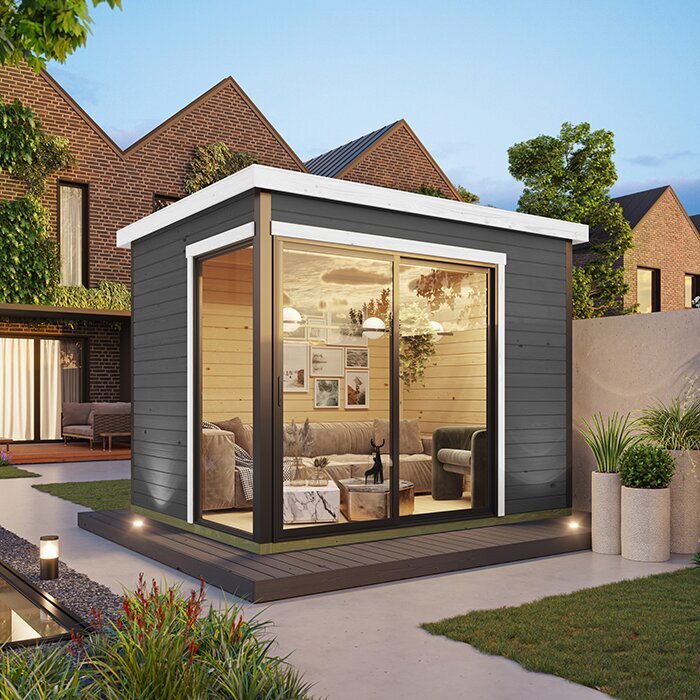
When to consider a wireless bridge
A point-to-point wireless bridge carries a network link between paired units, usually one by the house and one by the garden building; a local access point or a cable can then connect devices inside. It differs from placing a mesh node at the edge of the house signal because the bridge is intended to form a link across the gap. Whether it works depends on compatible equipment, power at both ends and a suitable radio path. Walls, trees and later changes to the garden can obstruct that path. Check the manufacturer's requirements for placement, range and weather exposure against your site rather than assuming a phone's ordinary Wi-Fi range predicts bridge performance.
When considering Orello garden house, include a possible mounting position and the path back to the house in your site plan; the building itself does not establish that a bridge can be fitted or will perform. Ask a network installer whether the route is suitable, how the equipment will receive power and how the link will connect to your home router and office devices. Check the bridge manufacturer's installation requirements, and ask the building supplier before fixing equipment or making alterations. Compare the complete cost, including installation, with a cable run and mesh equipment. A bridge can avoid some ground-route work, but it still needs careful positioning and a reliable broadband source at the house end. If leaves or other garden features change seasonally, ask whether that affects the proposed route.
Check mobile broadband at the exact site
Mobile broadband can give the office a separate route to the internet through a SIM-based router, rather than extending household Wi-Fi. Its usefulness depends on the service available at the exact address and the signal inside the building, which can differ between providers and between outdoor and indoor positions. Check provider coverage information, then test with a device using the relevant network at the proposed desk and at different times. A phone test is informative but not conclusive: the phone, network and router may behave differently. If work depends on steady calls or uploads, look beyond a brief speed result and ask about the service's typical performance and any conditions that affect it.
A product page such as Modano garden house can help identify the building you are considering, but it cannot confirm mobile reception; that needs a provider and site check. If you want to use a phone hotspot as a backup, test it at the desk and check that your plan allows enough data. Compare router costs, SIM or service charges, data allowances, contract length and restrictions with the cost of improving the home connection. If mobile service is poor, ask fixed-broadband providers whether a separate connection is available at the address. For any other service you consider, check its installation requirements, performance terms and ongoing charges before relying on it for work.
Match the connection to the work you do
Specify the work before comparing equipment. Email and web research place different demands on a connection from long video calls, screen-sharing, remote desktop or frequent uploads. Download speed alone does not describe the whole experience: upload capacity matters for sending files and video, while latency and stability can matter during live collaboration. Several people using the home connection at once can also change what is available to the office. If you work for an employer, check its guidance on VPNs, remote access and minimum service requirements; a fast connection may still be unsuitable if company security tools or policies require something different. Note your busiest tasks and when you normally do them, including any regular uploads to work platforms.
When reviewing Veltor 2 garden house, check any published layout information against the actual work setup, not just the outside footprint. Mark where the desk, computer, router or access point and other devices would sit, then test the connection at those working positions. Decide which devices need a wired connection and which can use Wi-Fi; if several devices need a wired link, ask whether a network switch suits the setup. If you take calls from the office while others stream or game in the house, test during that overlap. This makes equipment comparisons more realistic and helps establish whether the issue is coverage, the broadband package or competing use.
Plan power and cable entry before ordering
Network equipment needs a suitable place to operate and, in most setups, an electrical supply. A router, mesh node or bridge unit is not a substitute for an agreed power arrangement; if the summer house needs a new or changed electrical supply, discuss it with a qualified electrician rather than improvising a connection. Coordinate that conversation with the network installer so the proposed equipment position, cable entry and power plan work together. Keep equipment accessible and follow the manufacturer's guidance on temperature, ventilation and protection from damp or dust. A cupboard or corner that hides cables may be a poor location if it restricts access or falls outside the equipment's operating conditions.
Before ordering Veltor 3 garden house, check the information for that exact product and ask the supplier what is included and what alterations are acceptable. Do not assume there is a prepared cable entry, socket, mounting point or concealed route. If the supplier provides a plan or installation guidance, share it with your installer before deciding where to bring a cable in. Agree any holes or fixing positions with the relevant supplier or professional before work, rather than risk damage to the building. Leave room to reach the power point and network equipment without having to move the whole desk. Settle these details before the building is assembled, not after the equipment arrives.
Compare ongoing costs and plan for outages
Compare the total cost of each approach, not just the first router or node you see. A wireless system may involve additional units; a cable route may involve materials and professional installation; mobile broadband can have equipment and recurring service or data charges. A second fixed line, if available, is another contract to assess. Set out one-off costs, monthly charges, contract terms, data limits and any additional provider fees, then compare them with the length of time you expect to use the office. Check whether your existing router supports new equipment before buying it. Do not pay for a new broadband package on the assumption that it will cure a weak link to the garden: the service and the route from router to desk are separate parts of the problem.
Reliability also has a cost in lost work. Decide what you would do if the main connection stopped: use a tested mobile hotspot, switch to a separately contracted service or pause tasks that need a live connection. Check data limits and your employer's rules before treating a personal phone as a backup for confidential work. If several people rely on video meetings, explain how the office will be used when speaking to an installer or provider, and ask what can reasonably be assessed at the site. A written comparison of likely installation, monthly and fallback costs can make a cheaper-looking option less attractive if it cannot meet your actual work pattern.
Include internet in the summer-house buying decision
Put the connectivity plan beside the building decision. Before placing an order, settle the intended position, identify the desk location and test what can be tested at the site. If existing Wi-Fi seems adequate, plan a final check once the building is in place; if it does not, obtain a quote or feasibility opinion for cabling, a bridge or mobile service. Ask who supplies and configures each part, whether any work needs to happen before assembly, and what access the installer needs. Keep the provider, network installer and building supplier aligned about cable entries, mounting points and the proposed route, so each can confirm the details relevant to their work.
Order only when you understand what is and is not included: buying a summer house does not by itself provide broadband, Wi-Fi equipment, electrical supply or network installation. Record the chosen connection, the equipment and service costs, and any questions still awaiting confirmation. If the building position, route or provider coverage changes, revisit the plan rather than relying on an earlier test. Where the connection depends on cabling or equipment mounting, get those details agreed before assembly instead of assuming that changes will be straightforward later. This keeps internet access part of the workspace decision, rather than a surprise after the building is ready.
Frequently asked questions
Can home Wi-Fi reach a garden office?
Sometimes, but distance alone does not tell you. Test the connection at the planned desk using your usual device and tasks, and repeat at busy times. If performance varies or fails inside the building, compare a better-placed mesh node, cabling or another service.
Will a Wi-Fi extender solve a weak signal?
Only if it can receive a sufficiently reliable signal where it is placed. An extender cannot improve the broadband service itself or turn a very weak source into a dependable one. Test its position and compare it with mesh, cabling or a bridge.
Is a wired connection always better than Wi-Fi?
A direct data cable can avoid relying on wireless between the house and office, which may suit a fixed desk. It needs a suitable route and professional advice where required, and it will not make a slow incoming broadband service faster.
Can I use 4G or 5G in a summer house?
Potentially, if a provider offers a suitable service and reception is adequate at the actual desk. Check the network at the exact location, review data allowances and contract terms, and remember that a phone test may not match a router's performance.
Should I arrange internet before ordering a summer house?
Plan the connection before committing where possible, especially if it may need cabling, equipment mounting or a change to the building. Confirm routes and permitted entry points with the installer and supplier, then check the signal again once the building is in position.
Reliable internet access starts with a realistic plan for the desk, the signal path and the tasks the office must support. Test existing Wi-Fi where possible; where results are inadequate, compare the cost and practicalities of cabling, a wireless bridge and mobile broadband. Include network and electrical work in the building plan, confirm any changes with the relevant professionals, and choose a summer house only after you understand the route and equipment it will need. That makes connectivity part of the workspace decision rather than a surprise after installation.
