
Choosing Sauna Heater Controls: Built-In, Separate or App-Based?
Sauna heater controls
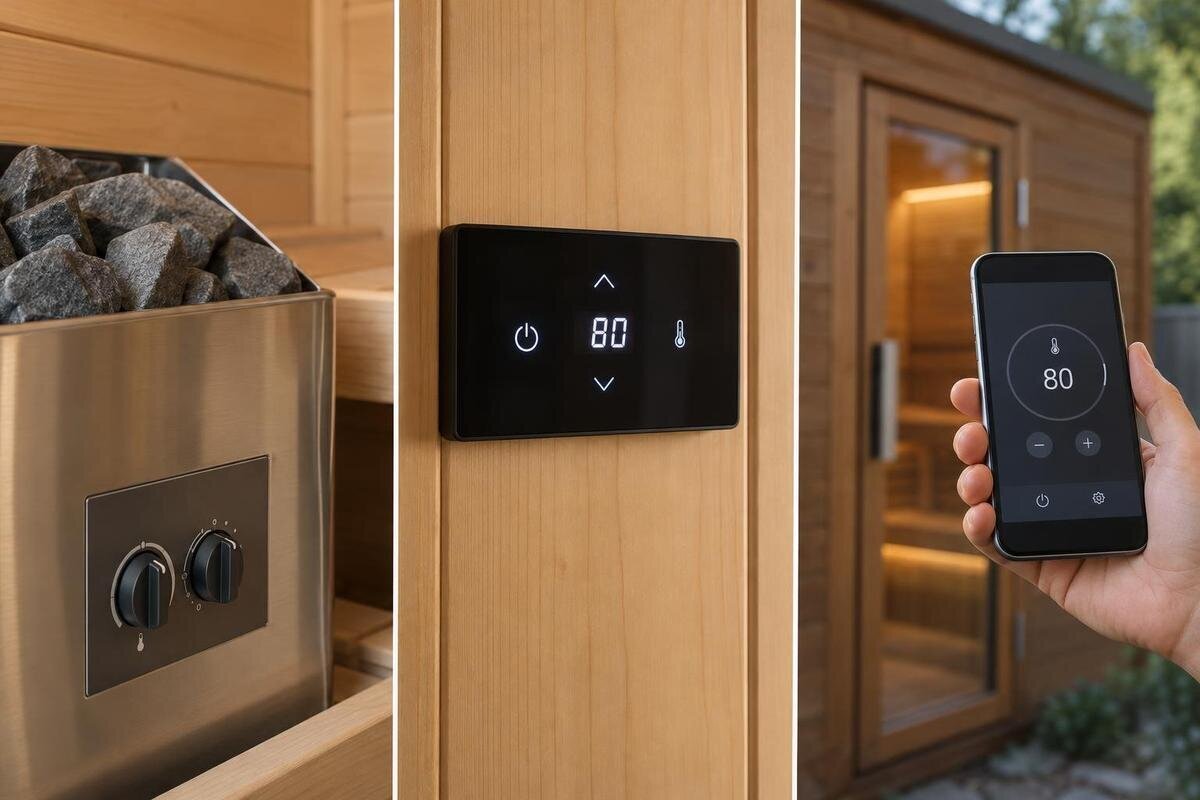
Sauna heater controls shape the small tasks you repeat: switching on, choosing a setting, checking a timer and turning the heater off. A control may be built into the heater, provided as a separate panel or operated through an app, but those labels do not tell you what is included or what works with a particular heater. Compare the daily interface and its approved configuration together; treat remote starting as a separate safety question.
01
What built-in, separate and app-based controls mean
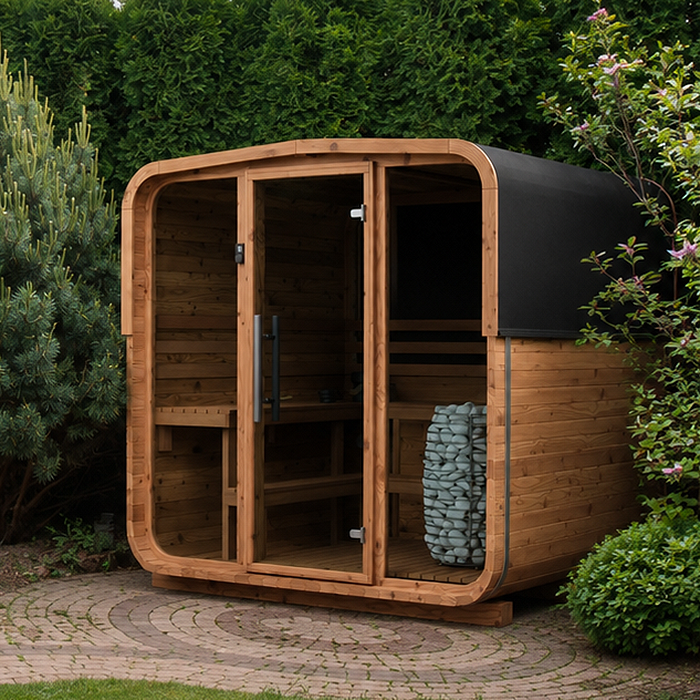
Built-in controls are located on or incorporated into the heater. A separate control panel puts the user interface at a distinct, manufacturer-approved position, while app-based operation uses a phone for at least some commands or information. These are ways of interacting with a system, not interchangeable kinds of heater. They can also overlap: a system may offer both a dedicated panel and an app, rather than requiring you to choose one or the other. A panel or app may still depend on a control unit approved for that heater. A cabin listing such as the Sauna S-140 product page identifies a sauna model, but its name alone does not establish which heater or control format is included. Keep the cabin, heater, controller and any optional interface as separate entries in your comparison. This makes it easier to distinguish a genuinely different control arrangement from an extra way to operate the same system.
Functions vary as much as formats. One interface may offer basic switching and adjustment; another may include a timer, display a temperature reading or connect to an app. None of these functions follows automatically from the label. Check whether a displayed temperature is a target setting or a sensor reading, and what a timer actually controls. Compare the interface, its functions and the heater it is approved for as separate facts. Terms such as “digital”, “smart” or “Wi-Fi ready” are too broad to answer those questions.
Built-in controls for direct operation
A built-in interface can suit people who operate their sauna in person and prefer physical controls. Depending on the heater, it may avoid the need to open an app, use a phone or rely on a network for ordinary local operation. Buttons or dials can also be easy to explain to occasional users, particularly when their purpose is clearly labelled. The appeal is a direct route to the heater’s controls, rather than learning a separate interface. Even so, check what the particular model lets you adjust: the number and type of controls, the display and any timer are not standard across all heaters.
A fixed position is the main trade-off. Think about whether you can see and reach the controls comfortably from the usual approach to the heater; the answer depends on the sauna layout and the heater’s specified position. Do not assume a knob or button will be accessible from every point in the cabin. When considering the HC-150 cabin listing, ask to see the proposed heater position on the relevant layout drawing. Then compare that with the control position shown in the heater manual. If the controls are low down or on one side, consider whether users would need to bend or turn to read them, without reaching across the heater. A close-up of the interface is useful too: markings around a dial may be less obvious in a general product photograph. The aim is to understand the actual approach and viewing angle, not to alter the heater’s approved installation to make the controls more convenient.
02
Separate panels and their approved position
A separate panel moves the user interface away from the heater, which may make it easier to read or operate if the approved location suits your layout. Some systems offer a more informative display or a different style of buttons, but those details are specific to the controller. Before comparing panels, find out what they show, which adjustments they allow and whether their layout is clear to everyone who will use the sauna. A separate interface is not automatically more capable than a built-in one; the model’s documented functions matter more than the format label.
Position is not a free choice. The heater and controller instructions specify where a particular panel can be located, and the approved arrangement may limit the positions available. Ask for the exact controller model and its installation guidance before planning around a preferred spot. For a cabin you are considering, such as Sauna HC-225, request a proposed panel location alongside the cabin layout. Establish whether you would normally operate it before entering, while inside or after leaving, according to the approved arrangement. That affects when you can see the display and make adjustments. Also distinguish the user panel from any separate control unit: they may be different components with different siting requirements, so a photograph of the panel does not explain the whole installation. Have a qualified professional assess and carry out any electrical fitting or connection in accordance with the manufacturer’s instructions; your comparison should focus on which permitted location works best for everyday use.
App control depends on the complete system
An app can be convenient if you already use a phone for everyday household controls and want the sauna’s supported information in the same place. Depending on the system, it might provide settings, a status display or other functions; an app icon or product description does not tell you which ones. Check the exact heater and controller documentation for the actions available, and whether the app is required for normal operation or is an additional interface. Also consider who will use it: shared access, phone compatibility and the steps needed to open the right controls can affect how straightforward it feels.
Connectivity adds questions that physical controls may not raise. Find out whether operation depends on Wi-Fi, an internet connection, a gateway, an account or a particular phone operating system. For a shortlist that includes the N-210 sauna page, record the proposed app and controller separately from the cabin model. Check whether your phone supports the app and whether other intended users need their own accounts. If account access is shared, ask how another user is added and how access can later be removed. Establish whether any subscription or paid service is required, rather than assuming the app’s full functionality is free. Ask what local operation remains if the phone is unavailable or the connection is lost; behaviour differs by system, so do not assume the heater will stop, continue or accept commands in a particular way. These practical dependencies can matter more than the appearance of the app’s main screen.
03
Compare controls against ordinary sauna use
Picture the tasks you will repeat: switching the heater on and off, choosing a setting, checking the time and confirming that the system has responded. Then see how the exact interface handles each one. Are the controls labelled plainly? Can you tell whether a setting has changed? Is it obvious how to return to the usual screen or stop operation? These practical details often matter more than a long feature list. If a retailer can demonstrate the controller, try the basic sequence; otherwise, use its manual or manufacturer documentation to answer the same questions.
Pay attention to what the display means. A number might show the requested temperature, a measured reading, a timer value or another status, and those are not interchangeable. The displayed reading may relate to the system’s sensor position rather than every part of the sauna. When comparing a proposed heater for the N-250 cabin, use its controller manual to identify each value. In particular, distinguish a countdown showing remaining operating time from a delay before operation begins; do not infer either function from a clock symbol alone. Look at how the interface distinguishes heating, waiting and stopped states, where those states are supported. Ask whether a changed setting is applied immediately or needs confirmation, and what happens when you leave a menu without saving. A useful demonstration should show the complete adjustment sequence and its confirmation, not just a photograph of a bright display. This helps you judge whether the information is understandable during ordinary use.
Check visibility, reach and access
Think about where users will approach the controls and whether the display or labels will be easy to see in the available lighting. Consider the height and orientation of a separate panel, the route past the cabin entrance and whether anything could obstruct access. With built-in controls, check the heater’s specified position rather than assuming it will face the most convenient way. These are everyday usability questions, not reasons to change an installation outside the manufacturer’s instructions. A control that is technically compatible may still be awkward for the people who will use it.
Use the actual drawings for the selected cabin to assess access. With the LC-260 listing as a starting point, request the relevant layout and the proposed control position rather than estimating reach from a photograph. Consider whether an open door or a person using the entrance would obstruct the panel, and whether its labels would remain visible from the normal operating position. For users with limited dexterity or vision, compare the size and spacing of buttons, the legibility of markings and the effort needed to operate a dial. Do not assume a touchscreen or phone is necessarily easier than a physical control. If a demonstration is available, let the intended users try it rather than judging usability on their behalf. For an app, text size and screen navigation matter alongside phone access. These observations help you compare approved arrangements without treating a cabin drawing as permission to put a controller anywhere.
04
Match the controller to the exact heater
Compatibility is about the specific heater and controller, not just the brand or the broad format. Ask the manufacturer or seller to confirm that the exact controller model is approved for the exact heater model and version you are buying. Product ranges can include different control arrangements, so “same brand” or “works with this type of heater” is not enough on its own. Check the manuals and configuration details for any system components that are required, such as a sensor or gateway, and whether they are included or need to be selected separately.
If you are replacing a heater or reusing a controller, do not assume an existing panel will carry over. The approved pairing may differ between models or generations, and a controller that appears similar may not be listed as compatible. Give the qualified installer or supplier the full heater and controller references, including any version details on their identification labels. Ask them to confirm the proposed combination before work is planned. For a new cabin purchase such as the HCF-300 model, the same principle applies if you want to use equipment you already own. Keep a record of the approved pairing and the relevant manual versions, so a later replacement is not selected solely because its front panel looks familiar. If app access is important, include the required connectivity component in that compatibility enquiry. Adding a newer panel or gateway should not be treated as a guaranteed upgrade path unless the manufacturer documents support for the complete combination.
Confirm what the chosen configuration includes
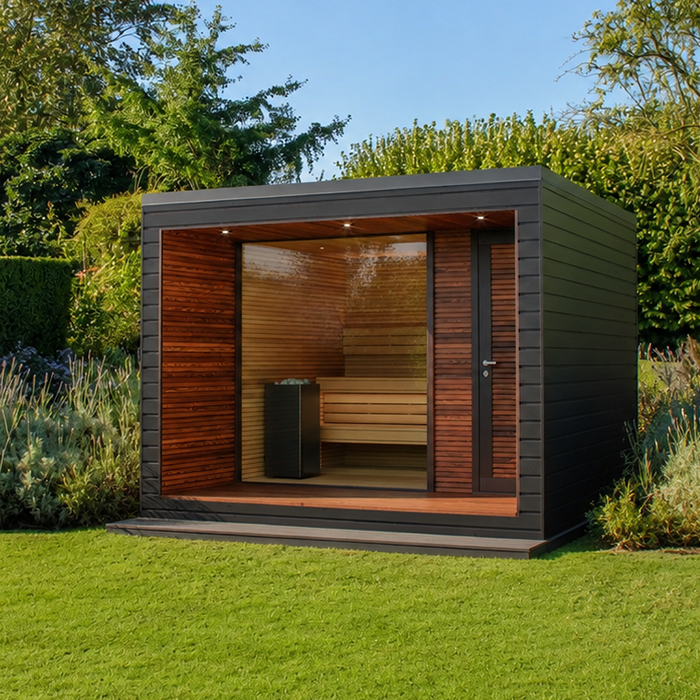
A control format in a description is not proof that the controller itself is included. Check the written configuration for the heater, control panel, app-related equipment and any other components the selected system requires. If something is optional or sold separately, have it identified by model rather than relying on a general phrase such as “app compatible”. This is a narrow but important part of package checking: the question is whether the controls you expect are present and matched to the heater, not simply whether the cabin is being sold with other equipment.
Keep the product page, order details and relevant manuals together so you can compare the component names before committing to a configuration. For the HCF-225 cabin listing, establish which heater and control arrangement the quotation actually covers; the cabin identity alone does not prove that a particular controller is supplied. Ask for optional interfaces to be listed separately, with their model references and any required supporting components. This makes quotations easier to compare: one might include a local panel, while another might price an app-related component as an extra. Neither arrangement is better simply because its description contains more features. Compare the total documented configuration against the functions you will use, including any ongoing service charges if applicable. If the written order differs from the configuration discussed, resolve that difference before ordering. A clear component list is more useful than a broad promise of ‘smart controls’ because it identifies exactly what you are buying.
05
Treat remote starting as a separate safety question
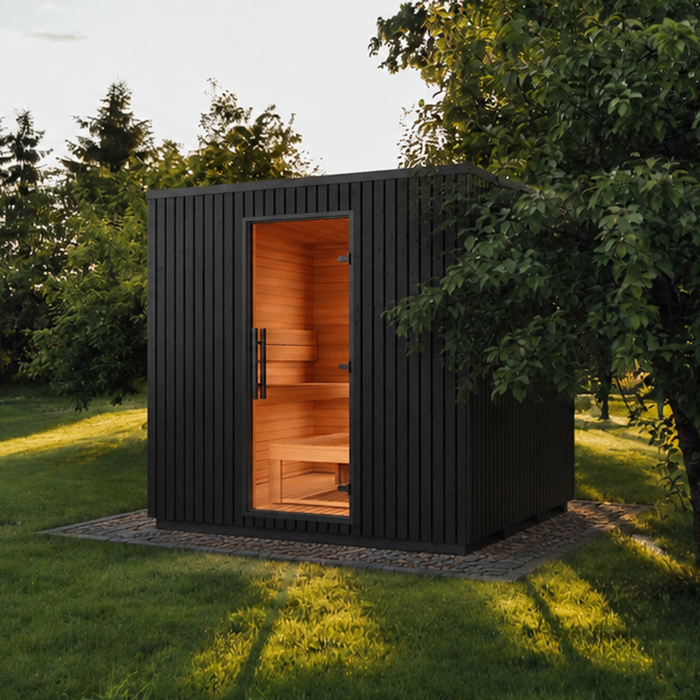
App-based control does not necessarily mean remote start. An app might be intended for local operation, status information or settings while you are at the sauna; another system may offer scheduled or remote functions. These capabilities are distinct, and a timer is not automatically the same as starting the heater from elsewhere. Do not infer remote-start support or permission from a Wi-Fi symbol, an app listing or the word “smart”. Check what the exact heater and controller documentation says the system is designed to do.
Starting a heater when nobody is at the sauna raises a different safety question from operating its controls during an ordinary visit. Use remote operation only if the instructions for the exact system expressly support the intended arrangement and any specified safeguards have been confirmed. If the documentation describes local use only, treat the controls as local. This comparison focuses on everyday operation; it is not a remote-start safety checklist. Keep that decision separate rather than choosing an app on the assumption that remote activation will be available.
Choose a format that suits the people using it
Built-in controls may suit a routine based on straightforward, in-person operation, provided their position and functions work for the users. A separate panel may be preferable when an approved position makes the interface easier to see or reach. An app can suit people who value phone access and are content with its compatibility and connection requirements. None of these is automatically the best choice for every household. Decide which functions are essential, then compare only the heater configurations that document those functions and an approved control arrangement.
If more than one person will operate the sauna, consider the least familiar user as well as the person who chooses the equipment. A brief demonstration or a look through the manual can reveal whether the controls are easy to understand, what they display and how to stop operation. Also check what happens if the preferred interface is unavailable, without assuming that another control method exists. The right format is the one the intended users can operate confidently and that the exact heater is documented to support.
Frequently asked questions
Are built-in controls always inside the sauna?
No. “Built-in” describes how the interface is integrated with the heater, not a standard position. Check the heater’s drawings and instructions to see where its controls are and how they are intended to be used.
Does every sauna heater come with a separate control panel?
No. Whether a separate panel is included depends on the exact heater and sales configuration. Confirm the panel’s model and that it is listed as compatible with the heater, rather than assuming it is part of the package.
Does app control mean I can start the sauna remotely?
Not necessarily. An app may provide local operation or status information without offering remote start. Remote operation is a separate safety question; use it only where the exact system’s instructions expressly support it and its specified safeguards have been confirmed.
What happens if the Wi-Fi or app stops working?
There is no universal answer: systems differ in what depends on a network connection. Check the manufacturer’s instructions for the connection requirements and what local controls remain available before relying on an app as your main interface.
Which type of control is easiest to use?
It depends on the control’s position, the functions you need and who will use it. A physical interface may suit people who prefer direct operation; a separate panel may be easier to see or reach; an app may suit users comfortable with its phone and connection requirements.
The decision becomes clearer when you make two comparisons: how you want to operate the sauna on an ordinary visit, and which control system the exact heater supports. Built-in controls favour direct access; a separate panel offers a different approved interface position; app operation adds phone and connectivity considerations. No format label proves what is included, where a control may be placed or whether remote starting is supported. Choose by the documented heater-controller match and the interface the intended users can use comfortably.
