
How to Buy a Black Friday Pergola Bundle: Screens, Lighting & Extras
Black Friday buying guide
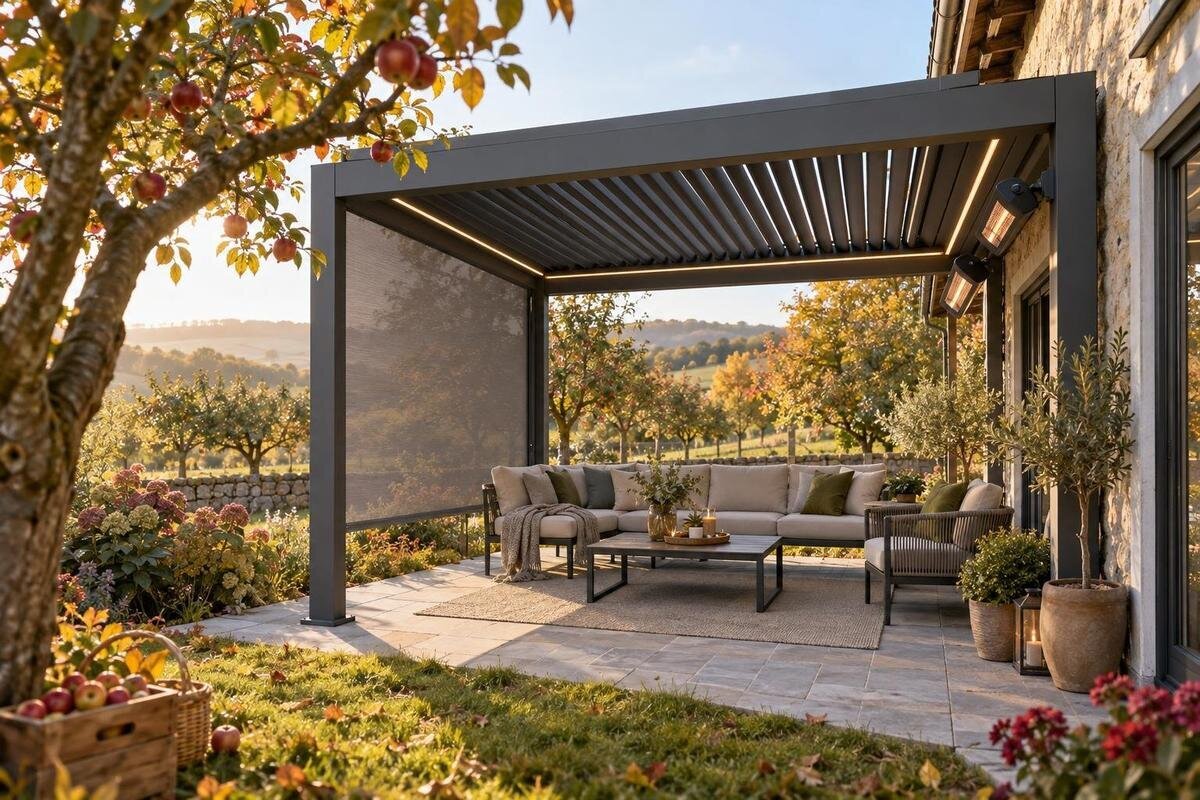
Black Friday can be a useful time to compare pergola packages, but the word ‘bundle’ does not tell you whether a price is lower or whether the extras suit your plans. A screen, lighting or another accessory may be included, offered separately or simply appear in a product image. The decision rests on the complete written offer: which pergola is being sold, exactly what comes with it, what remains optional and what the final order will cost. Compare those details across equivalent options instead of relying on a headline percentage or a staged outdoor setting.
What a pergola bundle includes
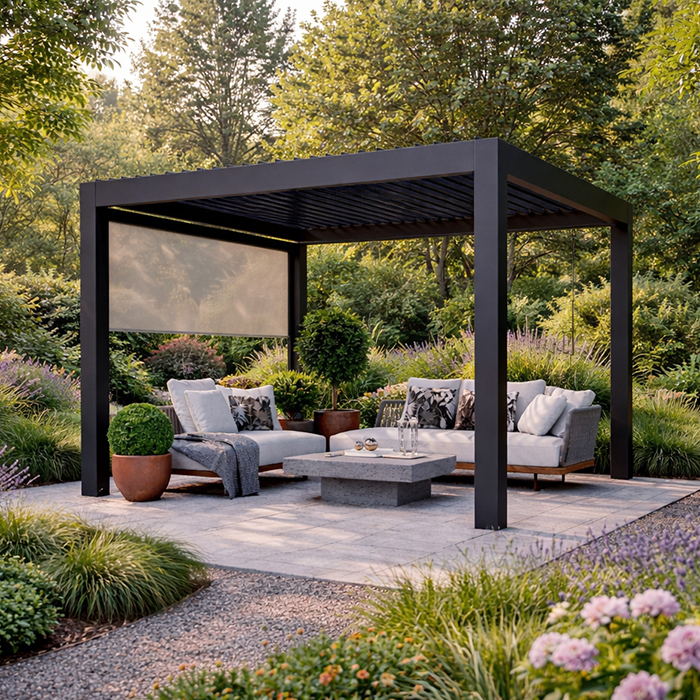
A pergola bundle is the particular combination of a pergola and extras that a seller names in an offer. There is no standard contents list: one package may identify a screen, another lighting, and another several separately selectable options. The words Black Friday bundle do not prove that an accessory is included, compatible with your chosen pergola or less expensive than buying it separately. Treat the label as a prompt to inspect the offer, not as a specification. The useful question is not just what the package is called, but precisely which items and quantities the seller agrees to supply at the displayed price.
Look for an itemised list attached to the exact pergola and option you intend to order. Distinguish ‘included’, ‘available as an add-on’ and ‘shown in an image’: these descriptions have different consequences for your total and expectations. Check quantities too; ‘lighting’ does not tell you how many units, and ‘screens’ does not say how many sides or openings are covered. If the package selector, product description and checkout summary disagree, pause and ask the seller to confirm the final contents in writing. If you can choose between options, note which selection the price applies to. Do not count an extra until the order record names it.
Compare the bundle total with the same items bought separately
Make a like-for-like comparison rather than weighing a bundle headline against the price of a bare pergola. Record the exact main product, each named screen, light or other extra, the quantity of each, and any services the seller says are included. Compare the bundle total with the published cost of those same items separately. If separate component prices are not shown, note that limitation instead of inventing a saving. A package with a different pergola version or fewer accessories is not an equivalent comparison, even if its headline figure looks lower. Use the amount payable for the configuration you actually want.
Include any stated delivery, assembly or other charges that would change what you pay, but do not assume these are part of a bundle unless the offer says so. If an included extra is not useful to you, its price in a package does not automatically make the package good value. Keep a simple record of the advertised total, selected extras and separately priced options. If the component prices refer to different configurations, ask whether they apply to the same version before comparing them. Use Bloomcabin’s pergola product page as one listing to examine, but rely on the offer text and order summary—not the page name—to establish the contents.
Choose screens for the purpose they need to serve
Begin with what a screen needs to do in your outdoor area: add privacy from a particular side, soften direct sun or create a more enclosed feel. Those are different priorities, and the screen’s material, openness, coverage and position affect the result. Ask how much of the perimeter the listed option covers, whether it is fixed or movable, and what views remain when it is in place. Do not assume every screen provides shade, privacy, airflow or insect protection to the same degree; the product description needs to support any claimed benefit.
Consider how the screen changes everyday use, not just how it looks in a promotional image. A more enclosed arrangement can reduce the breeze or view you want to keep, while a partial screen may not address the sightline that concerns you. Ask for product-specific information about cleaning and any stated weather performance; do not treat a screen as rainproof or suitable for exposed conditions unless that is confirmed. When reviewing the Bloomcabin bioclimatic pergola page, keep the pergola’s identity separate from accessory contents: a named pergola page alone does not establish that a screen is part of a bundle.
Check every item listed as included
Translate the offer into a simple inventory before comparing prices: pergola, screens, lighting units, controls, brackets or any other extras, but only where each item is explicitly named. Note quantities, finishes or versions when provided, and whether each line is included in the package price or selected as an option. Marketing phrases such as ‘complete set’ are less useful than item names and quantities. If an accessory is marked optional, it is not included until you choose it and the final checkout summary carries it into the order.
Check for exclusions too: a pictured fitting, a required component or a separately described accessory may not be part of the advertised package. The Bloomcabin pergola listing can be one point of comparison, but neither a product title nor a photograph replaces the current description and checkout record. Keep a copy of the selected configuration where available, showing the options and quantities. If the promotional panel, product page and checkout differ, request clarification before payment. This gives you a clear record of what the offer says, rather than relying on memory of a banner or a bundle name.

Compare lighting details, not just the number of fittings
Compare a lighting add-on by what the offer names, not by the glow of a staged photograph. Check the number and type of lights, where the seller says they fit, and whether controls and any required accessories are included. Confirm whether a light source or power-related component is supplied, and whether advertised functions such as dimming or colour adjustment apply to the exact option. A picture showing an illuminated pergola does not show what is included in the price. These details affect appearance and everyday use, and they make comparisons between bundles more meaningful.
Ask what electrical requirements apply to the selected lighting and whether the price includes only the product or also professional installation; the order needs to say. Have a qualified installer assess site-specific electrical work rather than planning cables or fitting from an image or general description. Note any separate installation cost so it is not mistaken for a package saving. For a clear comparison, treat the bioclimatic pergola listing as the main pergola page and check any lighting offer independently; the product name alone is not evidence that lights, controls or installation are included.
Decide which pergola extras are worth paying for
Other extras may range from another screen to a control or finishing option, depending on what a seller actually offers. Make a short priority list before comparing packages: which addition solves a real use problem, which one would be pleasant but non-essential, and which one you would not choose at all? An extra privacy panel could matter if a particular side needs screening; an upgrade to a lighting control matters only if it fits the light arrangement you want. A finish option and a functional accessory solve different problems, so compare them separately. Avoid treating every line in a promotion as a benefit simply because it is grouped with the pergola.
Consider the practical side as well as the price: ask what cleaning or care an accessory needs, and whether replacement parts or additional options are described, without assuming they will remain available later. Compare the cost of selecting an item now with the possibility and cost of adding it later, but do not rely on future compatibility or availability unless confirmed. If an extra is outside your plans, a simpler configuration may be a better match. Use the wall-mounted Bloomcabin pergola listing as another listing to assess only from its written options; the title does not establish bundle contents or suitability. Your budget should reflect the value of items you will use.
Confirm that each extra fits the exact pergola version
Accessory compatibility is not established by a broad label such as ‘for pergolas’. Screens, lights and fittings may be made for a particular frame, size, mounting position or product version. Ask the seller or manufacturer to identify the exact pergola and accessory versions that are compatible, ideally in writing, and check that the product codes on a quote match the chosen listing. If a bundle names an accessory without identifying its variant, resolve that before placing the order. A general category description cannot confirm that a component will fit the structure you intend to buy.
This matters when comparing different pergola configurations or product names: similar language does not mean their parts can be mixed. Verify any stated attachment points, dimensions and limitations against product-specific information; where fit or fixing depends on the site, ask a qualified installer to assess it. Do not estimate structural suitability from photographs or combine components on assumption. If the seller cannot give a clear compatibility answer, leave that item out or choose a package whose contents and fit they can confirm. This is a better basis for comparison than treating an accessory as universal.
Read the order terms before paying
Before paying, read the terms for the exact offer and selected configuration. Confirm the bundle price shown in the promotion is carried through to checkout, which items and quantities are selected, and whether delivery, assembly or installation is included or separately quoted. If those services appear in separate documents, compare them with the package total so you know what your order will cost. Check the seller’s stated process for changes, cancellations or returns when a package has optional items; do not assume an accessory can be removed or returned separately. Terms can differ between offers, so use the wording for the order you are making.
Look for exclusions, required purchases and conditions that apply only to a particular option. If the price depends on selecting a certain pergola or accessory, the final summary should make that combination clear. Save the offer details and order confirmation together so the advertised configuration can be matched to what you bought. Bloomcabin’s bioclimatic pergola page may help you identify a product listing, but it is not a substitute for order-specific terms. Ask the seller to resolve any mismatch between promotion, description and checkout total before proceeding; clarity is more useful than a headline alone.
Use product images as illustrations, not an inventory
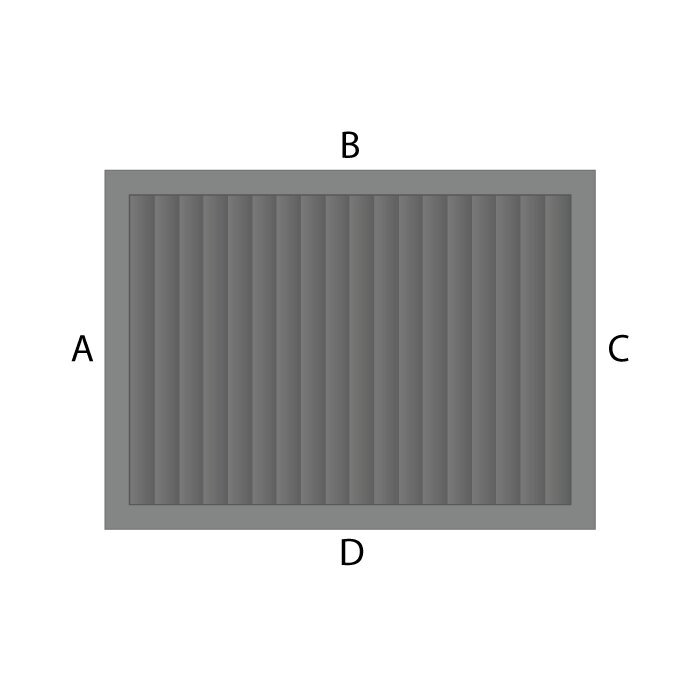
Images are useful for judging a general look, but they are not an inventory. A staged outdoor setting may include lighting, screens, furnishings or finishing details that are absent from the actual offer, and a close-up may not show how much of a side is screened. Do not use a photograph to infer the number of components, exact finish, controls, materials or performance. Read the written description and selected-option list for those facts. If an item appears only in an image, ask whether it is supplied with the bundle or shown to illustrate a possible setup.
Use product photographs to form questions: does the screen shown match the one described, can you see where the lights are positioned, and is the pictured arrangement the same version as the selected product? Then request product-specific confirmation for anything that affects your decision. Compare colours or finishes only where the seller identifies them, and do not assume an image represents every configuration. When checking the Bloomcabin pergola page, separate product presentation from included items and use the written order record for the final list. This avoids basing a purchase on details the offer has not listed.
A like-for-like shortlist for comparing pergola bundles
Put each candidate in the same short comparison: exact pergola listing, bundle name, screen type and coverage, lighting units and stated controls, other included extras, compatibility confirmation, and final price with any stated separate costs. Add a note for unclear or unpriced items instead of filling the gap with a guess. This makes it easier to see whether a lower total reflects a smaller package, whether an extra you value is missing, or whether two offers are genuinely comparable. Base the comparison on published facts and answers the seller has confirmed for your chosen configuration.
Then rank the options against your own priorities: a useful screen may matter more than lighting, or you may prefer to buy the structure first and leave optional extras out. Keep a separate-purchase comparison in the shortlist where prices are available. If you are considering Bloomcabin’s wall-mounted pergola page, verify its exact configuration and terms in the same way as any other listing; the label alone does not say whether it suits your site. Choose the offer whose contents, compatibility and total you understand—not simply the one with the most extras or the largest advertised reduction.
Frequently asked questions
Does a Black Friday pergola bundle always cost less?
No. The event name does not guarantee a discount, and a package can contain extras you would not otherwise buy. Compare the final price for the exact pergola and accessory quantities with published separate prices for the same configuration. If those prices are not supplied, judge the offer by its total, contents and usefulness; do not infer a saving from a percentage or bundle label.
How can I tell whether screens are included?
Check the itemised offer and the order summary for the number and type of screens included. A photo or a phrase such as ‘available with screens’ is not confirmation that they are part of the price. If the wording is unclear, ask the seller to confirm the exact contents in writing before ordering.
Are pergola lights included if they appear in a product photo?
Not necessarily. Treat the image as an illustration unless the offer names the lights and shows them in the selected package. Confirm the number and type of lights, any included controls or components, and whether installation is covered or separately quoted.
Can I add screens or lighting after buying a pergola?
Possibly, but do not assume that a later accessory will fit or remain available. Ask the seller or manufacturer to confirm compatibility with the exact pergola version, and compare any stated price and installation requirements before you decide to leave the extra out of your order.
What should I check at checkout?
Make sure the final summary names the pergola, each selected extra and its quantity, and carries through the price you compared. Review any stated delivery, assembly or installation charges and the terms for changes, cancellations or returns. Resolve mismatches between the promotion, product description and checkout before paying.
A Black Friday pergola bundle is worth considering on its actual contents and final price. Match the pergola and accessory versions, decide which screens, lights or other extras meet a need, and confirm compatibility and order terms in writing. Then compare that configuration with separately priced items where figures are available. If the bundle is unclear or includes extras you would not choose, a different configuration—or no bundle—may be the more sensible purchase. A clear order beats a prominent promotional label.
