
Setting Up Movie Nights Under a Pergola
Pergola planning guide
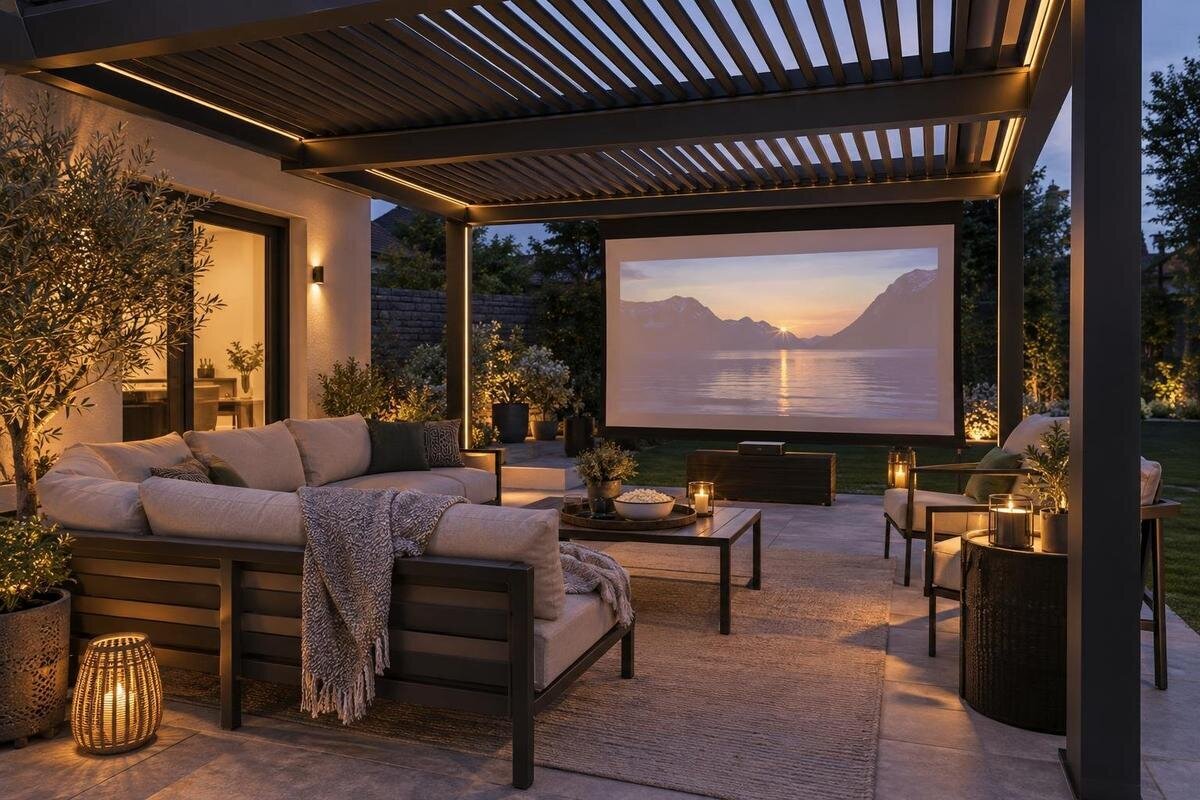
An outdoor film night depends on more than a screen under a roof. The seats need a clear view, the projector needs the right distance, and evening light must be manageable; equipment and sound also need consideration in an open-sided space. Plan from the viewing position, then verify the selected pergola dimensions, device instructions and weather limits. This guide uses a concept-planning approach: the final fit depends on measured furniture and the actual screen and equipment.
01
Plan the viewing direction and access
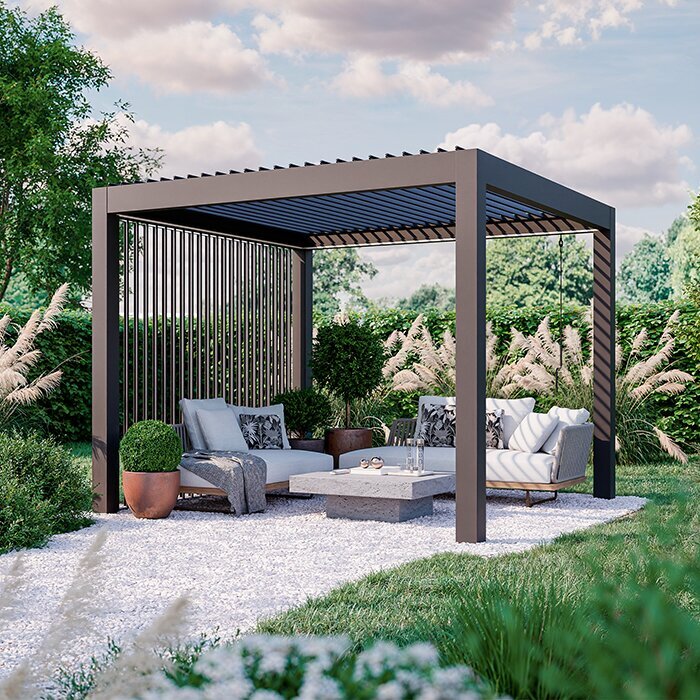
Sketch the area from above before choosing any gear. Mark the screen plane, all seats, the projector position, posts or wall edges, doors and the route in and out. These positions have to work together: the screen sets the viewing axis, the projector needs a clear path to the image, and people need to move without crossing the beam. Use dimensions from the actual pergola configuration, furniture and equipment, not a catalogue image. Keep the drawing as a concept plan; it is a way to test a layout, not a construction or attachment plan.
Then sit in every proposed position, including the seats at the far left and right. Check whether a post, open door, plant, screen frame or another person blocks part of the image, and whether anyone has to turn awkwardly to watch. Trace the route from the house or garden entrance to the seating and controls. It should remain clear once footstools and side tables are in place. If people would need to cross the projector beam or squeeze between occupied chairs, move the route or the furniture on the plan before buying equipment.
Measure the usable floor area
Measure between the boundaries that actually constrain the layout: posts, walls, door leaves when open and fixed features. Include each chair’s occupied size with its back reclined and any footstool in use, rather than relying on the chair’s compact footprint when unused. Add side tables, screen feet or frame, the projector support and a clear walking route. A scale sketch or removable floor markers can show whether the image width and seating can coexist. On a narrow terrace, screen width and viewing distance compete for the same length, so consider both together.
The listing for Bloomcabin Wall-Mounted Pergola gives a range from 9 to 24 m². That range is not the same as clear floor area, nor does it confirm that a screen, chairs and walking route fit within a chosen configuration. Compare the selected configuration’s documented dimensions and fixed elements against your own drawing. Record the width and depth separately so you can compare alternative furniture arrangements, rather than choosing by total area alone. Show where the screen supports and projector table will stand, not just the image and seats. If the layout only works by blocking a door or removing the walking route, reconsider the screen width or seat count before committing.
02
Choose the screen and its direction
Decide whether the setup will use a projector and screen or a television before settling the layout. With projection, check the screen’s usable image area, format and frame or feet against your seating plan. Distinguish the size of the picture from the overall screen dimensions when comparing products: your drawing needs to accommodate the whole assembly. A blank wall may be interrupted by doors or windows, or have a surface that does not give the image you want; do not assume it will work like a screen. With a television, consider viewing angles and reflections from glazing or glossy surfaces, and verify that the set is intended for the conditions in which you plan to use it. Also decide whether the display will stay in position or be brought out for each film, and include its support and storage arrangements in the comparison.
Observe the pergola at the time the film will start and look for the low sun, bright windows and other sources of glare from the seats and screen position. Do not rely on a fixed compass direction: light at a particular spot changes over the year, and a screen that avoids one source may face another. The listing for Bloomcabin Pergola gives a range from 9 to 24 m²; use the dimensions of the chosen configuration to check that the screen can face the least troublesome direction without blocking access.
Match the projector to the screen
For a projector, begin with the intended screen width and consult the maker’s setup guide or throw calculator to find a suitable position. Required distance and lens placement vary by device, so a generic measurement can lead to a cramped or unusable arrangement. Check access for focus and controls, ventilation clearances, and whether the surface beneath the projector is stable. Align the image as instructed, and check that a post, roof member, light fitting or seated person will not cut across the picture.
A practical position must also stay clear of feet and passing guests. A low position may be blocked by people; a higher one may need a mounting solution confirmed as suitable for both the projector and the pergola. Do not improvise a suspended fixing point. The listing for Bloomcabin Bioclimatic Pergola gives a range from 9 to 24 m², but does not establish equipment support, mounting points or an ideal projector distance. On your plan, mark the proposed lens position as well as the support beneath it. Check that someone can reach the controls without moving the projector or disturbing its alignment, and compare the arrangement with the device instructions.
03
Check light at the planned start time
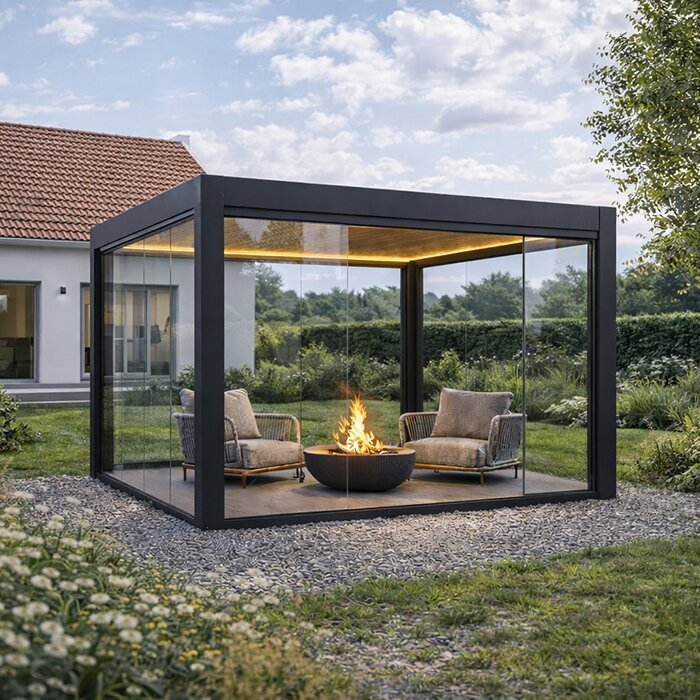
A pergola does not guarantee blackout conditions. Check the image at the intended start time and again later, when the sky and ambient light have changed. A test in full daylight will not tell you how dark scenes look at dusk. Notice light from house windows, garden fittings, nearby security lights and passing vehicles; even if the seats feel shaded, light reaching the screen can make the picture harder to see. If light remains troublesome, consider a later start, a different screen position or another display setup after checking its maker’s guidance.
Artificial lighting needs its own plan. A bright fitting aimed at the screen can affect the image, while a light behind viewers can distract them. Keep practical lighting for entry and movement, but check how it looks from the seats with the screen in place. Identify which lights need to remain on throughout the film and which are only needed while guests arrive or leave. Test those combinations rather than judging the picture with every light switched off. When comparing the regular Bloomcabin pergola, confirm the chosen roof configuration rather than treating the model name or a shaded spot as proof that the viewing area will be dark enough. Include the position of existing lights in that comparison, especially fittings you cannot conveniently switch off or redirect.
Arrange seats around sightlines and movement
Plan for the people who will actually be watching, not just a neat row of empty chairs. Have someone sit in each position and check whether the screen remains visible without leaning around a post or another viewer. An outer seat can have a much more oblique view than the middle one. If you are considering more than one row, check whether people behind can see over those in front; do not add raised seating unless it is stable and appropriate for that use.
Keep the route to the entrance clear when everyone is seated, and put side tables where viewers can reach them without leaning across the picture or equipment. Include the space needed to get in and out of each chair, not only the gap between chair frames. Ask someone to leave an occupied row and return while the others remain seated; this makes awkward access easier to spot than an empty-chair layout does. For a wall-mounted layout, compare the measured plan with the wall-mounted pergola listing and the selected configuration’s dimensions. Check the relationship between the house door and the nearest seats, including whether opening the door would interrupt viewing or obstruct someone getting up.
04
Protect equipment from wind and rain
Treat an open-sided pergola as an outdoor space, not a closed cinema. Roof configurations and weather limits differ, and a roof should not automatically be assumed to keep out wind-driven rain, gusts or dust. The screen may also move or catch the wind, so check its own instructions and stability. Do not use the apparent shelter of the pergola as a substitute for checking the specific equipment’s conditions for use. If the weather becomes unsuitable, follow the device maker’s instructions for stopping use and storing equipment.
A pergola roof must not be assumed to be a suitable mounting surface for a screen, projector or lighting. Before planning any attachment, check the maker’s guidance and ask a qualified installer to assess the proposed fixing; do not drill or hang equipment based on appearance alone. The bioclimatic pergola product page identifies the model, but its name does not establish weather protection or permission to attach equipment. Check the chosen configuration and the screen’s own guidance separately. Include any proposed screen attachment in this assessment, rather than treating it as a minor accessory.
Plan power and cable routes safely
List the equipment before choosing where it will sit: projector or television, content source, audio equipment and any controls all need a workable position. Check that each device and accessory is expressly intended by its maker for the conditions in which you plan to use it. Equipment designed for indoor use does not become suitable for outdoors simply because it is under a pergola. Follow the maker’s instructions for weather protection and ventilation, and avoid improvised covers or enclosures that block airflow.
Keep cables and controls out of the walking route and away from places where doors or furniture could catch them. Show the connections between devices on your sketch, including any separate content source or speaker, so that the layout accounts for the whole setup. Test that the content source and audio connection work from the planned positions, and consider whether a downloaded film would be useful if the connection is unreliable. Check playback before guests arrive rather than leaving account access, menus and sound settings until the opening scene. If permanent outdoor power or changes to wiring are needed, ask a qualified electrician to assess the setup rather than altering it yourself. Include these equipment and connection positions in the plan for Bloomcabin’s wall-mounted option; its listed area range does not determine where power or devices should go.
05
Limit sound and light spill to neighbours
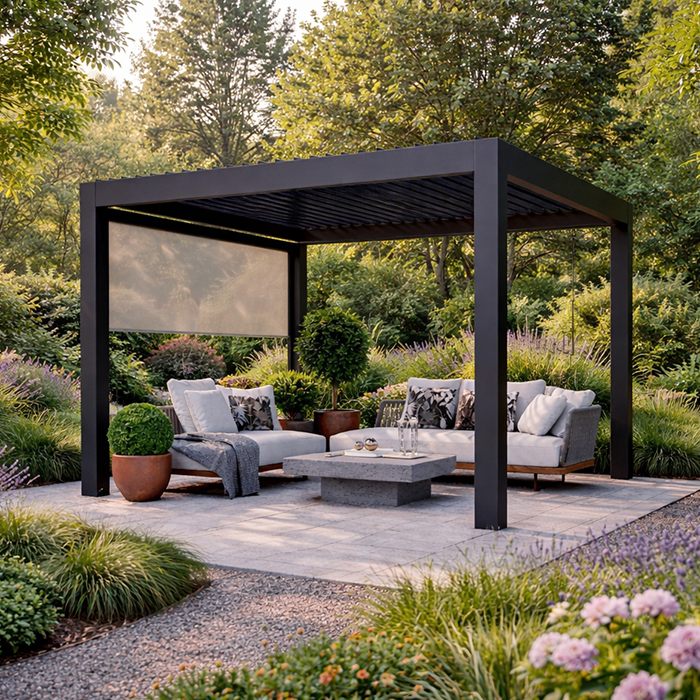
Sound from an open-sided viewing area can be heard beyond the seats. Test dialogue and quieter scenes from outside the pergola, including near the boundary, then set the volume at the lowest level that works for the group. Where the equipment allows, direct speakers towards your own seating rather than neighbouring homes. Captions can reduce the need to raise the volume, and headphones may suit a small group or a later part of the evening. Consider the finish time as well as the volume.
Check that the screen, projector beam and outdoor lights are not aimed towards nearby windows or beyond your own space. Turn off unnecessary lights during the film and keep any entry lighting directed where it is useful. When comparing a layout with your chosen Bloomcabin Pergola configuration, use its dimensions to see whether the screen can be turned away from neighbouring homes without blocking access. Assess the view from outside the seating area as well as from the chairs. Include the arrival and departure arrangements in this check: lights used before and after the film also need consideration, even if they are switched off during viewing.
Test the setup in the evening
Run through the whole arrangement before inviting people. Set up the actual screen, projector or television, seats, lights and audio in their intended positions, then check the picture from every seat at the time you expect to start. Try a scene with dark detail as well as a bright one, and check focus, image edges, captions, controls and sound. Use the film lighting you intend to keep on, and walk the access route to identify anything difficult to see or easy to trip over. Test the less obvious tasks too: pause the film, adjust the volume and return to playback from the chosen control position. Check that captions remain readable from the outer seats and that menus do not require someone to stand in front of the picture. Note the positions that work so you can reproduce the arrangement when setting up again. A rehearsal shows what needs adjusting while the layout is still flexible.
Make a simple plan for conditions that change: know where portable equipment will be stored, decide what you will do if wind or rain makes the setup unsuitable, and have an indoor alternative if needed. Confirm that the content source is ready and that everyone can use the controls without walking through the viewing area. If the rehearsal reveals that the picture only works with an unapproved fixing, the route is obstructed or the equipment is outside its stated conditions, revise the setup rather than relying on a last-minute workaround.
Frequently asked questions
How do I choose a screen size for a pergola movie night?
There is no single size that suits every seating distance or setup. Compare the screen’s usable image area with the projector’s manufacturer guidance and the distance from each seat. Mark the proposed screen outline before buying, then check that the image will not cover posts, doors or the walking route. A pergola’s floor area alone does not tell you whether a particular screen will fit comfortably.
Where should the projector sit?
Choose its position from the projector’s specifications for the screen width and throw distance, then check that the beam has a clear path and does not cross a walkway. Keep the device on a stable surface and follow the maker’s instructions for alignment and ventilation. Do not assume that a convenient roof beam is suitable for mounting equipment.
Can I attach a screen or projector to the pergola?
Do not assume that the pergola or its roof is a suitable mounting point. A screen can catch the wind, and a product name or area range does not confirm that a particular attachment is suitable. Check the pergola maker’s guidance and ask a qualified installer to assess any proposed fixing before altering the structure. A freestanding screen also needs a stable arrangement suitable for its intended use.
Will a pergola keep film equipment dry?
Not necessarily. Roof designs and weather limits differ, and a pergola should not automatically be treated as an enclosed or weatherproof room. Check the chosen configuration’s documentation and each device maker’s guidance for outdoor use. If conditions are outside those limits, stop using the equipment and follow its instructions for storing or protecting it.
How can I limit disturbance to neighbours?
Test the sound from outside your seating area, including near the boundary, and keep it at the lowest level that works for the group. Aim speakers towards your own seats where possible, use captions or headphones when they suit the occasion, and avoid pointing a screen or bright lights towards neighbouring windows. Consider a finish time that works for the household and nearby residents.
A successful pergola movie night balances a clear picture with a space that still works for people moving through it. Choose the screen direction after checking the real evening light, measure the seats and route before settling the layout, and follow the instructions for every device and attachment. A full test reveals whether the picture, sound and weather arrangements work together. If the equipment or screen cannot be used within the conditions confirmed for it, change the setup or move the film indoors.
