
Questions to Ask Before Integrating a Pergola with a Smart Home
Pergola planning guide
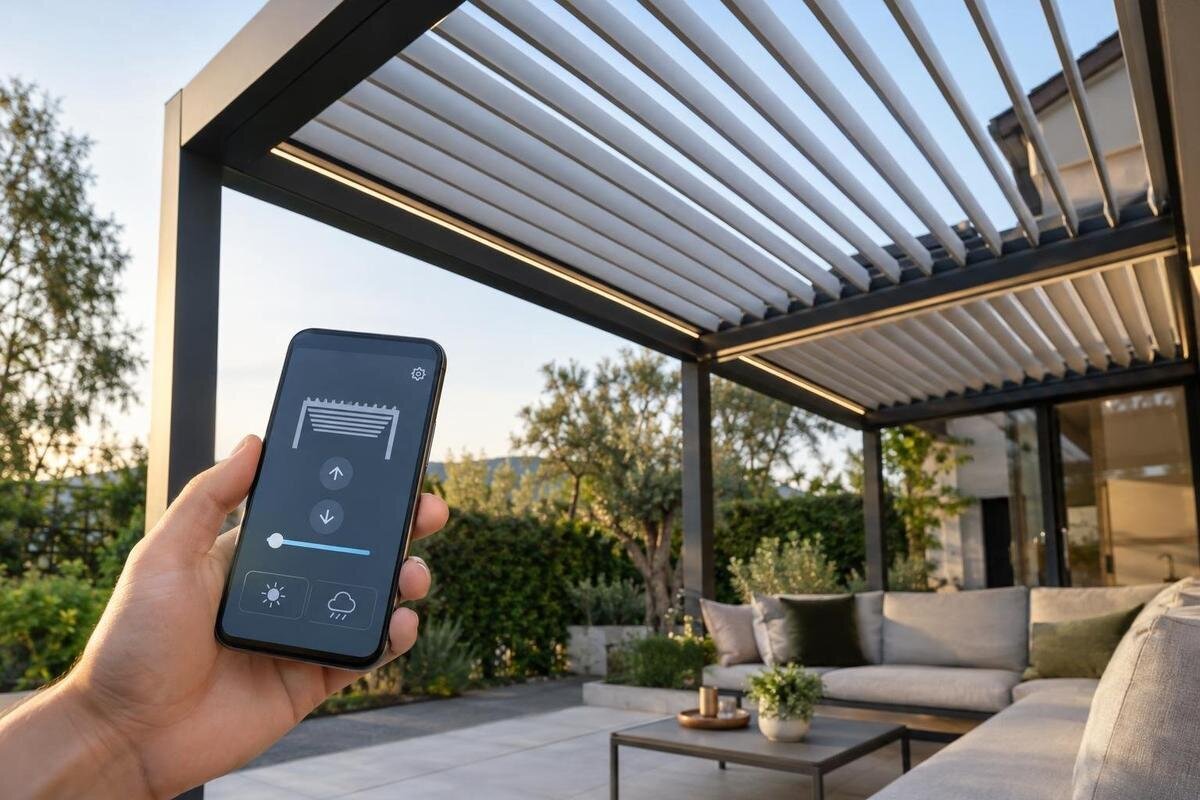
Smart-home control can make a pergola easier to include in household routines, but an app logo or voice-assistant mention is not enough to prove that a roof mechanism will respond as expected. The pergola, any motor, its controller, a bridge or hub and the chosen smart-home platform are separate parts of the chain. Ask for the exact model numbers and written compatibility details before comparing features. Bloomcabin product pages identify pergola types; the supplied product information does not establish a motor, sensor or automation feature. The questions below help you establish what is included, what needs separate equipment and what still works when a network or account is unavailable.
Questions to ask the supplier 1
Separate the pergola, motor and smart-home controller
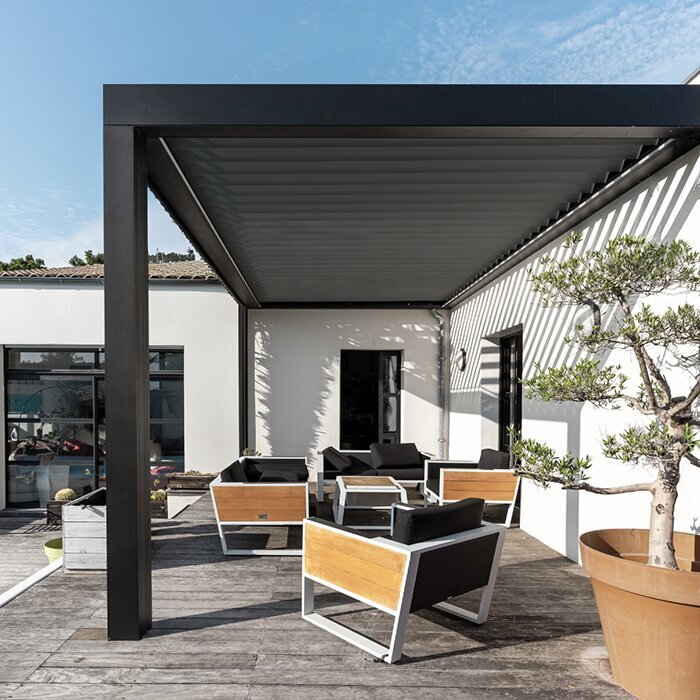
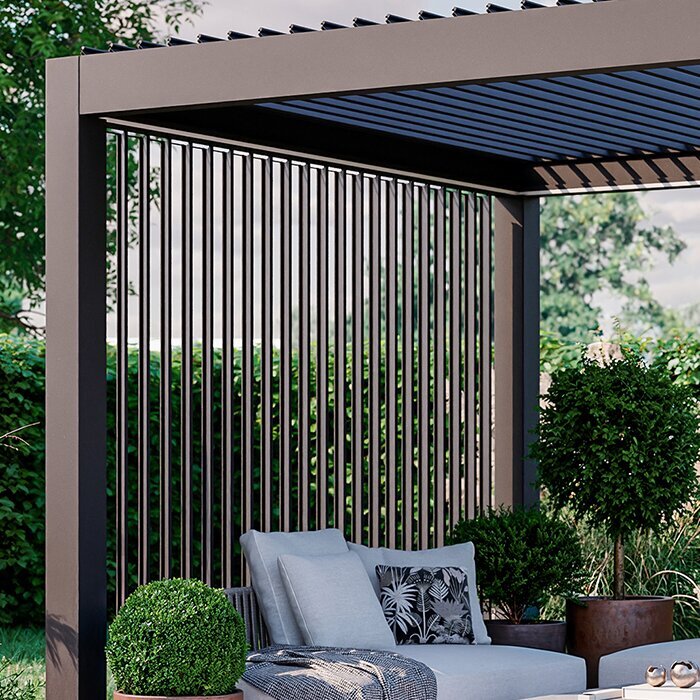
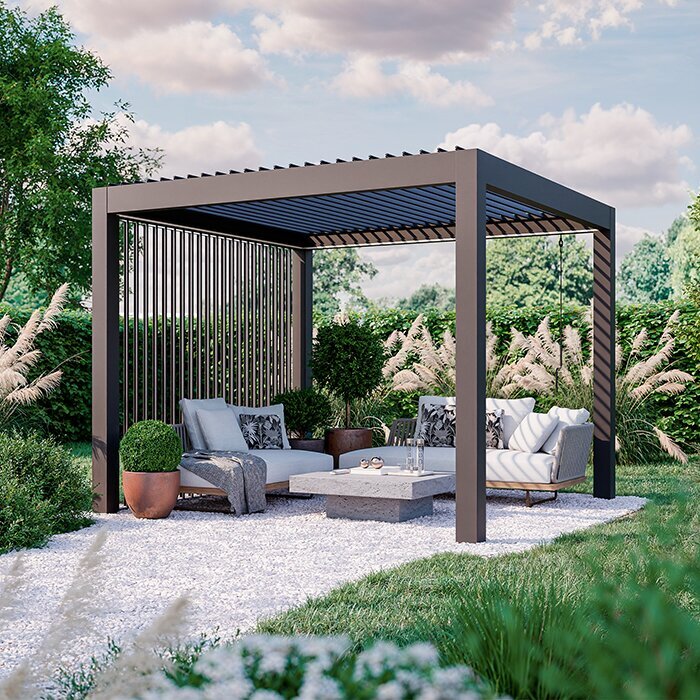
A pergola is the structure; smart-home control usually concerns a specific powered function attached to it. Depending on the design, a product may have no powered moving part, or a separate motorised roof, louvre mechanism or screen may be proposed. Do not infer that equipment from words such as ‘pergola’, ‘bioclimatic’ or ‘smart’. Ask the supplier to name the exact moving part, motor, control unit and any interface or gateway, and say which items are included, optional or supplied by another company. Record complete model or part numbers, because similar product names can cover different configurations. Ask whether the controller is bundled with the motor or specified separately.
Match those details to the documentation, rather than checking only the pergola brochure or the packaging for a home hub. For the Bloomcabin Bioclimatic Pergola, establish the physical product first, then identify any proposed control package separately. Request the manual or compatibility list for the exact controller and note any required add-on. Keep the structure, moving mechanism, motor and controller as separate entries in the quotation so that you can see what is included. Ask who provides each component and what happens if one is substituted before installation. If the seller cannot identify the controller, compatibility cannot yet be confirmed.
Which protocol does the exact controller support?
Protocol names are a starting point, not a compatibility guarantee. Pergola controls and home platforms may communicate over Wi-Fi, Bluetooth, Zigbee, Z-Wave, Matter or a manufacturer-specific connection. These are examples to check, not claims about a particular Bloomcabin model. Ask which protocol the exact controller uses and whether the advertised connection is native, through a bridge or through a separate service. Two devices using the same broad standard may still lack a supported command set, so a Wi-Fi or Matter label does not establish that your required operation will appear in the chosen platform.
Confirm the platform and hub version, any required bridge, and whether the manufacturer lists that specific controller for the integration. Check the documentation for relevant software or firmware requirements and who updates each component. If you are comparing a control package proposed for the Bloomcabin Wall-Mounted Pergola, record the supported connection alongside the controller model, rather than alongside the structure’s name. Ask the supplier to distinguish a direct connection from one that requires additional equipment or a separate service. The answer should identify the exact devices that work together and any limits on the functions available through that connection.
Questions to ask the supplier 2
What can you control, and does the app confirm the result?
Ask exactly what successful integration lets you do. A command may offer only open and close, or it may expose finer positioning or adjustment; the available options depend on the mechanism and controller. List the actions you actually want, such as operating a roof or screen, rather than assuming every movement is independently controlled. Ask whether movement can be stopped part-way and whether the platform supports partial positions, favourite settings or timed movement. These are distinct capabilities, not automatic consequences of motorisation. Find out whether a displayed position is measured, estimated or not provided at all.
Also ask whether the app receives a confirmed state from the controller or merely sends an instruction. A tile marked open should distinguish the mechanism’s reported state from the last request sent. Find out how the system indicates movement, an incomplete action or an unavailable device, and whether it provides position feedback. When discussing a configuration from the Bloomcabin Pergola range, separate the desired commands from the information you expect to receive afterwards. A plain-language function list should state both: what the user can request and what the interface can confirm. This makes a limited command connection easier to distinguish from two-way control.
Which functions stay local if the internet connection drops?
‘Local control’ can mean several things, so ask the supplier to define it. A controller may communicate within the home network, rely on a local smart-home hub or send commands through the manufacturer’s cloud service; an app can use more than one route. Ask which route handles each function: a wall control, a phone on the home Wi-Fi, a hub automation, a voice command and remote access away from home may not behave alike. Request a simple explanation showing the path from each command source to the pergola controller, including every bridge and internet service involved.
Make the question function-specific: what can you operate if broadband is down but the home network and equipment are powered? Can a local switch or hub still issue the key command, and will an app on the same network work without an online account? Do not accept ‘works offline’ without asking which controls and status reports remain available. Local networking is not the same as backup power or operation during an electrical interruption. If operation without power matters, ask separately about the equipment’s documented behaviour rather than assuming it has a backup feature.
Questions to ask the supplier 3
Can users still operate the pergola outside the app?
Smart control should not make ordinary operation confusing. Ask what physical controls, if any, are supplied with the proposed motor package, and whether a wall switch, handheld remote and smart-home command can be used without resetting one another. Check whether a change made with a physical control is reported back to the app, and what users see if another person operates the mechanism at the same time. Without reliable state feedback, an app or automation may show an outdated status or repeat a command. Establish which control path is intended for everyday use and how users can tell that it has responded.
Ask how a user can stop or take over an operation if the app, hub or internet service is unavailable, and whether that method is documented for the exact controller. Do not modify wiring or add a generic relay based on an online diagram; compatibility and electrical work need to be assessed by a suitably qualified installer. For any powered configuration proposed with the bioclimatic pergola model, ask the supplier to explain the everyday controls to everyone who will use them. Clarify where those controls are, whether access requires a phone or account, and what to do when the preferred interface is not responding.
Which accounts and permissions are involved?
Some systems require an account to set up a device, while others also use a cloud account for remote access, voice control or continued service. Ask which functions stop if the account is signed out, the service is unavailable or the original account holder changes. Confirm whether household members can be added with separate permissions, who can invite or remove users, and what happens if a phone is replaced or a password is lost. Ask how ownership can be transferred if the household changes. An account tied only to an installer or one resident can complicate everyday access later.
Check privacy and ongoing service terms instead of guessing from the app’s appearance. Ask what information the controller or service sends, whether operation logs or voice-assistant links are stored, and which parties can access them. Clarify whether a subscription or separate platform account is required, who supports the app and whether remote features depend on the manufacturer’s servers. When reviewing an offer for the wall-mounted pergola, keep these service requirements separate from the structure and hardware costs. Record the account owner, recovery method, permissions and transfer process with the handover documents, without putting passwords in a shared installation record.
Questions to ask the supplier 4
How will scenes and automatic routines behave?
Decide whether you want simple app commands, voice control, a preset scene or rules that run automatically. The more steps a routine contains, the more important it is to know which system initiates it, what conditions it uses and how a user cancels or changes it. Ask whether the pergola appears as a usable device in the platform or only through a limited shortcut, and whether its command can be included in a scene with other equipment. A voice assistant may pass a command through another cloud service, so confirm which accounts and connections are involved rather than treating voice control as proof of local compatibility.
For unattended routines, ask what happens if the controller is offline, its position is unknown or the requested action is blocked by a system limit. Find out whether a failed action is reported, retried or ignored, and whether the user receives a clear status. Do not rely on an automation or sensor unless its support and priority are documented for the exact system. If a protective feature is offered, identify it separately and confirm how it interacts with the motor controller; a smart-home app does not establish that the feature is present. Keep initial routines simple and make sure household members know how to stop or override them.
Who installs, commissions and supports the integration?
Compatibility also depends on how the proposed parts are installed and commissioned. Ask whether a bridge or hub needs a particular location, network connection or power supply, whether the existing home system is supported, and who configures the integration. Do not plan electrical connections or adaptations from a generic smart-home guide: an appropriately qualified installer should assess the specific motor, controller, supply and site. Before work starts, agree who provides each component, who pairs the devices and who diagnoses a problem that could sit between the pergola manufacturer, installer, network provider or smart-home platform.
Get confirmation that the proposed controller and any gateway are approved for the configuration you are buying, and ask how software changes or replacement parts affect the integration. Use the Bloomcabin Bioclimatic Pergola product listing to identify the structure in the proposal, then match the installation documents to the actual control equipment. Keep manuals, device identifiers, commissioning notes and support contacts together so that responsibility is clear if a problem arises later. Ask who handles a motor fault, a controller fault and a platform connection problem. Record any stated limits or exclusions, especially where support for a third-party hub is involved.
Questions to ask the supplier 5
What should a handover demonstration include?
Before accepting the installation, ask for a demonstration using the exact motor, controller, bridge and platform in the proposal. Test each agreed command from the app or hub, check whether reported status follows a physical operation, and see how the interface indicates an unavailable device. If local use is a requirement, confirm what works on the home network without internet. Also ask the installer to demonstrate the account handover process. Keep tests within the installer’s safe operating procedure; do not create a fault or disconnect live equipment yourself. A demonstration should answer the agreed questions, not replace a written manual or compatibility list.
Ask for a concise handover record stating model numbers, supported commands, required services, account dependencies, network conditions and the steps for ordinary control if the smart-home connection is unavailable. For a proposal based on the Bloomcabin Wall-Mounted Pergola page, make sure the demonstrated control equipment matches the equipment listed in that record. Save the results with the installation documents and make sure the people who will use the patio understand which controls take priority when commands conflict. If a feature cannot be demonstrated, record it as unverified rather than assuming it will appear after an app update.
Will the controls suit everyone who uses the patio?
Weigh the convenience against the number of systems the household is willing to maintain. If several people use the patio, test whether each can reach the normal control without sharing a personal password, whether guests can use the space without an app, and whether the labels are clear to someone who did not set up the routines. Consider who will update the hub, manage accounts or deal with a changed router. A simple, dependable control method may suit a household better than a voice routine that only one person can manage. Choose around the tasks and users, not the longest feature list.
Before deciding on a structure, compare its documented form and size with the space, then assess any proposed automation package against the household’s priorities. The Bloomcabin Pergola listing can form part of that structure comparison; assess smart-home compatibility separately for the exact powered equipment and home platform. Divide the proposed functions into those you need for everyday use and those that would simply be convenient. This helps you judge whether extra equipment and account management are worthwhile. If essential compatibility questions remain unanswered, assess the pergola as a structure but leave smart-home capability out of the purchase decision until it is verified.
Frequently asked questions
Does Wi-Fi support mean a pergola is compatible with my smart home?
No. Wi-Fi describes a way devices communicate, but does not confirm that the controller works with your chosen platform or exposes the commands you need. Ask for the exact controller model, the supported integration route and any required hub or bridge. Check the compatibility information for that specific combination.
Can I control a pergola if the internet is down?
Possibly, but it depends on the controller and the route used for each command. Ask whether a local switch, home hub or app on the home network can still operate it, and which features rely on the manufacturer’s cloud service. Confirm separately what happens when electrical power is unavailable; an internet outage and a power interruption are not the same.
Does Matter support guarantee that every roof function will be available?
No. A shared standard does not guarantee that a particular controller is supported by your hub or that every movement is available in the app. Ask which exact functions the manufacturer exposes through that integration, whether a bridge is needed and whether the specific controller model is listed as compatible.
Will I need an account to operate a smart pergola?
Account requirements vary by system. An account might be needed only for setup, or it might also be required for remote access, voice control or cloud-based features. Ask what remains available if the account or service cannot be accessed, how household members are added and how ownership can be transferred.
What should I confirm with the supplier before choosing an integration?
Take the pergola, motor and controller model numbers, your smart-home platform and hub details, and a list of the commands you want. Ask for the compatibility documentation, local and internet-dependent functions, account requirements, available status information and required add-ons. If possible, ask for a demonstration of those functions using the proposed equipment before handover.
Smart-home compatibility is not a property you can safely infer from a pergola category or an app icon. It depends on the exact motor and controller, supported commands, local or cloud route, account arrangements and the controls available to the household. Ask for model-specific evidence, then see the proposed setup demonstrated against the functions you actually want. If part of the chain is still unspecified, keep that capability out of the comparison for now. A clear answer about what works—and what does not—makes the final choice more useful than a broad promise of smart control.
