
Pergola Rain Sensors: Detection, Responses and Limits
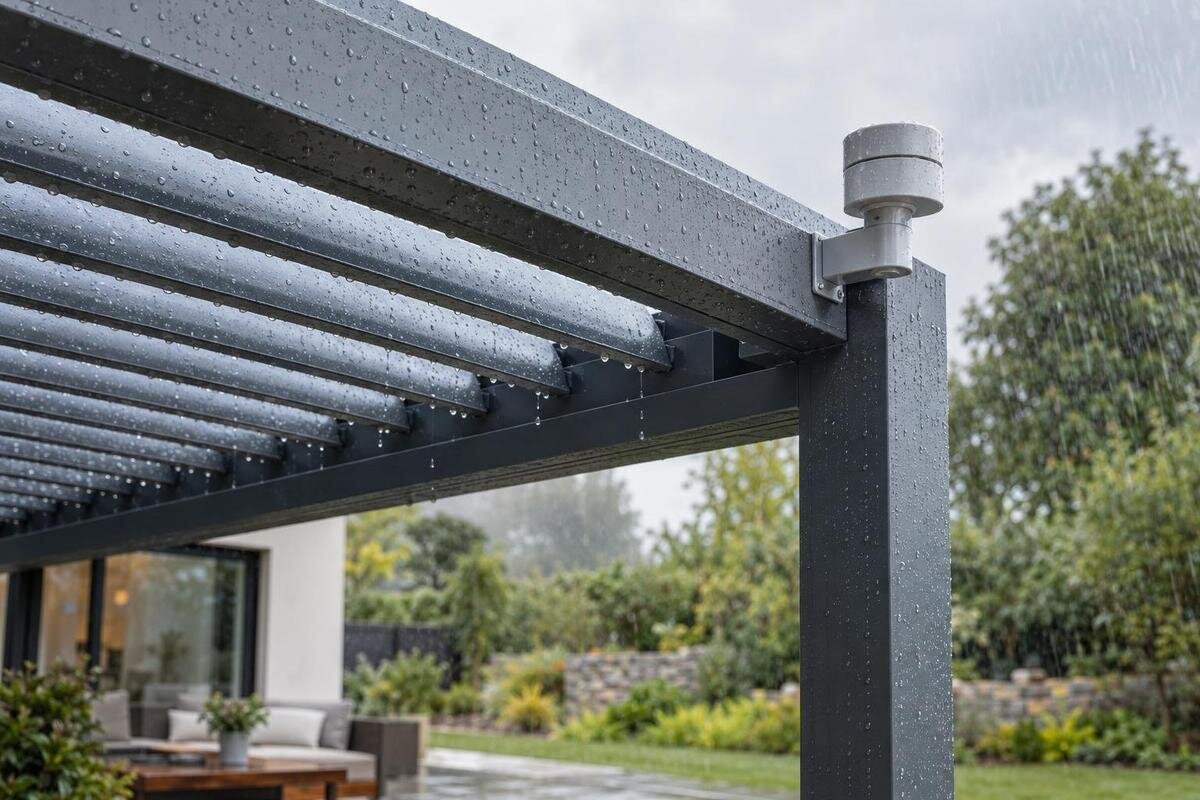
Pergola roof controls
Rain automation sounds simple: water is detected, then the pergola responds. In practice, those are separate steps. A sensor measures conditions at its own location; a compatible controller interprets the signal; and a roof mechanism can act only if the exact model and settings support that movement. Trigger thresholds, delays, reset behaviour and fault responses differ between systems. This guide explains what a rain sensor can indicate, what to verify in the manual and why a rain signal is neither a forecast nor proof that a pergola is protected from every weather condition.

What a pergola rain sensor detects
A pergola rain sensor reports conditions at its sensing point, not the weather over an entire patio. In a common design, moisture reaching an exposed sensing surface changes the sensor’s signal; other designs may use another measurement method, so the manual should identify exactly what the unit detects. A controller may label the result “rain”, “wet” or an alarm state. None of those labels tells you how much rain has fallen, how long it will continue or whether every part of the roof is exposed to it. Read the signal as a trigger condition, not a full weather report or an inspection of the pergola.
The distinction matters when comparing trigger claims. A sensor can react only after its detection method registers the relevant condition; unless the setup separately uses a weather feed, it cannot warn that a shower is approaching. Nor can it establish whether water has reached furniture, a gutter or a particular roof seam. Check whether the supplier means rain detection, a moisture threshold, a rain alarm or a broader weather station. These terms are not interchangeable. If the unit detects moisture, ask whether it can distinguish rain from other wetting, such as spray. Confirm the sensor model, its stated detection principle and what each indicator means before treating “wet” as a rainfall measurement or proof of roof performance.
How a rain signal becomes roof movement
A detected signal still has to pass through a controller before anything happens. The sensor sends an input; controller logic decides whether to accept it and which output, if any, to issue. Depending on the system, a recognised rain signal might move a motorised roof to a programmed position, produce an alert or do nothing automatically. A fixed pergola has no roof movement to command, while an automatic rule may need to be enabled or configured. A sensor accessory alone does not create that function. Detection, decision and physical movement are separate parts of the chain.
Ask what happens if rain starts while the roof is already moving, whether the command is immediate or delayed, and how it interacts with a remote or wall switch. Find out whether automatic mode is active by default, what exact position is commanded and whether the manual describes that position for rain. When comparing a package based on the Bloomcabin Pergola model page, request instructions for the actual roof and controller combination rather than inferring its operation from a product photograph. Also check whether a status report confirms completed movement or only that a command was sent. These are different stages: an accepted command does not itself confirm that the roof has reached the intended position.
Sensitivity, delay and reset settings
A sensitivity label is not a universal rainfall measurement. On one design, an adjustment may change how readily the sensing surface generates a trigger; another may use a fixed threshold or use the term differently. Check its definition and units, if any, instead of assuming a higher number means greater sensitivity or corresponds to a particular amount of rain. A number shown in an app may be a setting, not a rainfall reading. Some devices distinguish brief wetting from a sustained condition, while others offer no user adjustment. The manual should state the range, default, who may change it and whether it affects every controlled roof zone. Understand a setting before changing it to address an occasional alert.
Timing can determine whether a brief shower triggers movement and when the signal clears after rain stops. Look for separate trigger delay, rain-hold period, dry-out or reset delay, and any latch that requires manual reset; not all systems provide these settings. A delay can reduce repeated switching when readings fluctuate, but it also means the response may not be immediate. Distinguish the delay before an action from the time the system waits before clearing a wet signal, and ask whether the roof stays at its last position while a sensor dries. If considering a sensor package for the Bloomcabin Bioclimatic Pergola page, request the manual for the exact sensor-controller combination. Check whether its settings are owner-adjustable or installer-configured.
Why sensor placement affects the reading
The same shower can produce different readings in two locations. A sensor under an eave or behind a screen may receive less rain than an exposed roof; one in an exposed spot could be hit by irrigation spray or runoff. Wind direction and nearby buildings, trees or walls can affect local exposure, while the roof itself can shelter some areas and expose others. So “rain detected” describes the sensor, not every section of the pergola. A dry reading does not necessarily mean the whole roof is dry, and a wet reading does not show how evenly rain is falling. Placement affects when the sensor first receives rain as well as whether it gets wet at all.
Placement is part of system design, not a detail to guess. Ask where the manufacturer specifies the sensor should sit, whether its position affects the trigger, and whether a qualified installer needs to commission it with the controller. Avoid moving it, changing its mount or altering wiring on the assumption that closer to the roof must be better. For a roof with separate zones, check whether one sensor serves a shared control group or each zone separately; grouping depends on the controller, not simply on the number of sensors. Use the documented location when deciding what a wet or dry reading means, and confirm any proposed relocation with the supplier.
The roof mechanism sets the possible response
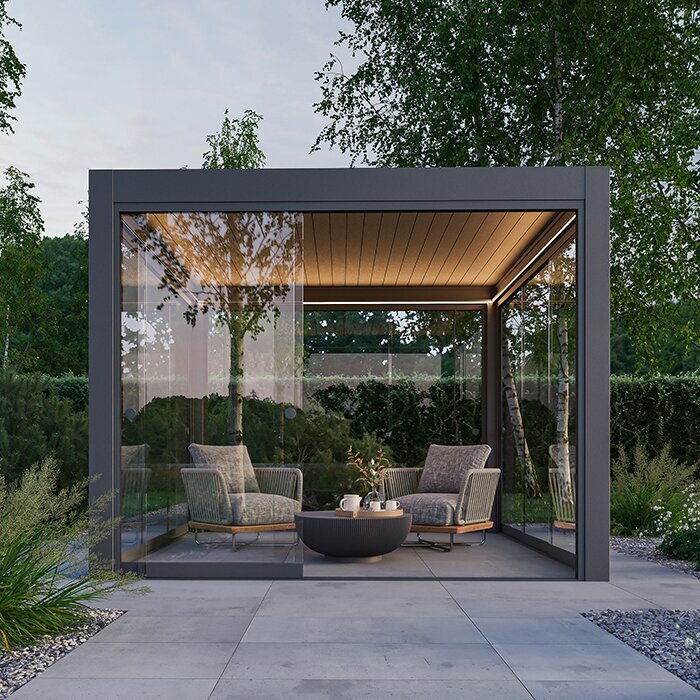
A sensor’s input does not determine which positions a roof can reach. If the pergola has no moving roof mechanism, there is no movement command for a sensor to carry out. With a controllable roof, the controller might be capable of adjusting louvres, retracting a cover or taking another defined action, but only where the actual product and controls support it. Even roofs that look similar may use different controls. Do not infer rain behaviour from words such as “bioclimatic”, “retractable” or “wall-mounted”; they identify a design category, not a rain programme. The roof manual must state permitted positions and operating conditions.
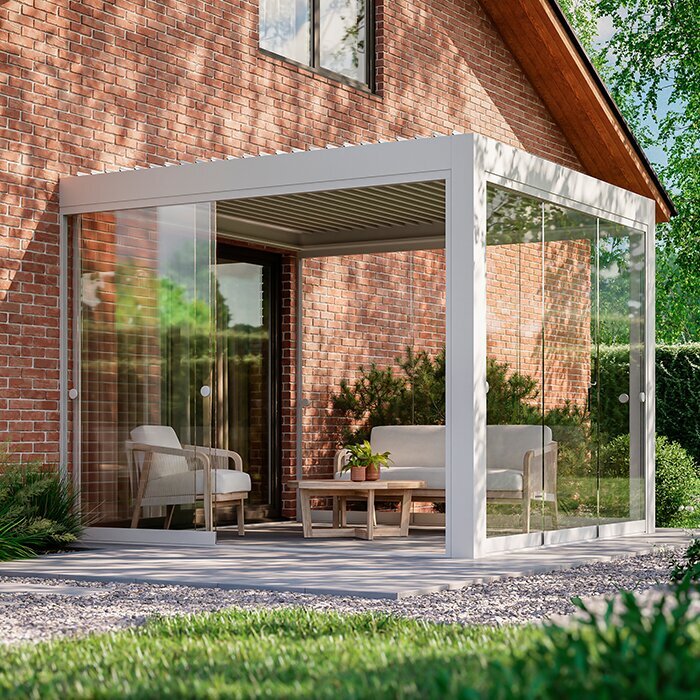
A wet signal also does not establish how the roof manages water. Product design and installation determine any drainage route and weather limits; a sensor cannot certify that a roof is watertight, drainage is clear or a particular position suits every shower. The wall-mounted pergola page identifies a model category, but roof water management and sensor response must be verified in the relevant instructions. Read the roof guidance alongside the controller manual, and ask the supplier to distinguish documented rain performance from the automation’s action. If the system can move unattended, confirm which conditions its manufacturer allows during automatic operation.
What a rain-only sensor cannot assess
A rain-only sensor is not an all-weather monitor. Unless a separate device and control rule are specified, it cannot measure gusts, wind direction, hail, snow, debris, heat or loads on the roof. A wet sensor also cannot tell the controller whether a drain is obstructed or water is collecting somewhere it should not. A rain-triggered command may address one input only; it should not be assumed to protect a pergola from another condition occurring at the same time. Ask for separate documentation for any additional weather detection, including the conditions it covers. A broad label such as “weather control” still needs a clear list of inputs.
Rain may also reach the pergola differently from its detector. Wind-driven drops can wet one side while a sheltered sensor stays dry; a brief shower can wet the sensor but miss part of the roof, and retained moisture may keep a reading wet after local rain stops. A reading at one point cannot describe rainfall volume or direction across the whole structure. When reviewing the regular Bloomcabin Pergola listing, keep rain response and wind detection as distinct questions. Ask what each proposed device measures and how its signal affects the roof control. Any separate wind device will have its own trigger settings and rules, so its interaction with the rain command also needs to be understood.
Power, communication and fault responses
Automatic action depends on more than rain detection: the sensor, controller, any communication link, power supply, motor and settings must all be available and configured. System architectures vary; a sensor may be wired, wireless or part of a larger control package, and a connected app may show status without being required for local operation. Do not assume internet access, a battery-powered sensor or remote alerts are included with a pergola. Ask which components are in the quoted configuration and which are separate accessories; “automated” does not explain how they connect. It is worth distinguishing a local control path from a phone notification.
Ask what the documented response is if power fails, a signal is lost, a battery is low, a controller restarts or a motor does not complete its movement. There is no universal fail-safe position; behaviour depends on the system’s design. Find the written fault response and manual operating method, and check whether local weather control still works without home internet. If you are considering the Bloomcabin bioclimatic model, request the control manual and fault information for the proposed configuration. Confirm who can restore automatic operation after a fault rather than assuming it resumes on its own. The manual should distinguish a sensor fault from an internet outage.
Checking sensor and controller compatibility
Check compatibility by exact part and model numbers, not just by asking for “a rain sensor”. Confirm that the sensor is supported by the controller supplied with the roof, which interface it uses, whether a separate receiver or module is required, and whether the controller can use its signal for the movement you want. If several roof zones are present, ask whether one trigger applies to all zones or can be configured separately. Do not assume a generic accessory or smart-home link will work because both products offer remote control; shared branding or appearance does not prove compatible commands. Check any limits on combining accessories.
Ask who supplies and commissions the matched components, what instructions you will receive and who may change the threshold or delay. If comparing a wall-mounted structure, the Bloomcabin Wall-Mounted Pergola listing states a 9–24 m² model range; that area information does not identify a sensor, motor or compatible controller. Request compatibility details for the exact configuration and have a qualified installer assess any electrical interface rather than adapting an unverified device. Confirm whether components come together or are separate options, and keep their part numbers for future service or replacement.
Questions to settle before ordering
Ask the supplier to identify the roof, sensor and controller by model or part number. Which physical condition triggers the sensor? Is the threshold adjustable, and what do any delays do? Which roof position is commanded, how long can the action take, and does rain control override someone operating the switch? Is the sensor part of the quoted package, an optional accessory or supplied by someone else? Ask for matching instructions or a written configuration, not just the phrase “rain sensor included”. When comparing options in the Bloomcabin Pergola range, make sure the quote identifies the exact model and lists the proposed sensor and controls separately. This keeps the structure’s specification distinct from the automation being offered.
Then cover exceptions: what happens if power or communication fails, the sensor faults, the roof reaches its movement limit or the weather includes wind as well as rain? How do you pause automatic commands or operate the roof manually, and who can change settings? Ask the supplier or installer to demonstrate the manufacturer-approved test and explain the status indicator. If there are separate zones, establish which move together and which can respond independently. These details turn a broad sales description into a clear account of what the system will do, what it cannot do and what you must continue to monitor.
Testing and caring for the installed system
Once the system is installed, learn what shows detection, whether the controller has accepted the signal and how you can confirm the roof reached its intended position. Ask for the maker-approved test method rather than improvising a hose or spray test: it may not reproduce the intended threshold, and the manual may specify another procedure. Record sensor and controller identifiers, settings, reset behaviour, alerts and manual override instructions with the operating documents. Keep the sensing area clear and clean it only as the manufacturer directs; care methods differ by design. Ask how often, if at all, the maker recommends a test.
Treat an alert as information about the sensor or controller, not as proof of shelter. If rain is falling but the sensor reports dry, or the roof does not behave as the manual describes, do not rely on automation until the cause is checked by the supplier or a qualified installer. Keep the Bloomcabin Bioclimatic Pergola model details with the actual sensor and controller documents so the installed configuration can be identified. A useful handover explains limits as clearly as normal operation: how to recognise a fault, return to manual control and arrange service. During early use, compare actual responses with the documented behaviour rather than changing settings by guesswork.
Frequently asked questions
Can a pergola rain sensor detect rain before it reaches the roof?
A local sensor reacts when the conditions at its sensing point meet its trigger. It cannot forecast an approaching shower unless the system separately uses a weather feed. Check whether that additional feature is included and what information it uses.
Will a rain sensor automatically close a pergola roof?
Not necessarily. The sensor must be compatible with a controller, an automatic rule must be configured, and the roof must support the commanded movement. Check the exact response in the matching manuals; a rain signal could instead produce an alert or no automatic action.
Does a rain sensor also detect wind?
A rain-only sensor does not measure wind. Wind detection requires a separate, compatible sensing and control function, if the system offers one. Confirm what it measures and how it interacts with rain settings rather than assuming a roof or accessory covers both.
Are rain sensors included with Bloomcabin pergolas?
Rain sensors are not confirmed as included with Bloomcabin’s regular, bioclimatic or wall-mounted pergola models. The available product information also does not establish whether a motor or automated roof response is included. Ask the supplier to identify the components in the exact configuration you are considering.
Why might a rain sensor stay wet after a shower?
Moisture may remain on the sensing surface, or the controller may have a hold or reset delay. Behaviour depends on the design and settings. Check the manual before changing sensitivity, cleaning the sensor or adjusting reset options.
The useful question is not simply whether a pergola can be paired with a rain sensor. Confirm what conditions the sensor detects, the location its reading represents, the controller rule and roof position it commands, and how the system responds to faults or weather it cannot measure. Keep the sensor and controller instructions with the roof manual, and treat automatic rain response as one specific function—not as a forecast or guarantee of all-weather protection. That gives you a realistic basis for comparing systems and understanding how much manual monitoring remains necessary.
