
Pergola Louvres Stuck: Safe Checks Before Support
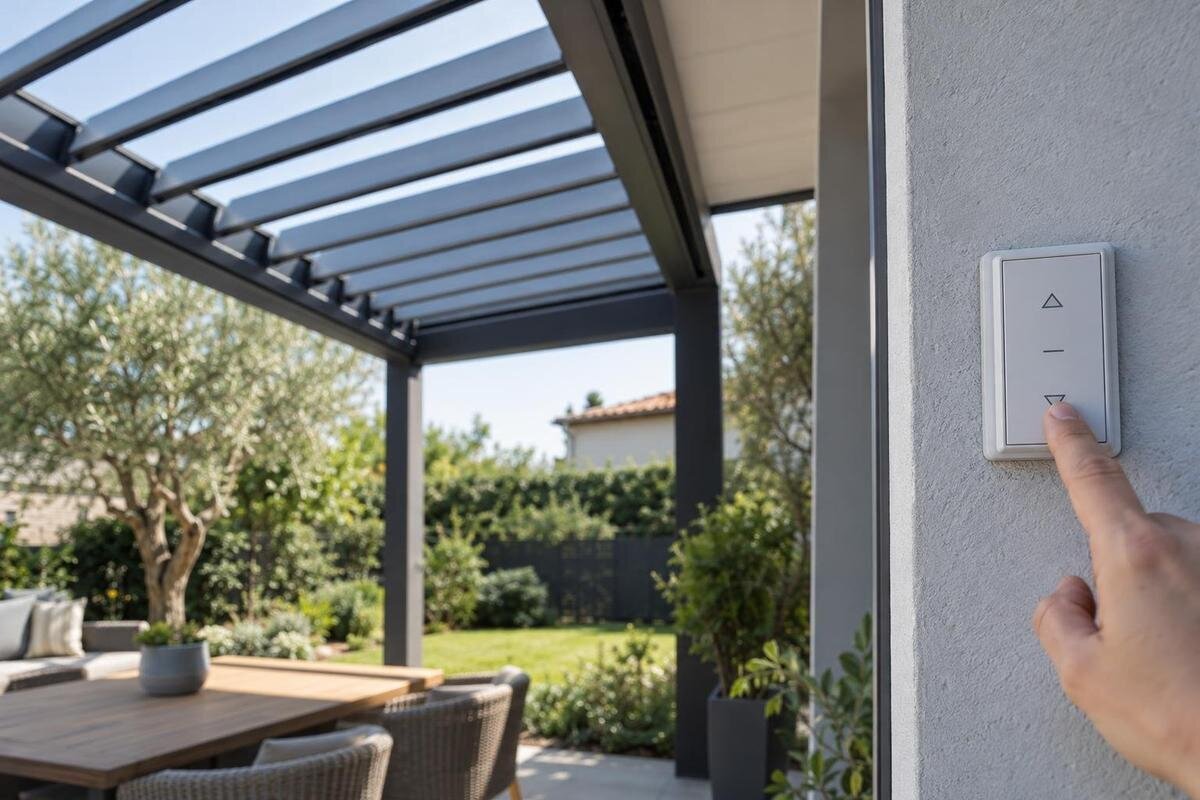
Pergola troubleshooting
When pergola louvres stop moving, resist the urge to push them or keep pressing the control. An obstruction, a control issue and a fault needing service can look similar from below, while a generic fix may make the situation worse. Limit your checks to what you can see and note the louvre position, the response to a normal command, any visible obstruction or damage, and the product details in your paperwork. That record gives qualified support a clearer starting point without requiring you to open equipment or dismantle the roof.

Stop operating the pergola if anything looks damaged
First check whether anything looks unsafe, not whether you can make the roof move. If a louvre is visibly bent, loose or out of line, a component appears detached, or movement begins unexpectedly, stop using the control and keep people clear of that area. Do not stand under the roof to inspect the underside, climb onto the frame, lean from a window or put a hand between louvres. Note the current position from a safe place. A partly open roof is not an invitation to push the blades into line; the mechanism may not be designed for hand movement. If damage is visible, do not run another test.
Treat electrical warning signs as a reason to stop, not as a fault to investigate yourself. If you notice sparking, exposed wiring, a burning smell, unusual heat or water at a control, do not touch the equipment or try to open it; step away and arrange qualified help. Describe what you noticed rather than guessing what caused it. If the roof is stuck with no visible warning sign, still avoid relying on a partly open roof for weather cover. Move belongings only from a safe position, without reaching beneath or handling the louvres.
Record the response to one normal command
If nothing looks damaged and you have not already tried the usual control, refer to the owner instructions before making a single normal command from the usual operating position. Note whether there is no visible movement, a brief start followed by a stop, partial movement or an unexpected response. Do not keep pressing buttons to reproduce the fault, try several positions or use another control just to see what happens. If the manual tells you to stop in these circumstances, follow it. If you have already tried a command, record that attempt instead of repeating it.
Write down what you observed, not a diagnosis: “no visible movement after one close command” is more useful than “the motor is broken”. Note which control you used, the command selected and any indicator or sound you noticed. Distinguish a sound from the handheld control from one you heard near the roof, but do not move closer to locate it. If you cannot tell where it came from, say so. Use the model name in your paperwork; Bloomcabin Pergola is a catalogue name, not proof that an existing installation is the same version. Keep the observed response separate from any uncertainty about the model so support can understand both.
Look for visible obstructions from ground level
From a safe position on the ground, look across the roof perimeter for a branch, leaves or another object visibly touching an edge or part of the frame. Note anything that appears caught near the louvres, as well as any visible change in alignment. You do not need to determine whether an object is causing the stoppage: several issues can look similar from below, and a view from the ground cannot show what may be inside the mechanism. A clear description of what you can actually see is enough for an initial support enquiry.
Do not reach between the louvres, try to free a trapped object, climb a ladder or stand on the pergola. Avoid using a pole, brush, hose or other tool to move material near a part that may move. Do not assume a louvre is safe to touch because it appears still. If an object is visible but not clearly separate from the moving parts, leave it where it is and photograph it from a safe distance. Tell support if you cannot see the area clearly without getting closer.
Record visible control indicators
Record what the ordinary control showed during the command already described: whether a display was blank, an indicator changed, a message appeared or there was a sound. Do not issue another command just to fill a gap in your notes. Copy any displayed message exactly, including letters or numbers, rather than summarising it as an error. Treat these details as observations, not proof of where the fault lies. Do not remove covers, test wiring, disconnect or reconnect equipment, or follow an undocumented reset sequence. If a control looks damaged, wet or unusually warm, do not handle it; report that detail and leave electrical checks to qualified service personnel.
Keep the pergola model and control details separate in your notes. If the paperwork names a Bloomcabin Wall-Mounted Pergola, copy that wording, then separately record any label or model information visible on the control. Describe which control you used, such as a handheld remote or wall control, without assuming that its branding identifies the entire installation. If there is more than one control, make clear which one produced the response you recorded. You do not need to test the others to complete the report. This keeps the account focused on the original fault rather than mixing results from several attempts or operating methods.
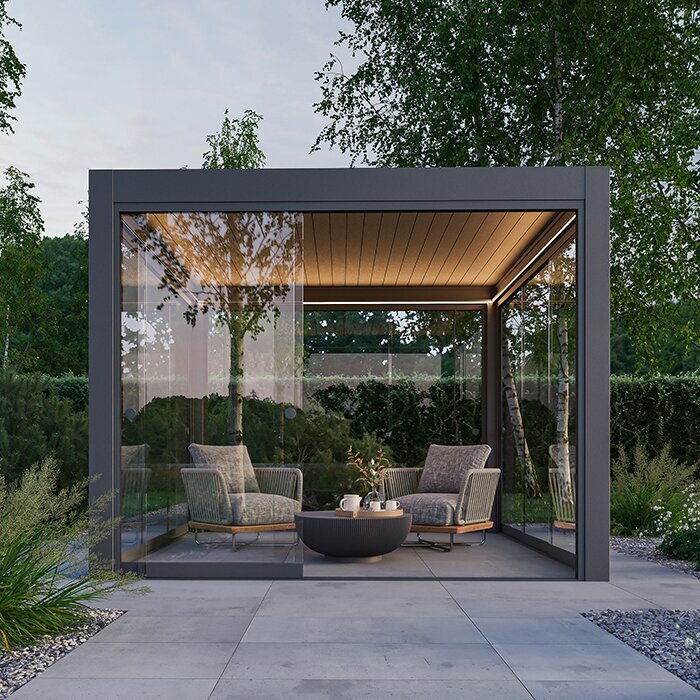
Use instructions that match the installed model
Gather the owner manual, order confirmation, installation paperwork and any identification details you already have. Check the model name and, if provided, the serial number or document revision; do not climb or remove a cover to find a label. An online page such as the Bioclimatic Pergola listing may help you recognise a product name in your records, but it is not the manual and cannot confirm which version was installed. If two documents use different names, retain both and note where each name appears. That gives support the original information rather than a model description you have assembled from several sources. Leave any mismatch unresolved until support can clarify it.
Use a manual only when it matches the model and version of your installation. Read the parts that describe normal operation, owner-level checks and any stated limits on maintenance; do not assume that steps for a similar-looking roof apply. A generic video, forum post or instruction for another control may describe a procedure that is not appropriate for yours. If the correct document is missing or the wording is unclear, ask support for the matching instructions instead of improvising. There is no need to attempt a repair just to provide useful information.
Take photos without getting close to moving parts
A wide photo from the ground can show the overall roof position and help support understand which area you mean. Add a closer image of any visible obstruction, damage or difference in alignment, but stay far enough away that you do not need to reach beneath the roof or lean over a barrier. Include a fixed point in the frame, such as the side of the building, so the direction is clear. Do not use a ladder for a better angle, and do not move the louvres to make a photograph look clearer.
If you can see the control display or an identification label without opening anything or climbing, photograph it as well. Give each image a simple description, such as “roof from garden” or “control display”, and explain which side of the pergola it shows. Keep the model name from your paperwork in the enquiry rather than treating the Wall-Mounted Pergola product page as photographic identification. Check that messages and label details are readable before attaching the images; if they are not, explain what you could read safely. An existing video of the fault may also be useful. Do not repeat an operation or move closer to the mechanism just to make a recording.
Keep a short timeline of the fault
Write down when the louvres last appeared to work normally and when you first noticed the problem. Add the date and approximate time, what command was used and what happened. If you know of a recent power interruption, cleaning, maintenance visit, repair or other work nearby, note it as context rather than assuming it caused the fault. Weather at the time may also be relevant to the record, but it does not establish a cause. Mark uncertain dates as approximate instead of trying to reconstruct events from memory as if they were exact.
Keep this timeline separate from guesses about a motor, control or jam. Distinguish when the problem occurred from when you discovered it: if the louvres were already stuck when you went outside, the discovery time is all you can confirm. Note any later change in roof position that you observed without operating it again. Use dates from order and service records where available, and identify anything supplied from memory. If you consult the Bloomcabin Pergola listing while gathering information, keep that product reference separate from the installation history. Leave gaps marked as unknown; do not repeatedly operate the pergola to recreate a sequence you cannot remember.
Record the model and service history
Support will need the most reliable identification you can provide: the model and serial details on accessible paperwork or a readily visible label, the order record and, if known, the installation date. Record where each detail came from, particularly if the order description differs from a label. A Bloomcabin Bioclimatic Pergola page can serve as a product reference in your enquiry, while the records for your own pergola identify what was ordered or installed. Do not fill missing fields by comparing colour, roof shape or general appearance. If you have several order documents, identify the one that relates to this pergola. Leave an inaccessible label alone and tell support which identification details you could not obtain safely.
Add any service visits, replacement components or changes to the controls that you know about, including roughly when they happened and who carried out the work if that is recorded. If you do not know whether a part has been changed, mark the detail as unknown rather than guessing. Keep invoices, service notes and manuals together with the fault photos so support can see what information is confirmed. Similar product names do not, by themselves, confirm that a particular instruction or component applies to your pergola.
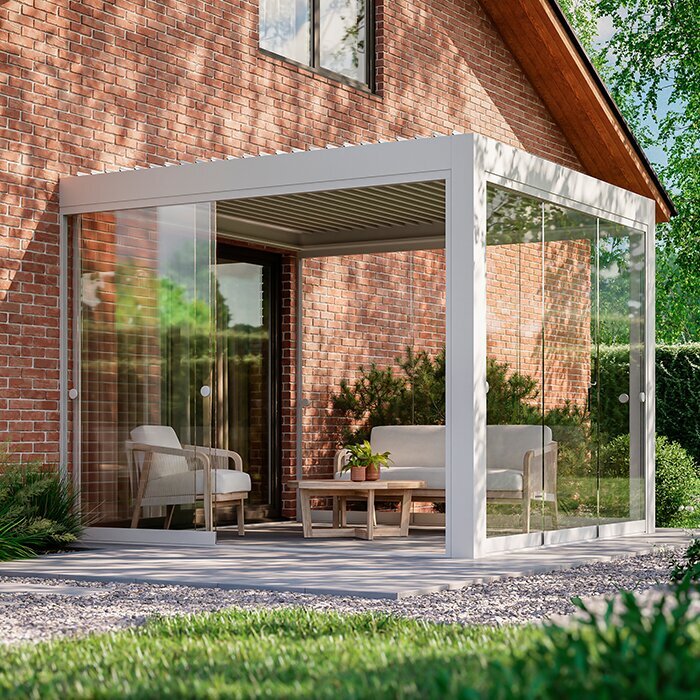
Do not dismantle, adjust or improvise a release
Do not push the louvres, try to realign them, loosen fasteners or remove covers to look for a blockage. Avoid applying lubricant, cleaner or another product to a stuck mechanism unless the exact manual names it for an owner-level task. A generic tip can be unsuitable for the particular system, and work on the assembly may make the original fault harder to assess. If the roof remains in a position that concerns you, record that position and seek model-specific guidance rather than attempting to free it with a tool or by hand.
Do not bypass a stop function, sensor or other safety device if your system has one, and do not bridge wires or disconnect equipment to force movement. Leave internal mechanical and electrical work to qualified service personnel. The Wall-Mounted Pergola page is a product reference, not a parts-compatibility check or an instruction to release a stuck roof. If you have already tried a procedure, tell support exactly what it was and when; that information helps them assess the next safe step.
Give qualified support a clear handover
Organise your enquiry so the main symptom is easy to find. Open with the recorded model name, the current louvre position and a short description of the response you observed. For example, “the louvres started to close, then stopped partway” describes behaviour without naming a failed component. Put any visible damage or electrical warning signs near the top rather than leaving them buried in an attachment. Follow with the timeline, known service history and a list of the photos and documents included. Refer to images by their filenames so support can connect each observation with the right view. State which details remain unknown and whether you have stopped operating the roof. You do not need a long account of every possible cause: the useful distinction is between what you saw, what your records confirm and what you cannot establish. Keep a copy of the enquiry and attachments so you can refer to the same information in a follow-up.
Ask which manual matches your installation and whether qualified inspection is needed before any further operation. If you need a spare part, ask support to confirm compatibility against the model details rather than ordering from appearance alone. Keep any later instructions with the original fault report, including clarification of which checks are intended for an owner and which require service personnel. If you also want to discuss an upgrade or replacement, make that a separate request so it is not confused with the immediate fault. A Bioclimatic Pergola product page can identify the product you are asking about; it does not establish that a new model, part or control is compatible with the existing installation.
Frequently asked questions
Can I push the louvres by hand?
Do not force or pull them. The mechanism may not be designed for hand movement, and a stuck roof can be damaged by pressure. Only follow a manual procedure if it is written for your exact model and clearly intended for an owner; otherwise, leave the louvres where they are and ask qualified support.
Should I keep pressing the control or reset the system?
No. Repeated commands or an undocumented reset can make the fault harder to assess. Record any attempt you have already made rather than repeating it. If you have not tried the control, there are no warning signs and the matching manual permits it, observe one normal command. Do not disconnect equipment, pair controls or try a different operating method unless the model-specific instructions tell you to.
Can I remove leaves or a branch from the roof?
You can note what is visible from the ground, but do not reach between louvres, climb onto the frame or use a pole to dislodge anything. If material appears caught against a moving part, take a photo from a safe position and leave it for qualified support to assess.
What should I photograph for support?
Take a wide photo showing the roof position, then a closer view of any visible obstruction or damage from a safe place on the ground. Photograph control indicators and an identification label only if they are readily accessible. Do not climb, remove covers or repeat an operation just to capture a video.
Can a product listing tell me which spare part fits?
Not by itself. A product name or similar appearance does not confirm the installed version or part compatibility. Provide the model and serial details available in your records, along with the fault notes and photos, and ask qualified support to confirm the correct documentation and part.
A useful pre-support check does not diagnose a failed part or authorise a repair. It gives qualified support a safe, specific account of what happened, what is visible and which model details you can confirm. Stop if anything looks damaged, an electrical warning sign appears or the correct manual is unclear. Leave the louvres and internal equipment alone; accurate observations and records are more helpful than a forced movement or an improvised fix.
