
How to Bring Internet Access to a Garden Office
Garden office planning
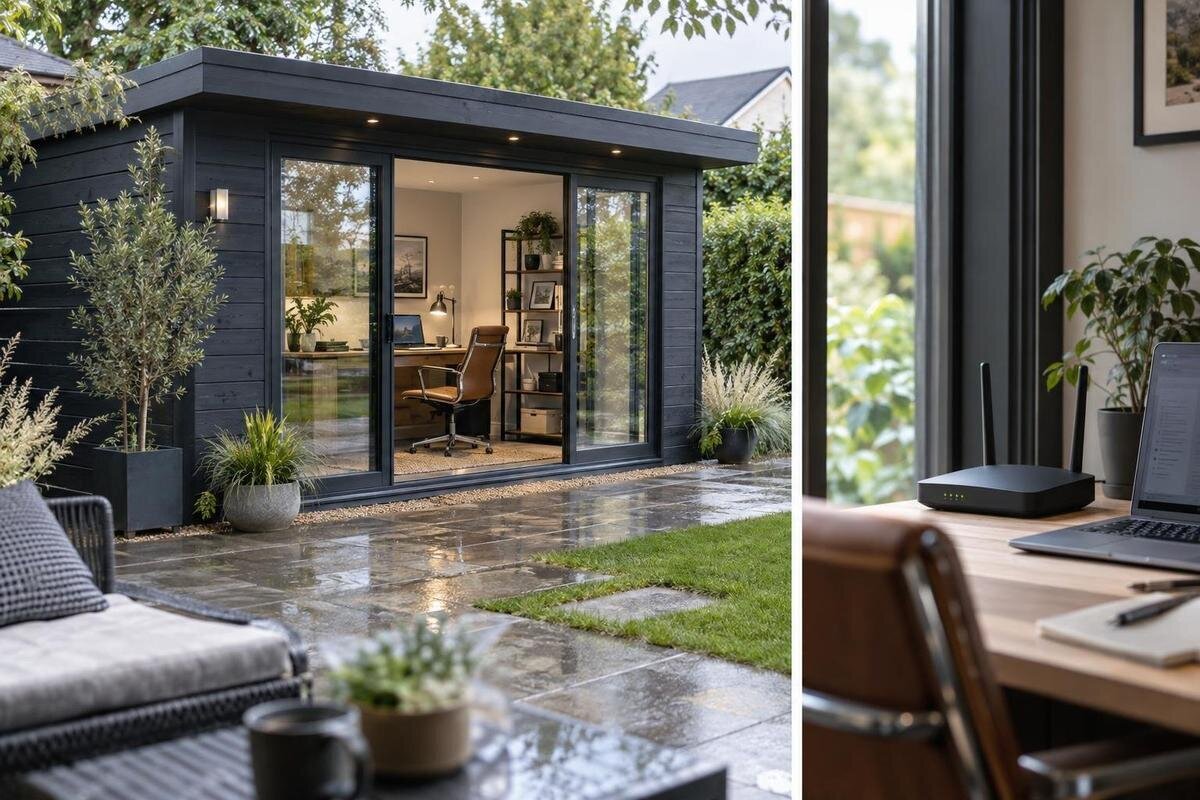
Planning internet access for a garden office starts with the work you need to do and the connection you can actually get at the planned location. There are two separate links to consider: broadband coming into the home, and the local network reaching the garden house. Extending home Wi-Fi can be convenient if a reliable signal reaches a useful point. A wired connection or an outdoor wireless bridge may suit a longer or obstructed route; separate broadband is another option when an independent service matters. Compare methods by measured performance, installation, power and ongoing costs, not by Wi-Fi bars alone.
Match the connection to the work
List the tasks the connection must support before choosing hardware or a service. Email and document editing, video calls, large uploads, cloud-based tools, remote desktops and shared printers place different demands on a network. Note which tasks are time-sensitive, whether you regularly send large files, how many people will be online at once and whether the home connection is already busy during office hours. For calls and remote sessions, steadiness and upload performance can matter as much as a headline download figure. There is no single speed target for every household and application, so record what works now and what fails rather than choosing a package by one advertised number.
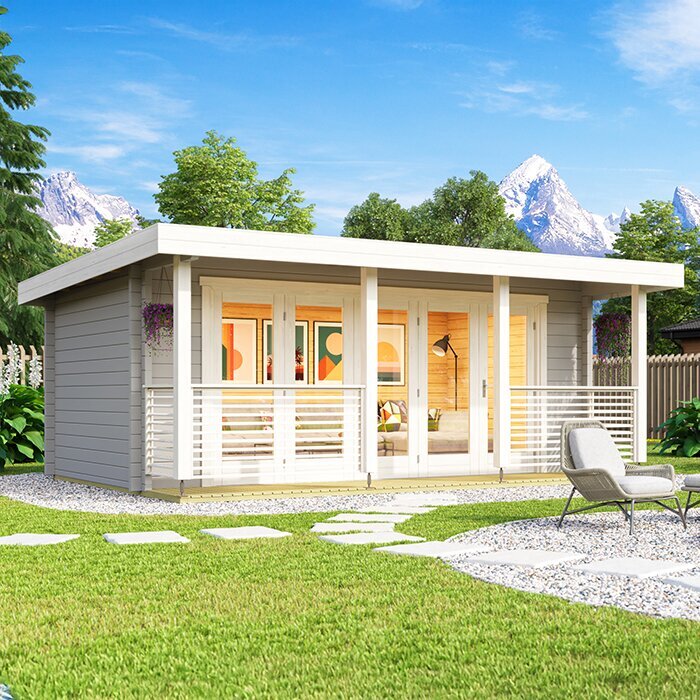
Decide whether the garden office needs internet access only, access to devices on the home network, or a separate service and account; those are different arrangements. Write down usual work hours, the number of users and devices, and the consequences of a short outage. If a garden-house listing such as the Verdana 1 garden house is on your shortlist, compare its stated details with your intended use instead of assuming the model name establishes office suitability. This brief gives you a practical basis for weighing an extender, a wired route and a second service before buying network equipment.
Check the route from the router to the garden house
Distance is only one part of the connection. On a sketch, mark the internet service entry point, the home router or gateway, the proposed garden-house location, your desk and any likely cable or wireless route. Include intervening walls, floors, fences, dense planting and neighbouring buildings rather than measuring only the straight-line gap. Construction and obstructions can affect Wi-Fi reception, while the easiest route for a cable may differ from the clearest path for a wireless link. If the home router can be repositioned, consider whether a different location improves reception without creating problems in the rooms that already depend on it.
Use the final proposed building position, not an approximate spot, as the reference for your plan. A signal that reaches the outside wall may not be useful at a desk deeper inside, and a convenient location for equipment may not be convenient for the work layout. When considering the Verdana 2 garden house, mark the intended site separately from the router and note where you expect to work. If the location can still change, compare a few practical positions before committing. You can then repeat the assessment after the garden house is in place.
Measure home Wi-Fi at the actual work location
Test the existing home Wi-Fi using the device you expect to work with. Check it near the router, near the side of the home facing the garden and at the proposed office location. Record download and upload performance, latency and any dropouts, then repeat at different times, including a busy period in the household. Use the same device and testing method when comparing results. On a phone or laptop, confirm that the test is using Wi-Fi rather than mobile data. Signal bars offer only a rough indication: they do not show whether the internet service itself is performing well.
Treat outdoor readings as preliminary. Once the garden office is finished, test from the desk and the likely position of any access point inside; the completed space and its contents may affect reception. If your shortlist includes the Durano garden house, plan to check the actual connection inside the chosen building rather than relying on a reading from the open site. Try a real video call and file upload as well as a speed test, and note pauses or disconnections. If service is weak at the home router too, address the incoming broadband or home network first; an extender at the garden office cannot fix that.
Choose an extender or mesh when the signal supports it
A Wi-Fi extender or repeater receives an existing signal and rebroadcasts it; it does not increase the speed of the broadband service coming into the home. It can help when the office is just beyond a useful signal that remains dependable where the extender is placed. If its own connection is weak or unstable, the extended network may still struggle with calls and uploads. Before buying, check compatibility with the existing router or internet-provider gateway and confirm whether the unit can be placed where it has a suitable power source.
A mesh system uses coordinated nodes to extend Wi-Fi coverage around a home and may be easier to manage than a collection of unrelated repeaters. It still needs a reliable link between the home router and the node serving the garden office. Adding nodes cannot overcome every wall or long outdoor gap, and the way a system works with an ISP gateway varies. Check whether it replaces or works alongside the existing equipment, what the manufacturer supports and how devices connect between nodes. Keep indoor equipment in an environment for which it is intended, then test from the desk during normal household use rather than relying on a coverage map.
A wired connection needs an installation plan
A network cable from the home router or network equipment to the garden office provides a physical link and removes Wi-Fi from that part of the route. For a fixed desk or regular video meetings, that can be easier to troubleshoot than a marginal wireless connection. It does not create a new broadband service, so performance still depends on the home connection and its equipment. Check whether the home network can accommodate another connection, and ask whether an access point or other equipment will be needed inside the garden office.
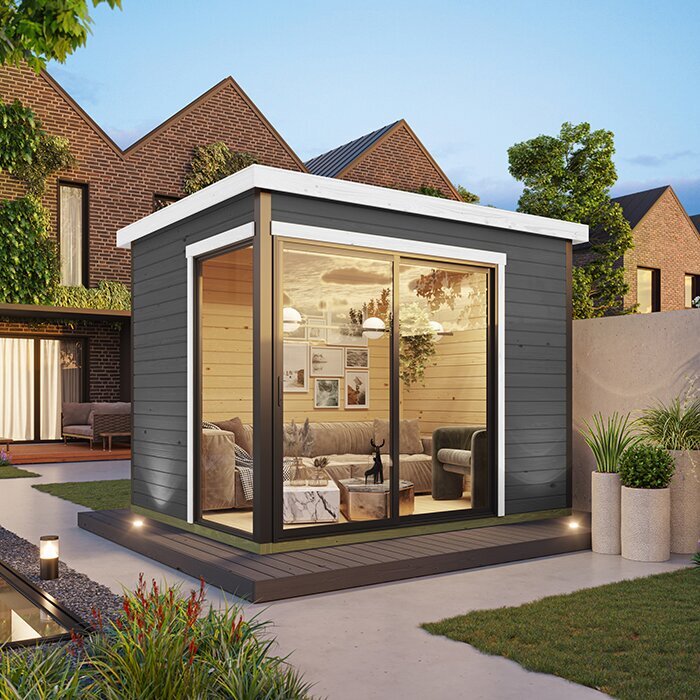
The route is the main planning question. Consider where the cable leaves the home, crosses the yard, enters the garden house and can later be checked or repaired. Outdoor exposure, moisture, ground disturbance, existing services, pathways and the building entry all affect the appropriate installation method. Do not assume a cable intended for indoor use is suitable for an exposed or buried route. For the Veltor 1 garden house, keep the building information separate from an installer’s assessment of the proposed route and entry point. Ask a qualified network cabling professional about suitable materials and installation; involve a qualified electrician if the work also changes the electrical supply.
When a wireless bridge is worth comparing
A dedicated wireless bridge uses equipment at the home and garden-office ends to carry the network across an outdoor gap. It may be worth comparing when a cable route is difficult and the path between the endpoints is suitable. Unlike a simple repeater, it is designed to connect two points; unlike separate broadband, it still carries the home’s internet service. Obstructions, interference, endpoint positions and the equipment’s stated outdoor suitability all matter. Ask an installer to assess the site rather than assuming that a visible path guarantees a reliable everyday connection.
A bridge delivers the network to the garden house, but devices inside still need a suitable connection, such as a wired link or an indoor access point, depending on the chosen system. Confirm what the equipment includes, how both ends are powered, who configures it and what support is available. If your shortlist includes the Orello garden house, include the proposed endpoints and cable entry in the site discussion. Do not assume that a wall or roof is suitable for mounting equipment; have the installer confirm the mounting approach and any structural implications. Compare the full setup with a wired option, including any professional installation and future servicing.
Ask providers about a separate service
Separate broadband means another internet service, not simply a second Wi-Fi network name. Contact providers with the property’s service address and ask whether they can supply the garden office there, what installation would involve and how the account would be set up. Depending on the address, options may include another wired service or a fixed or mobile wireless service; availability and performance vary. Check upload performance, latency, usage limits, equipment charges, contract terms and support before comparing. A second router connected to the home service does not, by itself, provide separate broadband.
An independent service may be useful if separate billing, network management or a distinct connection matters, but it also means another service relationship and ongoing cost. It is not automatically a backup: ask whether a proposed second service uses a genuinely separate access route if resilience is your reason for getting one. For fixed or mobile wireless options, test reception at the actual desk rather than relying on a phone’s signal elsewhere on the property. A listing such as the Modano 1 garden house does not determine whether a provider can serve the property; confirm availability using the service address.
Plan power and installer responsibilities
Network equipment needs power where it is installed. A mesh node, bridge radio, switch, access point or provider-supplied modem and router may each have placement and power requirements, depending on the option you choose. Mark likely equipment locations before settling the desk and furniture layout, and check that the proposed devices are suited to their intended environment. A wireless link can remove the need for a long data cable, but not the need to power equipment at its endpoints. If a new outlet or electrical supply is needed in the garden office, discuss that work with a qualified electrician rather than treating it as a networking detail.
Coordinate the internet provider, network cabler and electrician so you know who handles each part of the project. Ask the provider what equipment it supplies and where it expects to connect; ask the network professional about the data route and building entry; and discuss power needs with the electrician if electrical work is involved. When reviewing the Garden Shed M listing, check the stated inclusions and keep outlets, network cabling and internet service as separate questions unless the product information says otherwise. Agree on timing and access before work begins so a chosen router or connection point is not left somewhere inconvenient to reach.
Include privacy and outage plans
Decide whether work devices should share the household network. A separate Wi-Fi name is only a label; it does not necessarily isolate devices or create independent bandwidth. If the router offers a guest or separately managed network, ask the provider, equipment maker or your employer’s IT team what separation it actually provides. Follow any workplace requirements for VPNs, devices and network access, particularly when handling sensitive files. Make clear who manages the Wi-Fi credentials and how visitors or personal devices will connect, rather than relying on the network name alone.
Think through what you will do if the connection fails during a workday. A mobile hotspot may be a temporary option if service, data allowance and performance suit the task, but confirm those details instead of assuming it will support calls or large uploads. Where your work rules permit, keep essential files available offline and know which tasks can wait until service returns. If uninterrupted access is important, discuss realistic backup arrangements with your provider or IT contact. A fallback plan can be useful even when you choose a wired link or a separate service.
Plan the order of work and test the finished office
Before committing to building, equipment or service orders, compare each option with your task list and site plan. Confirm that the proposed location works for the desk, that providers can serve the address and that the network route and power needs can be addressed. When considering the Garden Shed S listing, review the actual stated details and inclusions rather than assuming that office-ready power, network cabling or internet service is part of the purchase. Decide who will handle the connection route and building entry, and coordinate the timing so the placement of the garden house does not make later work harder.
After installation, test from the normal desk with the devices and services you will use. Check a video call, an upload and general browsing during a busy household period; note interruptions as well as peak speed. If results disappoint, identify which part is failing before adding equipment: the home broadband, home Wi-Fi, outdoor link, office access point or device. Retest after a significant change in building or router position. Keep provider support details, equipment names and installation notes somewhere accessible so you can troubleshoot the setup later.
Frequently asked questions
Can the Wi-Fi from my house reach a garden office?
It can, but the result depends on the route and the finished interior. Test at the intended desk, at different times, using a device you plan to work with. If the connection is inconsistent inside, compare another method rather than relying on an outdoor reading.
Will a Wi-Fi extender create internet in the garden office?
No. An extender passes on an existing Wi-Fi signal; it does not provide broadband where the home connection cannot reach. It works best when placed where the original signal is still dependable. If that is not possible, compare a wired link or an outdoor bridge.
Is a wired connection always better than a wireless bridge?
Not in every situation. A cable can provide a direct network path, but its route and installation may be difficult. A wireless bridge avoids a long data cable but needs a suitable path, compatible equipment and power at both ends. Both still depend on the home internet service.
Do I need separate broadband for a garden office?
Not necessarily. You can often use the home service if it meets your work needs at the office desk. A second Wi-Fi name is not a separate internet service. Ask providers about address availability, installation, ongoing charges and terms before deciding on a separate connection.
When should I plan the internet connection?
Plan the route, equipment locations and power needs before the garden house is positioned or surrounding work is finished. Confirm service availability and installation requirements in advance, then test the connection from inside the completed office. The final test reflects conditions better than an outdoor reading.
Choose the least complex option that meets your actual needs at the desk, rather than one that sounds impressive on paper. Check the home connection and final garden-house location, then compare extending Wi-Fi, a wired route, a wireless bridge and separate broadband. Include power, installation and ongoing service costs in the decision. Testing again inside the completed office gives you a practical basis for relying on the connection day to day.
