
Creating an Outdoor Workstation Under a Pergola
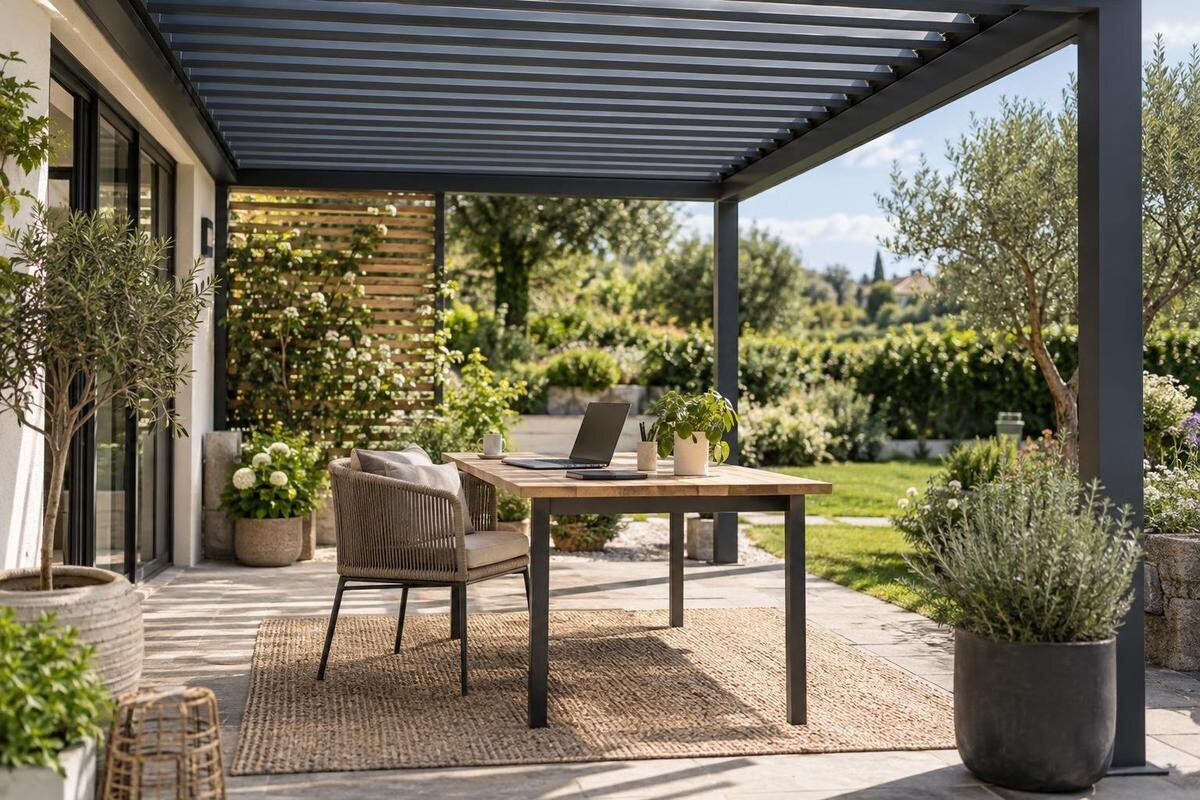
Outdoor workspace planning
An outdoor desk can offer a change of setting, but a pergola does not turn a patio into an indoor office. Screen reflections move as the sun shifts; wind and sideways rain can interrupt a session; power, Wi-Fi and equipment storage each need a plan. Start with the work you want to do, then test the site with the actual desk, chair and screen. The aim is a useful workspace when conditions suit it, with a straightforward move indoors when they do not.
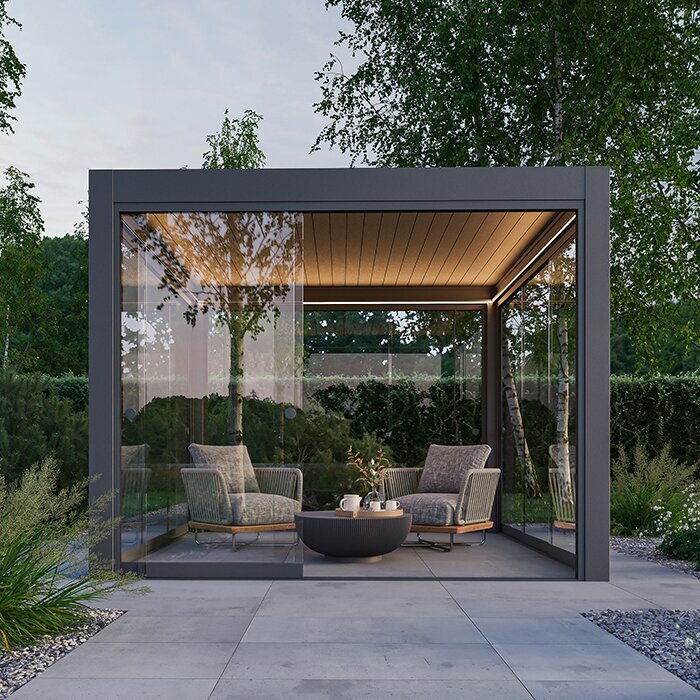
Questions to confirm before choosing 1
Choose work that can pause or move indoors
List the tasks you expect to do outside: reading, drafting, routine administration, drawing on a tablet, taking calls or using an external display. A short task that can pause is easier to move indoors than a confidential meeting or work that depends on steady connectivity to meet a deadline. Note how long a typical session lasts, whether you need paper beside the keyboard and which devices must be present. Also identify work that relies on printed documents, exact colour judgement or several windows at once; those needs may change where you place the screen and how much surface you require. This turns a vague idea of a place to work into a practical space and equipment requirement.
Set boundaries for the outdoor option before arranging furniture. Decide which work suits an open, visible setting, what can wait through a weather interruption and where you will continue when glare, noise or conditions become distracting. If your role has rules for confidential screens, calls, files or network access, apply them outside as well; a screen visible from a neighbouring yard or pathway may not be appropriate for sensitive work. Keep the pergola workstation as one choice in a flexible workday, not the sole location for tasks that require uninterrupted conditions. An indoor fallback is useful only if files, equipment and work can transfer without a complicated reset.
Measure the full workstation footprint
Measure the desk at its widest points, including legs, drawers, cable trays or a monitor arm, and measure the chair with its back, arms and wheels included. Draw both at their working positions, not pushed neatly under one another. Add space to sit down, stand up, pull the chair back and turn towards another screen or notebook. If you raise or reposition a display during the day, include that movement too. A compact laptop setup and a desk with a separate display do not occupy the same footprint, even when the desktop itself is unchanged.
Use removable tape or a full-size paper outline on the patio to see whether those movements feel workable. Mark the route between the workstation and house, plus space around existing doors, furniture and posts; chair movement should not block a regular route. The Bloomcabin Pergola listing gives a stated area range from 9 to 24 m², but area alone cannot show the arrangement or free space in a chosen configuration. Compare the Bloomcabin Pergola listing with your measured plan, then verify exact configuration dimensions rather than treating a square-metre figure as a floor plan. Keep the plan for supplier discussions so proposed changes can be checked against the same measurements.
Questions to confirm before choosing 2
Test glare during actual work hours
Check the site when you genuinely expect to work there, ideally at more than one time of day and on more than one date. A screen can reflect a bright patch of sky, a pale wall or direct sun even when your face is shaded. Set the laptop or monitor at the height and angle you would use, sit in your normal position, and notice whether you can read the screen without constantly shifting it. Include the keyboard and any paper in the test; display reflections may be manageable while glare on notes still makes the task awkward. One midday visit is a poor substitute for morning or late-day conditions.
Record when glare appears and where it comes from; note whether it reaches the screen, your eyes, keyboard or paperwork. Repeat the check as the season changes if you expect to use the workstation throughout the year, because sun angle and surrounding shade change. When reviewing the Bloomcabin Bioclimatic Pergola, compare the exact configuration details with these observations rather than expecting the model name to answer your shade questions. Keep separate notes for each desk position you test, including the time and the screen angle. That makes it easier to explain which conditions caused difficulty and to distinguish a recurring issue from a one-off reflection.
Adjust desk and screen position to the site
Test desk orientation by moving the mock-up rather than assuming a compass direction will work everywhere. Turn the screen a little at a time, then check reflections from your seated position and from the place where you would stand or present. If light arrives from one side during part of the day, a small shift in desk position or display angle may help. Leave enough room to make that adjustment without putting chair legs or cables across a walkway. Check the view at the hours you recorded; a position that works in the morning may be less comfortable later.
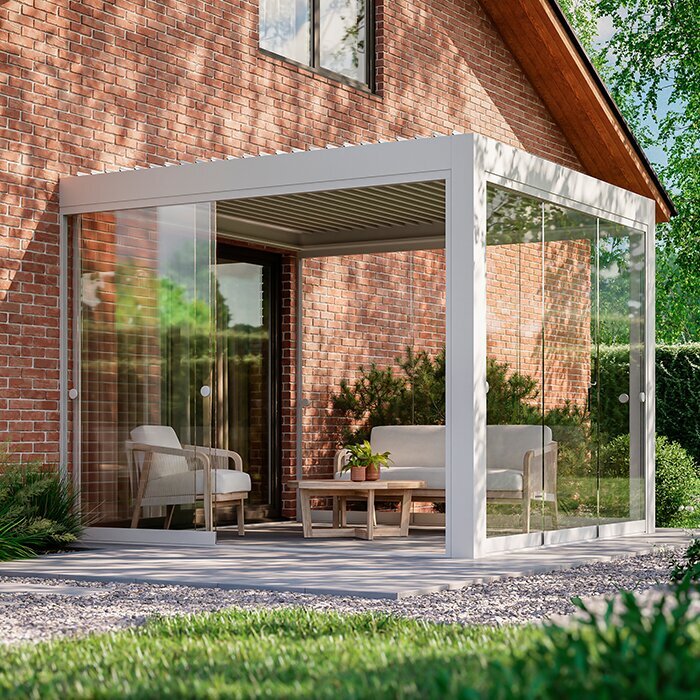
If your plan places the workstation beside a house wall, use the wall-mounted pergola listing to identify the option you want to discuss with the supplier. Check how the desk would sit relative to the wall, doors and supports in the exact configuration, and repeat your low-angle sunlight checks in that position. Have attachment and site requirements confirmed by the supplier and a qualified professional; a successful orientation test is not an installation assessment. Compare the positions that worked in your glare tests with the space available beside the house. Make sure the screen can still be adjusted after the furniture is in place, without moving the chair into a doorway or regular walking route.
Questions to confirm before choosing 3
Set weather limits before you work outside
An overhead structure is not the same as an enclosed room. Rain can arrive at an angle; wind can move loose notes or equipment; and changing temperature, strong sun or simply uncomfortable conditions can end a session even if the desk remains beneath a pergola. Do not leave electronics out because a forecast mentions only a light shower or because the work area looks shaded. Check device makers' operating and storage guidance, particularly where equipment may be exposed to moisture or temperature swings. Papers, chargers and headsets may also need to be moved promptly, so decide what must come inside first.
Set a practical stop rule before the workday: move indoors if rain approaches the desk, gusts make work materials unstable, glare becomes difficult to manage or the space no longer feels comfortable. Keep the indoor alternative ready, save files somewhere you can access and allow for pauses in calls that could be interrupted. When comparing the regular Bloomcabin pergola option, check the guidance for the exact configuration's weather exposure and operation. Relate that guidance to the work you intend to do and the equipment you would need to move, rather than treating overhead cover as permission to continue in worsening conditions. Decide how you will end a call or save unfinished work before packing up.
Have outdoor power assessed before fixing the layout
Write down the electrical items you will use together: laptop, monitor, dock, phone, task light or other equipment. Note which need charging, how long you expect a session to last and where the desk and accessories will sit, then plan outlet access around that layout. A power point behind a chair or far from the desk may leave cords across a walking route. Do not assume an indoor outlet nearby, a portable power bar or an extension cord is an appropriate permanent outdoor solution; exposure and installation conditions matter. Consider power needs before settling on furniture positions.
Ask a qualified electrician what outdoor supply and installation are suitable for your site and intended equipment; do not design or modify outdoor wiring yourself. If you are comparing the Bioclimatic Pergola product page, check the exact product documentation and ask separately whether any electrical provisions are part of the configuration. Do not assume the product includes outlets, lighting or cable routes. Confirm those details before fixing the workstation position, and keep cords out of the route you marked for entering and leaving. If a cable path cannot be kept separate from circulation, reconsider the layout with the electrician rather than accepting a trip hazard.
Questions to confirm before choosing 4
Check Wi-Fi, calls and privacy at the desk
Test Wi-Fi at the exact chair position with the device you will use, rather than at the patio door. Try a typical work call or file transfer at the hours you plan to work, and repeat the check with doors in their normal position. A signal that reaches the yard may still be inconsistent where the desk sits. If you plan to use a mobile hotspot, first confirm service and data availability at the location and make sure that option is permitted for your work. Check any employer remote-access requirements before relying on a personal device or network.
Listen to the site during a normal work period: traffic, neighbours, yard activity and wind can affect concentration or calls. Set the camera so a bright background does not overwhelm the image, and avoid showing documents or household details that should remain private. For meetings that require clear audio or strict confidentiality, decide in advance whether headphones, a different camera position or moving indoors is the better choice. Consider people nearby, too: a work call on a patio can carry farther than it feels from the desk. A test call with a colleague is more revealing than judging sound while the space is empty.
Fit the chair and work surface into the plan
Choose a chair and work surface for the task, then test them together before choosing the pergola footprint. Check that the chair can slide and turn without striking a post, that the desk feels stable on the patio surface, and that you can reach the keyboard, mouse and other equipment without moving the screen into glare. If you use a second display or write by hand, place it in the mock-up now; adding it later can change both desk orientation and chair clearance. A working setup needs clear space around the furniture, not just enough area for its outline. Include a bag or footrest if you actually use one.
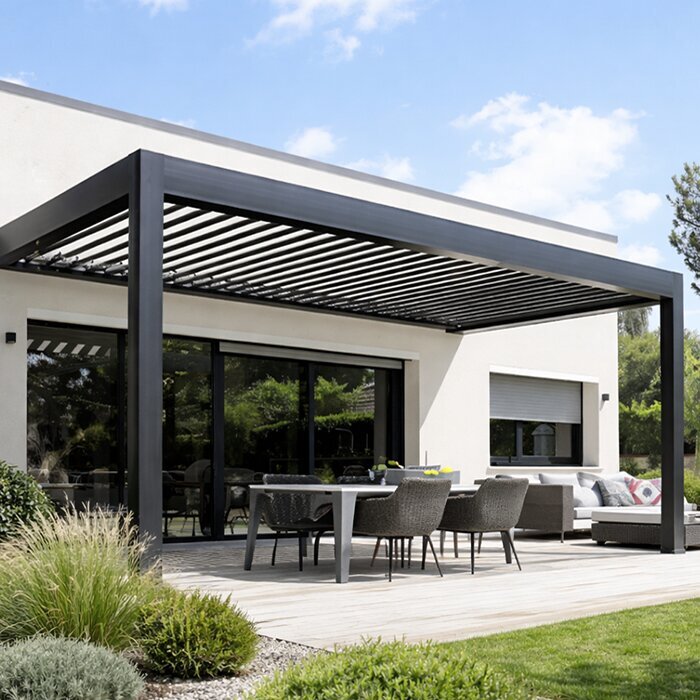
Outdoor furniture and indoor office furniture have different exposure requirements. Follow the furniture maker's care guidance, and do not assume a desk, chair, mat or cable accessory can stay outdoors between sessions simply because it fits beneath a pergola. When comparing the Bioclimatic Pergola configuration, use the selected dimensions to test the furniture arrangement you actually intend to use. Sit at the mock-up with your keyboard, notes and other equipment in place, then check whether you can change position without rearranging everything. Keep an aisle clear for everyday access. If the setup feels cramped, identify whether the problem is the work surface, chair movement or surrounding route before changing the proposed pergola size.
Questions to confirm before choosing 5
Indoor storage for work equipment
Plan the daily carry-in routine before equipment accumulates outside. Group the laptop, power accessories, mouse, headset and papers in a portable kit, and identify an indoor place where they can be put away and charged or sorted between sessions. If a monitor or keyboard is too large to carry each day, make sure the chosen storage location protects it according to its maker's instructions. A covered workstation should not be treated as a secure cabinet or dry room. Consider how often you need to pack up; a storage plan that takes longer than the work session may not be practical.
Build the route from chair to indoor storage into your site sketch; it should stay clear when the chair is pulled out and when another person uses the patio. If you are considering the Bloomcabin Wall-Mounted Pergola page, compare the proposed location with the doorway you would use to bring equipment inside. Check the route with the bag or larger items you expect to carry, not just while walking empty-handed. Plan a separate indoor spot for electronics, papers and items affected by moisture or temperature. Bringing equipment inside also addresses theft, accidental knocks and unexpected weather more reliably than leaving a case beside the desk. Store batteries and devices within the conditions their makers specify.
Match pergola details to a measured site plan
Before comparing product configurations, make a measured plan of the actual patio, including its edges, doors, steps, fixed items and routes people already use. Place the desk, chair in its pulled-back position, screen and storage route on the plan, and note the times of day when glare was observed. Mark post positions only from drawings for the configuration you are considering; do not infer a post layout from a product name or area figure. If a drawing is illustrative rather than measured for your site, label it as a concept and do not treat it as installation confirmation. The plan is useful only if it reflects real measurements.
Compare model information against that plan: verify overall dimensions, support locations, attachment requirements where relevant and what the specific configuration is intended to do. The wall-mounted Bloomcabin option is one named product; its title alone cannot establish a suitable wall, available clearance or weather performance. Ask the supplier for model-specific details and have site, structural or electrical questions assessed by the appropriate qualified professional. If the arrangement works only when you ignore a door opening, a blocked route or direct sunlight during your work hours, revise the layout before choosing a pergola. A workable plan should still leave room for the ordinary uses of the patio.
Frequently asked questions
Does a pergola make an outdoor workstation weatherproof?
No, not by default. An open-sided work area can still be reached by windblown rain and changing conditions. Check the guidance for the exact configuration and keep an indoor alternative ready; do not leave electronics outside just because they are beneath a pergola.
Which direction should my screen face?
There is no universal compass direction that avoids glare at every site and hour. Test the screen from your normal seated position when you expect to work, then adjust the desk or display angle and repeat the check at other times of day.
How much space should I allow for an outdoor desk?
Measure the desk, chair and equipment in use, including the chair pulled back and the space needed to sit, stand and reach the screen. Add a clear route to the house and check the exact dimensions and support positions of the configuration you are considering.
Can I run an extension cord to the desk?
Do not assume indoor extension equipment or a power bar is suitable as a permanent outdoor solution. Ask a qualified electrician what supply and installation are appropriate for your site and equipment, and plan the cable route so it does not cross a walking path.
Should I leave my laptop under the pergola between work sessions?
Not unless the device maker's instructions and the conditions at the site clearly allow it. A pergola is not automatically a dry, secure storage space. Bring electronics, papers and other sensitive equipment indoors and store them as their makers recommend.
A pergola workstation works best when its limits are part of the plan. Measure the real furniture and routes, test screen glare at the hours you will work, and decide how power, connectivity, weather interruptions and equipment storage will be handled. Then compare exact pergola configurations against that measured layout rather than relying on a model name or area figure. The result is not an indoor office outdoors; it is a practical place for suitable tasks, with a clear way to continue inside when the setting changes.
