
Pergola Louvres Will Not Move: Checks Before Support
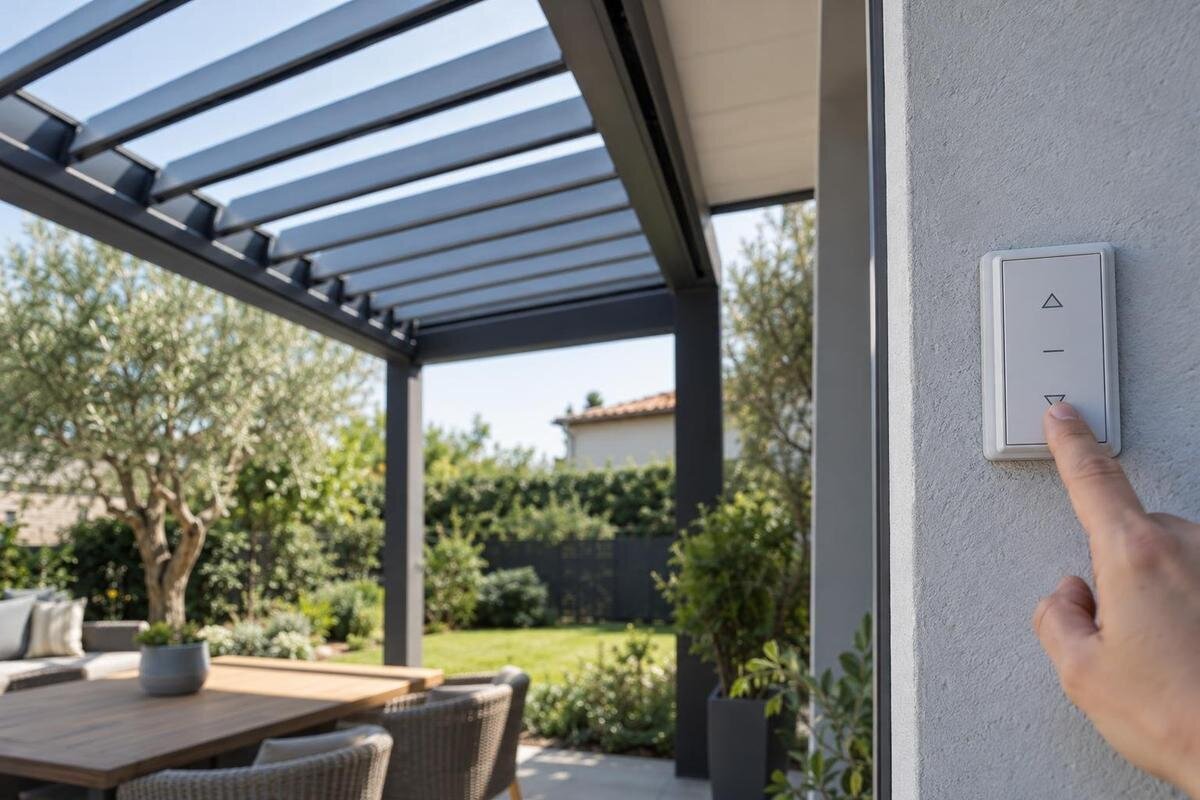
Pergola troubleshooting
A louvred pergola that stops mid-movement can look like a simple obstruction, but the visible symptom rarely identifies the cause on its own. The safest useful checks are observations: record what happened, keep clear of anything damaged, and give support a precise account instead of trying to free or reset the mechanism.
Stop using the controls if the roof appears unsafe
Treat a louvre roof that stops moving as a reason to pause, not an invitation to test the mechanism. Do not push, pull, shake or hold a blade to see whether it is free, and avoid sending a string of open-and-close commands. A stalled roof is not proof that every part is secure; movement may begin if a later command is accepted. Keep hands, heads, ladders and furniture away from the gaps and moving parts. If the roof appears sagged, badly out of line, loose, bent or partly detached, keep people and pets away from the area beneath it rather than trying to steady or realign it yourself.
Stop using the controls if you notice exposed or damaged wiring, water at an electrical component, a burning smell, falling parts, unexpected movement or a new grinding noise. Do not touch or open equipment to find the source. If snow, ice or storm debris is present, do not try to move the roof against it, knock material off from a ladder or reach into the mechanism. Follow only owner-level actions in the manual for the exact product, and only when you can do them safely. If the manual does not make the next step clear, keep the area clear and contact support or qualified service.
Record exactly where movement stopped
Before doing anything else, note the roof’s visible position if you can see it safely: fully open, fully closed or partway through its travel. Record whether it stopped while opening or closing, and whether the whole roof appears still or only one area. Describe what is visible rather than estimating an angle or naming a failed component. If one louvre looks out of line, say so plainly. A clear description of the position gives support a starting point without requiring you to touch the mechanism or work out how it is connected.
Include what happened immediately before the stop. For example, note whether movement began and then ceased, whether there was no visible response to the command, or whether the roof changed speed or direction before stopping. Say if the roof had been operating normally before this event, and whether anyone had already tried the control. Distinguish a stoppage you witnessed from one you discovered later: finding the roof partly open does not tell you when or how it stopped. If someone else saw the event, identify their observations separately rather than combining several accounts into one assumed sequence. Do not repeat a command just to confirm the pattern. If you take a photo, describe left and right from a consistent viewpoint so your written note can be matched to the image.
Note the weather and events before the stoppage
Conditions help support understand the timeline, but they do not prove what caused the fault. Note the date and approximate time, whether it was raining, windy or below freezing, and whether snow, ice or loose debris was visible. If a status indicator was already showing, record what you could see without pressing more buttons. You do not need to guess an exact temperature or explain how a weather sensor works. Do not assume a sensor or protective function is installed, or that it explains the stoppage; use the manual for the exact product.
Record relevant events too: when the roof last moved normally, whether there was a power interruption that you already know about, and whether cleaning, service, nearby building work, an impact or an object falling happened recently. Separate events that occurred before the stoppage from anything done after it. For example, cleaning earlier in the week and a control attempt after discovering the fault belong at different points in the timeline; neither should be presented as the cause. If the timing is uncertain, say so rather than supplying an exact date. Do not investigate wiring to check for a power problem. Copy the model name from your purchase paperwork. If it names the Bloomcabin Bioclimatic Pergola, that catalogue name is useful context, but it does not identify the installed version or control setup.
Look for visible obstructions from a safe position
If there is no sign of structural or electrical danger, look from a stable spot outside the moving area. Note anything visibly caught near the louvres or frame, such as a branch, leaves, ice or another object. Do not stand beneath the roof, climb a ladder, lean on the structure or put a hand or tool into a gap to check what is lodged there. If you cannot see the area safely, leave it for the service team; a clear description of what is visible is more useful than an attempted close-up from an unsafe position.
Describe where any visible object sits: on top of the roof, at the edge of a louvre, or near the frame. An object seen nearby is not necessarily caught in the mechanism, so avoid calling it a blockage unless that is clearly visible. Do not pry, pull, heat, spray or knock material out. Only follow cleaning or owner-maintenance steps that the exact manual describes and that can be done safely without reaching into moving parts. If your paperwork identifies a Bloomcabin Wall-Mounted Pergola, include a safe overall view showing the roof in relation to the wall. Use that view to explain the location of the suspected obstruction, not to infer how the installed mechanism works.

Use only the normal control procedure in the manual
If there is no visible hazard, consult the manual for the exact product and use only the normal owner control procedure it describes. Do not borrow instructions from a different pergola or follow a generic reset, pairing or commissioning sequence found elsewhere. If the manual is unavailable or you are unsure it matches the installed product, stop rather than experimenting. Note what happened during a permitted normal operation, including whether a visible indicator, display or sound changed.
Do not remove covers, open a motor or control enclosure, trace wires, test electrical connections or bypass a sensor or safety feature. Those are not visual checks. When requesting instructions for a product named in your paperwork as the Bloomcabin Pergola, include the order identifier and any version details you already have so support can identify the matching manual. The product page is not a substitute for model-specific operating instructions. If the right procedure remains uncertain, ask support or qualified service before trying another sequence.
Report symptoms without guessing at the cause
Separate what you observed from what you think may have failed. Useful details include no visible movement, partial movement, an uneven stop, an indicator or code, and any sound you heard during an ordinary operation. Make descriptions such as “uneven” specific: explain whether one louvre appears differently positioned from the others or whether movement stopped in only one part of the roof. If you could not see the whole roof, identify the area you observed rather than describing the entire system as stationary. Copy a displayed code exactly, including any letters or symbols, instead of paraphrasing it as an error. Note sounds only if they occurred naturally; do not lean beneath the roof or run it again to listen more closely. A photo of a visible display or indicator can help, but its meaning may depend on the exact product and control system.
A control input, a power interruption on a powered system, an obstruction, a mechanical issue or a product-specific protective response are different possibilities, not diagnoses you can confirm from one symptom. Do not call a noise a motor failure or a pause a sensor fault unless support confirms it. Even when your paperwork identifies the installed model as a Bioclimatic Pergola, that family name alone cannot tell you whether a particular sound or indicator is normal for your version. Describe the event and let qualified service assess the cause.
Find the model details without dismantling anything
Look first at information you already have: the order confirmation, invoice, installation paperwork or manual. Record the model name and any product code, serial number or other identifier shown there. Keep the labels attached to those details when copying them into your message; an order number and a serial number should not be presented as interchangeable identifiers. If documents show different names or codes, include both and say where each came from rather than choosing the one that seems most likely. Mark missing information as unknown. If a label is clearly accessible from the ground without reaching over the frame or removing trim, you can photograph it. Do not take apart the roof or control equipment to search for a label, and do not climb to reach one.
A family name is useful, but it may not distinguish the exact version, installation or later changes. Include the approximate purchase or installation date if known, who installed or serviced the pergola, and whether any controls or components were changed. For an order naming the Wall-Mounted Pergola, retain the original product description alongside any later service information. This keeps the identity of the purchased structure separate from changes made after installation and helps support understand which records describe its current configuration.
Prepare clear photos and a short event record
A small set of well-framed images is more useful than many close-ups with no context. If it is safe, include an overall view showing the roof position, a view of the visible area that appears obstructed or out of line, and a photo of a display or indicator. Pair each closer view with the overall image so support can locate the detail. Use simple file names or captions, such as “overall roof view” and “louvre near the wall,” and keep your left-and-right references consistent. Preserve an uncropped copy if you crop an image to highlight a detail; the surrounding area may help explain its location. Take images from a stable position outside the moving area. Do not stand beneath a suspect roof, climb a ladder, remove a cover or move an object to improve the view.
A short video can show a symptom that a still image cannot, but only record it if the situation is safe and the manual permits the ordinary operation. Do not issue extra commands to reproduce a fault for the camera. Add the date and a brief note describing the control used and what happened. If the Pergola product listing is your only available naming reference, explain that in the message rather than presenting its catalogue image as a photo of your installation. Send your own images and any order record or safely accessible label through the appropriate support channel.
Give support a concise, factual description
Put the useful facts together in a short message: the model details you have, where the louvres stopped, what was happening at the time, the visible signs, and the response to any normal procedure you safely followed. Start with the current condition, then give the event sequence and refer to the relevant photo captions. This lets support distinguish the roof’s present position from what happened earlier. Attach the clearest images and note anything you could not check, including whether part of the roof was out of view. If your purchase record names the Bloomcabin wall-mounted model, use that wording and include the order or product identifier. Avoid stating that a particular part has failed when you have only observed a symptom.
Ask support which manual or product version applies, whether it needs any further information, and whether an inspection or qualified service is appropriate. If a replacement component is discussed, ask how its compatibility will be confirmed for your exact unit and who should carry out the work. If warranty terms matter, review your purchase documents and ask what approved next step applies before arranging a repair; do not assume coverage or make a modification while the fault is unresolved.
Confirm repair and replacement options separately
Do not order a louvre, motor, actuator, control or other component because it looks similar or shares a product-family name. Ask support to confirm the approved part for your exact model and version, and whether a qualified person needs to install it. A spare-part enquiry is different from a request to repair the existing system, and an approved upgrade may have its own compatibility requirements. Keep the roof out of use if there is visible damage or if service advises you to stop using it.
A replacement pergola is a separate decision from diagnosing a stalled roof. If support says replacement is worth considering, compare the proposed product with the actual site and ask specifically about the footprint, mounting arrangement, controls and any parts you hoped to reuse. The current Bioclimatic Pergola page is a product catalogue reference, not confirmation that a new unit will fit an existing space or work with existing components. Let support or a qualified professional confirm those details before treating a catalogue match as a solution.
Frequently asked questions
Can I push a louvre back into place by hand?
No. Do not force, pull or hold a louvre, even if it appears only slightly out of line. Keep clear of the moving parts and report what you can see from a safe position. If anything looks loose or damaged, stop using the controls and contact support.
Should I keep pressing the control to see if it works?
Avoid repeated attempts. If there are no visible hazards, use only the normal procedure in the manual for your exact model, and only as directed. Note the response to that operation; do not try resets, commissioning steps or another sequence just to reproduce the fault.
Could snow or ice be causing the problem?
It may be relevant, but appearance alone cannot confirm the cause or tell you how the system should respond. Record the conditions and any visible indicator. Do not try to move the roof against snow or ice, knock material off from a ladder or reach into the mechanism; check the exact manual or ask support.
What photos should I send to support?
If it is safe, take an overall view showing the roof position, a closer view of any visible obstruction or damage, and a photo of a control display or product label you can reach without climbing or removing anything. A short video is optional; do not operate the roof just to film it.
Can I order a replacement louvre or motor based on appearance?
No. Similar-looking parts or a shared product-family name do not confirm compatibility with your model or version. Ask support to identify any approved component for your exact unit and whether installation needs qualified service.
A stopped roof is useful information when its position, surroundings, visible signs and product identity are recorded separately from guesses about the cause. Stop at the first sign of damage or unsafe operation, preserve what you can observe without forcing movement, and send support a concise record. That gives qualified service a safer basis to decide whether the next step is a manual check, an inspection, a compatible part or a broader replacement discussion.
