
A Pergola Layout for Outdoor Movie Nights
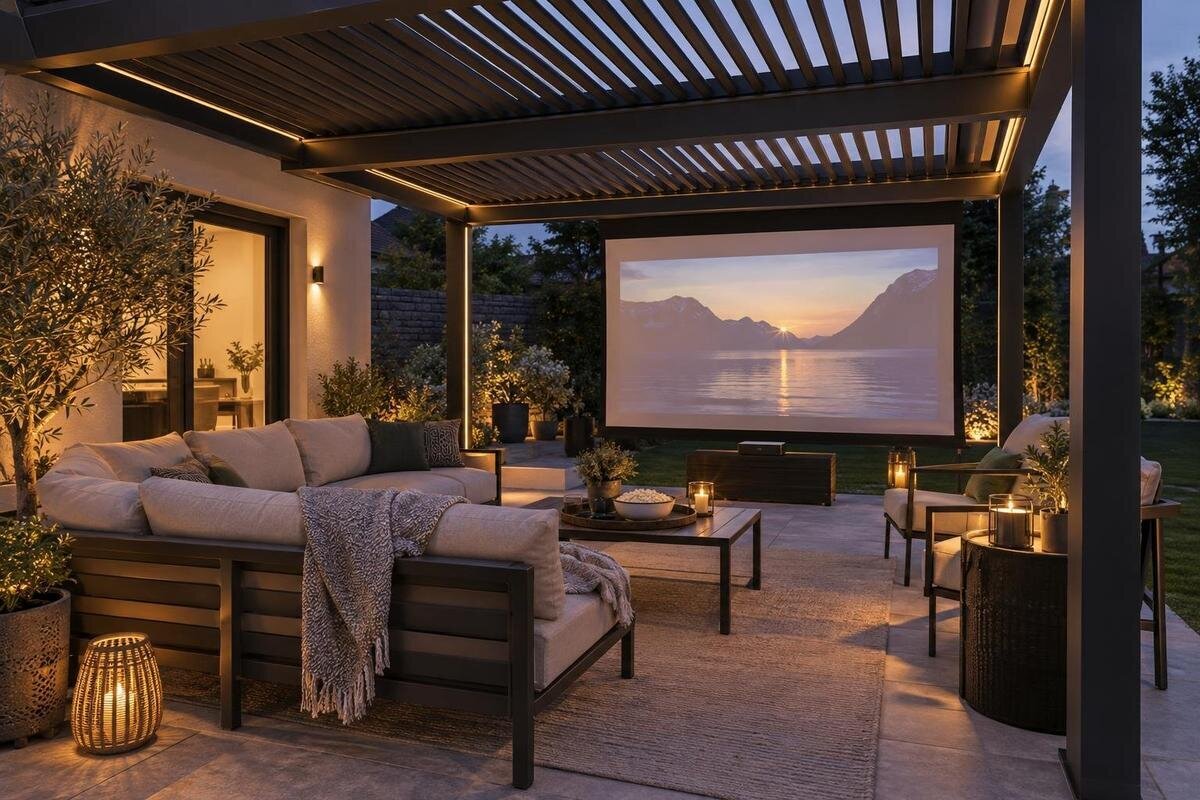
Pergola planning
An outdoor movie night under a pergola requires careful layout planning: open sides leave light, sound and weather harder to control. The screen may fit, yet the picture can lose contrast at dusk, a post can block a seat, or a cable can turn the easiest route into an obstacle. Plan around the screen and viewing line first, then fit the seating and equipment to the site you actually have. A pergola can define the gathering area and provide overhead shade, but it is not automatically a dark room or a weatherproof enclosure. Your best arrangement depends on the start time, the direction of the light and how people move through the yard. The checks below help you assess the layout before choosing a model, screen or attachment.
01
Map the screen, projector and seating line
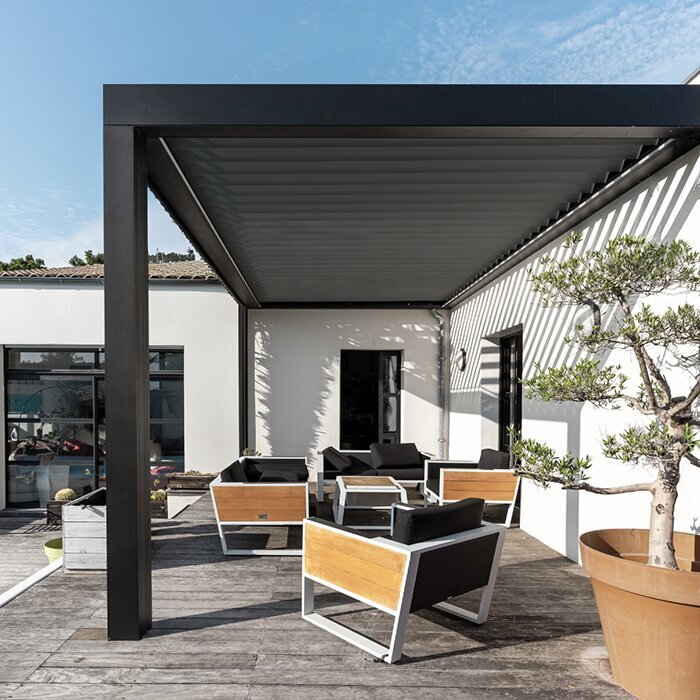
Measure the clear patio or yard area, including where posts, doors, steps, planters and permanent furniture reduce usable space. Mark the intended screen plane, projector position and seating area on a site sketch based on your actual measurements. Draw the complete screen width and height, not only its centre point, and note the image edges. Then trace the main route from the house to the seats and any path people will use during the film. Include room for a door to open and for a chair to move. Treat the sketch as a concept layout, not a construction drawing; it exposes conflicts before you buy a screen or settle on furniture.
Separate the roofed footprint from the usable viewing area. A post may sit outside the projected image but still interrupt a seat’s sightline or force the projector into a walkway. The Bloomcabin Pergola product listing gives an area range from 9 to 24 m²; area alone does not establish clear floor dimensions, post positions or a suitable screen location. Check the exact size and layout of the configuration you are considering, then compare its usable area with your measured screen, projector, chairs and clear path. Leave enough room for people to get in and out without asking the whole row to stand.
Choose a screen position for evening light
Watch the site at the hour you expect to press play. Note where the sun sets, when roof shade reaches the screen position, and which lights are switched on around the house, garage and yard. Low evening sun can enter below an open roofline even when the pergola has shaded the patio earlier. A bright lamp or lit window in the audience’s view can draw attention away; light falling directly on the screen can make a projected image look flat. The useful screen location is the one that avoids the strongest light at showtime, not necessarily the one that looks best at noon.
When possible, orient the viewing side away from direct light sources and keep the screen against a darker background, while preserving a clear sightline for every seat. Check both the screen and the audience’s view: turning the setup may put a bright window behind the viewers or directly in their line of sight. For a patio beside a building, compare the Bloomcabin Wall-Mounted Pergola listing with your site sketch and the configuration drawings. Include doors, windows and exterior fixtures so you can see whether the proposed screen position conflicts with everyday access to the house. Treat screen mounting as a separate decision; do not attach a temporary screen to the structure unless that mounting is expressly approved.
02
Test the picture at the planned start time
Outdoor projection usually looks more washed out in ambient light than it does after dark. A pergola roof may shade the area overhead, but open sides and pale paving can still leave plenty of light on the screen at twilight. Decide whether the movie is meant to start while it is still bright or only once the sky has darkened; that choice affects whether projection is practical at the planned time. Do not judge the result in a showroom, on a phone screen or from the shade at midday. The contrast depends on the projector, screen, image size and remaining light, so no single start time works for every site.
If you have the intended equipment, test it at the proposed start time and use the screen or surface you expect to use. Sit in every planned seat, including those at the ends, and check whether subtitles and darker scenes remain easy to see. If the image is difficult to distinguish, try a later start or a smaller image before adding lights nearby, which may make contrast worse. Repeat the test on another evening if sunset direction, tree cover or neighbouring lights vary. A trial under the real conditions is more useful than assuming the roof alone will solve the light problem.
Fit the seating around sightlines and paths
Choose seats by sightline, not simply by how many chairs fit under the roof. Centre the main seats on the image, then check whether side seats need to turn sharply or look past a post. If you plan a second row, make sure people in front will not block the screen; a casual lawn-chair arrangement may shift once viewers recline. Follow the screen and projector makers’ viewing-distance guidance for the equipment you use, since screen dimensions and projection systems differ. Mark chairs at their actual width and depth, with room to stand, sit down and reach the exit without stepping over another viewer.
Include a small table, footrests or a place for blankets only if they will not crowd the aisle or interfere with the beam. Compare the specific dimensions of the Bloomcabin Pergola configuration with the full seating arrangement, including the space around its supports. A layout that accommodates upright chairs may become cramped when footrests are extended or viewers turn to leave. Put removable markers where furniture legs will sit, then try sitting down, reclining and walking past occupied seats in low light. Keep the main route around the seating rather than through it, so someone returning with a drink does not need to cross between the projector and screen.
03
Place the projector outside the walking line
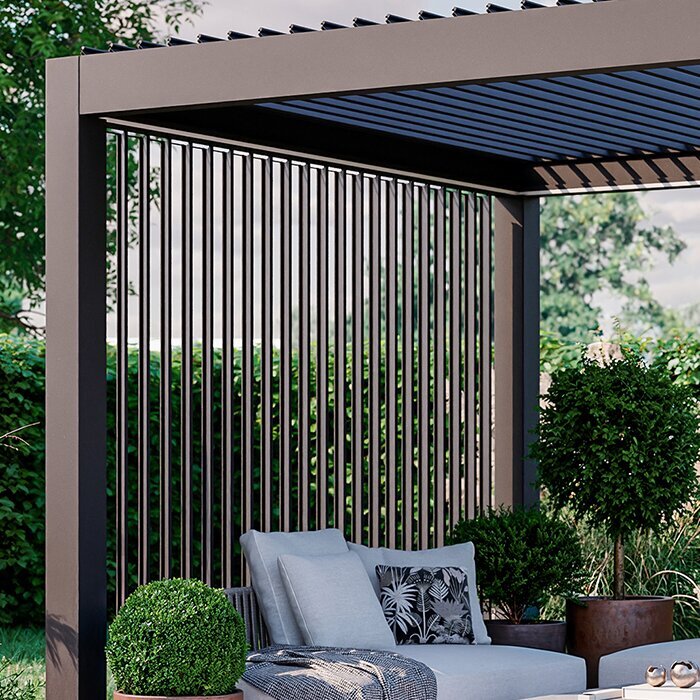
Position the projector according to its manual’s throw distance, lens adjustment and ventilation instructions, then keep that location clear for the whole film. A person walking through the beam creates a shadow, while a bumped table can shift the image off the screen. Avoid placing the projector where a door swings, a chair reclines or someone carrying snacks needs to pass. A low stand may preserve a clear line but can be easy to trip over; a higher table may obstruct sightlines or invite accidental contact. Test the image from the farthest seat and the most likely walking route before choosing a spot.
Keep the source device, remote and audio controls together where one person can reach them without walking in front of the picture. Leave the projector’s air openings unobstructed, and do not cover it with fabric or improvised weather protection; follow the maker’s operating and shutdown directions. Store small electronics indoors between screenings rather than treating the pergola as a cabinet. If children or pets use the patio, consider their usual routes and place stands outside active play areas. Equipment should be easy to operate, but it should never occupy the clearest exit or become something people have to squeeze around.
Check weather limits for the pergola and equipment
A pergola is not automatically a sealed, rainproof room. Its roof style and any approved accessories affect what reaches the floor, while open sides leave equipment exposed to wind-driven rain, splashes and moisture in the air. Check the written weather limits for the exact pergola configuration and for each screen, projector or speaker. If you are comparing a Bloomcabin Bioclimatic Pergola listing, verify the roof type, operation and water-management instructions for that version; the model name alone does not promise a dry place for electronics. Do not assume that a roof over a projector makes the equipment safe to use outdoors.
Keep electronics within the conditions their makers specify, and bring portable equipment inside when weather threatens or the screening ends. Position delicate gear away from roof edges, openings and places where people may set down wet items, without assuming that any spot under the pergola is protected. If the forecast changes, postpone the movie rather than draping plastic or a blanket over running equipment; covers can trap heat or interfere with ventilation. Have a qualified electrician assess permanent outdoor power or fixed electrical work. The pergola and the equipment each have separate limits, so plan for the more restrictive one.
04
Plan power and cables before setting out chairs
Decide where power and media connections will come from before the chairs are in place. A convenient outlet can still leave a lead across a doorway, an aisle or the projector beam. Keep cable routes out of normal foot traffic and away from wet areas, and use only equipment, cords and covers approved for the conditions where they will be used. Do not create a route that depends on people remembering to step over it in the dark. If an outlet or fixed outdoor wiring is needed, ask a qualified electrician to assess the site rather than modifying the structure or improvising a connection.
Include the connections between the projector, media player and speakers in the layout, not just the lead to the outlet. Trace each connection from one device to the next on your sketch, then check whether moving a table or chair would pull it tight or leave it across the route. When comparing the Bloomcabin Wall-Mounted Pergola details, use the configuration drawings to see where supports and access points sit relative to that route. The listing alone does not establish a built-in power supply or cable provision. Resolve the equipment positions before considering fixed connections, and ask a qualified installer about any work involving the structure or wiring.
Limit light and sound spill to neighbouring spaces
Check who can see the screen and hear the soundtrack: nearby patios, bedroom windows, shared spaces and the edge of the yard all matter. A bright projection aimed towards a neighbour’s home can be intrusive even when the seating is private, and speakers can carry farther through quiet outdoor air than they seem to from the chairs. Point the screen and speakers inward towards the audience where the layout allows, keep brightness and volume no higher than needed, and avoid placing a speaker beside an open boundary. A smaller, well-aimed image may be less disruptive than one visible across the yard.
During a test, walk to your property boundary on the side closest to neighbouring patios or windows and check the light and sound from there. That position gives a different impression from the seats under the roof, where your attention is on the film. When comparing the Bloomcabin Pergola product page with your proposed layout, note which open sides face neighbouring spaces rather than treating the roofed footprint as a privacy boundary. Keep a path light on where needed for safe movement, but direct it away from the screen and nearby windows. If the audience has to talk over the soundtrack, lower the volume instead of turning speakers towards the yard.
05
Keep seating comfortable without adding visual glare
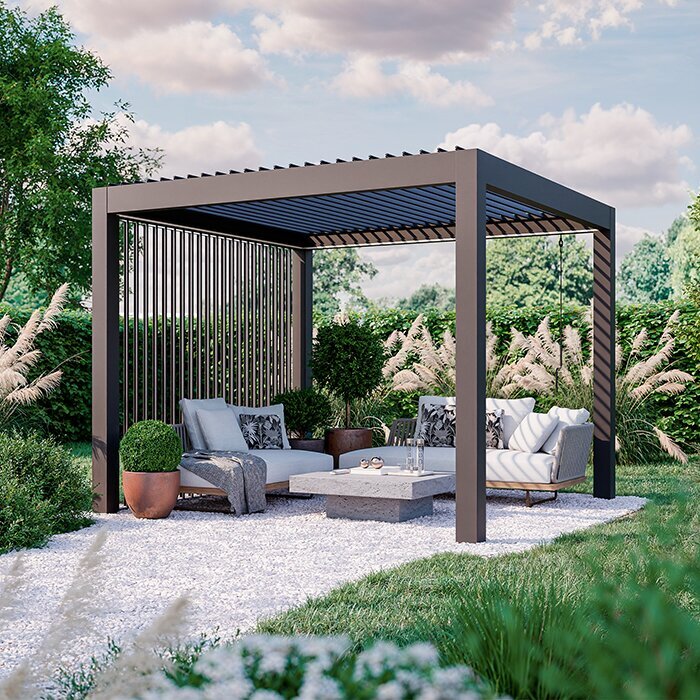
A movie may last longer than the first test, so sit in the actual chair for a representative portion of a programme before arranging every seat. Check back support, foot room, the angle needed to see the screen and whether viewers can leave without disturbing the whole group. Make room for a small table or a place for extra layers, but keep cups and blankets away from electronics and air vents. If guests have different mobility needs, ask where they prefer to sit and preserve a clear approach from the entrance; the best viewing seat should not be accessible only through a narrow gap.
Plan gentle, low-glare lighting for the route and controls, with the light aimed away from the screen. Keep it dim enough not to compete with the picture but bright enough to see steps and furniture; an easy-to-reach switch or remote can prevent someone from crossing the image just to adjust a light. When reviewing Bioclimatic Pergola model details, check how the roof is operated and where viewers would need access to its controls. Account for that access alongside chairs, tables and the screen rather than leaving it until everything is in place. Consider insects and cool evening air separately from image quality, and leave somewhere convenient for viewers to keep extra layers without covering equipment.
Rehearse the layout before fixing the setup
Before committing to a screen size or furniture arrangement, stage the layout with temporary markers. Use the actual chair footprints, a table, the projector’s measured position and the full screen outline; mark support posts and the route to the house. At the intended movie time, check the picture, sightlines, light and sound from several seats and from outside the viewing area. Ask someone to walk the route while others stay seated, and note each time a person blocks the picture or bumps equipment. Change one thing at a time—screen orientation, seat spacing or start time—so you can see which adjustment solves the problem.
Use the revised site sketch when comparing products, rather than a generic layout copied from another patio. For example, compare the wall-mounted pergola model with the screen position, chair footprints and access route you have tested. Record which configuration you considered and which dimensions still need confirmation, so a later change in size does not quietly undo the layout. Keep the screen’s mounting requirements separate from the furniture plan, and have a qualified professional assess structural attachments or fixed electrical work if needed. The final comparison should show not only whether everything fits, but whether people can take their seats, leave during the film and reach the equipment without disrupting the picture.
Frequently asked questions
Should the screen face a particular compass direction?
There is no single direction that works for every yard. Note the sun, exterior lights and lit windows at the time you plan to watch, then choose a screen position with the least direct light on its viewing face. Test from the seats at that hour; a roof may block overhead light without stopping low-angle sun.
Can a pergola make a projected image visible before dark?
Not necessarily. Open sides and ambient light can wash out the image even when the seating area is shaded. Try your screen and projector at the proposed start time. If the picture loses contrast, wait for darker conditions or choose a later start rather than adding lights beside the screen.
Can I hang a projector or screen from the pergola?
Only if the instructions for the exact pergola identify an approved attachment method and the equipment is compatible. A product name or roof beam is not evidence of capacity. Check with the manufacturer or a qualified installer before attaching anything; use a stable freestanding arrangement in the meantime.
Will a pergola keep electronics dry?
Do not assume so. Roof coverage, open sides and weather conditions vary, and electronics have their own operating limits. Check both sets of instructions, keep portable devices in the locations their makers allow and bring them inside if conditions become unsuitable.
How can I reduce disturbance to neighbours?
Aim the screen and speakers toward the audience and inward across your own space. Keep the volume and brightness modest, then check from your property boundary nearest neighbouring patios or windows. Leave enough light for people to walk safely, but direct it away from the screen and nearby windows.
A good outdoor movie layout gives viewers a clear picture, unobstructed sightlines and a safe route around the equipment, while accounting for weather and neighbours. A pergola gives you a footprint to organize, but screen direction and open sides still matter. Measure the site, test the actual setup at showtime and use the instructions for the exact pergola and equipment before settling on attachments or fixed power. When the arrangement works from the back seat and from the path around it—not only from beside the projector—the pergola is ready to support an easy, repeatable movie night.
