
Smart-Home Pergola Control: Compatibility Questions to Ask
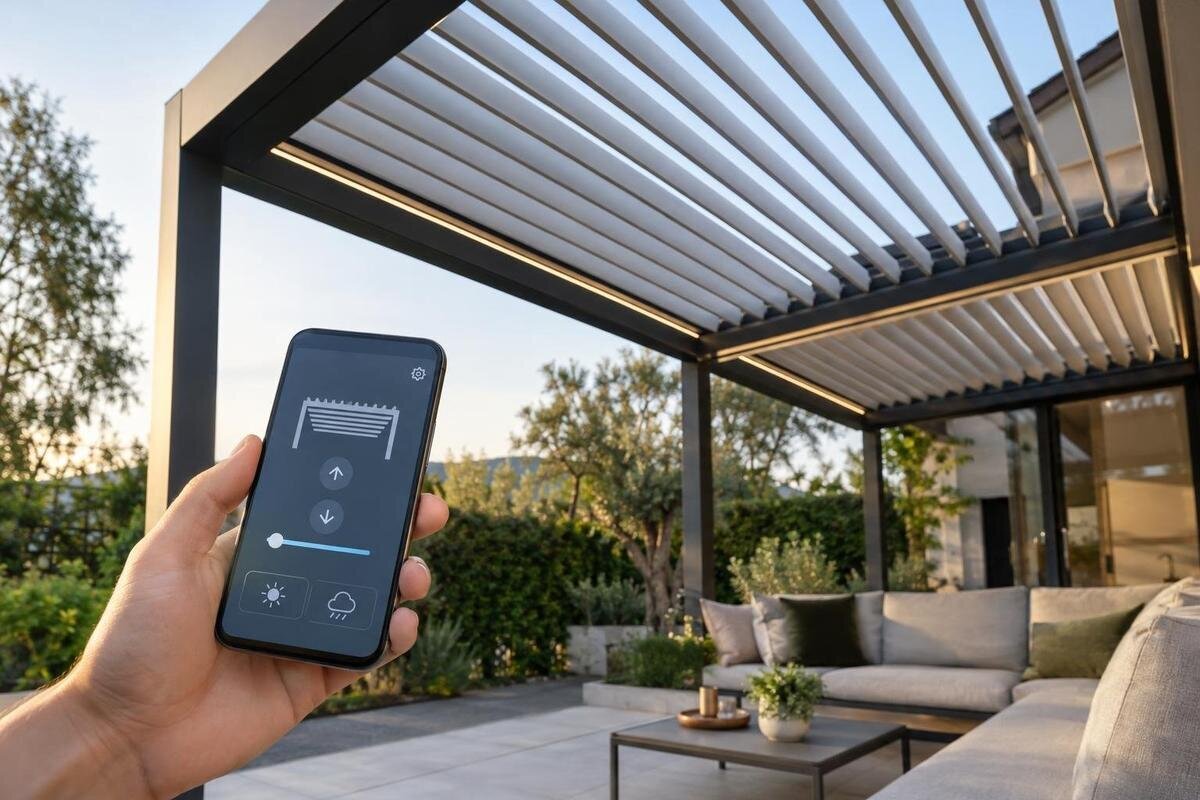
Pergola controls
Connecting a pergola to a smart-home platform involves more than matching a product name to an app. The motor or controller, communication protocol, hub, account and supported commands all have to work together—and some setups depend on the manufacturer’s cloud. Before treating automation as part of a buying decision, identify the exact components and ask what remains controllable when the network or account is unavailable. This guide explains which questions establish compatibility and which features should not be assumed.
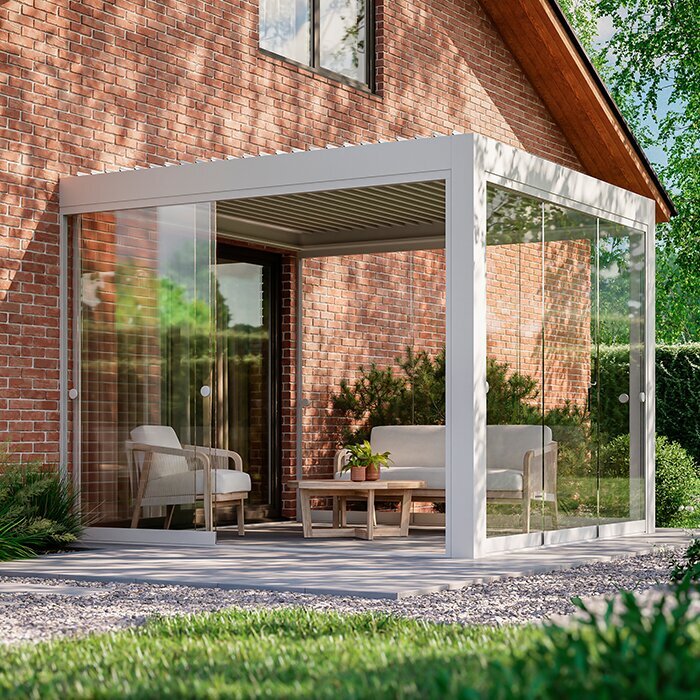
Buyer checklist 1
Map the complete control chain
Smart-home compatibility is a chain of components, not a feature you can infer from “motorized.” A powered pergola may involve a motor or actuator, a controller, a handheld control, an app, a gateway and a home platform; the actual arrangement is model-specific. The hub needs a supported way to send a command to the controller, and that controller must be able to carry out the requested action. A manufacturer’s app working on a phone does not, by itself, prove that a third-party platform can issue commands. Ask who supplies each component, how the pieces communicate, and which party supports the integration if a connection stops working. A familiar brand name at one end cannot fill a gap in the chain.
Keep the structure’s model name separate from that list. Ask for exact motor and controller identifiers, hardware revisions, included versus optional components, and any firmware or hub requirements for the configuration being offered. The Bloomcabin Bioclimatic Pergola product page can help identify the pergola category, but compatibility must be confirmed against the actual control components. If a supplier says “automated” or “app-controlled,” ask which app, which controller and which external integrations are meant. Have those details tied to the model and options in your purchase documents, rather than relying on a general statement about the product family.
Ask which protocol the controller supports
Ask for the protocol or interface at each handoff. Wi-Fi, Bluetooth, Thread, Zigbee, Z-Wave and proprietary radio can appear in different parts of a setup; a wired relay or dry-contact input is another kind of interface. Matter is an interoperability standard rather than a radio, so “Wi-Fi” and “Matter” are not interchangeable answers. A bridge may translate between systems, while a controller may connect only to its manufacturer’s own app. These labels describe different layers, and support at one layer does not guarantee a working end-to-end connection. Ask for the exact protocol, interface and route supported by the pergola’s controller.
Use the Bloomcabin Wall-Mounted Pergola listing to keep the structure’s model identity clear, then ask whether the controller offered with that model connects directly to your specific smart-home hub, requires a named bridge or has no supported integration. Get the official protocol name, compatible hub model or generation, required software and firmware versions, and the commands exposed. If the route depends on a third-party integration or API, ask who maintains it and what happens if either vendor changes a service. A radio label, brand logo or general ecosystem badge is not proof that the offered controller will pair with your setup.
Buyer checklist 2
Find out what works locally
“Local control” needs a precise definition. It might mean a physical control works without internet, an app reaches the controller over the home network, or a smart-home hub runs an automation without contacting a manufacturer’s cloud. Those are different capabilities. An app can depend on an online login, command authorization or status service even when the phone and pergola are on the same Wi-Fi network. Ask where each command is processed, what must stay powered, and whether ordinary roof operation, local schedules and app control have the same dependencies. Do not accept “local” without a description of the route.
Ask the supplier to distinguish an internet outage with the router still working from a failed home network or unavailable manufacturer service. Which controls remain usable in each case, and are schedules or scenes stored in the hub, controller or cloud? Remote access while away from home may use a different path from commands issued on site, so ask about both instead of treating mobile app access as one feature. This distinction matters if you want a fallback that does not depend on internet access. A control diagram or written integration specification should explain where commands run.
Check account and user requirements
Find out whether an account is needed only for initial setup or also for everyday control, remote access, voice commands, automations or software updates. Ask who creates it, whether an installer retains administrator access, and whether household members can have separate roles rather than sharing one login. Confirm how access is transferred if an installer is no longer involved or the home changes hands; do not assume a reset removes a previous owner’s account. Ask what recovery route is available if the registered email address or phone number changes, because account recovery can become part of the control plan.
Ask what information the app or platform collects for operation, account management and troubleshooting, and whether device activity is shared with other services. Check whether ongoing accounts, remote access or integrations have fees or location-based service conditions; do not assume that they do, but make any requirement explicit before comparing options. Establish who can add or remove users, recover a locked account and contact technical support. If the app account cannot be transferred cleanly, know that before choosing it as your only everyday control route. Keep the control provider’s account information separate from the pergola’s model and setup records.
Buyer checklist 3
Confirm the commands and status available
Compatibility must cover the commands you need, not just a connection badge. One integration may expose a simple open-or-close action; another documented setup may include stop, position, angle or status, depending on the controller and roof mechanism. If the roof has adjustable elements, ask whether the platform can request a specific position or only start movement. A percentage shown on a screen is not automatically measured feedback: ask whether it reports the actual mechanism, the last requested setting or an estimate. A button appearing in an app is also not the same as a confirmed response from the mechanism.
Write down the operations that matter for your use: opening or closing, pausing, setting a position and checking confirmed state. Ask how a stop command works and what happens if a second command arrives before the first finishes, or if commands come from an app and a physical control at the same time. When comparing the wall-mounted pergola model page with another option, record these answers alongside the exact controller offered for each structure. Request a function-by-function answer for the chosen platform, including whether status is confirmed or simply reflects the last request. Keep differences in the control package separate from differences in mounting type.
Sensor support and automation rules
Treat sensors and automations as separate components. A rain sensor, wind sensor, sun sensor or third-party weather feed might be optional; this guide does not assume one is part of any pergola. Even if a sensor reports a condition to the home platform, that does not prove the pergola controller accepts the required command. Ask which sensor is supported, who supplies it, what event it reports, and whether the pergola controller or the smart-home platform decides to move the roof. Confirm that the proposed trigger is available in the named platform, not just in a demonstration using different equipment.
Ask for documented trigger and response details: how a condition is cleared, how current the reading must be, whether a manual command overrides an automation, and what happens when sensor data disappears. Ask whether the automation runs locally or needs cloud access, and whether the user can see why it ran. Avoid a promise such as “closes automatically in rain” until the exact sensor, controller and roof action are confirmed together. The bioclimatic pergola listing identifies a model family; pair it with the specific mechanism and sensor documentation instead of assuming that a roof category includes weather automation.
Buyer checklist 4
Check network coverage and installation needs
Check the actual communications route and site conditions. A controller might connect to a nearby hub, the home router, a bridge or a wired control; each path has different placement needs. Ask which network bands, hub position, signal level and any account-region requirements are specified for the proposed equipment. Do not assume that reliable Wi-Fi indoors reaches a receiver outside or that a hub can be moved without affecting its connection. Walls and nearby materials can affect radio coverage, so have the proposed location checked rather than relying on a signal icon measured elsewhere. Ask who confirms the connection at the final equipment location.
Outdoor components also need a documented installation location and power arrangement suited to the specific part. Get permitted environmental conditions and enclosure information from its manufacturer, and have a qualified installer assess the proposed cable route, weather exposure and any electrical work. The wall-mounted pergola page tells you the mounting category, not the position, rating or signal range of a separate receiver or gateway. Ask the supplier to show where every required controller, sensor and bridge will sit, whether the platform needs a separate hub, and who is responsible for providing and maintaining each item.
Define what happens when a connection fails
Ask what happens under each interruption, because “works offline” is too broad to be useful. Separate internet loss, home-network loss, a failed or disconnected gateway, a manufacturer cloud problem, an app or phone problem, and electrical power loss. For each case, ask whether local controls still work, whether schedules or documented sensor responses continue, whether the app can report current status, and how control is restored. One answer does not establish another: internet loss with powered equipment differs from a powered-down hub or a loss of power. Ask for model-specific behaviour rather than relying on general claims about a brand.
Ask what fallback is supported if the app, account or hub is unavailable, such as a documented local controller or manual method where the model provides one; do not assume one is included. Have the installer demonstrate the confirmed fallback and explain whether the smart-home platform’s displayed state remains accurate. If you are considering the model on the Bloomcabin Pergola product page, record its offered control package and the answers for each type of interruption together. The structure’s listing alone does not establish offline operation. Ask which party handles a control failure and what steps are approved to restore service; do not improvise by disconnecting installed equipment.
Buyer checklist 5
Get compatibility confirmed for the exact configuration
Ask for documents that match the exact combination, not a logo or compatibility claim for the whole product family. The useful record names the pergola model, controller and motor or actuator if applicable, optional control kit, hub or bridge, firmware or software versions, and home platform. It should say whether the connection is direct or bridged and list supported commands and status values. Compatibility can differ by revision, so check the applicable hardware version and document date. If the seller cannot identify the component that receives commands, the claim is not specific enough to rely on. Keep the record with your final configuration details and the bioclimatic model listing so support can identify what you purchased.
Ask the seller or a qualified integrator to confirm unresolved points in writing: account requirements, local operation, exact commands, sensor links and outage fallbacks. A demonstration using a different controller, older hub or generic app does not establish that your offered configuration works. Where possible, have the proposed components paired with the platform you already use, then watch a command complete and check whether the displayed status is confirmed. Keep manuals, setup records, support details and model identifiers with your home documents so a later reset or service visit does not start from guesswork.
Compare the whole setup against your priorities
Compare the whole setup against how you plan to use the pergola. For simple day-to-day operation, accessible physical control may matter more than voice commands; for remote access, account and cloud requirements may be decisive; for scenes, local-versus-cloud operation and sensor support may matter. Choose a short list of must-haves before comparing product claims. A bridge, extra account or third-party integration adds another dependency to identify and maintain, so ask who supports each layer and which service must remain available. Consider whether that level of complexity provides a function you will actually use.
Put five answers side by side before deciding: exact equipment, supported platform and protocol, available commands and status, internet and account dependence, and fallback when a component is unavailable. Mark each point as documented, demonstrated or still unconfirmed; that makes vague “smart-ready” claims easier to compare. Include the Bloomcabin Pergola product listing in your comparison alongside the details of the control package being offered. Choose the structure for its physical design and the way you plan to use the space, and count smart-home integration as a benefit only when the exact controller and platform are supported together. This avoids a late surprise that compatibility depends on changing a hub, relying on an account or accepting app-only control.
Frequently asked questions
Does a motorized pergola automatically work with a smart-home hub?
No. Motorization describes how movement is powered; it does not confirm that the controller can communicate with your hub. Check whether the connection is direct, needs a bridge or is unsupported, and confirm the answer for the exact controller and platform.
Is Wi-Fi support enough to confirm smart-home compatibility?
No. Wi-Fi may connect equipment to a network without making its functions available to a smart-home platform. Ask which integration is supported, whether it needs a hub or account, and which commands and status information it provides.
Can I control the pergola without an internet connection?
That depends on where commands are processed. Some functions may work over a local network or through a physical control, while others may rely on a manufacturer’s service. Ask what still works when the internet is unavailable but the equipment remains powered.
Can a home weather sensor operate a pergola roof?
Only if the sensor, smart-home platform and pergola controller have a documented way to work together. Confirm which condition the sensor reports, what action the controller accepts and what happens if the reading or connection is unavailable.
What should I get in writing before ordering?
Get the exact pergola and controller identifiers, compatible platform and protocol, required bridge or account, supported actions, and documented local and offline behaviour. Ask for confirmation that the answer applies to the specific hardware and options being offered.
Smart-home control belongs in the buying decision only after the control chain is identified. A useful answer names the actual controller and integration route, explains which commands and status are available, and states what depends on the internet, an account or a bridge. If those details are still uncertain, treat compatibility as unconfirmed and choose the pergola for the needs you can verify. That keeps optional automation from becoming an assumed feature.
