
What Happens to a Motorised Pergola During a Power Cut?
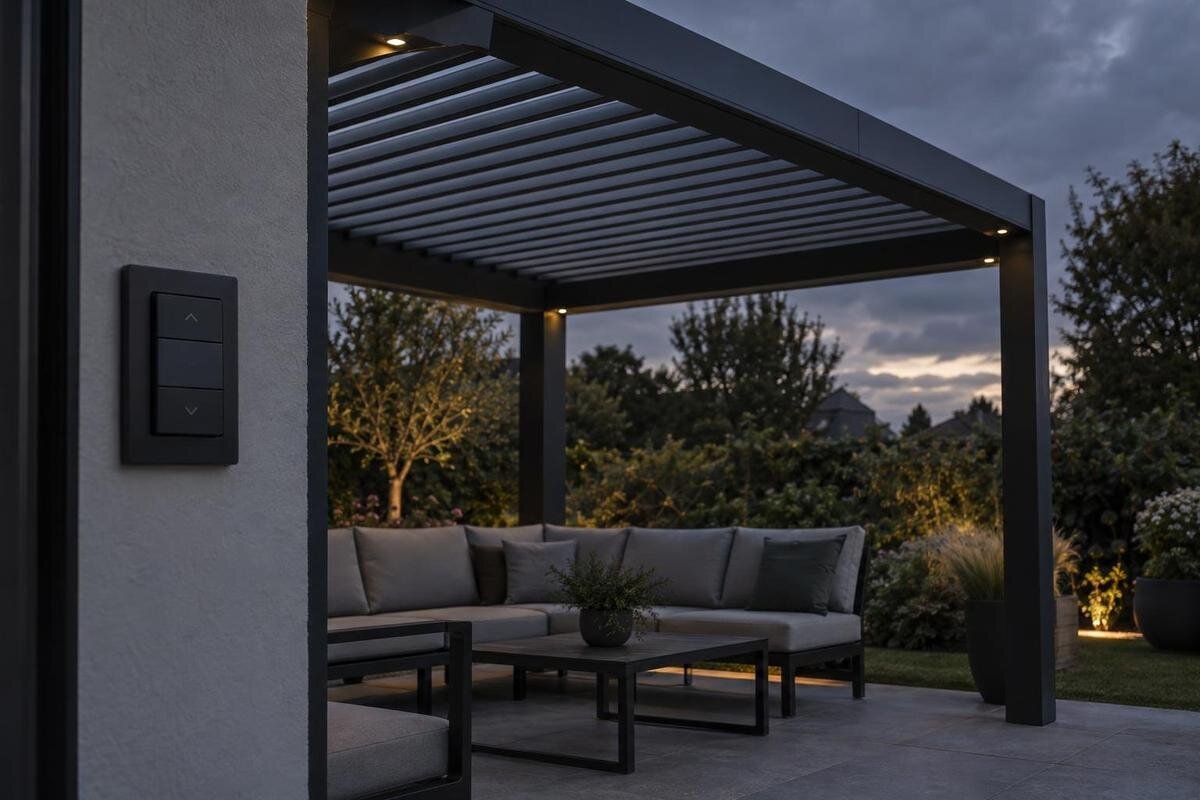
Pergola operating guide
A motorised pergola may be stationary or in motion when the power goes off, and the exact response depends on the installed drive, roof and controls. A power cut does not automatically mean the roof closes, stays locked or can be operated by hand. To find out what happens, match the exact model and configuration to its instructions for power loss, manual operation and restart.

What a power cut changes immediately
A power cut is an interruption to the system’s supply, not a command telling the roof to close. If the motor loses its supply, ordinary powered movement is unavailable unless a documented backup continues to supply it. That does not establish whether the mechanism holds its position, can be moved another way or responds differently under load. Those details depend on the drive, roof assembly and installed controls. An outage while the pergola is stationary may be treated differently from one that interrupts movement, so check both conditions in the manufacturer’s instructions rather than relying on a general product description.
Identify exactly what is motorised. It might be the roof, a set of louvres, a retracting cover, a side screen or more than one component; these are possible arrangements, not features to assume on a particular pergola. Separate motors or controllers need not share a supply or behave as one system. Ask the installer to name each powered part and its control, and explain what loses function during an outage. A remote, app or sensor indication does not prove the roof can move, while a manually operated element may be unaffected. Keep the answer with the model reference so it is useful later.
Roof position when the power fails
The roof’s position at the instant of a cut matters because it may have been moving or already stopped. If the specified mechanism uses adjustable louvres, their angle can matter; if it uses a retracting cover, the amount left deployed can matter. These examples do not predict what a particular model will do. Ask whether its motor stops, holds position, moves to a defined position or requires another action, and what the manual says after a brief interruption. Also ask whether a saved target is simply an operating setting or a documented response to loss of supply.
When considering the Bloomcabin Bioclimatic Pergola, ask the supplier to describe the outage response for the exact configuration in three situations: fully open, fully closed and partway through movement. The product name alone does not establish whether that version is motorised or has a backup. Keep the answers separate so that a statement about a closed roof is not mistaken for guidance about one that stops halfway. Ask what “holds position” means in the supplied instructions, and whether any user action is required after movement is interrupted. If the answer mentions a preset position, clarify whether this is a setting used during normal operation or a response specifically intended for a power cut. This gives you a clearer basis for comparison than a broad assurance that the roof stops automatically.
Identify the motorised part and exact configuration
The instructions need to match the supplied configuration, not just the broad product category. Note the model reference, roof type, drive and controller, and check whether the document covers any additional moving parts. Two versions in the same product family can have different equipment or revisions. A general leaflet, video or manual for a similar-looking pergola may therefore describe a different procedure. If a screen or another component is motorised as well, ask for its instructions too; the roof manual may not cover it.
For the Bloomcabin Wall-Mounted Pergola, use the quoted model reference to establish which operating instructions apply. The name alone does not confirm an electric drive, a particular roof mechanism or a hand-operated crank. Ask the supplier to identify the roof, drive and controller in the quotation, and distinguish included equipment from any options you are considering. If you change an option before ordering, ask whether that changes the outage guidance too. Where the manual covers several versions, have the supplier identify the relevant pages or configuration rather than leaving you to choose between different procedures. Keep these details together so that a later service enquiry describes the equipment actually supplied, not merely the product family. Resolve any conflicting references before relying on the instructions.
What to ask about a manual override
Manual override is model-specific. Some systems may have a purpose-designed way for a user to operate them without normal power; others may not provide a user-operated method. Do not infer that a crank, release or other tool will work because you have seen one on another pergola. Ask whether an override is fitted, where it is accessed, who may use it, what the approved procedure is and whether it has limits or requires a professional. The manual should also explain how to return the system to normal operation afterwards, if that is a user task.
For the Bloomcabin Pergola, ask whether the quoted version includes an approved manual method and, if so, how a user accesses it. Check whether this can be done without climbing or removing covers, and whether the required tool or separate part is supplied. A method that exists but cannot be accessed by the intended user may not meet your needs during an outage. Ask the supplier to explain the procedure in the context of the proposed installation, including any restrictions on who may carry it out. Also clarify whether manual operation leaves anything to be done before powered operation can resume. If the instructions reserve the task for a professional, plan accordingly rather than treating it as a household backup. Without a documented user procedure, do not force the roof.
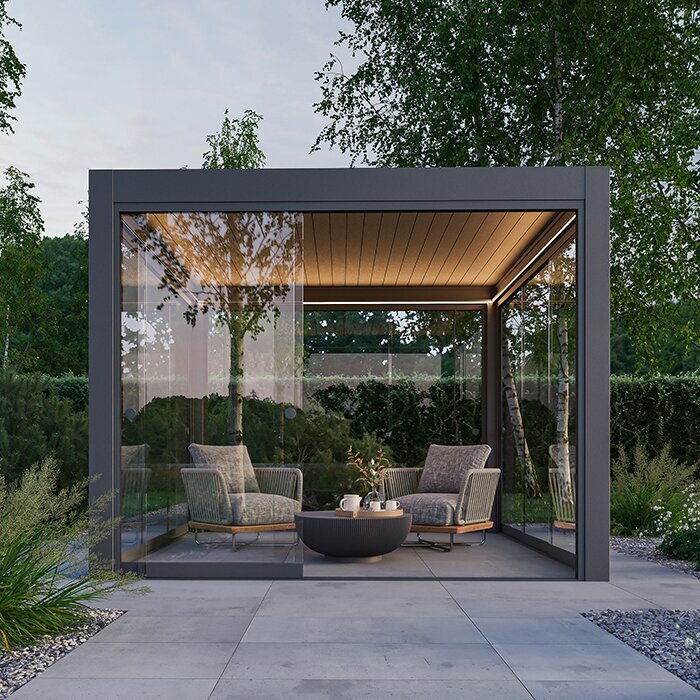
Remotes, apps and sensors are separate from motor power
A remote, wall switch and app are ways of issuing a command; they are not necessarily the source of power for the motor. A remote may have its own battery, while a switch or controller may depend on the same supply as the drive. An app can also be affected by an internet or service interruption, which is different from a power cut at the pergola. Ask which local controls, if any, remain usable without internet and whether commands are stored or sent again when service returns. Do not assume that a command shown on a screen means the roof has moved.
A rain or wind sensor can detect a condition without being able to move the roof during an outage. Its supply, the controller’s supply and the motor’s supply may have different arrangements. When reviewing the wall-mounted pergola listing, ask which controls and sensors are included in the quoted configuration, rather than assuming them from the product name. Then ask separately whether each device remains powered, whether its command reaches the controller and whether the motor can act on that command. This separates detection from actual roof movement. If a backup is offered, clarify which of these functions it supports. You also need to know what happens to a sensor command issued during the cut: whether it is discarded, retained or acted on after power returns should be explained for that system.
Weather planning depends on the roof position
If rain or wind arrives while the power is off, the important question is not simply whether the roof remains still. A partly open position may not provide the cover you expect, and the manufacturer may set conditions for leaving a particular roof in a given position. Do not assume that closing it without power is possible, or that moving it is safe in every condition. Check the model instructions for weather guidance during a supply failure. If the situation is unclear, do not climb, push the roof or improvise a way to secure it.
When considering the model on the bioclimatic pergola product page, ask how its weather guidance applies if power is unavailable and the roof cannot reach the recommended position. The product title does not answer that question. Explain how you intend to use the space: occasional seating and a dining area used by visitors may leave you with different practical concerns when cover is lost. Separate expectations about shelter from instructions about operating the mechanism; being able to sit beneath a roof is not the same question as being allowed to move it in the conditions present. If no documented method is available, move people away from its moving area and use another sheltered space where possible. Do not make plans that depend on a partly open roof providing guaranteed protection.
What to expect when power returns
Restored power does not guarantee that the roof will resume its previous movement, return to a saved position or be ready for an immediate command. The response depends on the controller and the instructions for that system. Look for guidance on what to do after an interruption, whether settings or queued commands are retained, and whether a sensor or schedule becomes active again. Do not guess at a reset procedure or send repeated commands to find out what happens; that may make the system’s state harder to understand.
Follow the manual’s restart sequence and keep people clear while any instructed movement is taking place. For the model shown on the Bloomcabin Pergola product page, ask the supplier to distinguish actions the user should take from checks reserved for the installer or service professional. Clarify whether the instructions require you to wait for an automatic response or issue a fresh command; do not infer this from how another system works. If the roof does not respond as described, moves unevenly or makes an unexpected noise, stop using it rather than trying to adjust it. When contacting the installer, describe whether the roof was moving when power failed, its current position and what happened when supply returned. That gives the enquiry a useful starting point without attempting to diagnose or reset the system yourself.
Documents to request before buying
Ask for the user manual for the exact model and configuration, not just general product information. It should address what happens during a power interruption, whether a user-operated override is available and what the restart procedure is. Request the model reference and enough information to identify the drive and controller covered by the instructions. If backup power is mentioned, ask whether it applies to the version being considered and what behaviour it is intended to support. Do not treat a mention of automation as proof that a backup is included.
Use the wall-mounted model page as a starting point for identifying the product, then compare the references on the quotation and the supplied manual. Ask the supplier to resolve any mismatch and identify which instructions cover optional equipment. Keep the relevant guidance somewhere accessible during an outage: a printed copy or an offline copy avoids relying on a working connection. Make sure it includes the operating procedure itself, not just a link to a download page. Record the installer or service contact alongside the model reference, and retain any configuration-specific clarification with the manual. This creates one usable reference for the household instead of a collection of disconnected sales messages. If the order changes, check that the retained information still describes the final configuration.
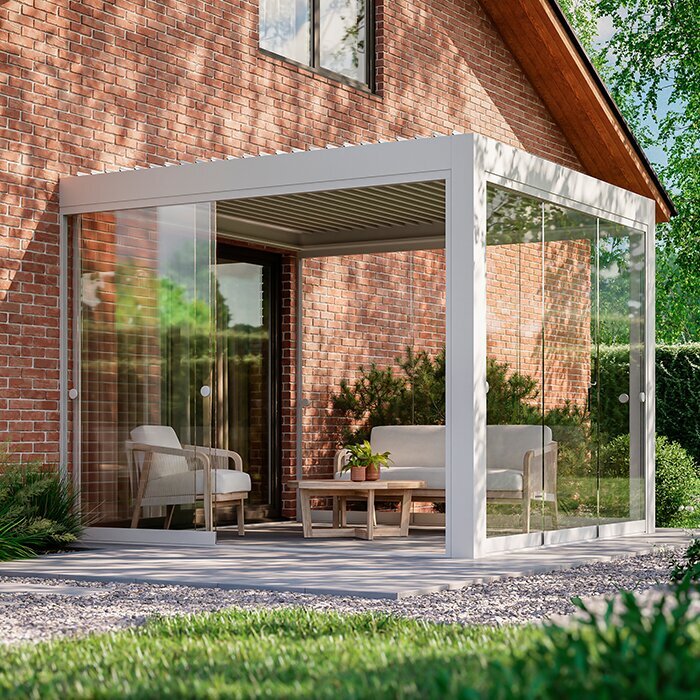
Plan for an outage that lasts
Consider who will be present if the roof cannot be moved. If the only approved manual method requires a particular tool, specialist knowledge or access that is not available to the household, do not plan on being able to operate it during a cut. Ask in advance whether the sensible response may be to leave it alone until power or professional help is available. Think about whether people can use another sheltered area and whether portable items can be moved safely without going under or reaching into a moving mechanism.
For a shared household or a space used by visitors, agree who will consult the instructions and who will contact the service provider if help is needed. Make the immediate response easy to understand: do not force the roof and keep clear of moving parts. Visitors should not have to work out an unfamiliar override procedure in poor weather. Keep any approved operating tool with the relevant instructions, if the manufacturer’s guidance allows this, so that the authorised user knows where to find it. The household plan should reflect the system’s actual limits, including occasions when leaving it alone is the instructed response.
Use outage behaviour as a buying criterion
Before choosing a motorised system, decide what you need it to do during a cut. Would it be acceptable for the roof to remain where it is until power returns, or do you need a documented manual method or backup? Ask what happens when it is stationary, halfway through movement and after power is restored. If backup is important, ask what it powers and what limits apply. If manual operation matters, confirm who can use it and whether it is accessible in practice. These are separate questions, so a general assurance that a system is automated is not enough.
When comparing the Bloomcabin pergola model with other options, record the answers under the same headings: response to power loss, approved manual operation, backup provision and restart. The model name does not establish that a particular version has any of these features. Distinguish equipment included in the quotation from optional equipment, and separate a confirmed absence from a question that remains unanswered. If two suppliers use different terms, ask what the user would actually be able to do during a cut rather than comparing labels alone. Consider accessibility as well as the existence of a feature: an approved method must suit the people expected to use it. Choose on the basis of the confirmed configuration and whether its documented outage behaviour fits your intended use of the pergola.
Frequently asked questions
Will a motorised pergola close automatically during a power cut?
Only if the exact system has a documented power source and control sequence that can do this. A motor without power cannot be assumed to close, and a sensor does not supply power to the motor. Check the instructions for the specific model rather than relying on automatic closure.
Can I open or close the pergola by hand?
Only use a manual method if the manufacturer’s instructions describe one for your exact model and configuration. Do not push the roof, use an improvised tool or copy a procedure for a similar pergola.
Will the roof stay where it stopped?
There is no universal answer. Its behaviour depends on the drive and roof design, and an interruption during movement may differ from one when the roof is stationary. Check the model-specific instructions.
Will a rain sensor still work during an outage?
Do not assume so. A sensor may detect rain, but detection and the power needed to move a roof are separate matters. Check what the instructions say about the sensor, controller and motor when supply is interrupted.
What should I do when power returns?
Follow the documented restart procedure for the exact system. Do not assume it will resume a previous command, or reset settings yourself. If it behaves unexpectedly, stop and ask the installer or a qualified service professional.
There is no single power-cut behaviour that applies to every motorised pergola. The dependable answer comes from the instructions for the exact roof, drive and controls, including any approved manual method and the procedure for restoring operation. Confirm those details before you rely on them, then keep the relevant guidance accessible. If it is not documented, do not force the roof or assume it will move to a safer position.
