
Pergola Louvres Not Moving: Safe Checks Before Contacting Support
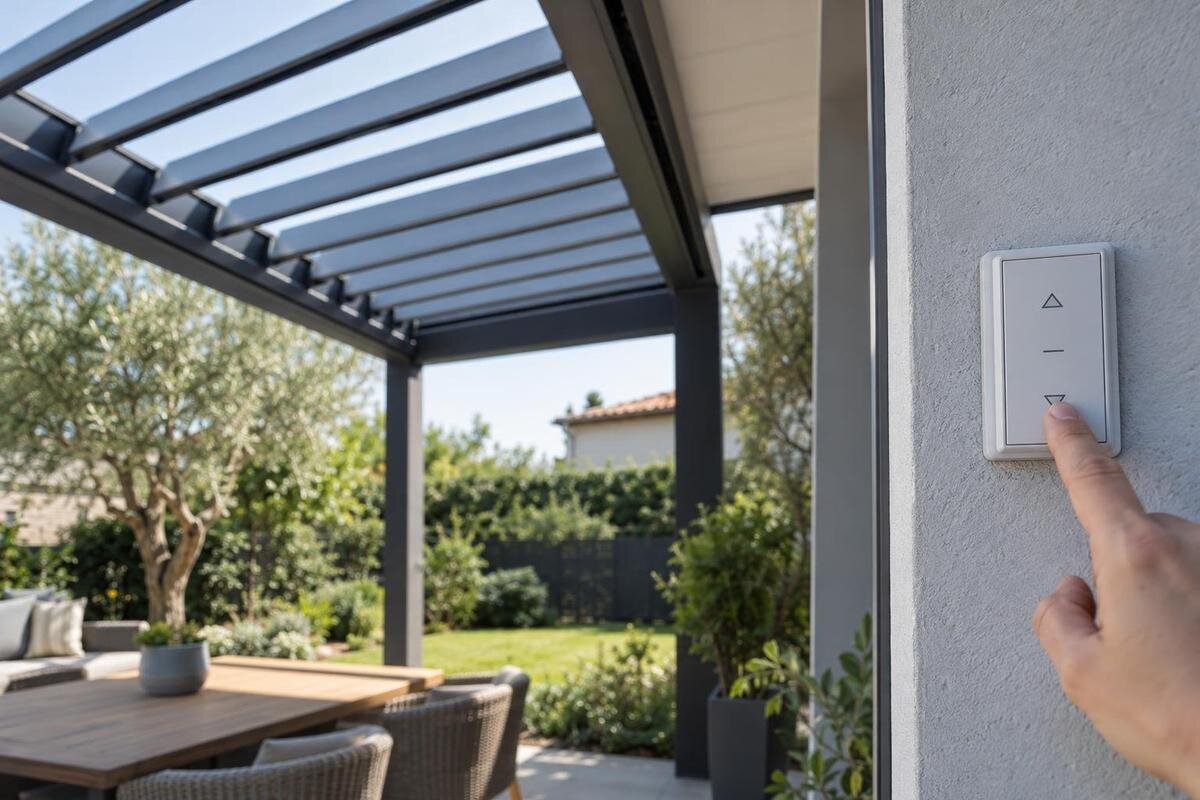
Pergola troubleshooting
When pergola louvres stop moving, their position and the control's response are useful evidence, but they do not identify the cause. A safe first check is a visual record from the ground, not a push, reset or attempt to reach the mechanism. Note what happened, keep clear of moving parts and use only owner checks described for the exact model. A concise report with matching order details and clear photos helps support decide what information or qualified service may be needed.
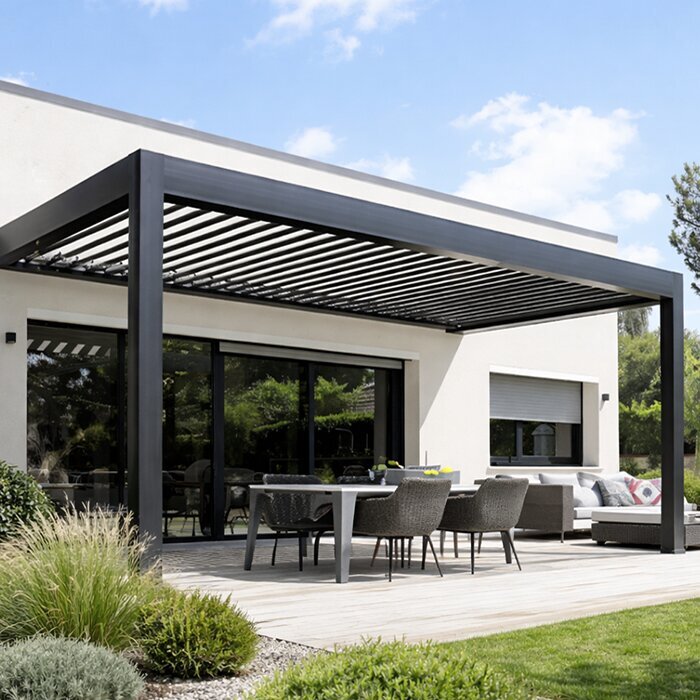
Stop the operation and keep clear
If the louvres stop while moving, release the control and do not keep pressing it, hold it down or alternate between controls. A delayed or intermittent response can make later commands harder to interpret and may lead to unexpected movement if the system starts responding again. Keep people, children and pets away from the frame and the area beneath the roof while you observe. Never put a hand, head or tool into a gap, or try to catch or steady a louvre if it begins moving; step back instead.
Do not climb onto the pergola, use a ladder or stand on furniture to get a closer view. Avoid leaning on the frame or reaching across it. Do not remove panels, covers or other parts to look for the drive or wiring. If you see a cracked or detached component, fresh impact damage, smoke, sparking or another unusual sign, stop inspecting and contact the supplier or service provider in your records. Keep the area clear if you are concerned about using it safely, and do not try another movement to confirm what you saw.
Record where the louvres stopped
Describe the position in ordinary terms: fully open, fully closed, part-way or uneven. Note whether all the visible louvres appear to have stopped in the same position, or whether one area looks different. You do not need to estimate an angle or decide that anything is out of alignment. Also note whether the roof stopped suddenly or after a short period of movement, and whether its position had seemed unusual before the last command. Use a fixed reference when describing a particular area, such as the side nearest the house or the garden, so support can relate your words to the photographs. If part of the roof is hidden from your ground-level viewpoint, say so; do not assume that the unseen louvres are in the same position. A plain description is more useful than a guess about the cause.
Take an overall photo from a stable place on the ground and, if it is safely visible, a closer view of the stopped louvres. Stay outside the moving area and do not climb or reach up for a better angle. If your order records identify your model as the Bloomcabin Bioclimatic Pergola, copy that name into your notes. The model name helps identify the product family, but does not establish which control or drive is fitted to your particular unit. Label the overall image with the date and the side from which it was taken. This gives support a reference for understanding any closer images without needing you to inspect additional areas.
Look for visible obstructions from the ground
From a safe position, look for anything plainly visible near the roof, such as a branch, fabric, a loose item or debris. Note where it is and whether it appears to touch the louvres or frame. Something that looks close may not be in contact, so describe what you can actually see rather than reporting it as the cause. Do not place your head or hands between the louvres to check a gap, and do not inspect the roof from above.
A loose object on the ground can be moved only if it is easy to reach without touching the pergola or its mechanism. Leave anything trapped, wedged, overhead or difficult to reach in place, and tell support about it. Do not use a pole, broom or other tool to free an obstruction, and do not apply a lubricant or cleaner in an attempt to make the roof move. Even if the area looks clear afterwards, do not operate the louvres just to test the result; follow the exact manual or wait for service advice.
Describe the control response
Write down which control you used and what happened after the command. For example, note whether there was no visible response, a brief movement, an unusual sound or an indicator you could see. State whether you were asking the roof to open, close or stop, and whether you released the control when movement ceased. If only part of the roof appeared to move, describe that without trying to reproduce it. For an indicator, record the colour or wording you actually noticed rather than assigning it a meaning from another model's instructions. For a sound, describe what you heard and whether it occurred before, during or after the stoppage. If you cannot remember the sequence, say that it is uncertain. These observations help support understand the symptom; they do not identify a fault in the control, motor or mechanism.
Do not try button combinations, reset settings, alter protection features or open a controller, junction box or motor cover. Do not touch wiring or bypass a safety device. Use only a check that the manual for your exact pergola explicitly describes as an owner task, and stop if the instructions are unclear. The Bloomcabin Wall-Mounted Pergola name identifies a product family; it does not confirm which controller is installed. If a controller name or reference is already visible on its exterior, include it in the report without opening the casing. Keep that reference separate from the pergola model name so support can see which detail belongs to which item.
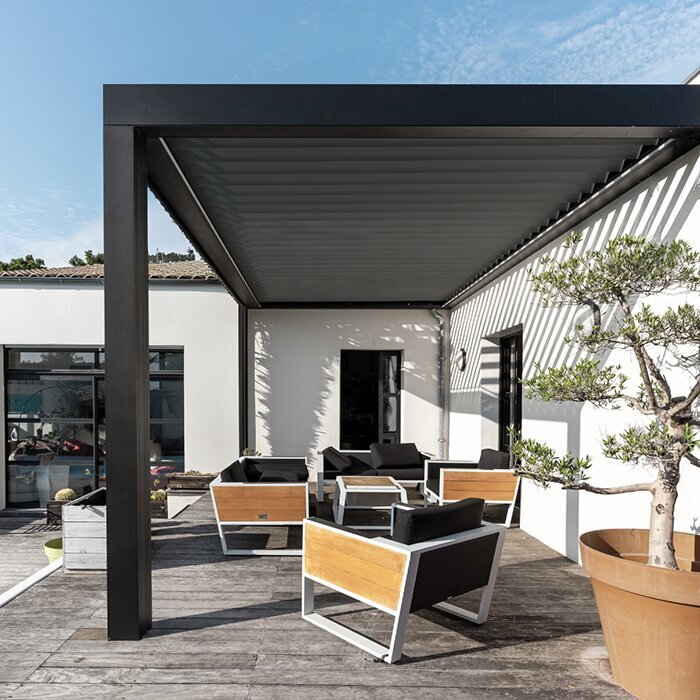
Note when the problem occurred and what changed
Record the date and approximate time, the last occasion you remember the louvres working normally, and the command immediately before they stopped. Note the conditions you observed at the time, such as rain, frost or gusts, without assuming that any one of them caused the problem. Mention any interruption to power that you already know about, but do not test the electrical supply or reset anything to investigate it.
Think back to recent cleaning, maintenance, installation work, an impact or any change around the pergola, and include only what you know. If nothing comes to mind, say that there are no known recent changes rather than trying to fill in a cause. If your order record names the Bloomcabin Pergola, copy that wording accurately alongside the date and circumstances. Distinguish the time you first noticed the problem from the last time you know the roof worked: those may be different dates. Where someone else witnessed the stoppage, identify their observations as such rather than presenting them as your own. A short chronology should separate what happened before the fault, what happened during it and anything you noticed afterwards.
Take photos without recreating the fault
A useful set of images usually starts with one view that shows the pergola as a whole and the roof's current position. Add a closer image of any visible obstruction or damage only if you can take it safely from the ground. Keep each image clear enough to show the area you are describing, and add a short note about where you were standing. Do not climb, stand on a chair or reach over the frame for a more direct shot.
Do not operate the louvres again just to make a video or capture a sound. If you already recorded the original event safely, say when the recording was made; otherwise, written observations are enough to start an enquiry. The Bioclimatic Pergola product listing may help you locate the product-family name used in your paperwork, but send photographs of your own pergola rather than catalogue images. Keep the original photographs and identify each attachment in the message, for example as an overall view or a view of the house-facing side. If an obstruction is difficult to distinguish in a photograph, explain its apparent location in the accompanying note rather than moving closer to it. Do not remove a cover or try to photograph an inaccessible mechanism.
Match the pergola to its manual and order record
Look for the model name and order reference in your confirmation, invoice or installation paperwork. If a model or serial label is clearly accessible from the ground, record what it says; do not use a ladder or remove a cover to find one. Note the supplier or installer and, if known, the installation date. Avoid identifying the pergola by colour, shape or a general description alone, as that may not distinguish the exact product or version.
Use a manual only when you can match it to your model and, where relevant, the control system. Follow only instructions that are clearly intended for the owner; do not proceed with steps involving exposed electrical equipment or dismantling. If you cannot find the right document, ask support for the correct one instead of relying on a similar-looking model. The Wall-Mounted Pergola product details can help you compare the public product name with your records, but they do not establish the manual version or parts compatibility. When asking about a particular instruction, include the document title, any version shown and the page or section concerned. That makes your question more precise than saying that you have already followed 'the manual'.
Give support a concise fault report
Keep the enquiry factual and easy to scan. Include the order or model reference, when the problem occurred, where the louvres stopped, what command you had used and what response you observed. Add any visible obstruction or damage, relevant conditions and recent changes, along with the photos you took safely. If a detail is uncertain, label it as uncertain rather than describing a suspected cause as a confirmed fault. An opening sentence such as 'The roof stopped part-way through closing and remains in that position' states the issue more clearly than 'The motor has failed' when no diagnosis has been made. Then give the sequence of events and refer to the relevant attachments. Keep unrelated purchase questions separate so the fault description remains easy to follow.
Mention what you have and have not checked, including whether you consulted the matching manual. You do not need to name a motor, sensor or replacement part. If your documents identify the model shown in the Bloomcabin Pergola product listing, include that model name and your order reference, rather than the page title alone. Describe any owner-level check already completed, its result and the instruction you followed. If you have made no further checks since the stoppage, say so. This gives support a clear account of the current situation without implying that you have inspected hidden components or ruled out possible causes.
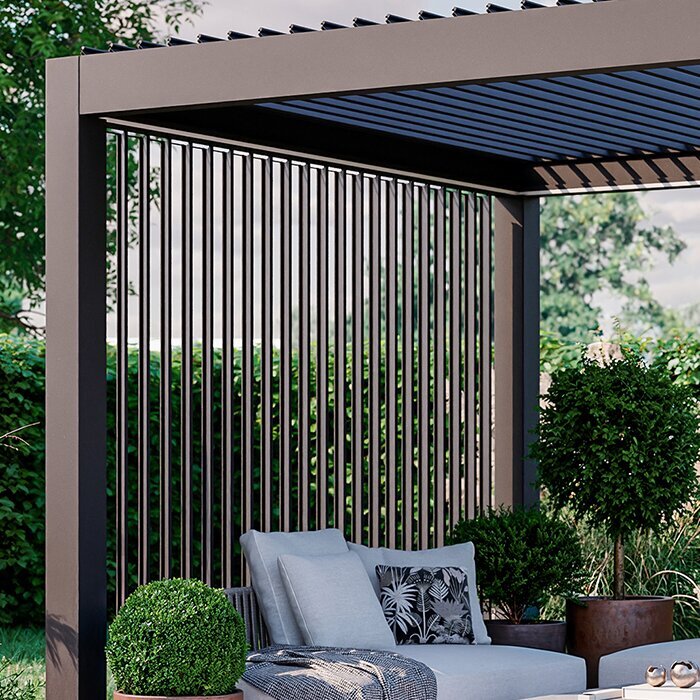
Ask about compatibility before ordering a part
Do not buy a motor, control, sensor or other component based on a broad description or a similar-looking item. A family name from the Bioclimatic Pergola product page is not enough to establish which replacement component is compatible with your pergola. Ask support to identify the relevant part using your order or model details, and request confirmation before placing an order. If several items are suggested, ask which addresses the reported fault and whether the recommendation depends on a service assessment. Keep the proposed part reference with the reply that identifies it for your unit, rather than relying on a screenshot of a similar product. Avoid removing an existing part to find a number if doing so would expose wiring or require dismantling.
If support recommends a repair, ask what work is involved, whether it needs a qualified service provider and whether there are any instructions for keeping the area safe in the meantime. Before accepting a quotation, clarify whether it covers assessment, the proposed component and the work needed to fit it, or only one of those items. Ask how any further work would be agreed if the assessment changes the recommendation. Keep copies of the fault report and replies, and have your purchase record available if asked. Do not assume that a component is suitable because it is described for a pergola, or that a repair is an owner task. Wait for advice specific to your model before arranging work.
Consider repair or replacement after diagnosis
Louvres stopping once does not, by itself, show whether a repair, approved upgrade or replacement is needed. First give support the position, control response and other observations, then ask what assessment is appropriate. If an upgrade is discussed, check which parts of your existing setup it is intended to work with and whether a qualified service provider needs to confirm suitability. The Wall-Mounted Pergola listing is a product-family reference, not evidence that a replacement component or upgrade will fit your pergola. Ask whether the proposal is intended to resolve the reported fault or to change the pergola's features. Keeping those two purposes separate helps you understand what is being recommended before deciding how to proceed.
Until you receive advice, leave the roof as it is rather than checking whether the problem has cleared through further commands. If there is visible damage or the area does not seem safe to use, keep people clear and follow the guidance of the supplier or service provider. Record any change you notice without attempting to reproduce it, and add it to the same enquiry with the date and time. Keep the original description intact so a later observation does not obscure how the stoppage began. If support gives instructions for a check or service visit, make sure you understand which actions are for you and which are for the service provider before proceeding.
Frequently asked questions
Should I try the controls again to see if the louvres move?
No. Record the command you had just used and what happened, then stop issuing commands. Repeated attempts can change the roof's position or make the original fault harder to describe. Check the manual for your exact model and ask support before trying any further operation.
Can I push a louvre back into place by hand?
No. Do not force, lift or steady a louvre, even if it appears only slightly out of position. You cannot tell from its appearance whether the mechanism is under load or may start moving. Keep clear and report what you can see from the ground.
Is it safe to remove something caught near the roof?
Only move a loose item on the ground if you can reach it from a stable position without touching the louvres, frame or mechanism. Leave anything trapped, wedged, overhead or difficult to reach where it is, and tell support where it appears to be. Do not use a tool to reach it.
What photos should I send to support?
Send an overall view showing the pergola and the stopped roof, plus a closer view of any visible obstruction or damage if you can take it safely from the ground. Add a short note describing where each photo was taken. Do not climb or operate the louvres to get a better image.
Should I order a replacement part before contacting support?
No. A model name or visual resemblance is not enough to establish that a part will fit your pergola. Send the order or model reference and your observations first, then ask for the correct part details and whether the work needs qualified service.
A useful support enquiry does not need a diagnosis. It needs a reliable record of where the louvres stopped, what you commanded, what you observed and what the matching paperwork calls the model. Keep to ground-level observations, leave the mechanism untouched and follow advice specific to your pergola. That gives support a clearer starting point without turning a fault enquiry into an unsafe attempt to free the roof.
