
Pergola Louvres Will Not Move: What to Check Before Calling Support
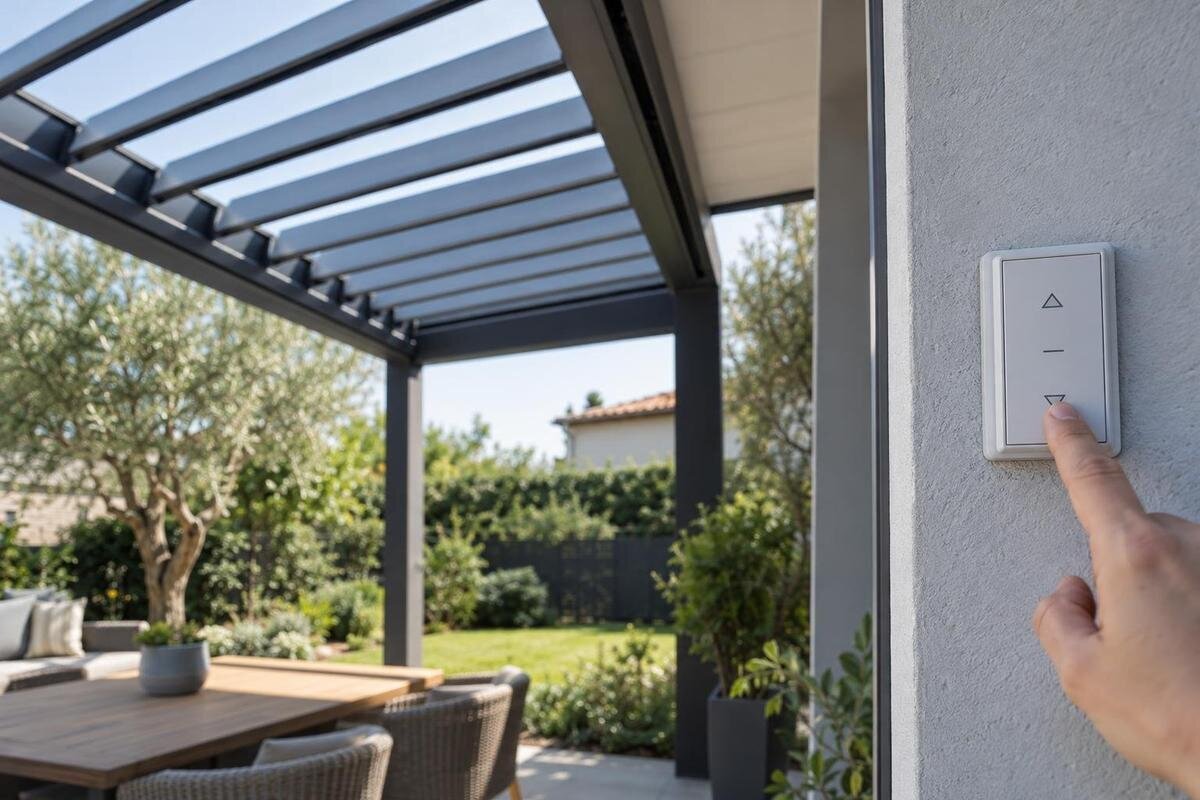
Pergola troubleshooting
When the louvres on a pergola stop moving, avoid forcing the mechanism or repeatedly pressing the control. A pause or uneven response can have several causes, and observation alone cannot identify an electrical or mechanical fault. You can still make a support request more useful by recording exactly what happened, checking for obvious hazards from a safe position and gathering the documents and images already available. This guide covers safe observation and fault reporting, not repair instructions.
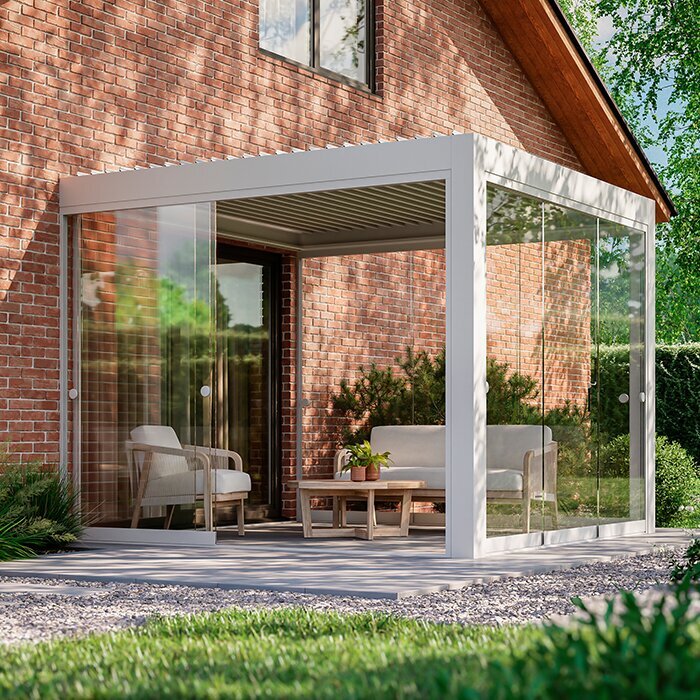
Stop if the louvres meet resistance
A louvre roof that stops part-way may have an obstruction, a control issue, an interruption to its power supply or a mechanical fault; the same symptom can have different causes. Stop pressing the control if the roof does not respond, moves only briefly, travels unevenly, stops with a new sound or appears out of line. Repeated commands are not a diagnostic test: they could worsen a problem or start movement while someone is near the mechanism. If one area responds differently from another, note the contrast rather than switching direction several times to see whether it disappears. Keep people and pets clear if a component looks loose or unstable. Do not push, pull, twist or lever a louvre, even if it seems only slightly stuck.
Do not climb onto the frame, stand beneath a damaged part, reach between louvres or put a tool through a gap. Leave covers, end caps, control enclosures and wiring closed. Do not attempt a manual release, bypass a safety device or apply lubricant without an explicit user procedure in the exact manual. Smoke, a burning smell, exposed wiring, water around electrical equipment or repeated power interruptions require you to stop using the controls and seek qualified help. Keep away from an unsafe structure. Do not open equipment to investigate, even if you believe the supply is off.
Describe exactly what the roof does
Put the symptom into plain terms before checking anything else. Is the whole roof stationary, or does only one section appear affected? Does it fail to start, begin and then stop, move in only one direction, or remain in a different position from the last time it worked? Note which normal control was used and whether there was an indicator, display, click or other response. Describe the roof’s position without guessing why it stopped. If a display shows a code, copy or photograph it exactly if you can do so safely; do not clear or interpret it. If you did not witness the first failure, say so and record when it was discovered. This helps support separate what you observed from what still needs diagnosis.
Record whether the problem is constant or happened once, and whether it appeared during operation or was discovered later. If your order documents identify the unit as the Bloomcabin Bioclimatic Aluminum Pergola, copy that wording accurately. A model name helps support find the right record, but does not identify the fitted control system or the fault. If the wording is unclear, include the order reference and ask support to confirm the model rather than choosing one by appearance. Where there are several pergolas, identify the affected one by its location.
Look for visible obstructions from a safe position
From ground level and outside the movement area, look for an obvious object in or near the roof’s path: a fallen twig, leaves, a loose item resting on top, a visibly displaced part or something caught between moving elements. Note its location and take a picture only if you can do so without standing beneath a suspect component. Look also for a louvre that appears bent, a loose-looking fixing, a new gap or a frame that seems shifted. These are observations to report, not invitations to straighten anything. Use a fixed feature of the garden or building to describe where the issue is, rather than relying on terms such as left or front that may be unclear to someone else. Do not use a ladder, chair or table to get a better view, or put your hands into the roof.
Leave anything trapped against a louvre or moving part in place for support to assess; do not tug it free or scrape away ice. Clear other material only where the exact manual permits a user task and it is safely reachable from the ground. If your paperwork names the Bloomcabin Lean-To Pergola, include that identity, but do not use a catalogue photo to judge alignment. Photograph the actual installation as found. Do not spray water or push a brush through a gap to improve the view.
Use only the controls and checks in the manual
Use only the ordinary control and user procedure described in the manual supplied for your pergola. If the manual explains a display, status light or lock indication, note what is shown; do not open a remote, switch or control enclosure to inspect it. Make sure the area is clear before any normal command, and do not ask someone else to operate another control while you are watching the roof. A single routine command may be observed only if the manual permits it and there is no obstruction, damage or other warning sign. Stop at once if the louvres hesitate, move unevenly or make an unfamiliar sound. Do not try a reset, pairing sequence or manual release taken from an unrelated guide.
A silent control does not prove motor failure, and an indicator does not prove the roof is mechanically clear. The name on the Bloomcabin Pergola product page cannot identify your fitted control unit or its operating procedure. Match instructions to the exact model and revision where available. If the manual is missing, give support your order details and ask for the appropriate user-level check. Do not substitute instructions for a similar-looking roof. Report any undocumented procedure you have already tried, including what happened afterwards, without repeating it.
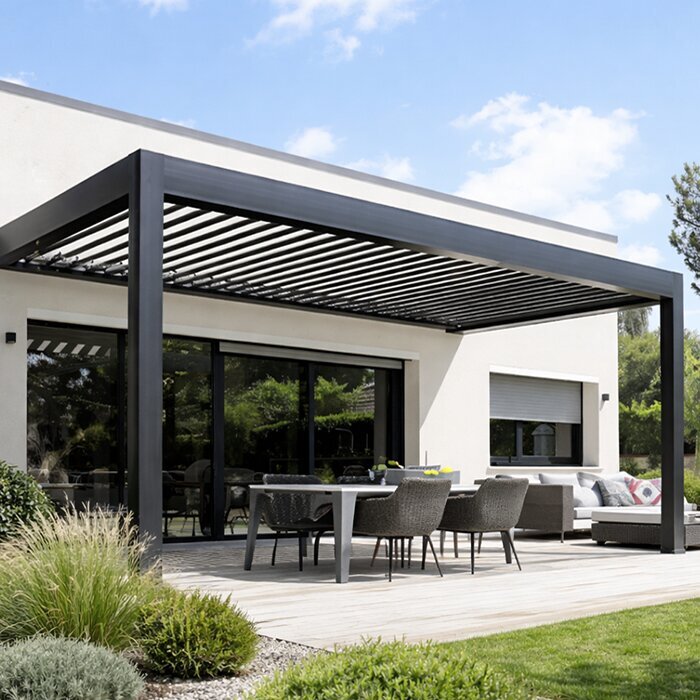
Record weather and recent work as context
Build a short timeline: when the louvres last worked normally, when the problem was first noticed, what position they were in and what happened immediately beforehand. Note weather or debris only as context, such as frost, a storm, a branch falling or leaves collecting; none of these observations proves the cause or tells you whether the roof is safe to move. If ice, an object or visible damage is present, do not operate the mechanism to test whether it will free itself. Note whether the issue began during use or was discovered later, and whether it has happened more than once. Exact dates are helpful, but an estimate clearly labelled as one is better than false precision.
Add relevant recent events: cleaning, building work, an impact, a service visit, a professional adjustment or a power interruption. Record what changed and when, without treating coincidence as proof of the cause. If the order identifies a Lean-To Pergola, include that name when reporting work near it; the mounting arrangement alone does not explain a stoppage. Where possible, provide the date and reference for recent service work so support can review its scope. If you do not know whether anything changed, say so rather than investigating wiring or dismantling equipment.
Take photos without approaching moving parts
Take one wide photograph from a safe position showing the whole pergola and its current louvre position, then a closer view of the affected side or section from outside the movement area. If the model or serial label is visible from the ground without removing a cover, photograph it; if reaching it would require a ladder or access beneath a suspect part, leave it and say it could not be obtained safely. Use enough light to show the shape without standing under a loose-looking component. Do not move an obstruction, remove an end cap or lift a panel just to make the fault easier to see. If several images are needed, describe which part of the roof each shows. A clear record of the installation as found is more useful than a staged image.
A short video can show whether movement starts, pauses or stops, and may capture an unusual sound, but do not operate the pergola just to produce footage. Use an existing clip if available; record a new one only during a normal, permitted command when the area is clear and no warning sign is present. Stop at the first abnormal response rather than repeating the attempt. Keep the original file and note its date and the control action used. Avoid filming from beneath the roof or holding a phone near moving parts. Send images through the support channel, and keep an unedited copy in case you need to refer to exactly what was visible. Remove unnecessary personal details from the frame.
Gather the product and installation documents
Look for the purchase confirmation or invoice, product manual, installation or handover paperwork and any previous service notes. Copy the model name exactly; add an order number, serial or identification code only if it is available without opening equipment or climbing to an unsafe label. An approximate installation date and the installer or service company may also help locate the right records. If more than one pergola is on the property, identify the affected one by its location. Do not infer the model from its colour, roof shape or a photograph. Use the contact details on your own order or documentation, and share documents privately rather than posting addresses or order numbers in a public forum. If a document is missing, say which one rather than guessing what it would have said.
Compare the product name on your invoice with catalogue wording such as the bioclimatic pergola listing, while retaining any longer identification code from your documents. The listing name is not a serial number and does not establish the production revision or control system. If invoice and installation records use different names, send both for support to reconcile. State when a label is unreadable or inaccessible, so support can arrange identification safely. Keep earlier repair records together, especially those noting replacement components or changes to the controls.
Know when to stop and ask for qualified service
Contact the supplier, installer or service contact named in your documents if the roof remains unresponsive after a permitted user-level observation, if only part of it behaves differently, or if it repeatedly stops in the same place. Do not make another attempt if you see a loose or distorted component, a damaged cable, water around electrical equipment, impact damage or signs that the structure has shifted. A burning smell, smoke or exposed wiring also means you should keep clear and stop using the controls. Describe the concern and ask which service route is appropriate; do not decide for yourself that the fault is only a remote or motor issue. If the roof starts moving again unexpectedly, keep clear and report that change too.
If a part appears out of line, a photograph on the regular pergola product page is not enough to select a replacement. Ask support whether an on-site inspection is needed and who should assess the mechanism or electrical controls. Describe any access constraints, such as a narrow side passage, without attempting to create access by handling the structure. Follow advice to leave the roof in its current position or stop using it until assessed. Report a temporary return to normal movement, including when it occurred; it does not establish that a recurring fault has been resolved.
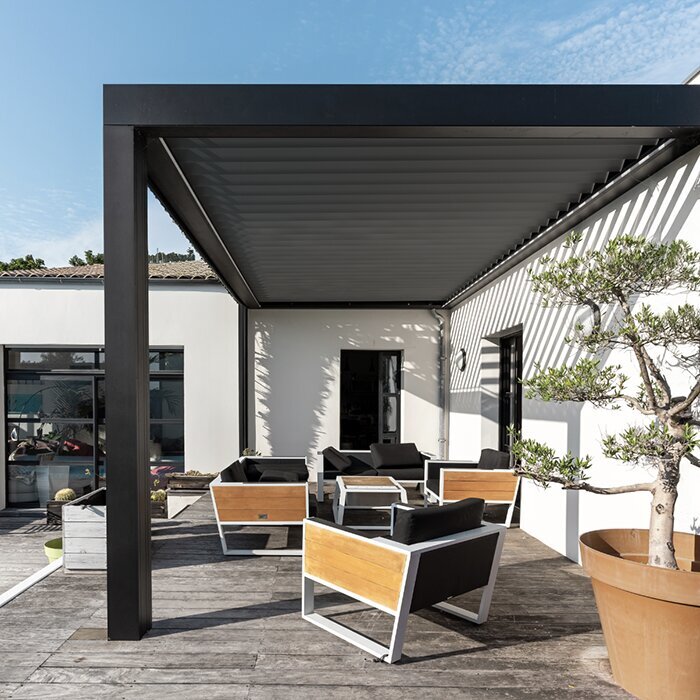
Make the support request factual and specific
In the first message, give the order reference, location on the property, last successful use, current louvre position, affected area, control used and observed response. Add your timeline and relevant photographs without diagnosing the cause. Where documents identify the unit as the model shown on the Bloomcabin Lean-To model page, copy the actual product name from those documents; flag any uncertainty. Use a factual subject line, such as ‘Louvres stop part-way when opening’, rather than an unconfirmed diagnosis. Mark unknown details as unknown, and distinguish observations made during the original failure from anything noticed later.
Ask questions that help determine the next safe step: which manual applies to this exact unit, whether there is another customer-level check you may perform, whether to leave the louvres where they are and whether a qualified visit is needed. If support requests more photographs or a code, confirm that you can obtain it safely before doing so. Keep the case reference and replies with your installation records, and note any instruction about operating or not operating the roof. If a detail is not safely available, say so rather than delaying a report about visible damage or another warning sign. Clear facts and a useful image set can reduce back-and-forth, but they do not replace an inspection when the mechanism needs assessment.
Treat spare parts and upgrades as separate checks
Once the model and fault have been identified, ask whether the proposed work is a user task or a service repair. Do not select a motor, actuator, control component, bracket or louvre by appearance, generic measurements or a product title. Ask support to confirm compatibility against your unit’s identification details and specify who may install it. The Bloomcabin bioclimatic model page can help match catalogue wording, but is not a parts list or repair instruction. Before ordering, obtain the exact part reference and confirmation of which component it replaces. Do not remove a component merely to find its number.
An upgrade or whole-unit replacement needs a separate assessment from the fault diagnosis. Explain what change you want, alongside the existing model details, installation records and photographs. Ask whether it is available for your unit, what existing components would be retained and who may carry out the work. Do not assume newer controls will work with an older assembly. Request written confirmation of the proposed scope, including whether the existing fault must be repaired first. Keep that proposal with your records so it is not confused with the original repair request.
Frequently asked questions
Can I push a louvre by hand to free it?
Do not push, pull or prise it. Only use a manual movement method if the exact manual for your pergola clearly describes it as a customer task and gives the procedure. If a louvre resists or something is trapped, leave it in place and contact support.
What if only one section appears to be affected?
Note which section looks different and whether the rest of the roof moved during a normal, permitted command. Do not try to straighten or adjust the affected part. Uneven movement is useful information for support, but it does not by itself identify the cause.
Should I keep trying the control?
No. Repeated commands are not a reliable diagnostic test and could cause further movement when someone is nearby. If the manual permits a normal user-level check and there are no warning signs, observe that response once, then stop if the louvres hesitate, move unevenly or make an unfamiliar sound.
Could weather or debris be the cause?
Weather, ice, leaves or a fallen branch may be relevant context, but their presence does not prove what caused the fault. Record what you saw and when. Do not operate the roof against ice or an obstruction, scrape between the louvres or try to free anything caught in the mechanism.
Can I order a replacement part using the pergola’s product name?
A product name can help identify a catalogue model, but it does not confirm the exact revision or parts compatibility. Ask support to verify any proposed component against your order or identification details, and confirm whether its installation requires qualified service.
A useful fault report separates observations from theories: the louvres’ position, the control response, safe photographs, the model wording and a brief history. With those details, support can say whether a manual check applies or whether qualified inspection is needed. Leaving a resistant or visibly damaged mechanism untouched protects the evidence as well as the people nearby.
