
How Thermostat Position Affects Greenhouse Heating
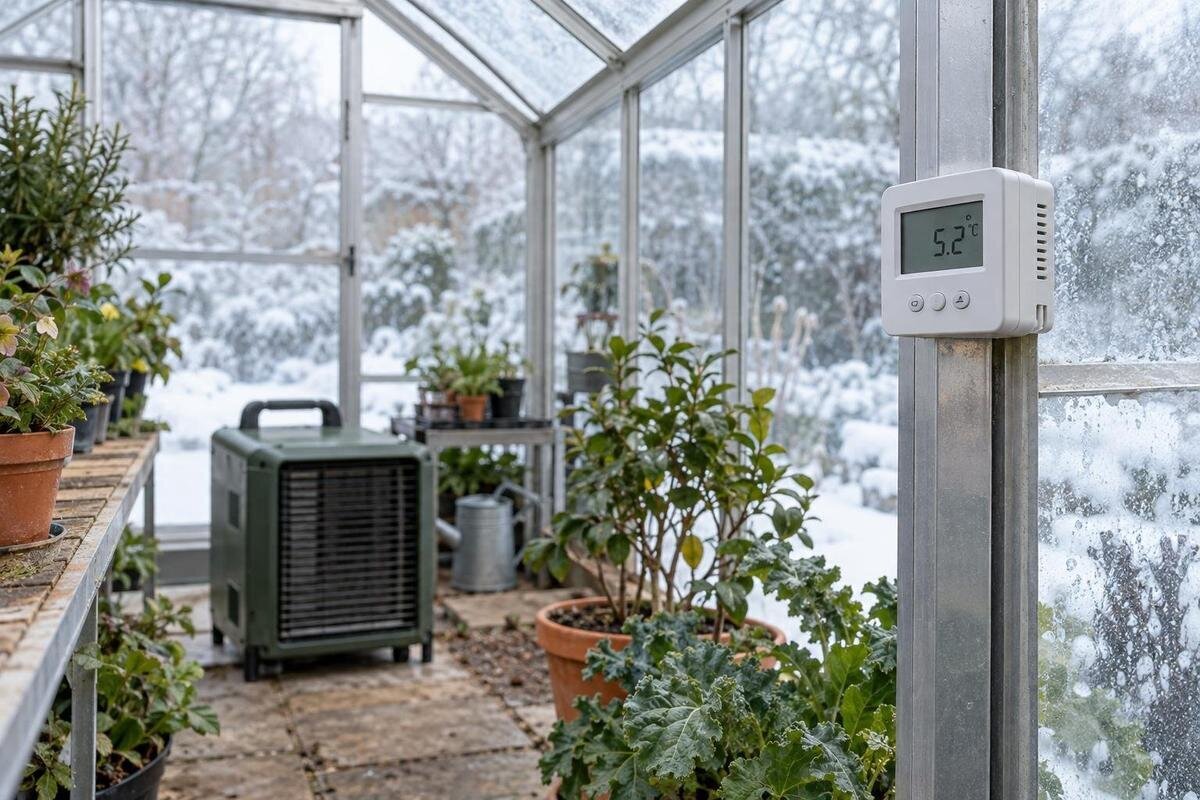
Greenhouse heating
Greenhouse heating depends on more than the number shown on a thermostat. The sensor reports conditions at its own position, which may be warmer or cooler than the air around leaves, pots and trays. Direct sun, a heater's warm outlet, a door draught or a cold corner can bias that reading, so the controller may switch the heater off or keep it running at the wrong time for the plants you care about. A reliable setup begins by choosing a representative plant zone, placing the sensing element in free, shaded air at the relevant height, and checking it against a separate thermometer over real heating cycles. This guide explains what to look for and how to tell a position problem from a wider heating issue.
A thermostat measures one point, not the whole greenhouse
An air thermostat responds to the temperature at its sensing element; it does not average the air around every bench, pot or leaf. A reading on the display describes one location, not necessarily the conditions every plant experiences. Warm air can collect higher in the structure, while air near a floor, wall or opening may behave differently. Sunlight, ventilation, heater operation and the greenhouse layout can all shift local readings. The control can be working as designed even when plants elsewhere are cooler or warmer than the display suggests. The easiest place to read the thermostat is therefore not always the best place for its sensor.
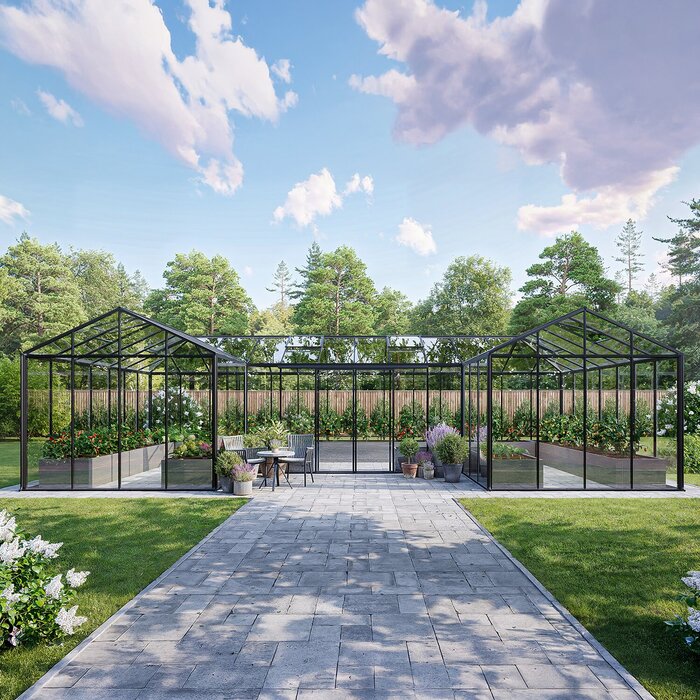
Treat the sensor point as representative of one crop zone, rather than assuming that the middle of the structure is automatically right. A probe above an empty aisle may not reflect air around a dense bench; one in a sheltered corner may not reflect plants near an opening. The Pyramid Greenhouse listing covers versions from 5.53 to 18.9 m², so plan for the selected size and growing layout rather than a model name alone. Floor area does not reveal heat loss or guarantee uniform temperature. Mark where the priority plants sit, decide which group the thermostat must protect, and check the rest of the space separately.
Match sensor height to the plants you are protecting
Place a remote sensing element in free air at the height of the foliage or growing area whose temperature the heater is meant to protect. For plants on a bench, position it at canopy height rather than just above the bench surface; for floor pots, use their foliage level rather than the bare floor. It should not touch a leaf, pot, tray, soil, shelving or frame, because contact can make the probe respond to that surface instead of the surrounding air. Leave clearance for air to circulate as the manufacturer directs, and avoid a position where routine watering or handling may disturb it.
Plant height changes, so a position that represents young plants may become less useful as they grow or as benches are rearranged. If several crops occupy different levels, choose the height of the crop with the most important temperature requirement and check the others independently. The Aluminium Greenhouses range lists options from 3.77 to 28.08 m²; those floor-area figures do not specify a probe height. Use the dimensions of the chosen greenhouse and the thermostat instructions, not the category label, to decide where the sensor can sit. If the sensor is built into the heater or controller, do not move the unit simply to imitate a remote-probe arrangement; measure at plant level instead. A valid reading at the wrong height may still misrepresent the conditions you need to manage.
Keep the sensor out of direct sunlight
Direct sun can warm a probe or its casing faster than it warms the air around shaded foliage. The thermostat may then interpret that local warmth as a higher greenhouse air temperature and reduce or stop heating before the crop zone reaches the intended condition. The reverse pattern can occur in shade: the control may keep heating while plants in sun are already warmer. A sun patch moves during the day and through the year, so a location that is shaded at one inspection may be exposed at another. Direct radiant heat can influence a sensor even when the surrounding air feels cooler. The effect depends on the sensor design and site, so the display alone cannot identify it.
Choose a naturally shaded position with free air movement, rather than a closed box, wrap or improvised cover that could trap heat around the probe. If the manufacturer supplies or approves a ventilated sensor shield, use it as directed; otherwise ask before adding one. Observe the location at different times and note when sunlight reaches it, then compare readings with a separate thermometer near the priority plants. The most revealing comparison may be when a beam falls on the sensor but not on the crop area. If readings diverge only when the sensor is sunlit, reposition it if the instructions allow and repeat the comparison. Do not compensate for a sunlit sensor simply by changing the target setting, because the bias will change as the light moves.
How heater outlets and draughts affect sensor readings
Keep the sensing element out of the warm plume from a heater, and away from cold air entering through a frequently opened door or a vent. Near a heater outlet, the probe may warm quickly and switch the unit off while more distant plants are still cool. In a draught, it may stay cooler than the rest of the crop zone, causing longer heating than that zone needs. A circulation fan can also create a local reading if the probe sits directly in its stream. Avoid the immediate point where air enters or leaves, while preserving the clearances and positions required by equipment instructions.
Draw heater outlets, vents, doors and main growing beds on a simple plan before fixing a remote probe. Check the route of air while the heater and ventilation operate; a position that seems calm with equipment off may be exposed during a heating cycle. The Wall Greenhouse listing covers options from 3.69 to 14.34 m², but its name and floor area do not show how a particular wall, opening or site affects airflow. Use the selected layout and measure near the plants, rather than assuming a wall-side reading is warmer or more stable. A passing draught may be intermittent, so note what was open and whether the heater was running before relocating a probe.
Keep the probe clear of glazing, frames and floors
Do not fasten a probe directly to glazing, a frame, a post, the floor or a shelf. These surfaces can be warmer or cooler than the free air around leaves. A sensor touching or positioned too close to a surface may therefore give an unrepresentative reading. Height matters too: a roof-level reading may be influenced by air that has risen, while a probe near the ground may report a pocket that is not representative of bench-grown plants. There is no universal rule that the centre, edge or floor is always the coldest point; the heater, air movement, sunlight and layout all matter. Keep the sensing part exposed to moving air as instructed.
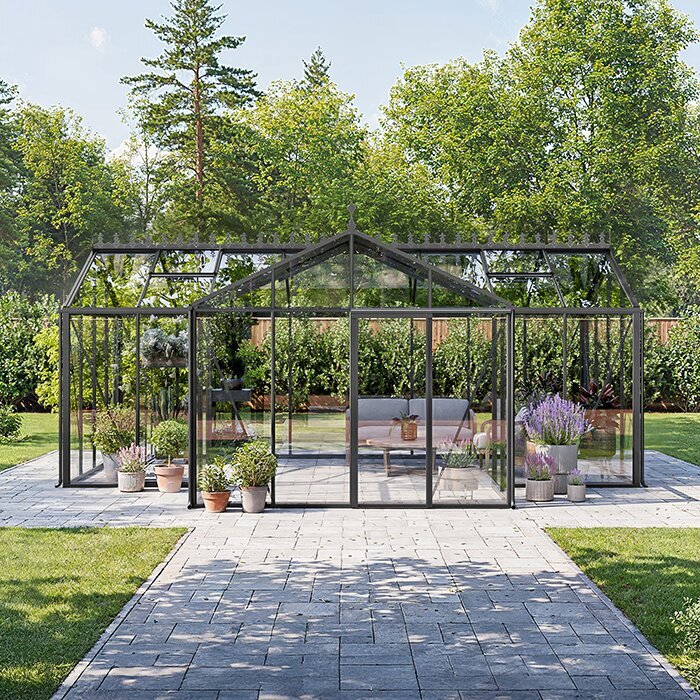
Treat product details as information to investigate, not as a temperature forecast. The Bloomcabin Prestige Greenhouse listing names a metal foundation, but that specification alone does not establish the air temperature at growing height or how a particular crop area will behave. Check the chosen configuration's base and installation guidance, and place the sensor according to its own instructions. If plants are grown on the floor, compare a thermometer at foliage height with the thermostat location; if a cold edge matters, measure it separately. Moving the control to that edge may improve protection there but keep heat running for warmer areas. Use the manufacturer's stated mounting method rather than guessing how close the probe should be to a surface.
Sensor placement in greenhouses with storage
Storage, potting and work areas serve different purposes from planted beds and may have different air temperatures. A partition or closed door can make each area warm at a different rate; an opening between them does not necessarily mean conditions are identical. Do not assume that a sensor in storage represents the growing zone. When considering the Aluminium Greenhouses with Storage – Limited Edition, look at where the storage area sits in the selected layout and whether air can move freely between it and the plants. Compare temperatures in both areas during normal use. Keep the controlling sensor in the area that matches the crop priority, not simply where it is easiest to reach.
If one heater supplies more than one distinct space, a single thermostat still responds to its one sensor location. A setting that meets the needs of plants in the main greenhouse may leave a separate area cooler, or keep the heater on because a less-used corner remains cold. Measure each growing area and note how partitions, doors and vents affect airflow during normal use. A partition does not necessarily isolate the spaces if its door is routinely left open. Where crops need materially different conditions, a separate heating zone may be more appropriate, but only when the heater and controls are designed to work that way. Confirm equipment specifications and seek qualified advice for system changes where needed; another sensor alone does not create independent control.
Use a second thermometer to map plant-zone temperatures
Use a separate, reliable thermometer to find out whether the thermostat reading represents the plants. First place it beside the thermostat's sensing element, keeping the two devices from touching. Allow both to settle as their instructions specify, then compare readings. If they differ persistently at the same spot, check their stated accuracy, units, batteries if applicable and manufacturer guidance before changing the controller. Then move the independent thermometer to crop height at the centre, edges, near a door and any other area you want to protect. If it has a minimum/maximum function or logging, record those values rather than relying on a quick glance.
Repeat the same checks during a heating cycle, after the heater has switched off, and at a cooler part of the day or night. Record the time, sensor locations, whether the heater was running, and any open vents or doors; these notes help distinguish a persistent location difference from a short-lived event. The Spacious Greenhouse listing covers 47 to 70 m². When planning checks for the selected size, include the different beds and growing areas rather than relying on one central reading. Move the comparison thermometer one place at a time and allow it to settle at each position. Keep the units and measurement method consistent, and note changes in operating conditions so that you do not mistake a change over time for a difference between locations.
What a setpoint can and cannot correct
A thermostat setting is a control target at the sensor, not a guarantee that every plant receives that temperature. If a thermometer beside the probe agrees with the display but one bed remains cooler, raising the target may keep heating the warmer beds as well. First review your temperature records and layout for sun bias, height differences, draughts, vents and areas shielded from airflow. If the sensor and nearby thermometer disagree at the same point, investigate the discrepancy and follow the controller's stated calibration procedure, where applicable, before altering the setpoint. If the reading is consistent but the greenhouse struggles to reach the crop's required range, review the heater's documented capacity and the structure's heat-loss factors. Some controllers switch within a defined range around their target, so check the stated differential before interpreting small differences.
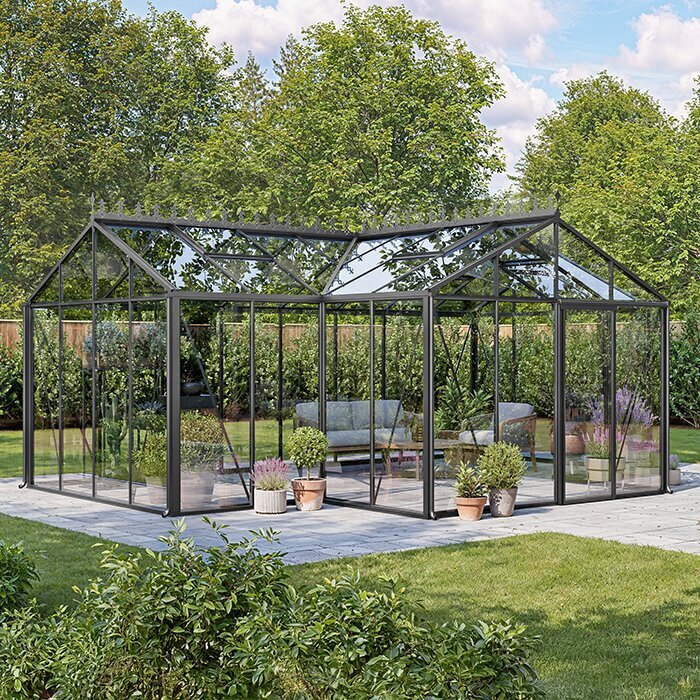
When considering a T-Model Orangery Greenhouse, available in versions from 16.52 to 30 m², use the specifications of the selected version when assessing heating needs. Floor area alone is not a heating-load calculation. Compare documented dimensions, glazing, seals, ventilation and any stated insulation information with the heater specifications, and make the assumptions behind a heating estimate explicit. If the equipment specifications leave the required heating or control arrangement unclear, seek advice from the manufacturer, supplier or a qualified installer before relying on the setup for sensitive plants.
Sensor compatibility and equipment instructions
Some thermostats sense temperature at the controller; others use a separate probe. The visible display may therefore be far from the point that controls the heater. Read the exact heater and controller manuals for sensor type, mounting position, operating range and any switching differential or calibration feature. These details explain how a displayed target relates to heater cycling. Avoid opening, rewiring, extending or replacing a sensor unless the manufacturer says it is permitted; changing a cable or mounting arrangement can affect operation and safety. Do not assume a replacement probe is compatible merely because its plug fits. If a unit appears faulty, follow its troubleshooting guidance or ask the supplier or a qualified technician.
When comparing a greenhouse listing such as Limited Edition Aluminium Greenhouses, keep the building specification separate from the controller specification. The greenhouse listing identifies a structure; it does not by itself confirm that a particular heater accepts a remote probe or is suitable for a given growing area. Check the documentation for the exact greenhouse option and chosen heater, including available ventilation or insulation information, and confirm that the sensor arrangement is supported. If selecting new equipment, decide where its probe can be positioned before purchase, rather than discovering afterwards that the fixed sensing point is awkward for the crops.
Recheck the sensor after crops or layout change
Recheck the sensor after moving benches or pots, changing crop height, adding a partition, altering shade or ventilation, or replacing the heater or thermostat. Each change can shift the warmest or coolest part of the crop zone; a previously useful control point may no longer represent the plants. Seasonal changes in sunlight and the way vents are used can also expose the probe to a different pattern. If the sensing element is moved, follow the manual and repeat the comparison with an independent thermometer rather than assuming its former setting still gives the same plant-zone conditions. Recheck after changes to glazing, seals or insulation, too, since these can alter the conditions you are measuring.
Keep a simple record of the chosen crop zone, sensor height, nearby openings and comparison readings. Note whether the heater was on or off and what the thermometer showed at crop level, so you can spot repeated bias instead of reacting to one short change. Review the record against the temperature requirements of the plants you are growing, using a reliable horticultural reference for those requirements. If one part of the greenhouse repeatedly falls outside the intended range while another does not, the evidence points to a distribution or zoning question that a setpoint adjustment alone may not solve.
Frequently asked questions
Where should I put a greenhouse thermostat sensor?
Put the sensing element in free air at the height of the plants whose temperature you want the heater to protect. Choose a shaded spot away from heater outlets, doors, vents and surfaces that could influence its reading. If crops are at different heights or in separate areas, check those places with a thermometer as well, and follow the thermostat manufacturer's mounting instructions.
Can direct sunlight affect a greenhouse thermostat?
Yes. Sunlight can warm the sensor or its casing faster than the surrounding air, so the thermostat may reduce heating while shaded plants are still cool. The effect can change as the sun moves. Choose a naturally shaded position and compare the thermostat reading with a separate thermometer at plant level, particularly when sunlight reaches the sensor's current location.
Should the sensor be positioned near the heater?
Usually, the sensor should not sit in the heater's warm outlet stream. It can register the locally heated air and switch the heater off before more distant plants are warm. Use the position specified in the equipment instructions, keeping the sensor away from direct heat flow while placing it where it represents the crop zone.
Why does a thermometer at plant level show a different temperature?
The thermometer and thermostat may be at different heights or in different local conditions. Sunlight, a draught, a nearby surface, or warm air from a heater can affect one position more than another. First compare the devices side by side and check their instructions and stated accuracy. Then take readings at plant level and note where and when they differ.
Can one thermostat protect plants in separate growing areas?
One thermostat responds to its own sensing point, so it cannot independently control separate areas with different conditions. Choose the priority crop zone and check the rest with a thermometer. If plants need distinct temperature conditions, separate heating zones may be appropriate only when the heater and controls support them; confirm the specifications and seek qualified advice where needed.
A useful thermostat position is defined by the plants it is meant to protect, not simply by a convenient wall or central point. Keep the sensor shaded and in free air at crop height, away from local heat streams and draughts. Then compare its behaviour with a separate thermometer through heater operation and cooler periods. If the readings show different temperatures across beds, use that evidence to investigate distribution or zoning instead of disguising the difference with a new setpoint. Repeat the checks when the crops or layout change.
