
Why Is My Greenhouse Hotter Than the Outdoor Forecast?
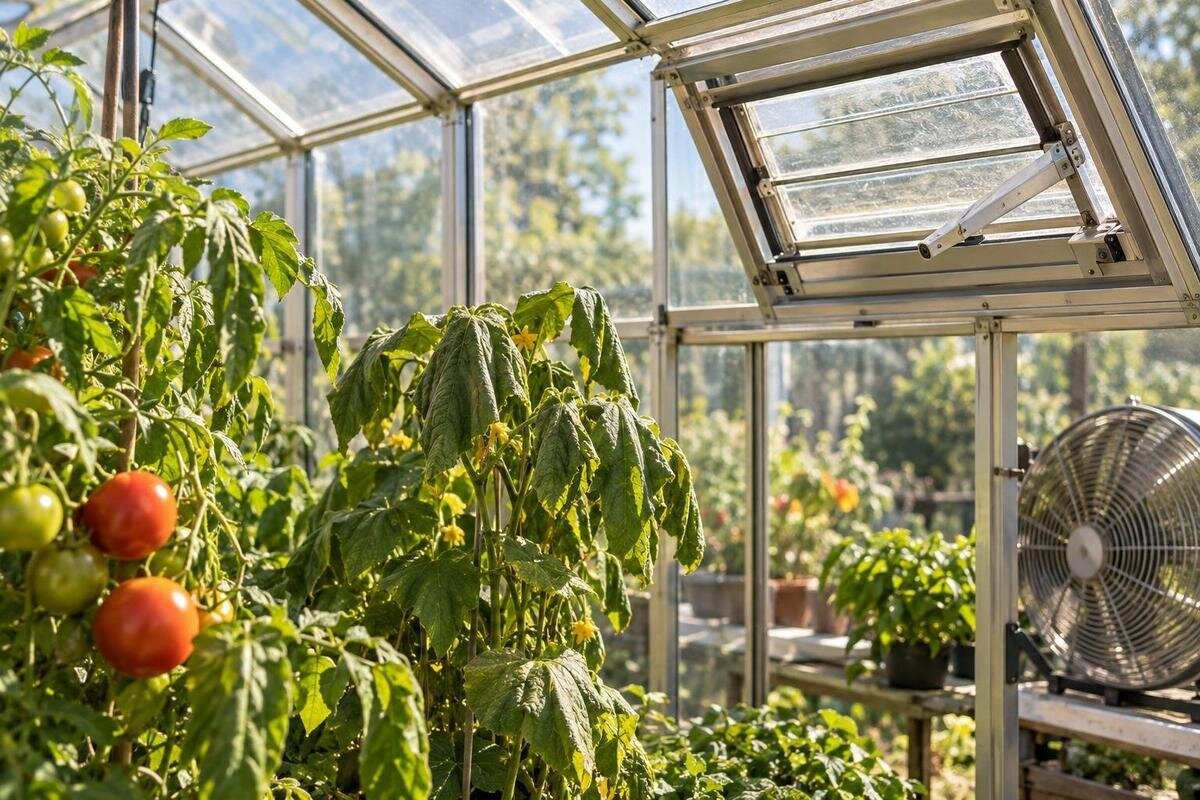
Greenhouse temperature troubleshooting
An outdoor forecast and a greenhouse thermometer describe different conditions. The forecast is for outdoor air across an area, not the air beneath your glazing. Sunlight can warm soil, foliage, pots and benches inside; limited air exchange can let that heat accumulate. A thermometer sitting in direct sun can exaggerate the rise again. A short, consistent log of shaded outdoor and indoor temperature, relative humidity and vent position helps separate a genuine heat build-up from a sensor problem before you change anything.
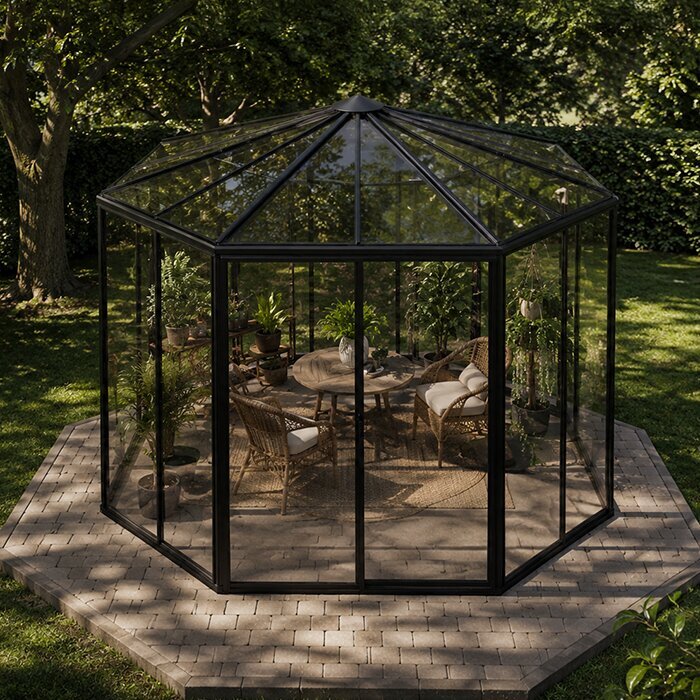
Why greenhouse temperatures exceed the forecast
An app’s predicted high refers to outdoor air in its forecast area, not air beneath greenhouse glazing. Forecast grids and nearby stations smooth over local differences: cloud, wind, elevation, shelter and the timing of sunshine can vary across a short distance. Forecast values describe outdoor air rather than the temperature of an instrument in direct sunlight or the warmest corner of an enclosed space. A reading at your property can therefore differ even when the forecast is a reasonable account of nearby conditions. Treat it as context, not as a guaranteed maximum for your greenhouse.
In bright sun, radiation passes through the glazing and warms soil, foliage, pots, paths and benches. These surfaces then warm the surrounding air. If air exchange is limited, heat can build up faster than it leaves; calm conditions can make the difference more noticeable. A greenhouse’s footprint alone will not tell you how hot it will run. The Pyramid Greenhouse comes in listed sizes from 5.53 m² to 18.9 m². When comparing those sizes, consider where you would monitor the growing area and how the openings would fit your layout, rather than using floor area to predict a peak temperature.
Rule out a thermometer heated by direct sun
A thermometer exposed to direct sun can measure heat absorbed by its casing as well as the air around it. The same problem can occur if it sits close to sunlit glazing or another surface that has warmed up. This makes a sunny-side reading a poor estimate of representative air temperature, even if the instrument is working as designed. A reading near the roof may also differ from one at plant height, so first decide which part of the greenhouse you need to understand.
Place the sensor in ventilated shade, in a radiation shield if the instrument maker recommends one, and at a consistent height near the plants you are monitoring. Do not let it touch glazing, a frame, soil or a bench. Check the manual for batteries, response time and placement; compare two sensors side by side in shade and judge any difference against their stated accuracy. Record their positions before moving either one, so you can distinguish a placement change from a change in conditions. If you are comparing new greenhouse layouts, include a suitable monitoring position in your plan. The Aluminium Classic Greenhouse has listed footprints from 3.77 m² to 28.08 m². Work out where a sensor could sit among your planned beds or benches; an unusually high reading from an exposed thermometer is not, on its own, a reason to replace the greenhouse.
Set up a fair outdoor comparison
For a useful comparison, put one sensor inside in a representative, shaded position and another outside in ventilated shade near the greenhouse. Keep the outdoor sensor away from a wall, paving, eaves or exhaust that could influence its reading. Place both at a similar height where practical, set their clocks and units consistently, and allow them to settle according to their instructions. A simultaneous pair is more informative than moving one thermometer between locations as the sun and air conditions change.
Compare readings at matching times, not just the indoor temperature at one moment with the forecast’s predicted daily high. Note the forecast location and whether it shows a current value or a daily maximum. Give these different values separate columns in your log: shaded outdoor temperature, greenhouse temperature and forecast value. Label the forecast column clearly so a daily high is not mistaken for an observation taken at that time. If you have only one sensor, use it at the two positions on comparable days and recognise that the readings are not simultaneous. Keep those dates visible rather than presenting the results as a matched pair. A nearby shaded outdoor measurement is usually a better guide to your property than a broad forecast alone, but it still does not represent the air inside the greenhouse. The purpose of this comparison is to separate local outdoor conditions from the additional warming indoors.
Account for the greenhouse’s position and shelter
Watch how sunlight reaches the structure over the day rather than checking only at noon. A tree, fence or neighbouring building may shade the roof in the morning and leave it exposed later. In New Zealand, the midday sun is generally in the northern part of the sky, although the season, roof shape and nearby obstructions determine what actually reaches your greenhouse. Note when sun reaches the roof, walls, plants and benches; a bright patch on a surface can warm the local air even when another part of the greenhouse is shaded.
Wind and surrounding surfaces matter too. A sheltered corner may receive less airflow than the open area represented by a weather station, while paving or masonry can warm in sun and release heat later. A wall can also block breezes, so consider its position as well as its shade. For a wall-adjacent layout, the Lean-to Greenhouse has listed footprints from 3.69 m² to 14.34 m². Mark the proposed footprint beside the actual wall and eaves, then note which parts would receive sun at the times your log shows the strongest warming. This makes the size comparison relevant to the site rather than treating every position beside a wall as equivalent.
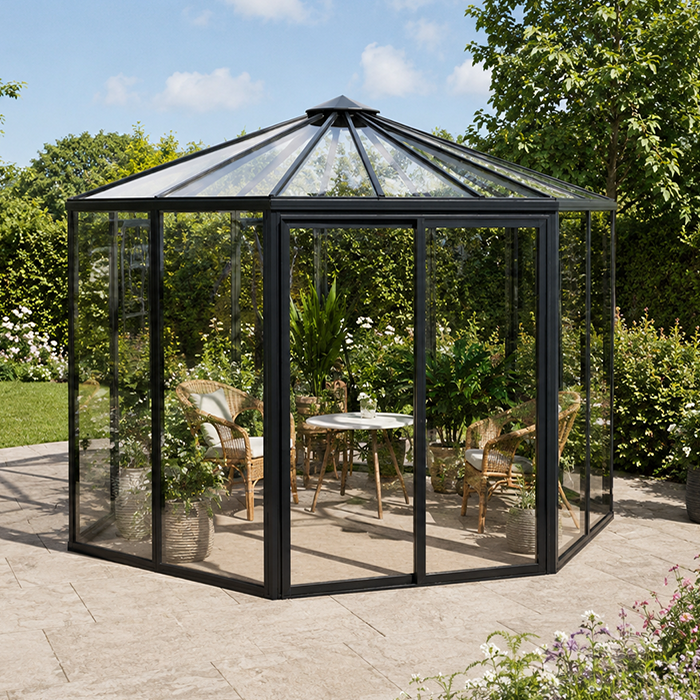
Map temperature differences inside
One reading cannot show whether the whole greenhouse is hot or whether the heat is concentrated in one spot. Compare the plant zone with a higher point, a sunny side with a shaded side, and areas near openings with the parts furthest from them. If using several sensors, place them at the same time and allow each to settle. If you have only one, move it between marked positions on separate, comparable days rather than drawing conclusions from a sequence taken while sunlight is changing.
Sketch the doors, vents, beds, benches and shelving, then mark each sensor position so you can repeat the comparison. Give each position a short label, such as ‘central bed’ or ‘far corner’, and use that label in the log. Record the height as well as the location: otherwise, a later reading may appear to show a change when the sensor has simply moved. A larger footprint may call for more than one monitoring point, but the layout of plants and openings matters as much as overall area. The Spacious Greenhouse has listed footprints from 47 m² to 70 m². On a plan of that scale, distinguish readings near openings from those in more distant growing areas. Keep the individual results visible rather than combining them into one figure that conceals the warmer spot you are trying to investigate.
Keep a timed temperature and humidity log
Before taking readings, write down the date, sensor locations, units and time. Use a fixed interval from before the greenhouse receives direct sun, through the warmest part of the day and into the later cooling period. For a hand-written log, recording every 15 to 30 minutes is a practical starting point; a data logger can use a consistent interval of its own. Set up the page before you begin, with one row for each observation and a separate space for changes between readings. If you miss an interval, leave a gap or mark it as missed rather than filling it with an estimate. Do not reset a minimum/maximum instrument until you have recorded the value and the period it covers, or you may lose the useful context. Keep that maximum separate from your timed readings if you do not know when it occurred. This gives you a clear record of both the observed sequence and any peak captured between visits.
At each time, record indoor temperature and relative humidity at the main plant-level position, the shaded outdoor reading, and the forecast for that time if available. Note cloud, wind, watering, shade and the position of each vent or door, including when you change it. Use consistent descriptions: ‘partly open’ is more useful if you identify which vent it refers to, and ‘watering’ needs a time if you want to compare it with later humidity readings. A sketch of plants, shelves and storage can help explain blocked air paths. For a planned storage layout, the Limited Edition Aluminium Greenhouse with Built-in Storage has listed footprints from 5.52 m² to 28.08 m². Mark the storage area and openings on the same sketch, leaving space to record sensor positions. This keeps the log tied to the actual arrangement rather than the model name alone.
Interpret humidity alongside temperature
Relative humidity describes how much water vapour is in the air relative to what the air could hold at its current temperature. As air warms, relative humidity can fall even when little moisture has left the greenhouse. A lower humidity reading during a sunny temperature rise therefore does not, by itself, show that ventilation has improved or that the greenhouse has dried out. Treat temperature as the direct measure of heat and humidity as useful context about moisture conditions.
Read the two measurements together and keep their location and timing consistent. Note watering, damp surfaces, changes in vent positions and whether the greenhouse is warming or cooling. A higher relative humidity as the temperature falls later in the day is not proof of a ventilation fault on its own. Check that the humidity sensor is within its stated operating conditions and not wet or affected by condensation; follow its manual if readings appear inconsistent. Patterns across several comparable periods are more useful than an isolated value.
Check whether ventilation is working as expected
Once you trust the temperature readings, check what the openings actually do. Observe whether doors and vents open as intended, whether their movement is obstructed, and whether plants, mesh, shelving or other items impede the route for air. If an automatic opener is fitted, note when it starts moving and how far it opens; consult its instructions before changing settings. Do not force a jammed window or mechanism. A visible opening does not guarantee a clear path through the greenhouse, and the appropriate arrangement depends on the particular structure.
Compare the log with the times and positions of the openings. If temperature climbs while openings are closed and the rise eases after they open, that is a clue to investigate timing and airflow, not proof of a single fault. If they are open but the greenhouse continues warming, direct sun, still air or the available ventilation may still be factors. For a future purchase, the Prestige Greenhouse with Metal Foundation has listed footprints from 3.77 m² to 28.08 m². Compare the exact model’s opening positions and operation with the pattern in your log. Neither the footprint nor the foundation description tells you whether its ventilation arrangement will address that pattern.
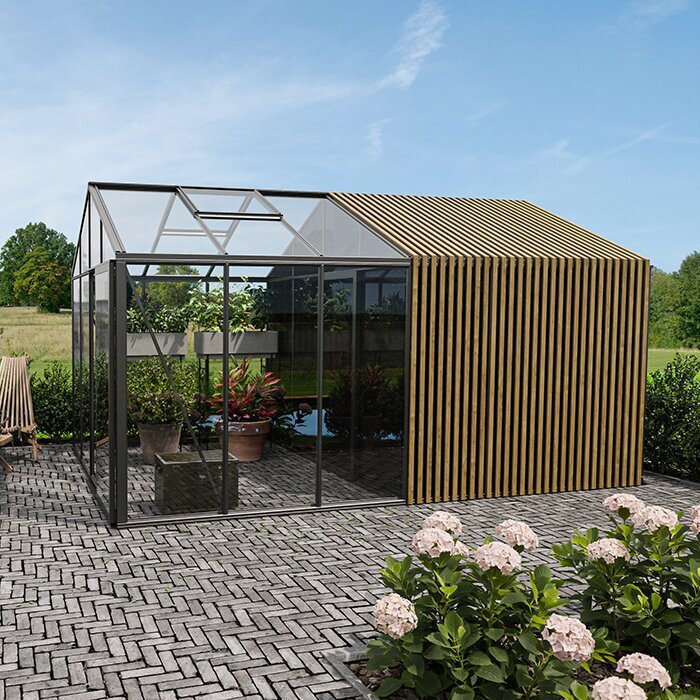
Test shading only after confirming the pattern
Consider shade only after a shielded sensor confirms that the air in the growing area is genuinely heating up in direct sun. Reducing incoming sunlight may help with solar heat gain, but it also changes the light reaching plants; a single shading percentage is not right for every crop or situation. If you trial a verified, compatible shade option, record when and where it is used and keep the rest of your setup as consistent as possible. Shading does not replace checking whether vents are clear and operating.
Compare like with like: keep sensor positions and logging times the same, and note changes in cloud, wind and vent operation. A cooler reading on a cloudy day after installing shade would not show what the shade itself changed. Label shaded and unshaded periods in the log so you can find the relevant comparisons without relying on memory. Before fitting anything, confirm compatibility with the exact greenhouse model and size. If you are considering the Limited Edition Aluminium Greenhouses, the listed footprint range is 3.77 m² to 28.08 m²; identify the particular size when asking about shade fittings. Keep the shading trial focused on the temperature pattern you have measured, while also considering the light your plants need.
Use the log to choose the next change
Look for a repeatable pattern before deciding what to alter. If only the exposed thermometer reads unusually high, improve its position or shielding and repeat the comparison. If shaded indoor sensors rise during strong sun while the outdoor reading stays lower, solar gain is likely part of the difference. A warm spot in one area points you towards local exposure or airflow; heat that lingers after the outside air cools warrants another look at the site and ventilation. Summarise the pattern in a sentence that names the location, time and conditions, rather than simply writing ‘too hot’. Then identify the change you want to test and the readings you will compare afterwards. Keep the original log as your reference instead of overwriting it with the new results. These patterns guide further checks, but a single day cannot establish every cause, especially if cloud or wind changed during the comparison.
If reconfiguring or replacing the greenhouse becomes a serious option, take the log with you: include the peak at plant height, how long it lasted, the shaded outdoor comparison, readings at other points and the vent positions. Separate what you observed from what you suspect. For example, a recorded warm corner is an observation; its cause remains something to investigate. Compare the exact footprint and ventilation details of the option you are considering. The T-Model Orangery Greenhouse has listed footprints from 16.52 m² to 30 m². Use those dimensions to plan the growing layout and monitoring points, then assess the openings separately against your needs. For structural changes or powered controls, use the maker’s instructions and seek a suitably qualified professional where needed.
Frequently asked questions
Should a greenhouse thermometer match the outdoor forecast?
No. A forecast describes outdoor air in a wider area, while a greenhouse can gain heat in direct sun and exchange air more slowly. Compare it with a shaded outdoor reading taken near your greenhouse, at the same time.
Can direct sunlight make a thermometer read too high?
Yes. Sunlight can warm the thermometer’s casing and sensing element above the temperature of the surrounding air. Use a ventilated radiation shield and follow the instrument maker’s placement instructions.
Where should I place a greenhouse thermometer?
Put it in ventilated shade at the height of the plants or growing area you want to monitor. Keep it away from glazing, sunlit surfaces, soil, vents and doors, and use the same position when comparing readings.
How often should I record temperature and humidity?
Choose a fixed interval and keep it through the warming part of the day, the peak and the later cooling period. A 15- to 30-minute interval is a practical starting point for a hand-written log; repeat on comparable days.
Does falling relative humidity mean ventilation is working?
Not by itself. Relative humidity can fall as air warms, even if little moisture has left. Read it alongside temperature, outdoor conditions and recorded vent positions rather than treating one humidity value as a ventilation test.
The most useful comparison is not between a greenhouse maximum and a forecast high, but between reliable readings taken at the same time in the greenhouse and in shaded outdoor air. If you keep sensor positions consistent and note sun, wind, humidity and vent movement, the pattern can help distinguish sensor exposure, a local hot spot and heat that is not leaving as quickly as it arrives.
