
Why Is My Greenhouse Hotter Than the Forecast?
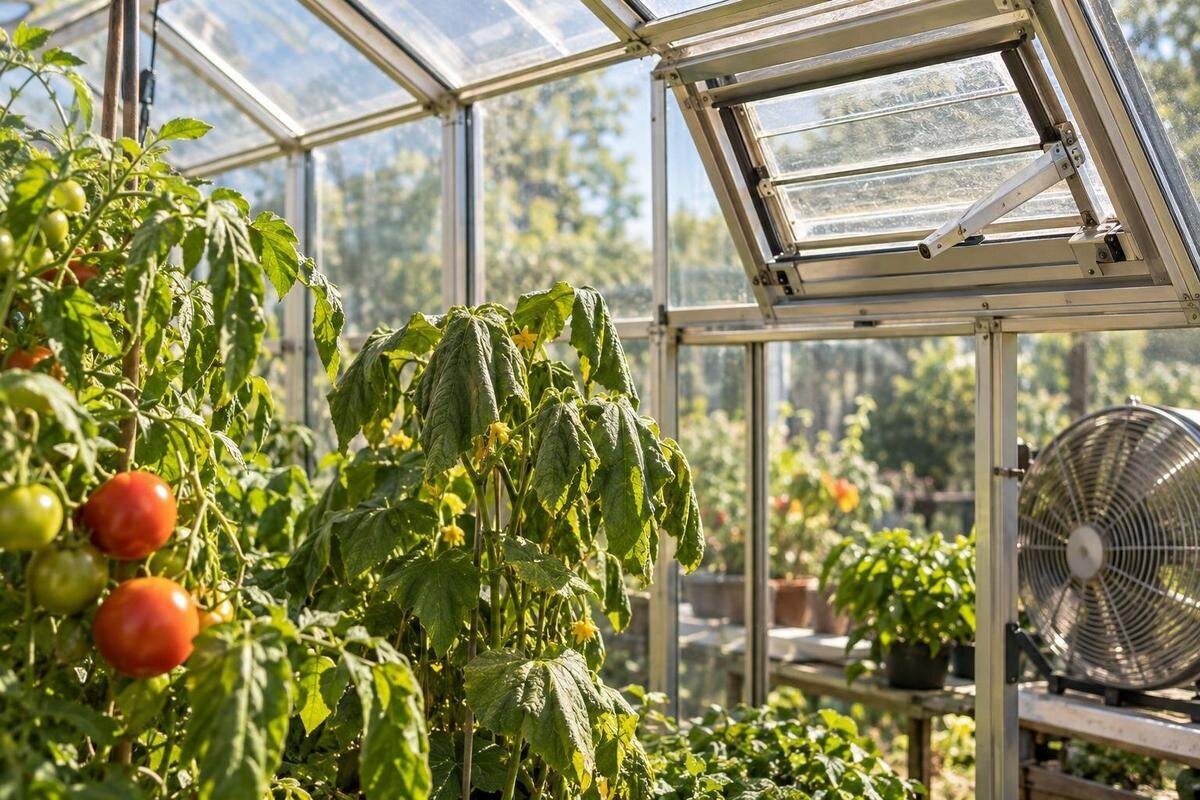
Greenhouse climate troubleshooting
When a greenhouse reading is higher than the local forecast, it is not automatically a forecast error. A forecast describes expected outdoor conditions for a location and time; a greenhouse receives direct solar energy and has its own air movement, shaded spots and heat sources. A probe in direct sun can also report a higher value than the surrounding air. A paired temperature-and-humidity log, with sensor positions and vent settings recorded, can separate a misleading measurement from genuine heat build-up before you change equipment or growing conditions.
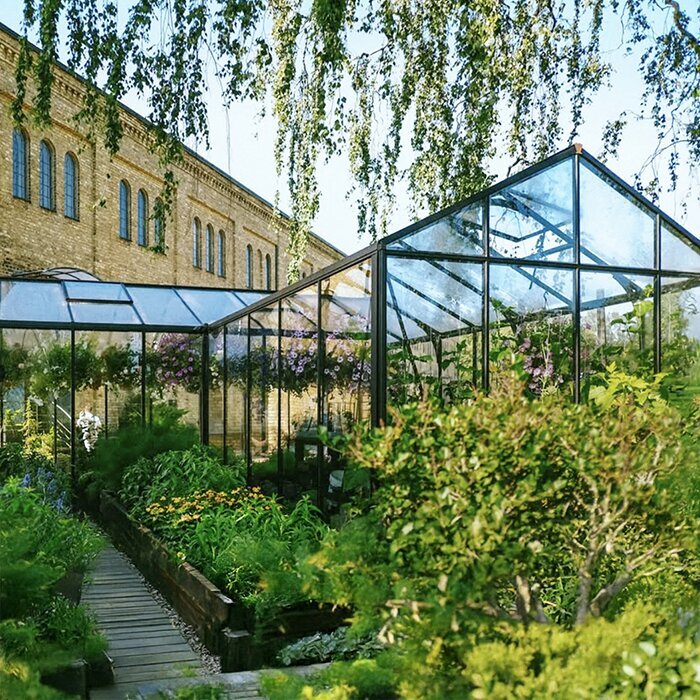
A forecast describes outdoor weather, not greenhouse air
An outdoor forecast is an estimate for a location and period, not a live measurement at your greenhouse. Your garden may have more sun, less wind or more shelter than the forecast area; even a cloud crossing the site can change conditions between checks. The forecast might show an expected daily maximum, while the greenhouse display shows a current value or a local maximum since it was reset. Those figures answer different questions. A greenhouse also changes how quickly it exchanges air with outdoors. Sun can warm objects and surfaces inside, while openings and air movement affect how quickly that energy is carried away. A forecast can therefore be accurate for its stated period even when a genuine indoor peak is higher.
Check the comparison before diagnosing a fault. Note the forecast location and time, whether its figure is an hourly value or a daily maximum, and whether your thermometer is set to °C. Then compare it with an actual, shaded outdoor air reading near the greenhouse, taken at the same moment as the indoor reading. If the local outdoor value is also above the forecast, the site or timing may explain part of the gap. If outdoors is close to the forecast but the inside is much warmer, investigate solar gain, sensor exposure and ventilation. Treat a single comparison as a clue, not proof: conditions can change quickly, and one reading cannot describe the whole day.
Check the thermometer before trusting its peak
Start with the measuring device, not a purchase. Read its manual for units, stated accuracy, operating range, response time, sensor placement and any calibration or reset procedure. Check that two devices use the same unit and that logger clocks match; a maximum/minimum display may cover a different period from a spot reading. Look for a damaged probe, low-battery indicator, moisture on the sensor or a reading that stops changing. Note when a device was last reset, too, so its recorded maximum has a clear time span. Do not use boiling water, ice or other improvised tests unless the manufacturer specifies that method; they can damage equipment or give an invalid comparison.
To compare instruments, leave them side by side in a shaded, ventilated place for long enough to settle, following their manuals. Record both readings and any stated tolerance. This is a screening check, not proof that either instrument is correct; if they disagree, a reference thermometer with known accuracy is needed to identify which is closer. Do not simply choose the more plausible-looking number. Avoid buying a new structure to correct a reading until the sensor has been checked. The Aluminium Classic Greenhouse range is listed from 3.77 to 28.08 m², but floor area does not identify sensor error or establish ventilation for a particular version. If a replacement is under consideration, check the exact layout and its documented features separately.
Place sensors where they measure representative air
An indoor probe should represent the air around the growing area, not the temperature of a sunlit surface. Keep it in moving air, shaded from direct rays, and away from glazing, walls, metal framing, heaters, lamps, wet soil, doors and open vents. A probe beside an opening may measure incoming or escaping air rather than the wider growing zone; one touching a surface can follow that surface's temperature instead. Use the manufacturer's shield or radiation screen if specified. Do not wrap a sensor in a way that blocks airflow, or place it where foliage or stored items will regularly cover it.
Place the outdoor sensor in a ventilated, shaded position, clear of direct sun and nearby surfaces such as hot paving or a wall. That helps it sample outdoor air rather than the material beside it. Keep its position consistent between days. If the greenhouse contains separate beds or corners, take temporary readings in more than one place before choosing a fixed logger position; a single sunny corner may not represent the whole growing area. If comparing floor plans, the Bloomcabin Prestige Greenhouse range spans 3.77 to 28.08 m². Map possible probe positions against beds, corners and documented openings on the selected plan, rather than choosing only the most convenient mounting point.
Build a log that captures the daily pattern
A useful log records more than the hottest number. For every reading, note the date and exact time, indoor and outdoor air temperature, indoor and outdoor relative humidity, probe position and whether a sensor is fixed or has been moved. Add a brief description of sun or cloud, wind or stillness, and the state of doors, roof or side openings, fans and any shading. Record a change when it happens, such as opening a vent, moving shade, watering or a sudden change in cloud cover. Without those notes, it is easy to mistake a change in conditions for a change in greenhouse performance. Keep the raw readings rather than rounding them to match a forecast.
Choose repeatable intervals that your equipment supports. An electronic logger set to 15–30-minute readings can reveal a short peak, but this is a practical starting point, not a universal setting; check the device's response time, memory and manual. With a hand-held thermometer, take readings at the same planned times each day and include one around the period when the greenhouse usually receives the most sun. Begin before that period and continue through the afternoon and, if practical, into the evening. That shows whether temperatures ease as outdoor conditions change. If you are planning a different footprint, the Pyramid Greenhouse range is listed from 5.53 to 18.9 m². Include the intended monitoring locations in your logging plan so each reading can be traced to a specific growing area.
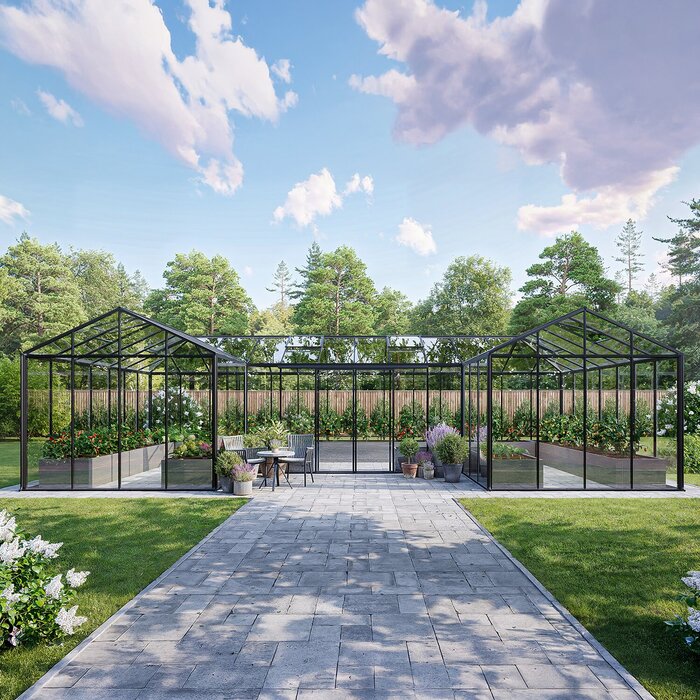
How the site affects greenhouse temperature
Nearby surroundings can change conditions at a greenhouse without changing the forecast. Trees, fences, eaves and buildings may shade it for part of the day or shelter it from wind; a nearby path or wall can also influence the immediate area. Record when direct sun reaches the roof and sides, where shade falls, and whether air seems still around the structure. Sun and shade patterns shift through the day and across seasons, so one visit does not establish year-round exposure. Note what is around the greenhouse as well as what is inside it, and avoid assuming that a compass direction alone explains the reading.
Compare indoor readings with a shaded outdoor sensor close to the structure, rather than one on a windowsill, on paving or beside the greenhouse wall. If a reading rises as sun reaches a particular panel, repeat the observation on another day and check that the probe is not in direct sun before attributing the rise to the whole greenhouse. A lean-to greenhouse needs the same site assessment. The Aluminium Lean-to Greenhouse range is listed from 3.69 to 14.34 m²; when considering a position beside a wall, record its hours of sun and shelter as part of your comparison. Confirm the selected model details separately, rather than assuming the wall will cool or warm the growing space.
Read humidity alongside temperature
Relative humidity (RH) is useful context, but it is not another way to measure temperature or airflow. It expresses the amount of water vapour in the air relative to how much moisture that air can hold at its current temperature. As temperature changes, RH can move even when the amount of vapour is similar. That is why indoor and outdoor humidity should be logged with temperature at the same time, not compared from separate visits. A warmer reading with a lower RH does not by itself show that conditions have improved, and a high RH reading does not prove that the greenhouse is too hot.
Place humidity sensors according to their manuals and away from wet leaves, dripping surfaces and direct spray. Check the stated operating range and whether condensation may have affected the probe; a display may be unreliable outside its specified conditions. Record watering or other substantial moisture events if they coincide with a humidity change. Use RH patterns as supporting evidence: repeated differences between zones or a change after openings operate may justify closer checks, but neither proves a ventilation fault. Crop-specific humidity needs vary, so use reliable guidance for the plants you grow rather than applying one target to every greenhouse.
Inspect the full ventilation path
Check what the vents actually do, not just whether an opening is present. At the times when the log shows a rise, note which doors, roof vents, louvres or side openings are open, whether their movement is obstructed, and whether foliage, stored items or coverings block the route for air. For an automatic opener, consult its manual for operating conditions and setup, then observe whether it opens as intended; do not adjust the mechanism by guesswork. If a fan is fitted, record when it runs and follow its instructions. Leave electrical inspection or repair to a qualified person.
Ventilation depends on a usable path, not a single open panel. Air needs a way to enter and leave, and circulation may differ between a doorway, roof and crowded growing area. Compare readings at more than one point and note whether the pattern changes when openings operate during normal use. Do not shut vents in hot conditions just to create a comparison, use smoke or flame to trace airflow, or put yourself in an unsafe position to reach a mechanism. If selecting a greenhouse, the Limited Edition Aluminium Greenhouses range is listed from 3.77 to 28.08 m². Compare the exact version's documented vent arrangement and compatible controls with your planned growing layout, including any items that could obstruct airflow.
Patterns that point to sensor error or poor ventilation
Look for patterns across the log rather than treating one high value as a verdict. If one probe rises sharply when a sunbeam reaches it while nearby instruments do not, sensor exposure or position is a likely explanation; repeat the check in shaded, moving air. If properly placed indoor probes rise together while the shaded outdoor sensor stays lower, the greenhouse is genuinely warmer at those measured points. If the indoor-outdoor difference is greatest during strong sun and narrows when the sun fades, solar gain is contributing. That observation alone cannot separate site exposure from limited heat removal, so check the surroundings and ventilation record as well.
Compare the time of a peak with the recorded state of the openings, and consider wind, clouds and shade before linking cause and effect; several conditions may change together. A consistently higher reading in a still corner is a reason to check that area's air path, not a measurement of the whole building's ventilation capacity. Larger or divided layouts can need several observation points. The Spacious Greenhouse range lists floor areas from 47 to 70 m²; that figure does not prove temperatures will be uniform. If considering a space of that scale, plan monitoring points for the actual layout rather than relying on one central reading.
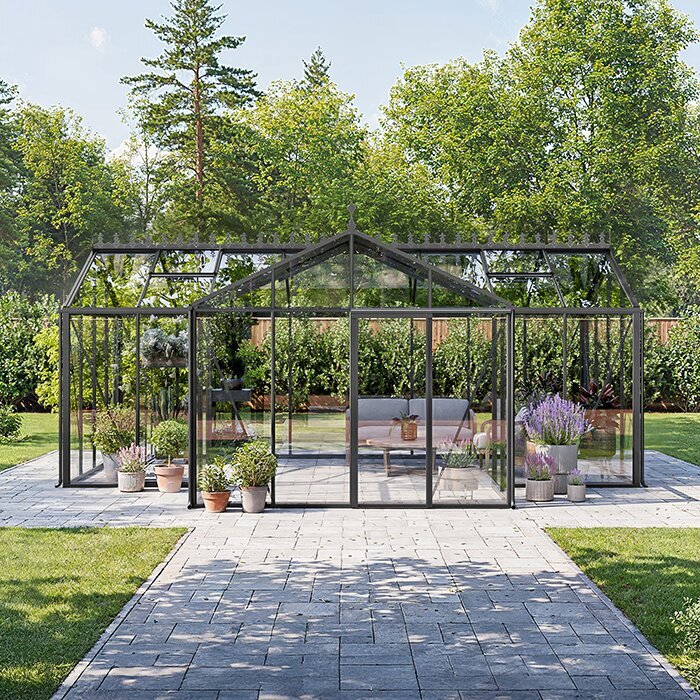
Choose a response that matches the evidence
Respond in order of certainty. First correct a device, position or comparison problem. Then remove an obvious obstruction and confirm that openings or controls work as their manuals specify. If readings still show sustained heat build-up, assess whether the ventilation arrangement suits the structure and site. Changes to fans, airflow or the structure should be reviewed by a qualified greenhouse professional rather than improvised. Make one change at a time and keep the log running. Changing shade, openings and watering together may alter temperature and humidity, but the resulting readings will not show which change mattered.
If the rise tracks direct sun despite functioning ventilation, a compatible, verified shading option may be worth assessing while preserving the light the plants need. There is no universal shading setting for every crop, season and structure; check compatibility and use measured conditions alongside crop guidance. Built-in storage is a layout feature, not proof of cooling or adequate airflow. For the Limited Edition Aluminium Greenhouses with Storage range, check the plan and the exact version's ventilation details before assuming stored equipment or shelving can sit anywhere without affecting an air path. Do not infer shade compatibility from a greenhouse model name.
Repeat the measurements before judging the change
After making a change, repeat the same observations with the same instruments, positions, intervals and notes. Compare days with broadly similar sun and wind where possible; if conditions differ, record that rather than treating the difference as proof. Keep a before-and-after record of what changed, when it changed, and whether the temperature pattern, humidity or evening cooldown changed. Allow instruments to respond as described in their manuals, and keep normal, safe operating practices. Do not deliberately expose plants or people to excessive heat to test a theory.
A useful outcome is not necessarily one number; it is a repeatable picture that fits your crops and the safe operating guidance for your equipment. Use crop-specific horticultural advice to define suitable growing conditions; there is no single temperature or RH threshold for every plant and greenhouse. If planning another structure, the T-Model Orangery Greenhouse range is listed from 16.52 to 30 m². Use your findings to assess the selected layout and its documented ventilation details: which growing areas need monitoring, and where have you observed restricted airflow? Keep the log as a baseline for future seasonal checks, rather than expecting a different floor area or shape to guarantee a particular climate.
Frequently asked questions
Why can my greenhouse be hotter than the forecast on a mild day?
The forecast describes outdoor conditions, not the air inside an enclosure. Sunlight can warm the greenhouse faster than heat escapes through its openings, and your garden may differ from the forecast location. Compare a shaded outdoor reading near the greenhouse with an indoor reading taken at the same time before deciding which explanation fits.
Can direct sunlight make a thermometer read too high?
Yes. A sensor exposed to direct sun can absorb radiation and become warmer than the surrounding air. Put it in a ventilated, shaded position that follows the device manual, then compare it with another instrument in the same place. A sunlit probe is not a reliable measure of outdoor air temperature.
Where should I place a greenhouse thermometer?
Position it in shaded, moving air in a representative growing area, away from the covering, solid surfaces, heaters and openings that create local conditions. Use a second, shaded outdoor probe near the greenhouse, but not against a wall or paving. Keep both positions consistent when comparing days.
How often should I record greenhouse temperatures?
Use a consistent interval supported by your logger and its response time. Every 15–30 minutes can be a practical starting point for electronic logging, not a universal rule. With a manual thermometer, take readings at repeatable times and add one near the suspected peak. Note the weather and vent positions as they change.
Does high relative humidity prove that my greenhouse needs more ventilation?
No. Relative humidity changes with temperature and moisture, so it cannot show airflow by itself. Compare readings in more than one location, note whether vents operate, and look for repeatable patterns alongside temperature. Check sensor limits and crop-specific guidance before treating a single humidity reading as a problem.
An above-forecast greenhouse reading is a prompt to check the comparison, not a diagnosis on its own. Verify the sensors, compare shaded outdoor and representative indoor air at matching times, and note sun, humidity and openings over repeated days. If the indoor rise is consistent across correctly placed probes, use the vent log and site notes to identify where heat is building up. Make a measured change, then repeat the comparison; a clear record is more useful than chasing a forecast number or changing several things at once.
