
Greenhouse Monitoring Away From Home Wi-Fi: Your Options
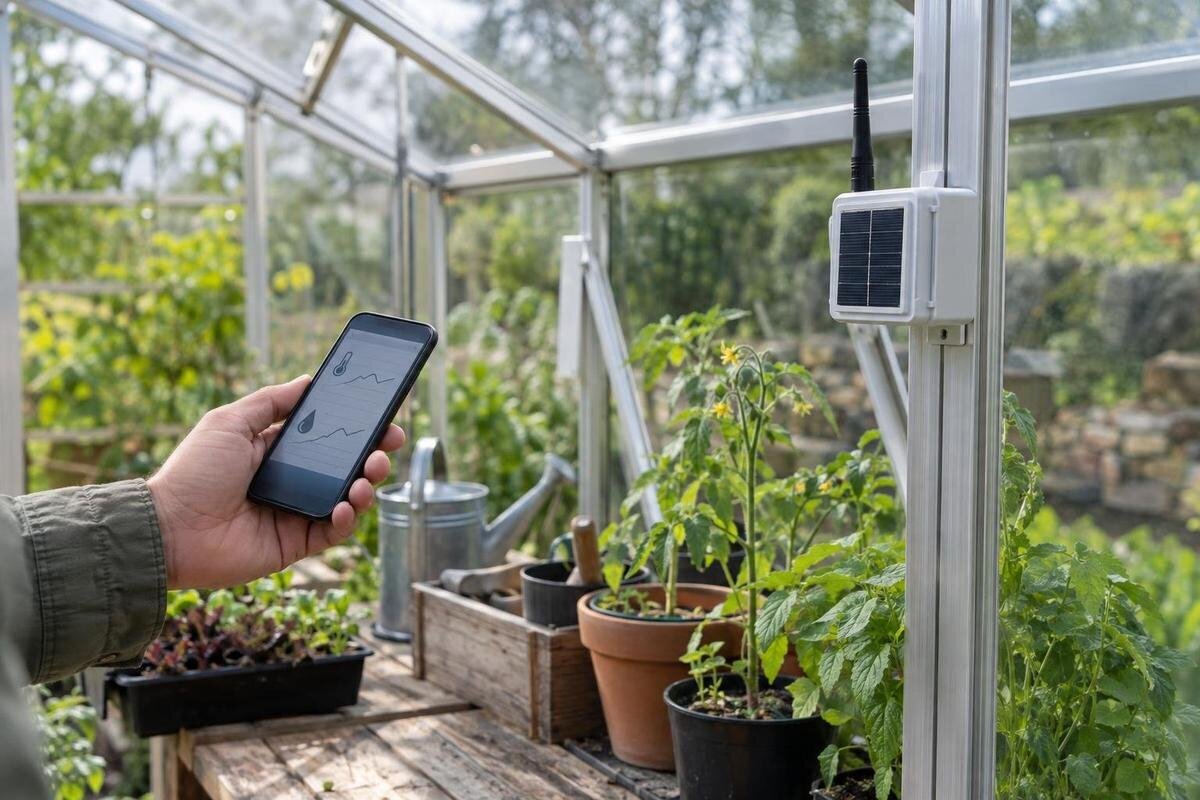
Greenhouse monitoring
Home Wi-Fi is not the only way to monitor a greenhouse, but the alternatives solve different problems. A standalone logger stores readings for collection on your next visit; a cellular monitor can use a mobile network to send remote alerts; and a long-range radio link can bridge the distance to a gateway. That gateway still needs an onward connection, such as home internet or mobile data, if readings are to reach your phone. Choose by coverage at the actual site, sensor compatibility and whether you need a history or a prompt to act.
Before you buy 1
Separate the local link from internet access
Treat the setup as a chain: sensor, local connection, gateway, onward connection, then your phone or a monitoring dashboard. A greenhouse can be beyond the house router’s Wi-Fi reach even when the home still has reliable internet; a supported radio link from sensor to a receiver in Wi-Fi range may bridge that gap. The receiver then uses the home internet to send data. If there is no internet at the property, the same receiver does not create remote access. A cellular modem can provide a different onward route, while a standalone logger needs no onward route for recording. Ask which device performs each job: the word wireless alone does not say whether it means Wi-Fi, a sensor-to-hub radio link or mobile data.
Separate monitoring from control as well. A logger records what happened, and a remote alert tells someone about a reading; neither function necessarily opens a vent, runs irrigation or changes another setting. An automated response needs compatible control equipment and its own design and installation checks. Decide whether you need a retrospective history, a message while you are away, a local alarm, or more than one of these. Also identify who will receive and act on alerts, and whether that person can get online on their phone. This prevents a common mismatch: buying a monitor that displays data at the greenhouse when the actual need is to know about an event from elsewhere.
Choose measurements and response time first
Name the decisions the readings are meant to support. These might include checking temperature swings, relative humidity, soil moisture or whether a watering system ran, where a compatible sensor supports it. Include a measurement only if it informs a task. A sensor measures at its own location, so soil moisture at one probe is not a reading for every pot or bed. Check available variables, units, logging interval, time stamps, local display and data export before comparing dashboards. If alerts matter, find out whether the device lets you set thresholds and any delay or repeat interval, and whether it can flag a failed or disconnected sensor. Choose threshold values for the plants and actions you manage; generic defaults are not a substitute for your own operating plan.
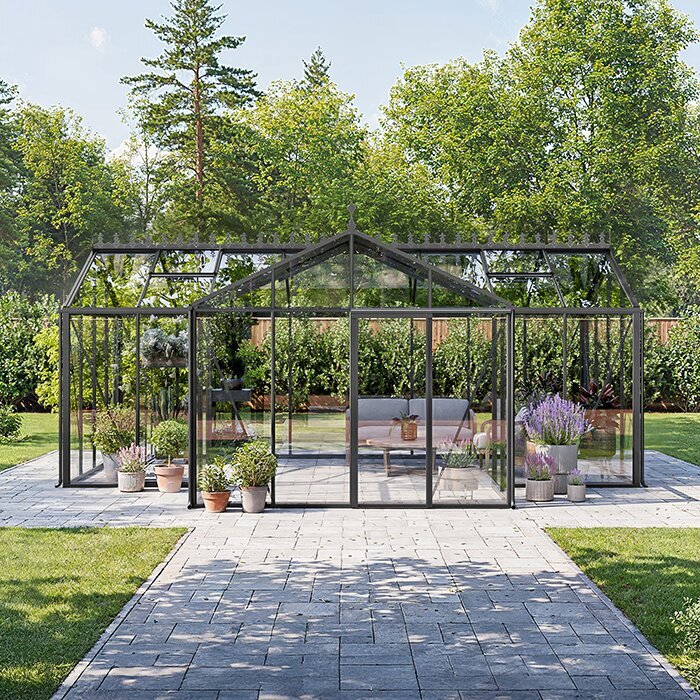
Sketch the areas where readings may lead to different decisions. Sun exposure, open vents, door traffic, crops and bench positions can make two locations behave differently, but adding probes everywhere creates extra equipment to maintain. Start with the actual layout and list which areas need separate readings. If you are considering the Spacious Greenhouse, listed in variants from 47 to 70 m², use the proposed bench and crop layout to plan monitoring zones rather than assigning sensors by floor area alone. Compare your requirements with the system’s supported sensor count and expansion options, allowing for any planned changes to benches or crops.
Before you buy 2
A standalone logger stores readings for later
A standalone logger is a practical option when nobody needs an immediate remote warning and readings can be collected during site visits. It records data within the device or to local storage; some models show it on a display, while others require a nearby phone or computer to retrieve it. Ask exactly how readings are downloaded and what software or cable is needed. When planning a Classic aluminium greenhouse, available in variants from 3.77 to 28.08 m², include an accessible position for the logger in your layout. You should be able to retrieve data and maintain the device without disrupting the growing area.
Check how long the logger will retain data at your planned interval, with all intended sensors active. Ask whether it overwrites the oldest readings when memory fills, stops recording or gives a warning; confirm whether time stamps survive a loss of power and whether the stored file can be exported in a usable format. If you expect to visit only occasionally, the longest realistic gap between visits matters more than a headline capacity. A local record can still be useful when mobile service is patchy, but recording alone does not provide a warning. A local alarm or remote link is a separate function, so confirm what is included rather than inferring it from the word logger.
Cellular alerts rely on signal at the greenhouse
A cellular monitor or gateway uses an operator’s mobile network to send readings without relying on greenhouse Wi-Fi. The modem may be built into the monitor or housed in a separate gateway; check where it will be installed and which operator or network types it supports. A coverage map is a screening tool, not proof of a usable signal at the mounting point. For a Lean-to Greenhouse, listed in variants from 3.69 to 14.34 m², include the adjoining wall when assessing the signal path. Test with the intended operator and, where possible, the actual modem: a phone may receive a different signal from a dedicated device.
Confirm the connection’s full cost and failure behaviour. Some systems need a SIM or eSIM and mobile data; a platform, cloud storage or SMS messages may carry separate charges. Check which SIM types are accepted, whether settings such as APN configuration are required, and whether the account is locked to a particular service. Ask whether readings are stored during a signal outage and sent later, how long that buffer lasts, and whether the system reports loss of connection or low signal. A notification that uses a data app needs an active route from the gateway to the service as well as internet access on the receiving phone. An alert should not be treated as guaranteed delivery if any link in that chain fails.
Before you buy 3
Long-range radio links sensors to a receiver
A long-range radio link handles the local connection between sensor and receiver; it is not automatically internet access. It can suit a greenhouse beyond the house router’s reach if a compatible receiver can sit where it has access to home internet. The sensor sends data to the receiver, which sends it onward. Without internet at the property, remote alerts still need another route, such as a cellular-enabled gateway. A local base station may display readings without that onward connection. If you are planning a Limited Edition Aluminium Greenhouse, listed from 3.77 to 28.08 m², mark both the sensor and receiver positions on your site plan so you can assess the full route.
Do not judge radio coverage by a published maximum distance alone. The device protocol, antenna arrangement, obstacles and final positions affect the working link, so a route across an open lawn may perform differently from one that passes through walls, frames or foliage. Test the exact transmitter-to-receiver path with equipment in its intended locations and the greenhouse in normal use. Check the compatible repeater or receiver requirements, maximum sensor count and what happens when packets are missed. If a gateway uses home Wi-Fi for its onward connection, confirm that it can maintain that connection at the chosen receiver position; a long-range sensor connection does not extend the home router’s internet by itself.
Confirm sensor compatibility at every layer
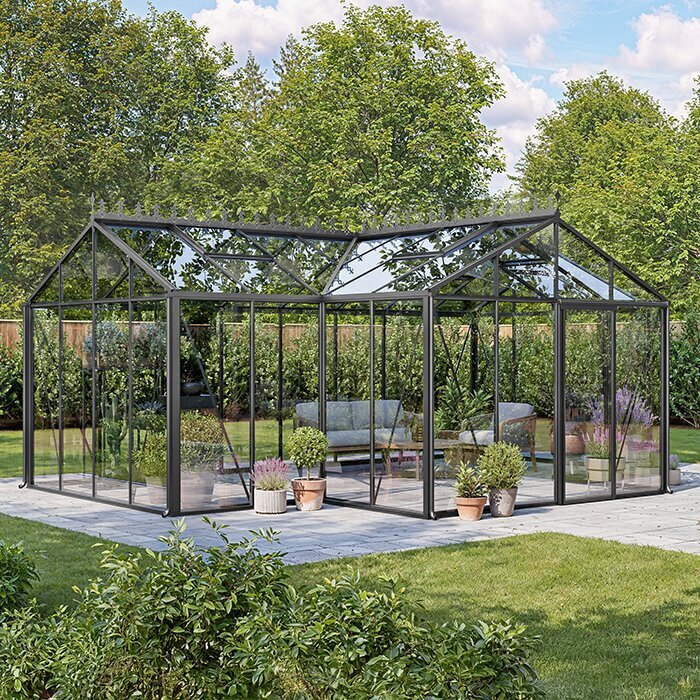
Compatibility has at least three layers: the sensor must measure the variable you need; it must communicate with the logger or gateway; and the software must display and store its readings. A temperature or humidity sensor is not automatically compatible with every monitor. Ask which exact sensor models are supported, which connection method or protocol they use, how many can be connected and whether more can be added later. When planning zones for a T-Model Orangery Greenhouse, listed from 16.52 to 30 m², check that the software can label each sensor clearly. You need to distinguish readings by location, see the correct units and export the data you intend to review.
Look beyond the variable name to the measurement range, accuracy, response and calibration requirements stated by the sensor maker. Those specifications matter when conditions approach the greenhouse’s normal extremes; do not assume a domestic indoor sensor suits a damp growing space. For probes used in soil or growing media, confirm that the sensor is intended for that medium and follow its placement and care instructions. Ask how to identify a flat, implausible or missing reading, how a sensor is recalibrated or replaced, and whether the monitor flags a fault rather than presenting old data as current. If you want to combine brands, get explicit compatibility confirmation for each sensor and gateway pair.
Before you buy 4
Place sensors to represent growing areas
Put each sensor where its reading can answer a real question, not simply where it is easiest to mount. For air temperature and humidity, choose a representative position for the plants or area being monitored and follow the maker’s guidance about shielding and clearance from direct sun, walls, vents, doors and irrigation spray. If you need to know about a warm or damp corner, use a separate reading there rather than relying on a central sensor. For a Pyramid Greenhouse, listed in variants from 5.53 to 18.9 m², draw the crop layout and proposed sensor positions together. This helps you identify which growing areas each reading is intended to represent before finalising quantities.
Separate measurements by purpose. An air sensor tracks conditions at its location; a soil-moisture probe describes the material around its sensing area and does not automatically represent a whole bed or several pots. Place probes according to the manufacturer’s instructions and label each one by crop or zone in the app and in a written plan. Compare simultaneous readings from nearby points during a short trial if you are unsure whether one zone behaves differently; do not infer conditions throughout the greenhouse from one reading. Keep notes when you move a sensor, because a change in position can look like a change in greenhouse conditions. Add a sensor where separate readings would change an action, not just because more channels are available.
Check power and environmental ratings
Connectivity does not remove the need to plan for power. List the power source for every sensor, logger, gateway, mobile modem and local alarm; a battery-powered probe does not keep a mains-powered hub online. Ask the supplier for expected battery life at your selected logging and transmission rate, whether batteries are replaceable, how low power is indicated, and what happens to stored readings if the device runs out. Check whether the system can report that a sensor has gone offline. If it needs fixed mains power or outdoor wiring, have a qualified professional assess the installation rather than improvising in a damp greenhouse. Do not assume an optional backup is included; confirm the exact equipment and its behaviour.
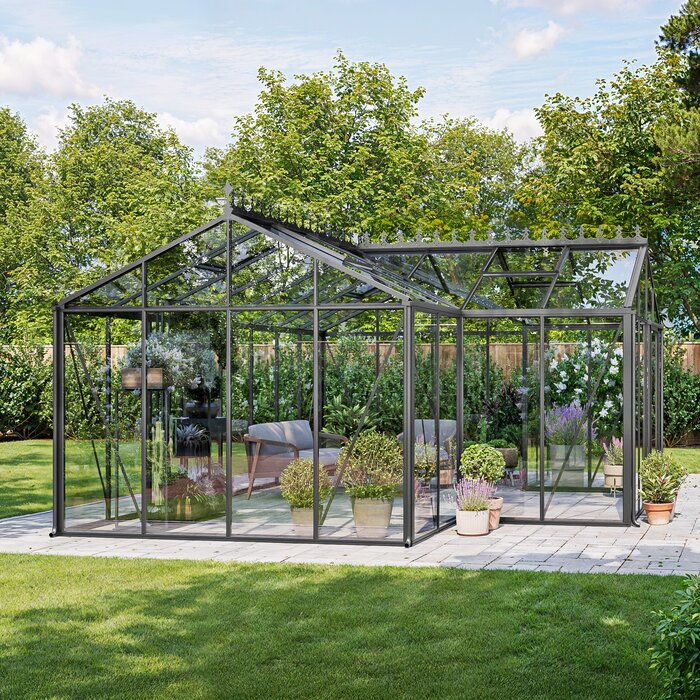
Greenhouse conditions can include heat, condensation, splash and dust, so check the stated operating range and environmental protection for every component, including the gateway and connectors. A rating for a sensor does not automatically apply to its power supply or hub. Mount equipment as directed by its maker, and keep any display or network unit within its stated conditions. The Limited Edition Aluminium Greenhouse with built-in storage is listed in variants from 5.52 to 28.08 m². If you plan to put monitoring equipment in its storage area, assess conditions there separately rather than assuming it is a suitable location for a hub. Measure that area only if its conditions also matter to something you store or do there.
Before you buy 5
Include subscriptions and maintenance in the budget
Write down recurring monitoring costs separately from the greenhouse itself. Include the SIM or data plan, any dashboard or cloud subscription, per-message SMS charges, extra sensors, replacement batteries and storage or export fees. A logger may avoid mobile-data charges when it only stores locally, but check whether its app, data history or export features require an account or paid service. Ask what remains usable if a subscription lapses: can you still read the display, retrieve local data, or set alerts? Confirm who owns the account and records, how long cloud readings remain available, and whether files can be exported before cancellation. Compare the ongoing total over the period you expect to use the monitor, not just the hardware price.
Budget for upkeep as well as a service plan: batteries need checking, sensors may need care or replacement, and alerts should be tested periodically. Avoid paying for a long feature list if the extra measurements will not influence your tasks, but do not choose local logging if the main requirement is a prompt remote warning. The Prestige Greenhouse with metal base is listed from 3.77 to 28.08 m²; its structural details and footprint do not determine monitoring service charges. Keep greenhouse choices and monitoring subscriptions as separate line items. For a connected account, also ask how user access is managed, what happens if the provider’s platform changes, and whether service alerts depend on a third-party app.
Test coverage and alert handling on site
Before relying on the system, test the complete route in its final positions. Confirm that each sensor is reporting the right reading and time, that the gateway shows a current connection and that the intended person receives a test notification. Use the manufacturer’s documented test method for alarms and communications failures; do not create unsafe greenhouse conditions just to trigger a threshold. If readings buffer during an outage, check the documented recovery behaviour and whether timestamps remain clear. Make sure there is a way to recognise stale data, a low battery or a disconnected sensor. A displayed number that stopped updating can look reassuring unless the system labels it as old.
Use the response requirement to make the final choice. If a record reviewed during site visits is enough, a standalone logger may be the simplest fit. If you need alerts while away, choose a cellular route only after confirming operator signal, service and compatibility. A long-range link needs a receiver with access to home internet or another onward connection, such as mobile data, for remote alerts. A local logger can retain history alongside remote alerts where the equipment supports both functions. Decide who responds, which alerts need action and how to contact a backup person. The monitoring setup should fit the way you manage the greenhouse, with a tested connection and a clear response plan.
Frequently asked questions
Can a greenhouse monitor send alerts without Wi-Fi?
Yes, if it has another working route to you, such as a compatible cellular connection or a radio link to a gateway with internet access. A standalone logger can record readings without Wi-Fi, but it will not provide remote alerts unless it has a separate communications connection.
Does long-range radio send readings straight to my phone?
Usually, the radio link is between sensors and a receiver or gateway, not directly to a phone. The receiver may show or store readings locally, but remote notifications need a further connection, such as home internet or mobile data.
Can I use a prepaid SIM in a greenhouse monitor?
Only if the device accepts that SIM and its network. Check compatibility with the intended mobile operator, data requirements, top-up or expiry terms, and any separate platform or messaging charges before relying on it.
How can I check whether cellular coverage is adequate?
Test at the planned device position using the intended operator, preferably with the monitor or a comparable modem. A phone test can help, but its reception may differ. Confirm that a test notification arrives and ask how the monitor reports a lost connection.
Will any temperature or humidity sensor work with my logger?
No. Check that the exact sensor model and connection method are supported by the logger or gateway, and confirm how many sensors it can handle. Also check the sensor’s measurement specifications and suitability for greenhouse conditions.
Without home Wi-Fi, you still have two separate decisions: how the sensor records or sends readings, and how those readings reach you. Local loggers suit later review; cellular can send data where the selected network works; long-range radio can link a sensor to a receiver, but remote access still needs an onward internet connection. Base your choice on the measurement task, confirmed compatibility, site-tested coverage and the service you are willing to maintain. A small trial with the equipment in its final positions is more useful than a theoretical range claim.
