
Remote-Controlled Sauna Heating: Compatibility and Safety Features to Check
Sauna heating and controls
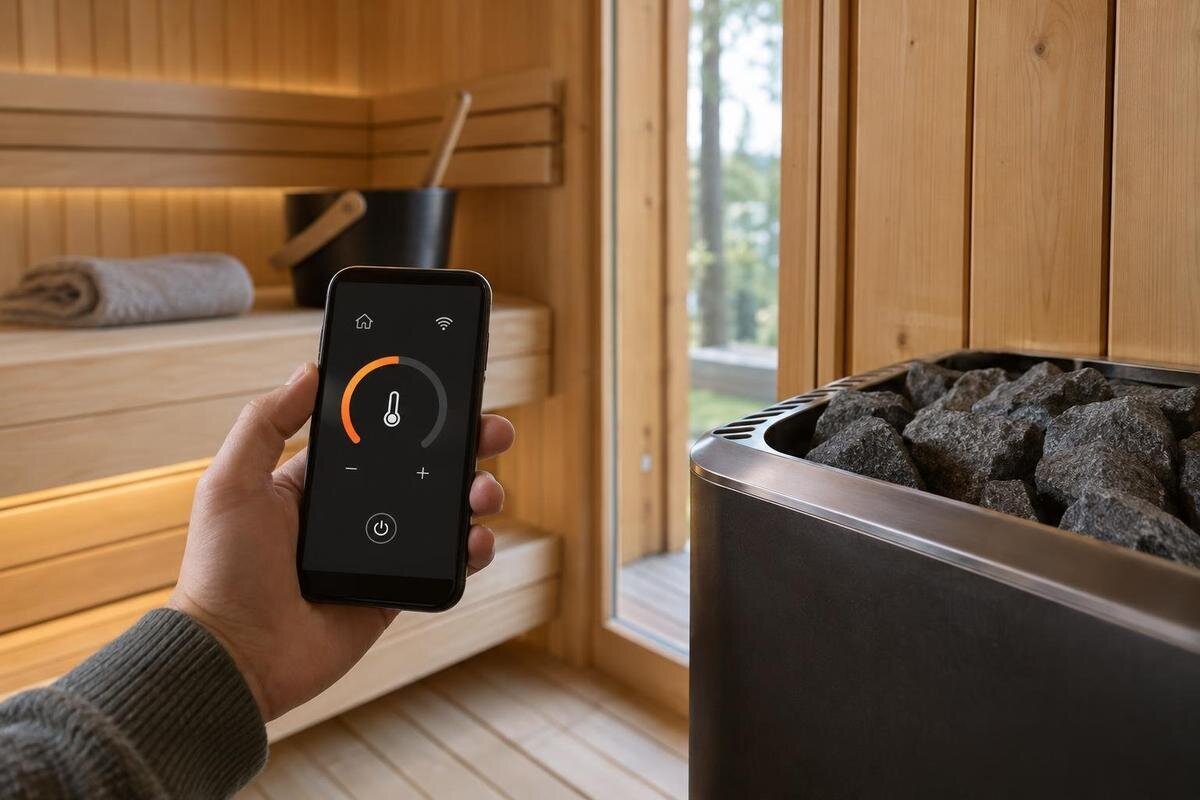
Remote operation can make a sauna easier to prepare, but it changes how the heater can be started and who can control it. A phone app, timer or Wi-Fi label does not establish that a particular heater supports unattended starting. Before choosing a system, match the exact heater, controller, remote module and required safety devices; check documentation for the Australian configuration; and understand the manufacturer’s operating limits. Treat remote starting as a feature to verify, not a standard inclusion or a guarantee of safe operation.
01
Remote monitoring is not the same as remote starting
Remote-controlled heating can mean anything from viewing a temperature reading to changing settings, scheduling a start or switching on a heater when nobody is beside the control panel. These functions are not interchangeable. Monitoring may show information without allowing the heater to start; a delayed timer may also have different restrictions from an on-demand remote start. Ask which actions the system supports, whether remote starting can be disabled separately and whether commands come from an app, a wall control or both. If you only want to check a reading after starting the heater locally, say so: remote monitoring may meet that need without enabling remote starting.
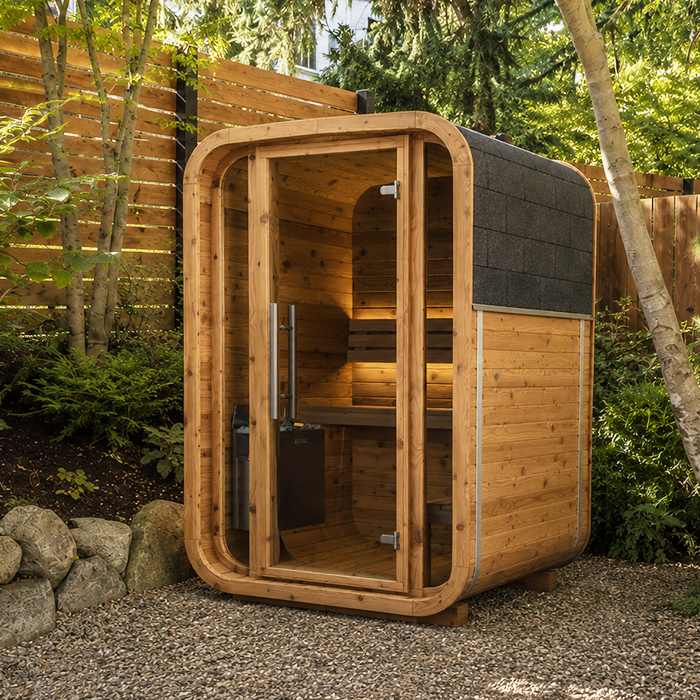
Keep the sauna model, heater and controls distinct when you review a package. If you are considering the Thermowood Barrel Sauna N-210, ask which heater and controller are included in the configuration being quoted. The sauna name alone does not establish whether remote starting is available. Request written inclusions with exact equipment model numbers, and distinguish included functions from optional accessories. Describe what you actually want to do: view the temperature, adjust settings, schedule heating or start the heater remotely. Ask the supplier to identify which of those actions the proposed package supports. This makes the enquiry more useful than simply asking whether the sauna is “smart”. Do not infer a remote function from a photograph or a broad claim of app compatibility.
Check compatibility across every control component
Compatibility is a chain, not a single wireless setting. Record the heater’s full make and model, the controller or control unit, the remote receiver or gateway, any required sensors, and relevant app or firmware versions. Then check the manufacturer’s documentation for confirmation that those exact components can be combined for the remote function you want, in the intended market. A module that connects to your home network is not necessarily able to control that heater; a controller compatible with a heater may not support a separate remote interface.
For a package based on the N-250 sauna model, use the exact sauna and heater models in your compatibility enquiry rather than treating the sauna name as a control-system code. Ask for a supported-products list or written confirmation covering the complete combination. Where the documentation gives a model suffix or revision, include it in the enquiry rather than shortening the name. Be cautious about general claims such as “works with most heaters”. Mixing brands, using an aftermarket relay or substituting a different model revision can change the arrangement, so a shared connection type or wireless standard does not establish compatibility. If the supplier proposes an alternative component, ask them to identify the revised combination and confirm that it still supports the same remote functions before you accept the substitution.
02
Match the heater to the sauna before choosing remote controls
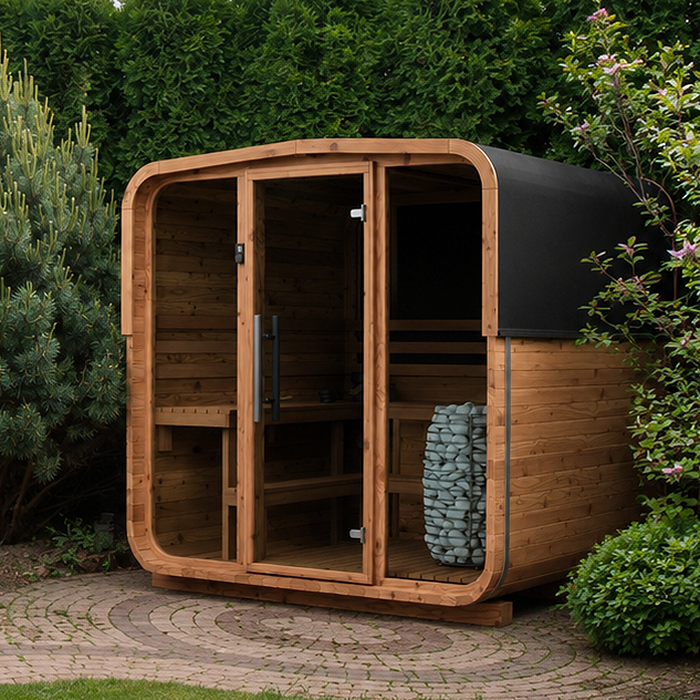
Remote control does not determine the right heater capacity. First match the heater to the exact sauna configuration using the manufacturer’s sizing method and the drawings or details its instructions require. A listed floor area is not the same as room volume, nor is it a heater-selection formula. The LC-260 sauna listing gives a floor area of 5.12 m²; that figure helps identify the model but cannot, by itself, establish which heater is appropriate or which control system it supports. Ask the supplier to specify the intended heater for the configuration you are considering and explain which sauna details were used to select it. Keep that selection separate from the choice of app or remote interface. If a preferred control package requires a different heater, have that heater assessed for the sauna rather than choosing it solely for its remote features.
Once the heater model is clear, compare its electrical and control requirements with the proposed controller and remote hardware. The supply, switching method and equipment ratings must match the manufacturers’ documentation; general advice or an online calculator is not a substitute for reviewing the actual installation. Give the equipment schedule and relevant sauna drawings to an appropriately qualified electrician for site-specific advice. If the sauna, heater or included components change, ask for the compatibility and installation review to be updated rather than carrying an earlier assumption forward.
Ask what the certification evidence covers
Ask which Australian compliance or certification evidence applies to each electrical item in the proposed setup: the heater, controller, remote receiver or gateway, and any required safety device. Request documents that identify the manufacturer and precise model or model family, and explain what the evidence covers. Ask whether it applies to an individual component, a particular combination or the remote-start function. When enquiring about a heating package for the HCF-300 sauna model, distinguish the sauna’s catalogue information from the evidence for its proposed electrical equipment. If a document covers several models, ask the supplier to identify the entry relevant to your configuration. Record any exclusions or conditions alongside it so that a general statement about a product range is not mistaken for confirmation of every available combination.
Evidence for one device does not establish that a separately sourced heater, controller and sensor are approved to work together, or that the system has been installed in accordance with applicable requirements. Ask who can confirm the complete configuration and its suitability for your property. An appropriately qualified local electrician can review the documents against the intended Australian supply and site. Resolve gaps or mismatched model numbers before purchase, and keep the relevant documentation with the sauna manuals for later servicing.
03
Verify the safeguards required for remote starting
Ask the manufacturer exactly what conditions must be met before a remote start is allowed. Depending on the system, safeguards may include a door contact, an arming or reset step, a restricted operating window or another specified interlock. These examples are not a universal feature list: the required measures and what they do vary by design. Find out which are essential, how the system indicates a fault and whether a missing or failed device blocks remote operation. Do not assume a controller supports a required sensor just because that sensor is available as an accessory.
A sensor does not automatically confirm that the room is clear or that the heater has been prepared correctly. Follow the manufacturer’s procedure for remote starting, including any required check of the sauna before enabling the function; do not bypass an interlock or ignore a fault. For a proposed Thermowood Barrel Sauna LCF-300 package, ask which required safety devices are included and which must be ordered separately. Have the supplier explain their purpose in the specified system, rather than relying on accessory names alone. Ask what the user must do after a safety device interrupts remote operation and where that procedure appears in the instructions. Keep the distinction clear between a device reporting its own status and a person completing any preparation checks required by the manufacturer.
Check timers, temperature limits and fault behaviour
Before enabling app control, check the system’s permitted temperature settings, maximum run time, scheduled-start restrictions and automatic shut-off behaviour. These details belong to the manual for the exact heater and controller. A setting displayed in an app is not necessarily the system’s full safety limit, and different operating modes may have different restrictions. Find out which settings the installer configures and which the user may change. If the manufacturer limits remote starting to a particular mode or time window, follow that limit rather than trying to work around it.
Ask how faults and protective cut-outs are indicated on the controller and in the app, and what the manufacturer says to do if one activates. If you are comparing a heater package for the S-140 sauna, request the operating limits for that exact heater and controller rather than relying on the sauna listing. Check whether the instructions distinguish a normal timed stop from a protective shutdown, and how the user can recognise each. Ask which messages require professional attention and which user actions the manual permits. Do not defeat a limit, repeatedly restart after an unexplained trip or guess at a reset sequence. Stop using remote starting until the manufacturer or installer has explained the fault and the correct response. Keep those instructions accessible to other authorised users, not just the person who configured the app.
04
Have the complete system installed and commissioned
A remote-control retrofit is not simply a matter of adding a Wi-Fi accessory. An appropriately qualified electrician should compare the exact equipment schedule and manufacturer’s documentation with the supply and conditions at your site. The suitable installation method depends on the named equipment and its instructions; it is not a generic DIY wiring task. Do not attach a smart plug or universal relay unless the heater manufacturer explicitly approves that exact arrangement. Remote access cannot correct an unsuitable electrical setup or replace required local controls and safety devices.
Ask how the installer will commission normal and remote operation, check each required safety feature and explain local controls and fault responses. For an installation using the HC-150 sauna model, the commissioning record should identify the actual heater and control equipment, not just the sauna name. It should also record the configuration and any permitted remote-start settings so later servicing does not rely on guesswork. Arrange for the person who will manage app access to receive the operating explanation, and ask for clarification of any status message or control they do not understand. Keep the commissioning information and manuals together, and make them available if another electrician or service technician works on the system. If the installed equipment differs from the original quote, ask for the record to reflect what was actually fitted.
Understand network failures and app access
Ask how the system behaves when a connection or power supply is interrupted. Does the app use a cloud service, a local network or a gateway? Does the local controller remain usable? What does the user see if a start command is sent but the heater does not confirm it? Find out what happens after an internet outage, power interruption and reconnection, and whether a command can be repeated. Remote starting should not leave you guessing whether a previous request worked. If the status is unclear, do not send another start command; follow the manufacturer’s procedure for checking the system.
Check app support and account management as well as the hardware. For any remote-control package proposed with the HC-225 sauna, ask about software updates, supported phones, how access is shared and removed, and which functions depend on a continuing app or vendor service. Verify those details for the named controller and gateway rather than assuming they apply to every package offered with the sauna. Ask how ownership or account access would be transferred if the property changes hands, and how a lost phone’s access can be removed. Use unique account credentials and limit access to people who understand the controls. Establish which functions remain available locally if the app or remote service is unavailable, so household users know where to find the permitted controls without relying entirely on their phones.
05
Set household rules for remote operation
Agree who is authorised to operate the system and how access will be managed. If several people share one login, it may be difficult to tell who started the heater or changed its settings. Use separate named access if the manufacturer supports it, remove users when circumstances change and explain the status display and local controls to everyone who may use the sauna. For a shared or guest-use space, decide whether remote-start access should be limited to a particular person. If access cannot be managed reliably, leave remote starting disabled.
Use the manufacturer’s preparation procedure whenever remote starting is contemplated. An app command does not replace a check that the sauna is ready when the instructions require one, and a timer does not make every unattended start permissible. Agree how users should respond to an unexpected start, a fault or an unclear status display. If nobody can reliably confirm that the required conditions have been met, favour local operation or disable remote starting. Clear household expectations matter because convenience features can be used by people who did not choose or install the system.
Get the full configuration in writing
Before purchase, request a configuration record that names the sauna model, heater, controller, remote module, required sensors and any relevant app or firmware. It should state which remote functions are supported and list restrictions or required accessories. Match every model code against the manufacturer’s documentation or supported-products information, and ask for applicable Australian compliance evidence for the specified components. In the quote, distinguish equipment supplied with the package from accessories, installation work and configuration tasks that need to be arranged separately. Ask who is responsible for each outstanding item so that an essential part of the proposed system is not left unassigned. If the heater or controller has not yet been selected, make remote operation an explicit requirement rather than assuming it can be added later.
Keep the agreed configuration with the final quote and record any changes before accepting the order. If a component is unavailable or an alternative is offered, ask whether the supported functions, required safeguards or installation arrangements change with it. A useful written answer names the replacement and explains its place in the revised system; a general assurance that it is equivalent leaves those details unclear. Separate confirmed inclusions from unresolved choices so you can see what you are actually buying. Where remote starting remains unconfirmed, do not treat it as part of the package or accept an unspecified promise to add it later. Resolve that point before purchase, or choose a clearly documented local-control arrangement instead.
Frequently asked questions
Can any sauna heater be made remote-controlled?
No. Remote operation must be supported for the exact heater and control system by their manufacturer. A generic smart plug, relay or app is not proof of compatibility. Check the approved model combination and have an appropriately qualified electrician review the proposed setup before making changes.
Does Wi-Fi compatibility mean the heater can be started remotely?
No. Wi-Fi may only describe how an app connects to a gateway or controller. It does not confirm that the heater supports remote starting, that required safety devices are included, or that the complete system is approved for that function. Verify each component and its permitted use.
Can I start the sauna heater while I am away?
Only if the manufacturer explicitly allows remote starting for the exact system and all required safeguards and operating conditions are met. Follow the manufacturer’s procedure; do not assume an app can confirm that the sauna is ready. If the instructions are unclear, leave remote starting disabled and start locally.
What certification should I ask about in Australia?
Ask the supplier or manufacturer which compliance or certification documents apply to the exact heater, controller, remote hardware and intended configuration in Australia. Check that the model numbers and scope match, then ask an appropriately qualified local electrician to confirm the requirements that apply to your installation.
Is remote control included with a sauna?
Do not assume it is. Confirm in writing which heater, controller, remote module and sensors are included in the configuration you are buying, and which functions they support. A sauna model name or listed floor area does not, by itself, confirm that remote heating is available.
Remote-controlled heating is a feature of a specific, documented installation—not an automatic property of a sauna or an app. Verify the heater, controller and required safeguards as one system, understand its limits and fault responses, and have the proposed setup reviewed by an appropriately qualified local electrician. Keep the configuration and commissioning information with the manuals. If the manufacturer cannot clearly explain the supported arrangement and its conditions, leave remote starting disabled until those details are resolved.
