
Which Greenhouse Temperature Alarms Are Useful?
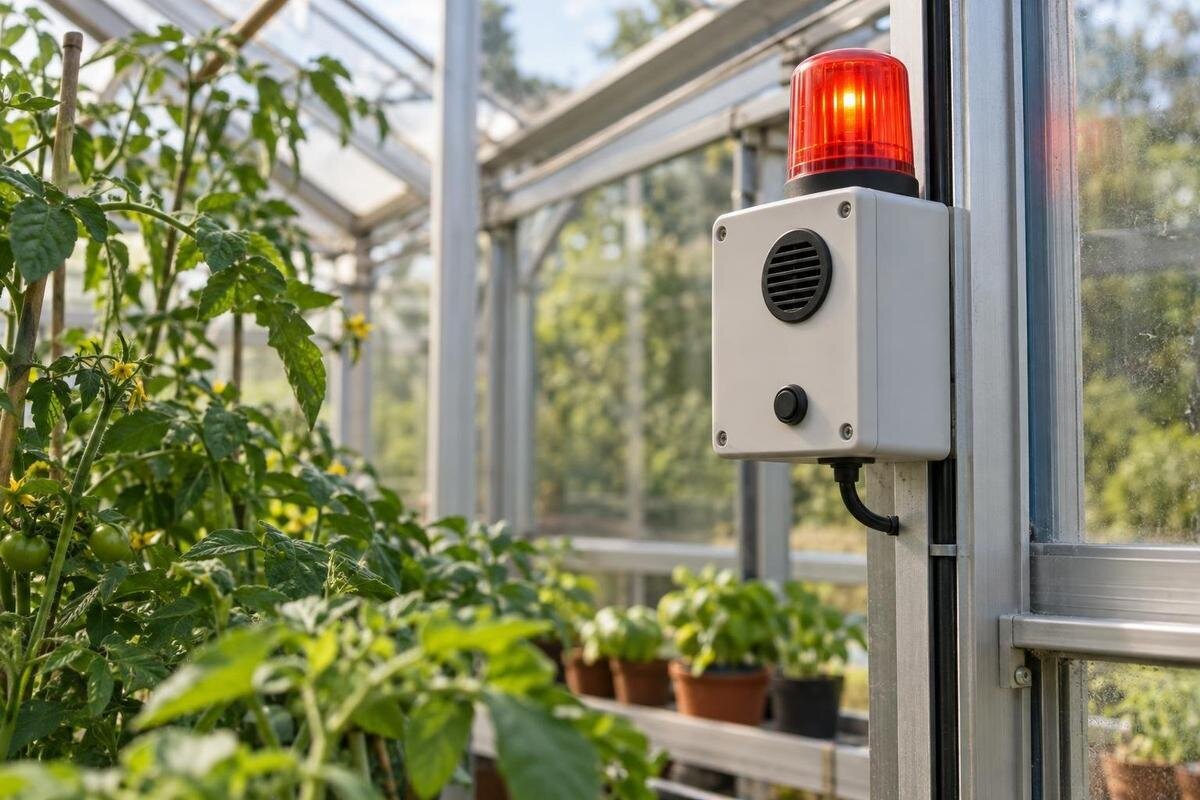
Greenhouse temperature alarms
Temperature alarms are useful only if the reading arrives while there is still time to act. A low reading with no one watching, or a high reading with no agreed response, is just a number on a screen. Set limits around the plants you actually grow, leave enough time for someone to check the greenhouse, and decide who takes over when you are away. Keep notifications separate from thermostats, vents and shading: an alarm may warn you without changing conditions.
01
Choose temperature limits for the plants you are protecting
Start with the crop that would be affected first, not a familiar all-purpose number. For each bed, tray or group of pots, note the minimum and maximum temperatures recommended for the plant species and its current stage, using a supplier’s guidance or another dependable horticultural reference. A germinating tray, established crop and tender plant being overwintered may have different limits. A preferred growing range is not automatically a damage boundary, so record what each figure means, including whether it applies to brief exposure or a longer period. If different plants share one reading, use it for the most vulnerable group only when that reading reflects their conditions; otherwise, treat them as separate zones.
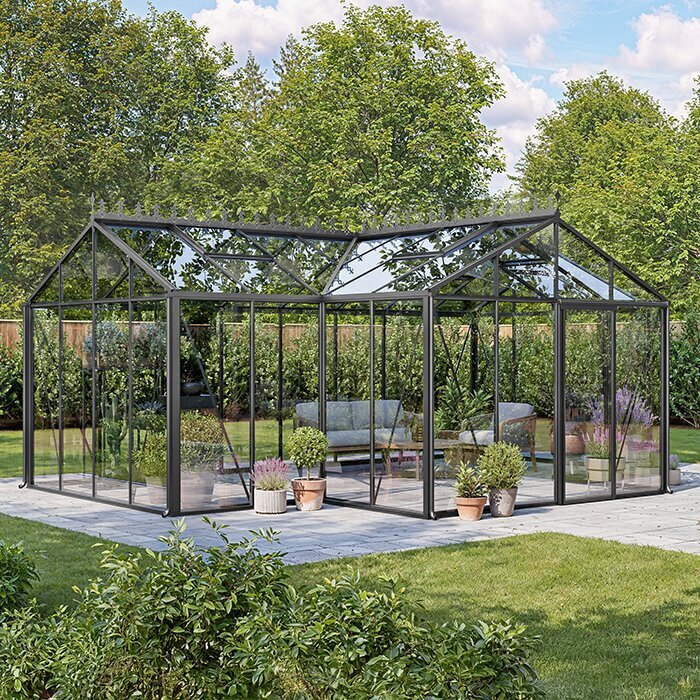
Keep a short record of the settings: greenhouse model and chosen size, crop group, lower and upper limits, warning thresholds, planned actions, and the source and date of the crop advice. The Pyramid Greenhouse range is listed from 5.53 to 18.9 m²; that footprint range cannot tell you which plants are in each monitored area or set a temperature limit. Mark crop locations on your own plan so the alert name, reading and action refer to the same place. Date changes rather than silently overwriting older settings, and update the plan when planting changes.
Set warning and critical thresholds with time to act
Use two levels when the system allows: an early warning that calls for a quick check, and a critical alert that triggers the next response in your plan. As temperature falls, the low warning should trigger above the crop’s minimum; as it rises, the high warning should trigger below the crop’s maximum. Put the critical threshold closer to the relevant limit, but early enough for a more urgent response. Work backwards from the time it takes you or a helper to reach the greenhouse and the pace of change in your logged readings. Allow for any stated measurement tolerance and ordinary variation. There is no universally correct number of degrees or waiting period.
Set upper and lower limits separately if needed, and define what each level means in plain language. A warning might ask someone to confirm the reading and inspect; a critical alert might activate the next contact and require a visit. Use any return threshold, repeat interval or delay only as described in the alarm manual: repeated alerts can create fatigue, while a long delay can hide a fast change. If your chosen structure includes storage, map planted areas instead of treating the full floor area as one crop zone. The Limited-Edition Aluminium Greenhouses with Storage range is listed from 5.52 to 28.08 m²; check the selected layout rather than using catalogue area as an alarm setting.
02
Make a low-temperature alert lead to a clear check
A low-temperature alarm should arrive before the most sensitive plants reach their stated lower limit. Choose the warning point from that limit and the time needed to check and respond, using your greenhouse’s own overnight readings. Consider the crop’s current stage rather than carrying one setting through the whole season. A frost forecast can prompt you to prepare, but it cannot replace an indoor reading: conditions inside may differ, and the alarm needs to report the zone holding the plants at risk. Keep low-temperature alerts distinct from power or sensor-failure alerts if the equipment supports those messages, because the follow-up is different.
When a low alert arrives, confirm the reported value and the zone it names, using the system display or another reliable reading if available. Then follow a pre-written checklist, such as checking whether a door or vent has been left open and whether heating equipment indicates normal operation, according to its manual. Take the protective action in your plan; if equipment appears faulty, do not attempt an electrical repair. A Prestige Greenhouse model name does not predict how quickly a particular growing area will cool. Use crop limits and logged overnight readings from your own space to set the trigger.
Give high-temperature alerts a separate response
A high-temperature alert merits a different checklist from a low one. Set a warning early enough to check rising conditions and a critical threshold that triggers the next response before the crop’s upper limit is reached. Look at the reading for the affected zone, not only the outdoor weather or a general greenhouse display. Make the alert name the affected bench or area if the system allows, so a helper does not lose time searching. A temperature alarm can tell you there is a problem; it does not make a vent open or shading appear unless the equipment is specifically designed and configured to do that.
For a larger growing area, check that monitored readings cover the places whose plants have different needs rather than assuming one value speaks for all. The Spacious Greenhouse listings cover 47 to 70 m²; that fact alone says nothing about internal temperature uniformity or sensor coverage. Use the selected plan and alarm manual to decide what is monitored. When a high alert comes in, the response card can say who checks ventilation or shading controls, what can be adjusted manually under their manuals, and who is contacted if the temperature keeps rising. Include a follow-up check so the first action is not mistaken for proof that conditions have recovered.
03
Plan alert coverage around growing zones
More readings help only if they represent distinct growing areas and the system can identify them. Mark beds, shelves and plants with different limits on a simple plan; then decide whether one monitored zone represents a crop group or whether a separate reading is needed. Do not buy by sensor count alone: check the monitor’s supported sensor types, maximum number, communication range and pairing limits in its current manual. A reading from one point cannot confirm that temperatures suit the plants in every part of the greenhouse. Keep the plan tied to the plants and zones that actually need attention.
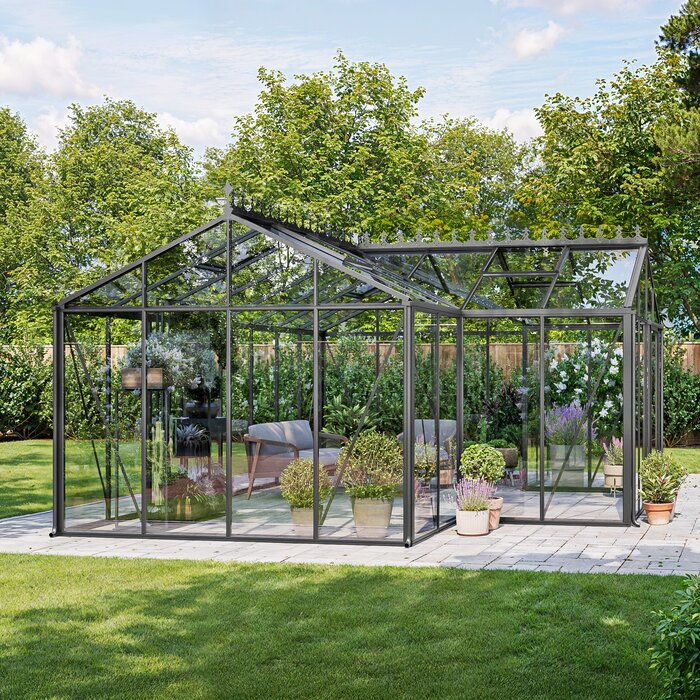
When comparing models in the aluminium greenhouse range, use the exact selected layout to plan your growing zones, then check whether the alarm supports the required number of sensors. Keep zone labels short and unmistakable, such as ‘seedling bench’ or ‘rear growing area’, and make sure every alert names the right location. If the alarm manual does not explain which sensors can be paired or how to check coverage, ask the supplier before relying on it while away. Use the same labels on the plan and in notifications so a helper can identify the affected plants without needing to know how the system was installed.
Choose notifications that reach a real person
Choose a notification channel by asking whether someone will actually notice it. An audible alarm at the greenhouse may help when somebody is nearby, but it cannot alert a person in the house or away unless its signal reaches them. App notifications, text messages, phone calls and email have different delivery conditions; check exactly which the device supports, whether a subscription or internet connection is required, and what happens if the router, mobile signal or mains power fails. Never treat an app icon alone as proof that an urgent message reached a person. If there is a local alarm, decide who is close enough to hear it.
Test the channels on the phones and accounts that will be used, including notification permissions, quiet hours, battery-saving settings and contact details. Make sure sensor-fault, low-battery or connection-loss messages reach someone too, if the system offers them. Where more than one growing space is monitored, avoid a message that says only ‘temperature high’. If you are choosing a lean-to greenhouse, include its location in your monitoring plan and give each growing zone a recognisable name. Use those names in alerts so the recipient can find the right reading and response instructions. If the system offers acknowledgement, define what counts as confirmation and how a missed acknowledgement escalates.
04
Agree an away-from-home response chain
Away-from-home arrangements need a named person for each alert, not a vague assumption that someone will check a phone. Agree who receives the first warning, how long they have to acknowledge it, who is contacted next, and who can visit. Set the acknowledgement window by the time available for the greenhouse to change and by realistic travel time; a fixed interval copied from somebody else’s setup may be too long. Check that each contact can receive the chosen notification and knows what they are being asked to do. Arrange practical access in advance rather than sending an urgent message to someone who cannot reach the site.
Write a short response card for each event: low reading, high reading and failed sensor or connection. Include the actual greenhouse location, entrance, zone, first check, safe action, escalation contact and a clear point at which nobody should attempt a repair. If you are considering a model from the Limited Edition aluminium greenhouse range, include the chosen layout in your access plan so a helper can locate the relevant growing area. Give them the site’s exact location and agreed access details before you leave. Rehearse the handover so the second contact knows whether the first person acknowledged, visited or needs help. Keep the instructions short enough to use under pressure.
How alarms work with ventilation and shading controls
Keep the warning device and the equipment that changes conditions as separate parts of the plan. A thermostat may control heating; a vent actuator or manual opening may respond to conditions; a temperature alarm may only report a value. Check the manuals for each device to establish what it senses, what it can control, how alerts are delivered and whether the systems are explicitly compatible. Do not infer that an alarm can start heating, open a vent or operate shading just because those items are in the same greenhouse. For a critical alert, the named person still needs a safe action if an automatic control does not respond.
When comparing a greenhouse configuration, note which vents and verified shading options are actually included in the chosen version and what their manuals say. For the T-Shaped Orangery Greenhouse, the listed area range is 16.52 to 30 m²; use the selected configuration, rather than the style name or floor area, when discussing controls and alarm compatibility with the supplier. Record which functions are automatic, which need manual action and which can send a notification. Keep the alarm as an independent warning unless documentation for the specific components confirms an integrated function. This makes the response plan clear about what the equipment can do and what still requires a person.

05
Test the complete alert path before relying on it
Before depending on remote alerts, run an end-to-end test using the system’s test function and manual; do not create a deliberately dangerous temperature or place a sensor in hot or cold water. Confirm that the device shows the correct greenhouse and zone, that each threshold produces the intended message, and that messages arrive on the primary and backup contacts’ actual phones. Test acknowledgement, no-response escalation and any equipment-fault notification separately. If there is no safe test mode for a feature, ask the manufacturer or installer how to verify it rather than improvising.
Repeat checks after changing contact numbers, the router, phone settings, sensor batteries, greenhouse zones or alarm thresholds, and after an outage that may have reset settings. Log the date, what was tested, who received the message and any delay or failure. Check whether a lost internet connection or power cut leaves a local alarm active, stores missed readings or sends a separate fault message; the answer varies by device. A successful test confirms that the alert reached the intended recipient at that time, not that every future message will arrive. Make sure the backup contact knows when to expect another test.
Review thresholds when the crop or setup changes
Review the plan when planting changes, a new crop arrives, or the greenhouse layout, ventilation arrangement or shading setup changes. A change may leave an alarm aimed at the wrong plants, a zone name that no longer makes sense, or a response step a helper cannot carry out. Recheck crop guidance for the new species and growth stage rather than copying earlier values; update both warning and critical levels, then test the alert route. A dated note beside the settings is more useful than relying on memory during a sudden alarm.
After several ordinary days and nights, compare alarm history with temperatures recorded in the growing areas. Look for alerts that arrive too late, repeatedly clear and return, or never lead to a useful check; identify why before changing a setting. If there are frequent false alarms, do not simply silence them or widen limits beyond the plants’ needs. Review which zone is being measured, the alert settings and the equipment instructions, and ask the supplier if the information still conflicts. The aim is a signal with a reliable meaning, a responsible person and an action that fits the time available.
Frequently asked questions
What temperature should I set a greenhouse alarm to?
There is no single useful setting for every plant or growth stage. Start with reliable guidance for the crops you are protecting, then set low and high alerts early enough to leave time for someone to respond. Use logged readings to check that the margin suits your greenhouse.
Should I set both high- and low-temperature alerts?
Set both if temperatures at either end could put your plants at risk. Give each alert its own action: a low reading may prompt checks on doors, vents or heating equipment, while a high reading may call for a check of ventilation or shading. The thresholds need not be the same distance from the crop limits.
Will a temperature alarm open a vent or turn on a heater?
Not necessarily. Some alarms only send a notification or sound locally. Check the manuals for the alarm, thermostat and other equipment to confirm what each can do and whether the components are compatible. Test any claimed automatic response rather than relying on the product names.
How do I make alerts useful when I am away?
Choose a first contact, a backup and a realistic time for each person to acknowledge the alert. Make sure someone can reach the greenhouse, understands the response card and knows when to escalate. Test messages on the phones and accounts they will actually use.
Can a frost forecast replace an indoor temperature alarm?
No. A forecast can prompt you to prepare, but it is not a reading from the greenhouse or a particular growing zone. Use an indoor alarm for the temperature being monitored, and make sure the alert identifies which zone it refers to.
A dependable greenhouse temperature alarm is selective: it flags a crop-relevant high or low reading early enough for someone to respond. Set thresholds from crop limits and recorded conditions, distinguish a warning from an urgent escalation, and test both the alert and the person receiving it. When you are away, a named backup and a short, safe response card matter as much as the device. If nobody can act on a notification, the response plan is not complete.
