
Choosing Sauna Controls: Built-In, Separate Panel or App
Sauna heater controls
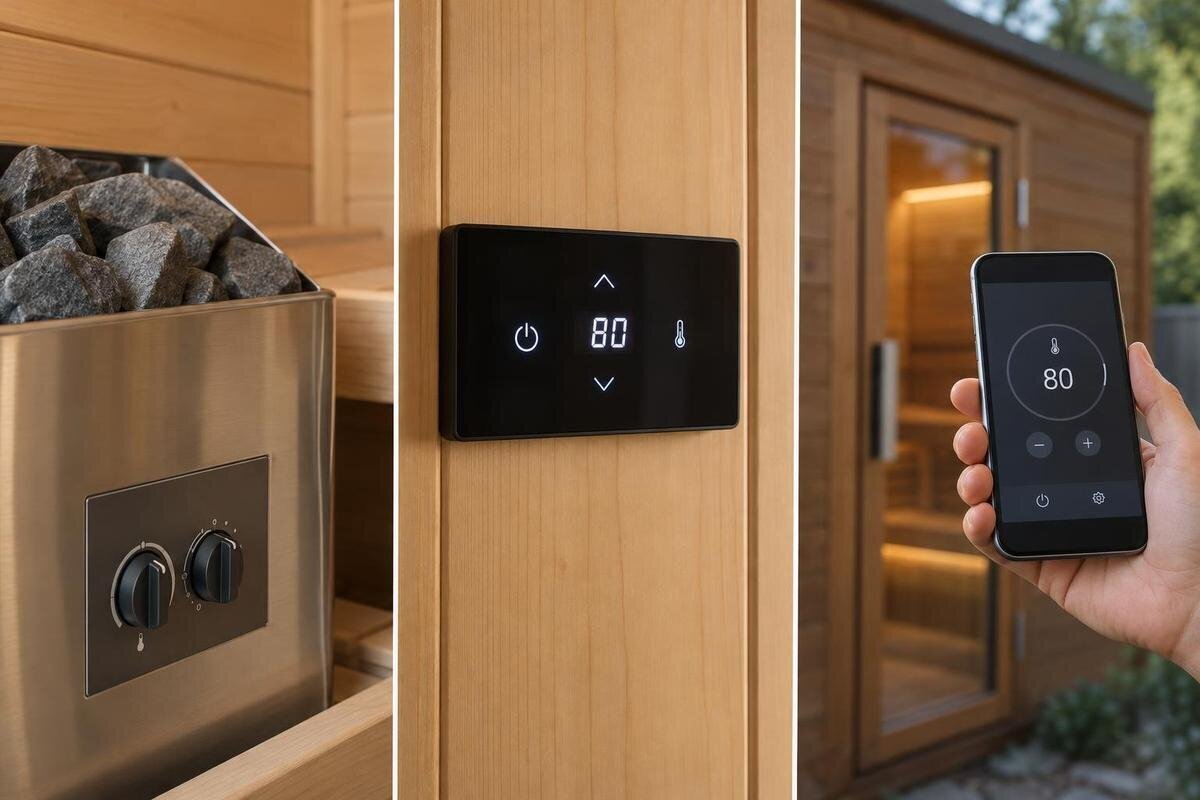
Sauna controls can look like a small add-on, but the format changes where you make adjustments, what you can see at a glance and which heater-and-control combinations are available. Built-in, separate-panel and app-based options are not automatically interchangeable. A useful comparison starts with the exact heater and its approved control system, then asks how you and other users will operate it. Remote starting is a separate question: an app or wall panel does not, by itself, establish that remote start is supported or safe.
01
Heater and control compatibility
A sauna heater’s controls are part of a matched system, not a universal accessory. Depending on the heater and manufacturer, the interface may be built into the heater, provided as a separate panel or supplemented by an app through an approved control system. Labels such as “app control” describe an interface category; they do not tell you which functions are available, whether the software or hardware is included, or which heater models it supports. Some systems also use separate sensing components, so identify which parts are being controlled and which report conditions. The control format cannot make an otherwise unsupported pairing compatible.
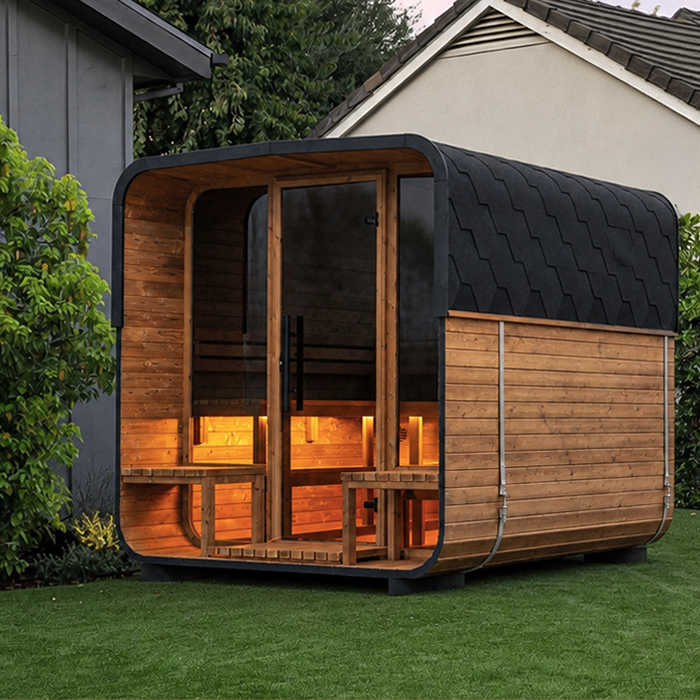
Before comparing convenience, ask for the heater’s exact make and model, the control options approved for it, what is supplied, and any installation conditions that affect position or use. Record the sauna variant too: Sauna S-140 identifies a cabin listing to keep on your comparison sheet, but the cabin name does not establish its heater or control configuration. If a package can be configured in more than one way, use the specification for the configuration actually being offered. Ask for the relevant feature list or manual if you need to compare settings and status displays; a product title is not enough.
Built-in controls keep operation at the heater
Built-in controls put the operating interface on the heater itself. This can make routine adjustments straightforward when the heater is easy to approach and the controls are visible: you do not need to find a separate panel or open an app for each task. For households that prefer an on-site physical interface and do not need to change settings from another location, it may be simple to explain and share. It also removes one placement decision—where a distinct panel should go—but does not guarantee fewer supplied components or fewer functions. The actual features still depend on the heater and control system.
The trade-off is that access is tied to the heater’s approved position. If it is awkward to approach, controls that look convenient in a photograph may be difficult to use in practice. Repositioning equipment solely to improve access requires consideration of the manufacturer’s layout requirements. Check where you will stand to operate the controls, whether the display is visible from there and whether you can make normal adjustments comfortably. When comparing the heater arrangement offered with Sauna HC-150, consider these details alongside the functions available. The important distinction is between an interface that is easy to understand and one that is also easy to reach in the proposed layout.
02
Where a separate control panel can be placed
A separate panel gives you an operating point away from the heater, where the matched system is designed to do so. It can suit a routine where you want to check or change settings from a chosen spot before entering or after leaving, rather than reaching towards the heater. That may be useful when several people use the sauna or when the heater is not the natural place to pause, but the benefit depends on the permitted position. “Separate” does not mean the panel can go anywhere: its location, connection and relationship to other controls are set by the manufacturer. Check whether the panel is included or an option.
Mark a possible panel position on the sauna plan and consider whether its display will be easy to see and reach without blocking a doorway or normal movement. If it would be outside the sauna, ask about any environmental limits too; do not infer a suitable location from convenience alone. If users approach from different areas, consider their normal route rather than choosing a position that works for just one person. For a proposed Sauna HC-225 package, ask which separate panel is offered and have the installer confirm its permitted position and connection. Compare that position with the built-in alternative: the benefit is easier everyday access, not simply having a panel away from the heater.
App control depends on the exact system
A phone app is useful only when its supported functions match your routine, and “app-based” is not a full specification. Depending on the manufacturer’s system, it may show status, allow selected adjustments or require a separate compatible controller; check the exact features for the heater and control combination. Do not assume the app duplicates an on-site panel, or that a wireless connection means the heater can be started remotely. Monitoring, local adjustment, remote adjustment and remote start are different capabilities. Look for the feature list or instructions that say precisely what the app can do.
Check whether the required hardware and app are included, which devices they support, what network or account is needed, and which controls remain available if the connection or phone is unavailable. Ask whether the current app is available for the devices and account region your household uses, and whether setup depends on a reliable connection where you plan to use it. Consider who else needs access and whether they are comfortable using it. When comparing a package for Sauna N-210, ask the seller to identify the app and compatible control hardware being offered. This gives you a specific system to assess rather than relying on a generic “smart” label.
03
Everyday functions vary by control system
Compare functions by everyday task rather than by the number of buttons or an app icon. Write down what you need to do: switch on and off locally, set or alter the target temperature, select a timer if offered, see the displayed status, or notice a fault indication. Mark whether each proposed built-in interface, separate panel and app supports each task. The exact list depends on the system; a displayed setting may not be the same as a live room reading, so use the manual’s wording rather than guessing from a product photograph. Focus on functions people in the household will actually use.
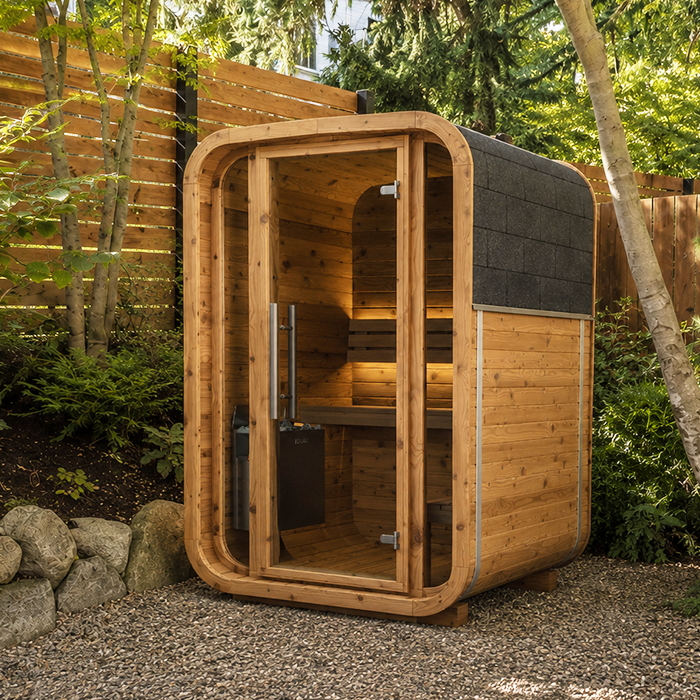
A comparison table can also record where an adjustment is made, what has to be present for it to work, and whether another interface remains usable if a phone or network is unavailable. Note anything that could interrupt routine use, such as having to retrieve a phone or locate a panel. Give common tasks more weight than rarely used options: a function is useful only if it fits your routine. Can the person preparing the sauna see its status? Can a second user learn the controls? For an offer involving Sauna N-250, record the proposed heater and controls in the same table. Compare the functions of that configuration rather than combining features from different options.
Access and permitted control placement
Control placement affects daily comfort even when the equipment works as intended. Picture the sequence: who sets it before entry, who checks it afterwards, whether the display can be read from the usual approach, and whether another user can reach it without crossing an obstructed route. Consider visibility in ordinary lighting and whether controls will be hidden behind a door or another planned feature. If the sauna is reached from an outdoor path, think about where the interface would be convenient to reach; its suitability for that environment still needs to be confirmed. A separate panel may improve access in one layout, while built-in controls may be practical in another.
Convenient access is only one part of choosing a location. Sauna conditions and manufacturer instructions limit where a particular panel, sensor or control unit may be installed, and requirements differ between systems. Mark these components separately on the proposed plan so that the place where you operate the system is not confused with the position of its other parts. When planning a Sauna LC-260 installation, ask the supplier or qualified installer to check those positions against the chosen equipment’s instructions. Resolve any conflict between the preferred panel location and the permitted layout before settling on a control format. This avoids choosing a separate panel for an access benefit that the final arrangement cannot provide.
04
What the sauna and heater package includes
Check the equipment schedule before comparing packages. A sauna cabin listing, a heater listing and a control description can refer to different parts of an order. Depending on the offer, a heater may be paired with one control arrangement, while another panel or connected feature may be optional. Do not infer what is included from a photograph, package title or the word “ready”. Ask the seller to name the heater, exact control unit or panel, and any sensor or additional module required for the chosen setup. An itemised schedule makes it possible to compare like with like.
Separate “included”, “optional” and “compatible but not supplied” in your notes. Ask which cables or accessories are provided, whether the app needs an account or network, and whether any additional prerequisites or charges apply; these are questions to resolve, not features to assume. For a cabin listing such as Sauna HCF-300, the model name identifies what you are comparing but is not an equipment inventory. Check the current offer for the precise sauna and heater combination, especially if one quote describes a full package and another describes a cabin only. If a necessary part is not listed, confirm it before assuming the order is complete.
Check compatibility before adding or replacing controls
Compatibility matters when adding a panel or app to a chosen heater, replacing a control, or combining components from separate listings. Similar names, matching colours or a shared manufacturer do not establish a compatible pairing. Confirm the control’s exact model or part number against the heater instructions and the manufacturer’s compatibility information. If the heater uses a separate control unit or sensor, ask whether it must be supplied, retained or changed as part of the configuration; do not assume a new interface is the only component that matters. For an existing installation, record the heater and control identifiers from its documentation, not from memory.
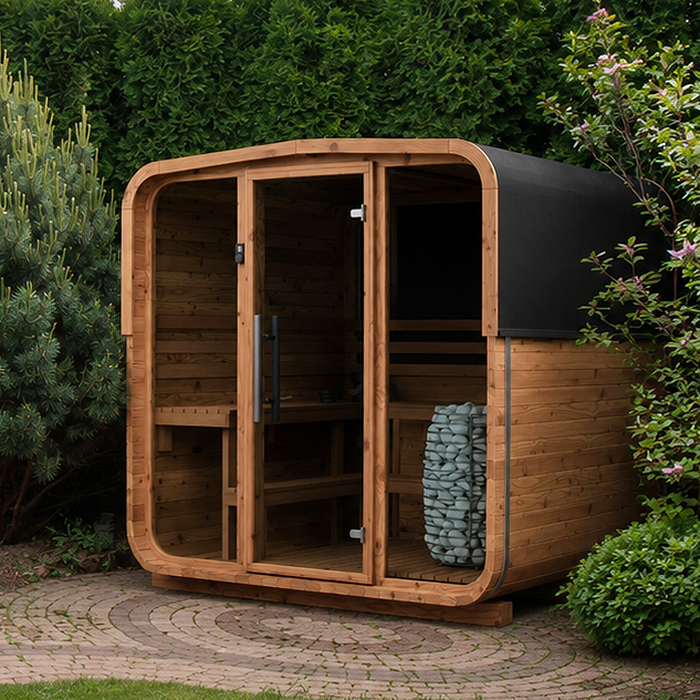
Ask the supplier or manufacturer to confirm the exact combination, including the heater model and control version, and have a qualified installer check the installation requirements. For Sauna LCF-300, establish which heater will actually be fitted before selecting an additional or replacement control. If an existing heater is being retained, distinguish its details from those of any new equipment offered with the cabin. Keep the identifiers for the proposed combination together so that a similarly named alternative is not substituted during the comparison. Do not open, alter or combine controls to identify a match; use model details and authorised guidance before buying an accessory.
05
Remote start needs a separate safety assessment
Remote start deserves its own assessment. A control may let you change settings or check status from elsewhere without being designed to start the heater remotely. An app name or wireless connection does not prove that a particular model has an approved remote-start function. The question changes how the sauna is operated when no one is at the controls, so it cannot be settled by comparing interface convenience alone. Keep monitoring, local operation, remote adjustment and remote start as separate items when reading a specification. Terms such as “remote-ready” may refer to an option rather than an enabled function, so ask what is actually provided.
If remote start matters, ask whether the exact heater-and-control combination supports it, what safeguards and conditions apply, and whether the required configuration is available for your installation. Have any installation and safety requirements checked by the manufacturer or a qualified professional, and follow the system instructions; do not improvise a workaround or infer support from a phone function. Buyers who need only normal on-site operation can leave this feature out of the comparison and choose by daily access instead. If the answer is unclear, treat the feature as unconfirmed rather than relying on a sales label.
Choose a format that fits your routine
Choose built-in controls if the approved heater position makes direct operation straightforward and the available functions suit you. A separate panel is worth considering when the compatible system allows an operating point that better fits your approach or household routine. App control makes sense when you want its specific features, the heater supports that exact setup, and device and network access suit the way you plan to use it. There is no universal winner: the clearest interface on paper may be awkward in your layout, while a feature-rich app may add little if you do not need it.
For the final comparison, put each complete option on the same basis: the heater and compatible controls, the daily functions available, the practical control location and the package contents. This makes it easier to see whether an apparent advantage comes from the interface itself or from a different equipment package. A useful comparison should explain who will operate each option and how, rather than simply recording that it has buttons, a panel or an app. If remote start is on your wish list, keep its assessment separate. Choose the format that makes the tasks you actually need straightforward, without giving extra weight to features you are unlikely to use.
Frequently asked questions
Are built-in sauna heater controls enough?
They may be, if the interface is approved for the heater and easy to reach for the adjustments you need. A separate panel is not automatically necessary. Check the available functions, the heater’s permitted position and whether everyone who uses the sauna can operate the controls comfortably.
Can I use any app with a sauna heater?
No. The app must support the exact heater and control system, and it may require compatible hardware, a supported phone or a network connection. Check the manufacturer’s current compatibility information and what control remains if the connection is unavailable. Don’t assume an app for one system will work with another.
Does app control mean I can start the sauna remotely?
Not necessarily. An app may provide status or selected adjustments without offering remote start. Confirm the precise function and any safeguards for the exact heater and control combination with the manufacturer and a qualified installer. Wireless access or an app icon alone does not establish that remote start is supported.
Which control format is easiest to use?
That depends on where the approved interface can be placed and who will use it. Built-in controls may suit an accessible heater; a separate panel may offer a more convenient permitted location; and an app may help if your household is comfortable using it and the connection is dependable. Compare everyday tasks, not labels.
Are controls included with a sauna or heater?
That depends on the exact offer and configuration; a cabin name or product image is not enough to tell. Check an itemised list for the heater, its control, any separate panel or connected module, and required components. Ask the seller to mark each as included, optional or compatible but not supplied.
Control choice depends on how well the compatible heater system fits your everyday routine. Built-in controls allow direct operation at the heater; a separate panel offers another permitted location; app control is useful when its specific functions and connection suit your household. The most useful option is not necessarily the one with the most features, but the one that makes everyday operation straightforward. Keep remote start separate until its own safety requirements have been confirmed.
