



SUPPORT
Installation guides, technical drawings and product documentation
A practical guide to using installation guides, drawings, parts lists and supporting product documents, from planning and delivery checks to documented handover.
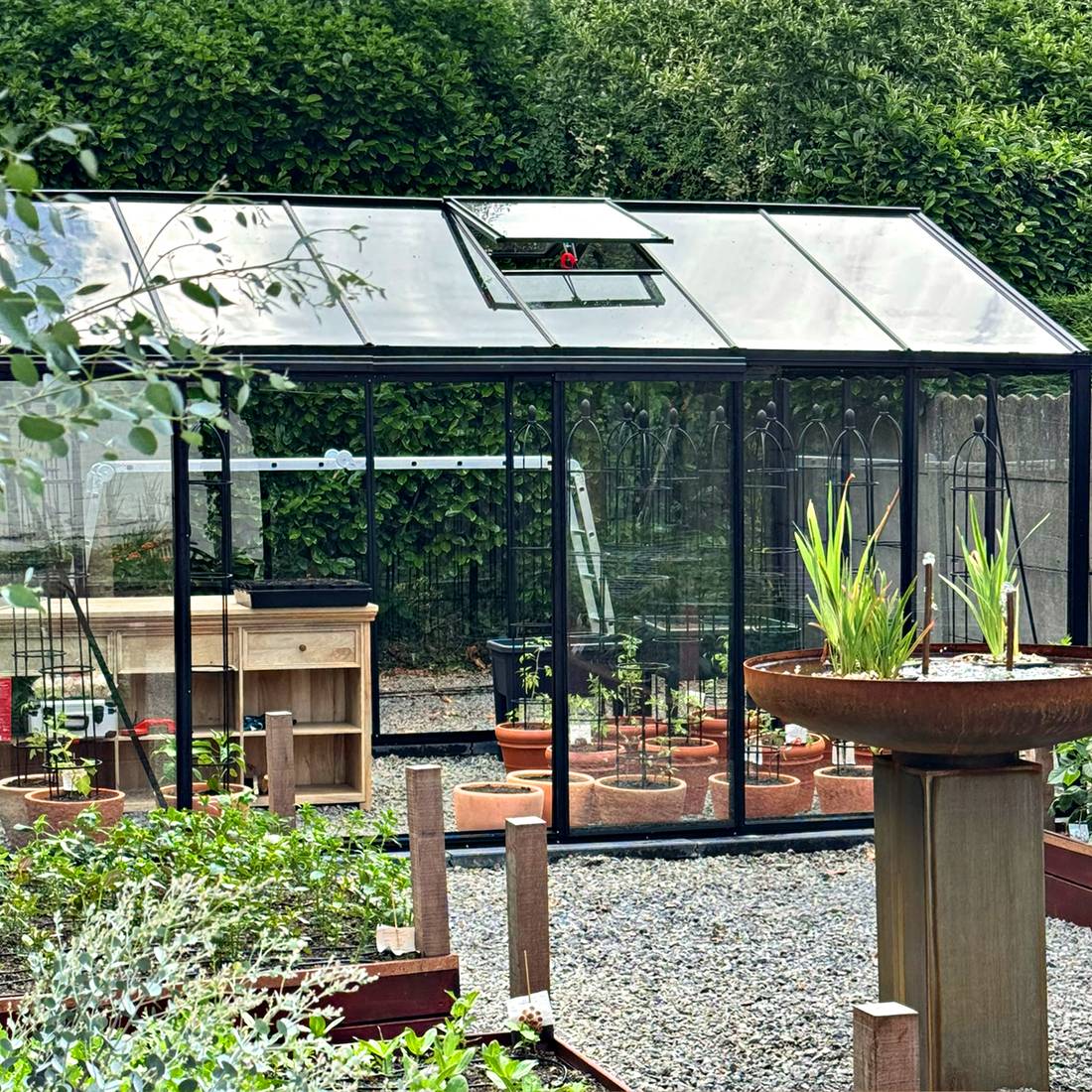
Installation guides and technical documents
Select documents using the full product name, version and size. Before work begins, check that the main guide, drawings and optional supplements apply to the specific order.
Installation guides, technical drawings and parts lists together provide the basis for a controlled installation. They assist with site planning, checking a delivery, following the correct assembly sequence and later maintenance. Crucially, every document must match the exact product, ordered version and current delivery scope.
The document library at the top of this page is the central starting point for available guides. This guide explains how to assemble a reliable document set and avoid common misunderstandings. For product-specific questions or conflicting information, request clarification via the Bloomcabin contact page before starting work.
Available Bloomcabin product documents
The documentation supplied depends on the product type, model, version and accessories. Not every document is necessarily a separate file. Information may also be combined in a main guide or order-specific documents.
A complete document set may include:
- an installation guide with steps and illustrations,
- technical drawings with views, dimensions and component names,
- foundation or siting guidance,
- packing, component or parts lists,
- documents for doors, windows, roof systems or other accessories,
- guidance on accepting, storing and checking the delivery,
- care, operation and maintenance guidance,
- order-specific supplements or change sheets.
A product page does not replace these documents. It supports product selection, while installation documents cover the actual build. This matters especially for different forms, such as a wall-mounted or freestanding pergola or when comparing a bioclimatic and classic pergola.
Documents to check before purchase
Document checks should not start on installation day. Before ordering, confirm the main external dimensions, construction type, access to the site and the general suitability of the proposed area. For pergolas, the pergola size guide helps with this initial review. For greenhouses and conservatories, the greenhouses and conservatories overview offers product-focused guidance.
Also check whether the project requires building consent, resource consent or a site-specific technical review. Even building work exempt from consent must comply with the Building Code, and district-plan rules may still require resource consent. The article on whether a greenhouse or pergola needs consent offers initial guidance, but cannot replace checking current requirements with the relevant council.
Delivery access, a safe set-down area and interim storage also belong in the plan. Find information under shopping and delivery and in guidance on buying a greenhouse with cross-border delivery where relevant to the planned delivery address.
Match every guide to the exact product
Similar appearance does not mean identical construction. Two models may differ in profiles, connection points, roof build-up, door systems, glazing or accessories. Size variants within one product family can also have different part quantities or assembly sequences.
Never use a guide simply because its illustrations resemble the delivered product. Match it at least by model name, version, size and, where applicable, document issue. This applies to standalone sauna models such as the Elma S outdoor sauna, the HC150 barrel sauna or the HC 180 barrel sauna. Documents for another model are not a dependable substitute.
How to identify the correct document set
Start with the order confirmation and compare its product details with package labels, parts lists and document titles. Then create a document set covering the main product, size variant and every ordered option.
- Check order details: Record the model name, version and ordered options.
- Compare document titles: Use only files with an unambiguous match.
- Confirm the issue: Record the revision date, version number or other identifier, where provided.
- Include supplements: Add separate guides for accessories or differing components.
- Hold discrepancies: Do not decide between conflicting dimensions or installation instructions; have the difference clarified.
Keep original files unchanged. Working copies may be marked up, but should remain clearly identifiable as copies. Find ordering guidance under how to order.
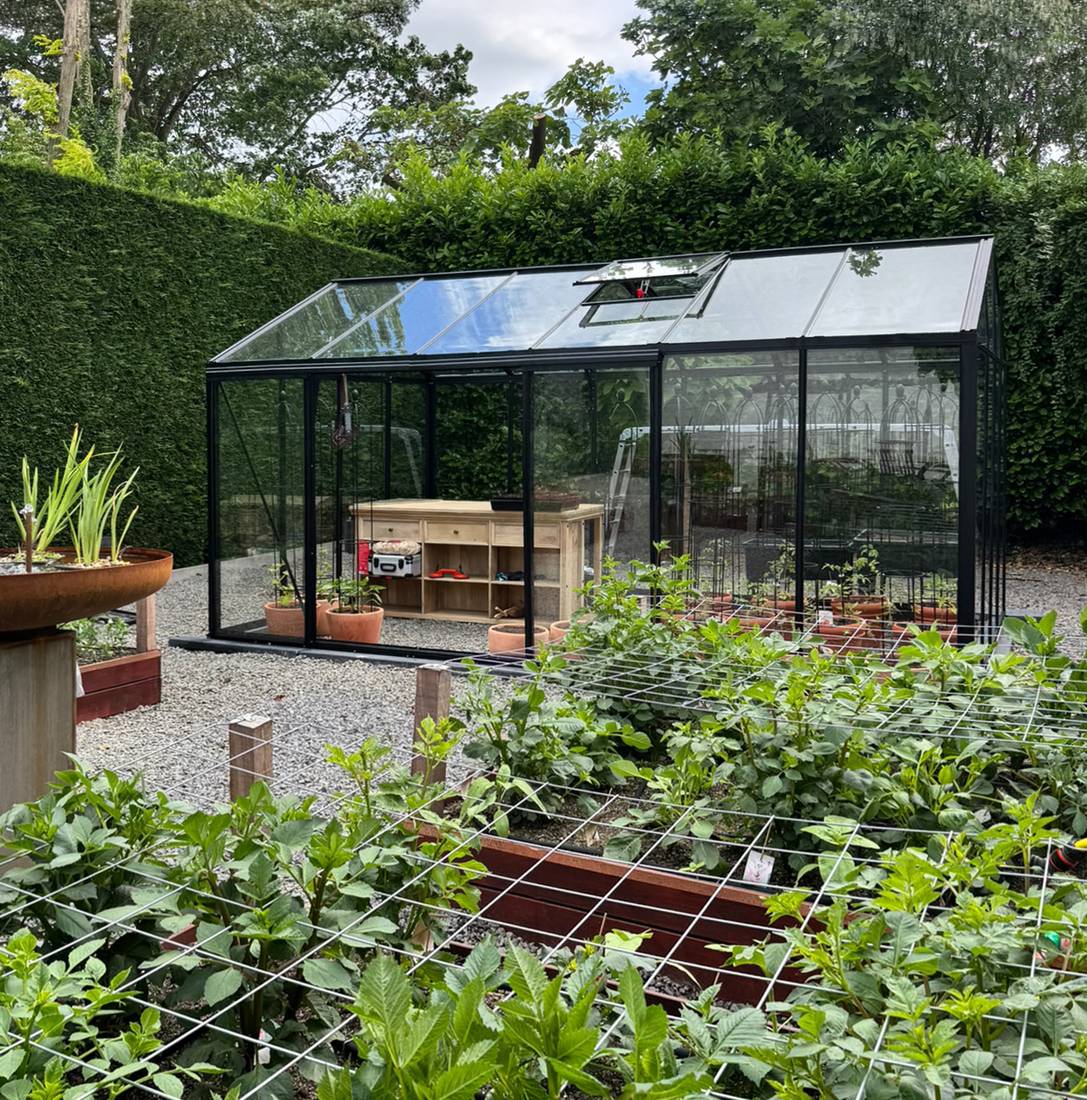
How to read technical drawings
Start with the drawing identity
First read the title block, title or document header. It may state the model, drawing name, revision, date, unit and sheet number. Transfer dimensions only after this identity check. Where a drawing has several sheets, every sheet must belong to the same set.
Watch for revision notes. A newer revision may replace individual dimensions or details. That does not automatically mean every earlier drawing is wrong for an already delivered version. The match to the particular order is decisive.
Understand the different views
Plans, side views, front views, sections and detail views show different information. A plan normally shows the horizontal arrangement. Elevations show heights and external outlines. Sections reveal hidden components or layer sequences. Enlarged details explain junctions that are unclear in the overall view.
Dashed lines may show hidden edges. Dimension lines, axes and reference points are not components. Also read notes about symmetry, repeated elements and mirrored installation. Always interpret a drawing as one complete system, not as isolated numbers.
Separate product and site dimensions
External product dimensions, centre-line dimensions, foundation dimensions and required working space can differ. Do not automatically transfer an overall dimension to the foundation. Opening dimensions, overhangs, drainage areas and installation access must also be considered separately.
Rely only on stated numerical dimensions. A PDF on screen or a printout may be scaled. Measuring with a ruler or screen tool is acceptable only when the document is explicitly to scale, the scale has been checked and no governing dimension is given. When in doubt, use the written dimension, not the visual proportion.
Foundation and site documents
The foundation is the geometric interface between the ground and product. Errors in level, position or squareness often cannot be corrected during assembly by moving individual profiles. Read installation and foundation documents together before excavation, formwork or fixings begin.
The pergola foundation guide explains key planning questions. Product-specific foundation information and local conditions remain decisive. Check, among other things:
- location and orientation on the property,
- access for installation and later maintenance,
- level, height reference and diagonals,
- ground bearing capacity and condition,
- drainage and avoiding unwanted water pooling,
- locations of services, connections and fixing points,
- locally applicable building and technical requirements.
For saunas, also check requirements for connections, operation and safety at the specific site and for the selected equipment. The general sauna overview is a product selection aid, not a substitute for order-specific planning documents.

Accepting delivery and checking parts
Plan goods inspection as a separate task. Compare the number and identification of packages with the available delivery documents. Record visible damage, missing packages or unusual packaging promptly and clearly. Open packages carefully so components, finishes and labels are not damaged.
Sort components by assembly group and part number. Store long profiles so unsuitable support points cannot distort them. Glass, panels, timber parts, fittings and fasteners each need appropriate secure interim storage. Follow the supplied guidance.
Check against the parts or packing list, not product photos alone. Record quantity differences with the exact position number and take useful photos. General information on cover and conditions is available under warranty ; keep the relevant order and delivery details ready for a specific case.
Using the installation guide effectively
Prepare before the first connection
Read the full guide at least once. Identify the tools, aids, people and safe working areas needed for each step. Check the foundation, components and document set before making the first permanent connection.
Lay out screws and fittings in labelled containers. Similar-looking fasteners must not be mixed. Protect coated surfaces from hard or dirty supports. Remove protective materials only at the specified stage.
Follow the sequence
Assembly sequences often account for access, alignment and the later fitting of further components. A frame tightened too early can prevent later adjustments. Skipping a seemingly minor bracket may mean larger assemblies must be dismantled again.
Mark completed steps on a working copy. Stop if an illustration does not match the actual assembly. Then check the part designation, orientation, earlier steps and document version. Product photos, for example in articles about Victorian greenhouses or orangeries, show design and use, not a binding installation sequence.
Check fasteners and adjustments
Use only the fasteners named for the relevant step. Length, head shape, washers and position can be structurally important. Do not tighten connections fully as a matter of course if the guide specifies loose assembly or later alignment.
During assembly, repeatedly check plumb, level, alignment, diagonals and even gaps. Finding deviations early usually makes their cause easier to identify. Do not use extra drilling, packing pieces or force as an improvised correction before checking the product match, foundation geometry and installation direction.
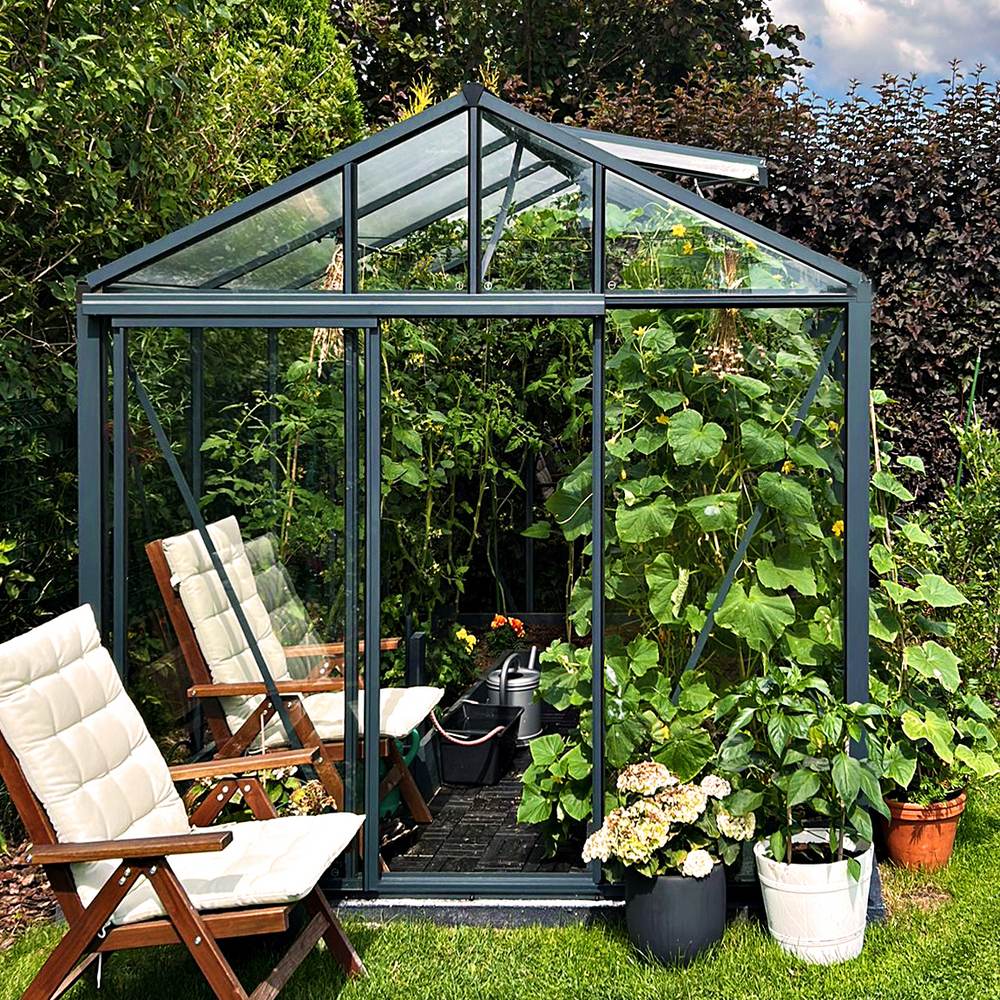
Anna Koku Skola as one installation sequence
The Anna Koku Skola image series should be read as documentation of a single installation. The images show successive stages of the same build, not separate projects. Changes to the visible frame, glazing or work environment result from installation progress.
Such a sequence helps with spatial understanding, from the prepared site through the supporting structure to later completion stages. It remains a visual supplement. Do not infer concealed fixings, exact dimensions, tightening values or the order of unshown intermediate steps from a photo. The matched technical documents take precedence.
Document control during installation
When several people are working, it must be clear which document version applies. One person should manage the document set and record changes or open points. Remove outdated printouts from the work area or mark them clearly.
| Check point | Practical action |
|---|---|
| Document issue | Compare filename, revision and date before work starts |
| Distribution | Use identical approved copies for every installation team |
| Discrepancy | Stop work on the affected section and document the cause |
| Change | Store the new document centrally and withdraw old copies |
| Evidence | Store photos, measurements and open points in an organised way |
This simple document control prevents one team working from an older drawing while another already uses updated information.
Handover and maintenance documents
Do not discard the document set after installation is complete. It is needed for maintenance, identifying spare parts, later adjustments and safe handover to new owners or operators. Save digital originals as well as working copies.
A handover file can include proof of order, final drawings, the installation guide, accessory documents, care guidance, recorded deviations and photos of concealed connections. Add the installation date and the name of the version actually installed.
For a greenhouse, the page on caring for an aluminium greenhouse is a useful supplement. Guidance on climate and use is also available in articles on greenhouse temperature and humidity and polycarbonate and multiwall sheets.
Additional information for planning and use
Technical documentation explains how the particular construction is prepared, assembled and maintained. It does not automatically answer every selection or use question. Read supplementary articles separately from binding installation documents.
For planning greenhouse use, the guides to growing lettuce in a greenhouse and growing capsicums and chillies offer practical direction. Anyone planning a pergola can explore whether a bioclimatic pergola with roof system is suitable. Further subjects are collected in the useful information section.
Frequently asked questions
Where can I find Bloomcabin installation guides in New Zealand?
Use the document library at the start of this page. Search by the complete model designation and version. If the match is unclear or an ordered option is missing, request the appropriate document before installation begins.
Can I use the guide for a similar Bloomcabin model?
No, not as a replacement for the correct guide. Similar products may have different profiles, drilling patterns, fasteners or assembly sequences. Another guide may help you frame a question, but must not replace order-specific documentation.
What if ordered options are absent from the main guide?
Check whether there is a separate accessory guide or supplement sheet. Assign every supplement to the relevant installation step. If information is missing or documents conflict, stop the affected section and have the document match clarified.
Should the foundation be finished before reading the installation guide?
No. Read the guide and all foundation notes first. This allows fixing points, external dimensions, height references, access and possible service routes to inform site planning. A completed but unsuitable foundation can require substantial correction.
May I take dimensions from an on-screen drawing?
Not without a clear scale check. Browsers, PDF software, printer drivers and displays can enlarge or reduce drawings. Use the stated dimensions. Only explicitly scaled drawings issued under controlled conditions may be evaluated using their stated scale.
What should I do if a component does not fit?
Do not apply excessive force or alter the component on the spot. Check its part number, orientation, installation side, earlier steps, foundation geometry and the document issue used. Record the situation with overview and detail photos plus the relevant position numbers.
How do I report a missing or damaged part?
Have the order number, product name, package identification, part number and required quantity ready. For damage, add clear photos of the packaging and component. A precise report enables better identification than a general note such as “a profile is missing”.
Are product photos suitable as installation guides?
No. Photos can show design or an installation stage, but cannot reliably reveal concealed connections, exact dimensions or intermediate steps. The product shown may also be a different size, option or version.
Can several installers work from different printouts?
Only if every printout demonstrably has the same approved issue. Otherwise, conflicting work steps may result. Nominate a document controller and replace outdated copies completely.
Which documents should remain with the product after installation?
Keep at least clear product identification, final installation and maintenance documents, accessory documents, relevant order evidence and records of special construction details. Store these documents dry, accessible and backed up digitally.
Does the installation guide replace site-specific professional planning?
No. A product guide does not automatically know the ground, local wind and snow conditions, boundaries, existing buildings, services or council requirements. Where professional, regulatory or technical assessment is needed, it must be carried out for the specific site.
Final documentation checklist
- Product, size, version and options match the order.
- The current installation guide has been read in full.
- Drawings and supplement sheets demonstrably match the delivered product.
- Foundation and site requirements were checked before work.
- Packages and individual parts were checked and discrepancies recorded.
- All installation teams use the same document issue.
- Dimensions are taken from stated measurements, not uncontrolled on-screen views.
- Unclear fit is investigated, not solved with force or improvised changes.
- Care, maintenance and accessory documents are included in the handover file.
- Digital originals, work records and useful photos remain permanently findable.
Well-managed documentation reduces misunderstandings, makes decisions traceable and supports the product throughout its lifecycle, from ordering and installation to maintenance.
