



SUPPORT
Payment, invoices and GST: check before ordering
A practical guide to checking prices, invoice details, GST, payment instructions and additional project costs before ordering from Bloomcabin.
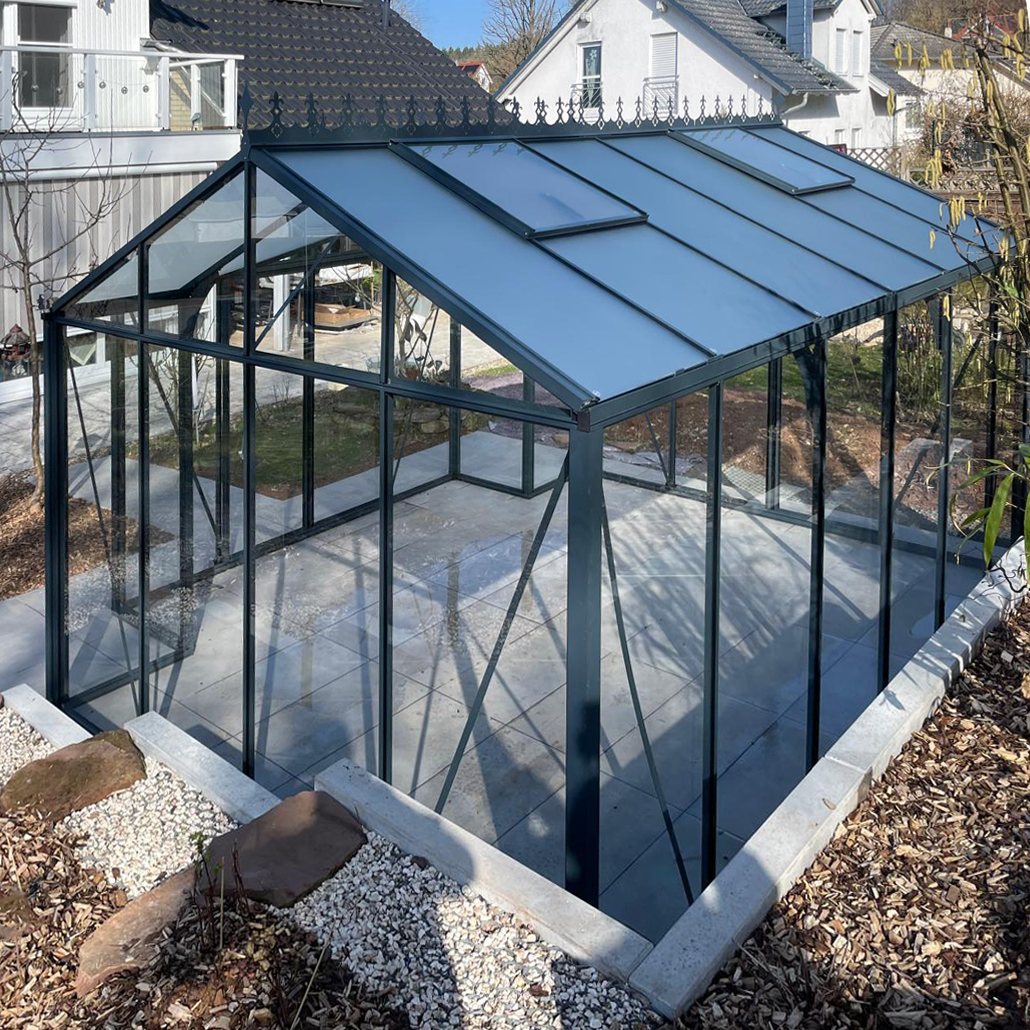
A greenhouse, pergola or outdoor sauna is usually more than a straightforward goods purchase. Product configuration, delivery location, site conditions and any additional services affect the paperwork and the total project commitment. Treat the quote, order, invoice and payment record as one connected document trail.
This guide explains what to compare before making payment. It does not replace your order documents or tax and legal advice. The document issued for your order, the agreed terms, and requirements at the delivery or service location always take priority.
Quick answers before ordering
- Is the displayed product price automatically the final amount? Not necessarily. Configuration, accessories, delivery terms, GST treatment and other agreed items can affect the invoiced total.
- Which document controls payment? Use only the current payment request or invoice clearly assigned to your order.
- Is a company name enough for an invoice without GST? No. Tax treatment does not depend on the buyer’s name alone.
- Are foundations and installation included automatically? Only where these services are expressly listed as items or clearly described in the agreed scope.
- What should I do if something does not match? Do not pay based on your own assumptions. Ask for the amount, address, product or bank details to be checked through the official contact channel.
You can also find general process information under How to order and in Purchasing and delivery.
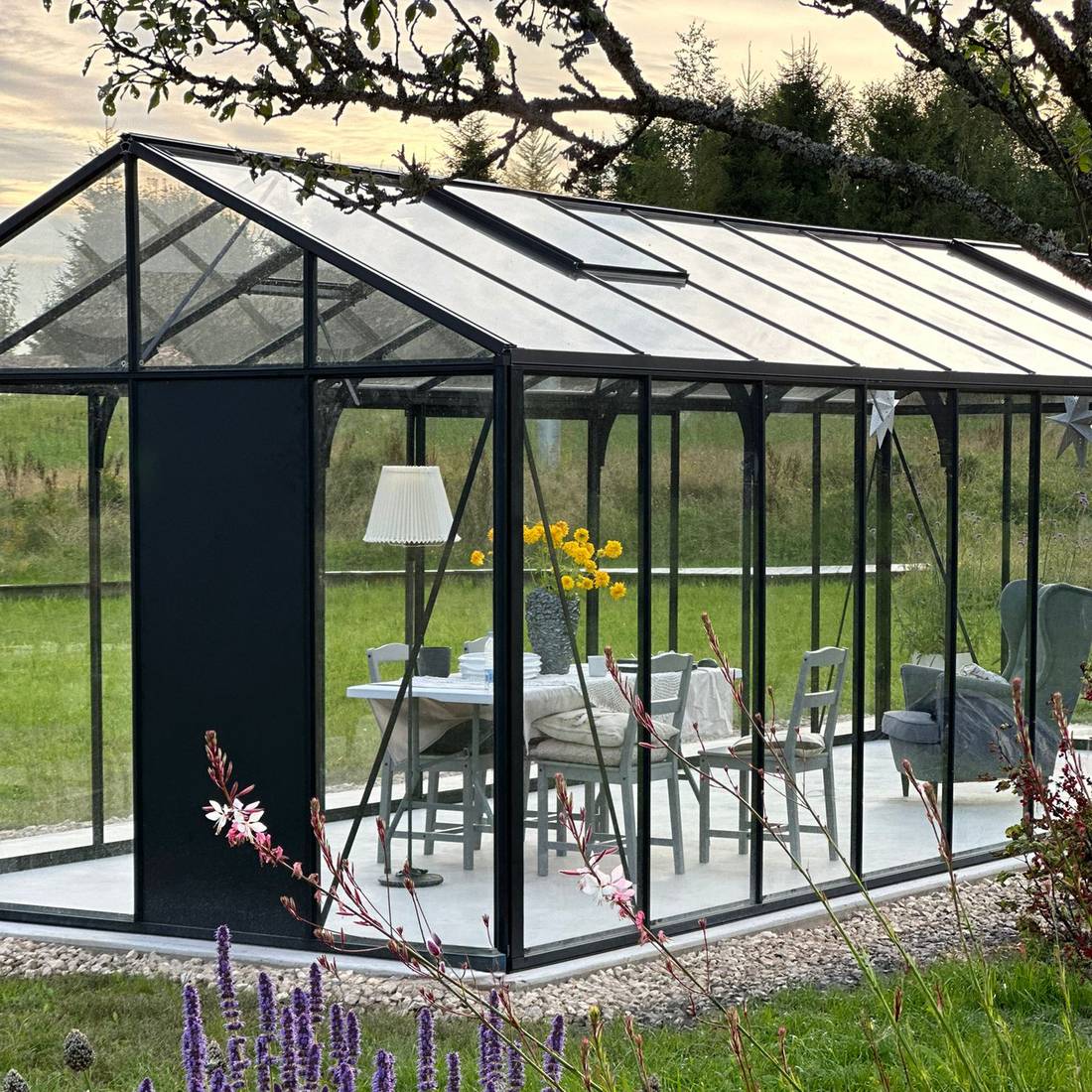
Understanding purchase documents
Several documents can arise during a purchase. They serve different purposes and should not be confused:
- Product page or configurator: This is for orientation. Check which version, options and price elements were actually selected.
- Enquiry or project description: This records customer requirements, delivery location and special conditions. An enquiry does not yet confirm every request it contains.
- Quote: It sets out the offered scope, price and, where applicable, terms or validity period.
- Order confirmation: It records which order has been accepted and which configuration was entered.
- Payment request or pro forma invoice: It states the amount due and the payment details to use.
- Invoice: It bills the delivered or agreed scope and provides the tax information relevant to that transaction.
- Correction or credit note: This may be needed if an issued document is corrected or an amount is adjusted.
- Payment evidence: A bank statement, bank confirmation or card receipt records payment but does not automatically replace the invoice.
Save every version with its date. If a new document is issued after a change, mark the earlier version as superseded rather than deleting it. This keeps the route to the final scope clear.
What to check before authorising payment
A technical and commercial review before transfer can prevent later queries. Check at least:
- the invoice recipient’s name and address,
- the delivery address and relevant additions,
- document number, date and order reference,
- product model, version, colour and selected options,
- quantities and separately listed extras,
- included scope and expressly excluded work,
- net amount, tax details and total,
- currency and any payment deadline,
- payee, account details and payment reference.
Compare changes particularly carefully. A call or email requesting an alteration does not mean it is technically feasible, price-confirmed and included in the order. The current written version is decisive.
Key rule: product, document number, total amount and payee must match. If any of these points is unclear, hold payment until it has been resolved.

Match the invoice to the exact product
Similarly named models can differ in construction, size, equipment or included scope. Do not compare only the product category. Match every invoice to the complete model name and the variant actually selected.
For a pergola, confirm whether a bioclimatic or classic pergola is planned. The choice between a wall-mounted and freestanding pergola also matters for scope and project planning. The pergola size guide helps you review planned dimensions.
For saunas, a general description such as “outdoor sauna” is not enough either. Compare the dedicated page for the Elma S outdoor sauna with the document details. For a barrel sauna, the chosen model, such as the HC150 thermowood barrel sauna, must likewise be unmistakable.
Payment methods and instructions
The payment method available for an order follows the ordering process or the documents issued for it. Do not assume that every method mentioned on a general page is available for every order, amount or delivery location.
For a bank transfer, the stated payment reference matters. It links payment to an order or invoice. Enter the document number exactly and avoid informal labels that could relate to several orders.
Never copy bank details from old invoices, previous orders or informal messages. If account details change unexpectedly, verify them through an official communication channel you already know. Do not rely solely on contact details in the message announcing the change.
After payment, keep evidence showing the amount, date, recipient and reference. If instalments are agreed, maintain a simple record:
| Check point | Record |
|---|---|
| Instalment | Amount, date and related invoice |
| Balance | Due date and amount outstanding |
| Reference | Order or invoice number |
| Difference | Written clarification or correction document |

Invoice details needing attention
Do not read an invoice only as far as the total. The header, line descriptions and tax section should form a coherent whole. Important details include the issuer’s identity, invoice address, issue date, unique number, supplied item or service, and listed amounts.
For a business order, provide the required company details before the invoice is issued. Whether tax identification details are needed depends on the transaction. A later change may require a formal correction rather than a simple text edit.
Also check whether accessories appear as separate items or form part of a package. Product images, usage examples and editorial content do not automatically define the invoiced scope. Articles such as the guide to polycarbonate in a greenhouse or the overview of orangeries and greenhouse design can support your selection, but do not replace order-specific line items.
GST, VAT and international tax terms
In New Zealand, GST means Goods and Services Tax. Overseas paperwork may instead use VAT to mean Value Added Tax, while GST is the New Zealand term. Either can appear on cross-border documents, but terminology alone does not determine the tax treatment of an order.
For delivery to New Zealand, confirm the seller, invoice recipient, delivery destination, importer, delivery charges, GST treatment and clearance responsibilities before checkout. A company name, different delivery address or identification number does not by itself justify an invoice without GST; the transaction and required evidence must be assessed.
A cross-border delivery into New Zealand may involve different GST and clearance steps from a domestic sale. The guide to buying a greenhouse for delivery in New Zealand explains why the delivery destination, invoice country and agreed importer should be confirmed early. Check the final quote and order terms for transaction-specific tax and clearance treatment.
The United States term “sales tax” is not interchangeable with New Zealand GST, and “use tax” belongs to another tax system. If an interface simply displays “tax”, check the final invoice rather than drawing tax conclusions from that label.
Order changes, cancellations, credits and refunds
Changes can affect construction, price, tax amount, delivery planning and components already prepared. Send any change request early and clearly, quoting the order number. Describe both the current and requested position.
A change becomes part of the order only when it has been confirmed. Do not independently transfer a recalculated amount. Wait for an updated payment instruction or corresponding document.
Cancellations, price reductions or refunds can require correction documents or credit notes. Keep these with the original invoice. The specific order governs applicable terms; general information about product and performance promises is available under Warranty.
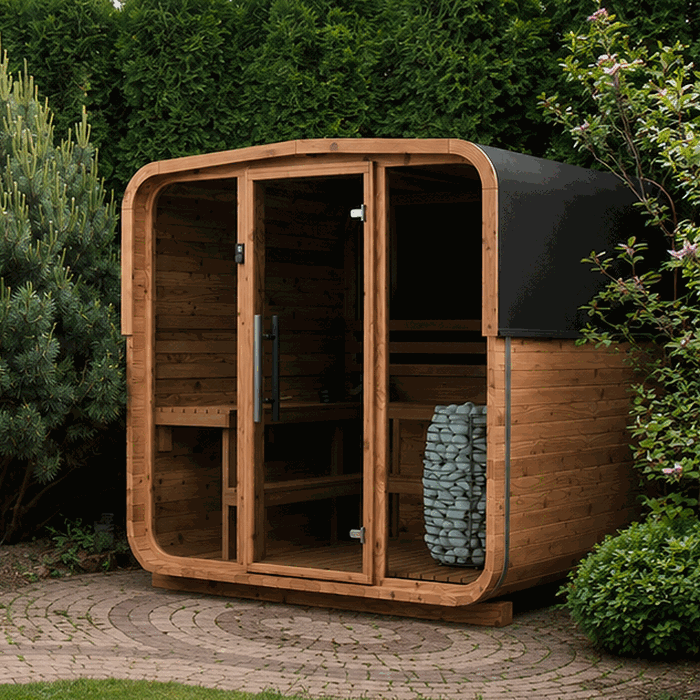
Budget items outside the product invoice
The product invoice amount is not automatically the same as the full project budget. Depending on the project, other businesses or authorities may charge additional costs. Typical points to check include:
- surveying, planning and site preparation,
- groundworks, foundations or a prepared base,
- unloading, temporary storage and site transport,
- installation services, unless expressly included,
- electrical, water or drainage work,
- suitable access for delivery and installation,
- any required checks, notifications or consents,
- future cleaning, maintenance and replacement wear parts.
For pergolas, the pergola foundation guide helps you treat site preparation as a separate cost category. Building consent and resource consent are separate checks, and the answer depends on the site, proposed use and local rules. The article building consent for a greenhouse or pergola in New Zealand provides a starting point; ask your council to assess the individual project, including foundations, services, boundary requirements and stormwater.
Comfort and intended use also shape the overall budget. The article is a bioclimatic pergola worthwhile? helps compare construction principles. For greenhouses, topics such as temperature and humidity or growing lettuce in a greenhouse show which later equipment and operating choices may matter.
Documents for delivery, installation and maintenance
Your commercial documents remain important after payment. At delivery, have the order number, delivery paperwork and agreed recipient address ready. Check whether received packages can be matched to the delivery document, and record visible differences using the stated delivery procedure.
Before installation, it should be clear which version was ordered and what site work must be prepared by you. Invoices are not installation instructions. Always use documentation for the exact model.
Keep the invoice after assembly with the product name, serial or identification details where available, installation documents and maintenance records. Advice on caring for an aluminium greenhouse helps you document future work in a planned way. More product areas are available under Greenhouses and conservatories and Sauna.

Simple document checklist
- Save the current quote and confirmed scope.
- Check invoice and delivery addresses.
- Compare model, variant, options and quantities.
- Check net amount, tax and total.
- Verify payment details against current official documents.
- Make the transfer with a clear reference.
- File payment evidence.
- Get every change confirmed in writing.
- Archive corrections and credit notes with the original invoice.
- Keep records for delivery, installation, maintenance and later questions.
A central digital project folder is useful. Use clear file names, for example date, document type and order number. Further support topics are collected under Useful information .
Frequently asked questions
Is the product-page price my final invoice amount?
Not always. A product page may show a starting price or particular configuration. Selected options, delivery terms, tax treatment and expressly agreed additional services can alter the total. Check the current order or invoice document.
Why does my document say “Tax” rather than “GST”?
“Tax” can be a generic label in a multilingual interface. For commercial checking, the final invoice is decisive. If the tax type, amount or basis of calculation is unclear, ask for the document to be explained before payment.
Can Bloomcabin remove tax if I provide a company name?
A company name alone is not enough. Tax treatment depends on the particular transaction and applicable conditions. Provide all requested company information early and wait for it to be assessed.
Can I request an invoice after payment?
If a required invoice document is missing, contact Bloomcabin with the payment date, amount and order reference. Provide your required invoice details in full. Whether a change is possible or a correction document is needed depends on the case.
What if the invoice or delivery address is wrong?
Report the difference immediately and distinguish clearly between invoice and delivery addresses. Correcting an invoice does not automatically change a delivery already arranged. Equally, changing a delivery address is not automatically an invoice amendment.
What should I do if payment evidence and invoice show different amounts?
Compare the document number, currency, instalments, credit notes and possible bank fees. Then send the payment evidence with the related invoice for clarification. Do not make another payment or offset without clear confirmation.
Does payment mean every requested change has been accepted?
No. Payment does not automatically confirm a separately submitted change request. What matters is the scope confirmed in writing and assigned to the payment. Review the current product and line-item description first.
Are installation and site work included in the product invoice?
Only if they are expressly listed or clearly described as part of the agreed scope. Foundations, earthworks, connections, consents and access measures should be checked separately. Local requirements must be clarified for the particular site.
Should I retain the invoice after installation?
Yes. It remains an important document linking you to the product and can help with maintenance, questions, corrections or ownership records. Keep payment evidence, credit notes, installation documents and documented care work as well.
Where should I start if I still have a payment question?
First gather the order number, document concerned, amount and a short description of the discrepancy. Then contact Bloomcabin through the official channel. General product-selection impressions are available in greenhouse reviews; a specific payment question must be checked against your order.
Final check before payment
Before authorising payment, complete one final comparison. Do the invoice recipient, delivery location, product model, variant, options, scope, tax details, total and currency match? Is this the latest document? Have the payee and bank details been verified? Has every change request been confirmed in writing?
Also check which project costs sit outside the product invoice and who is responsible for them. Separate product purchase, site preparation, installation, and regulatory or technical requirements in your budget. This makes clear which amount is paid to whom and for what.
If even one important point remains open, resolve it before paying. A brief documented enquiry is more efficient than correcting an address, order, tax detail or payment allocation later. Information about the company is available under About us.
